Is there an option to do a global date override, namely for things like company holidays that impact all calendars? Or do we have to add to every calendar availability schedule individually?

We are rolling out a signed updater to all the plugins and today, we shipped that for FluentBooking Pro. Your site checks the signature before WordPress installs anything. If the package was not built by us, or a file changed in transit, the update stops and tells you why. Nothing to turn on. This is our bigger goal about making our plugins more secure than ever.
We sent both the free and Pro plugins to Patchstack for an external review. Everything they reported back for the edge cases is fixed in this release.
A few other things people kept asking for:
- Cancellation, reschedule and confirmation cutoffs can be set in days now. So "no cancelling within 2 days of the appointment" is finally possible.
- New Event Types tab in host and team settings. All of a calendar's events in one place, no hunting.
- Rebuilt license screen. Status, expiry, days left, and links to your account and support.
- Help tooltips on the limit settings, because the field names never explained much.
- If you use FluentCart, booking details now show the customer's cart profile in the sidebar. Handy to know who you are about to talk to.
Also, we are redesigning the whole admin panel, and it will be just awesome. That will land next week.
Check the full changelog and upcoming UI screenshots here: https://fluentbooking.com/articles/fluentbooking-2-2-5/
Very excited about the next version! 🙌

Hi everyone,
I noticed an issue with booking forms e.g. one-off events that may be worth discussing.
When I embed a one-off event on a landing page and open that page, FluentBooking automatically focuses the first field in the event block (the name field). As a result, the browser immediately scrolls past all of the important event information and jumps straight to the form at the bottom of the page.
This feels quite disruptive from a visitor’s perspective: People miss the event details, description, date, etc., and are dropped directly into the registration form!
I also believe this is problematic from an accessibility point of view. Automatically moving focus on page load can be confusing, especially for keyboard and screen-reader users. In general, users should be able to start at the top of the page and decide themselves when to interact with a form.
Has anyone else experienced this?
I'm not aware of any setting that prevent this behaviour. I tried vibe-coding a JS solution, but it adds unnecessary bloat to the page. Ideally, there should be a lightweight option to disable automatic focus entirely, not only for one-off events but for all booking and registration forms.
I hope the FluentBooking DEVs can priotize a solution for this issue.
Cheers, Sascha
I'm noticing that the Duration selection option is not prominent enough for users to actually select their booking duration. I typically have 3 lengths of time available, and almost always people select the first/shortest (typically 15 minutes) then don't realize they've scheduled such a short meeting. I think duration is just too subtle and needs to be more prominent. I'd prefer to not have to code around this but I'm open to a quick fix while a long-term solution is added. Thanks for your consideration!

I'm sure the official Fluent MCP for Booking is coming - any chance it has a shareable estimated ETA? Just wondering. 🤔

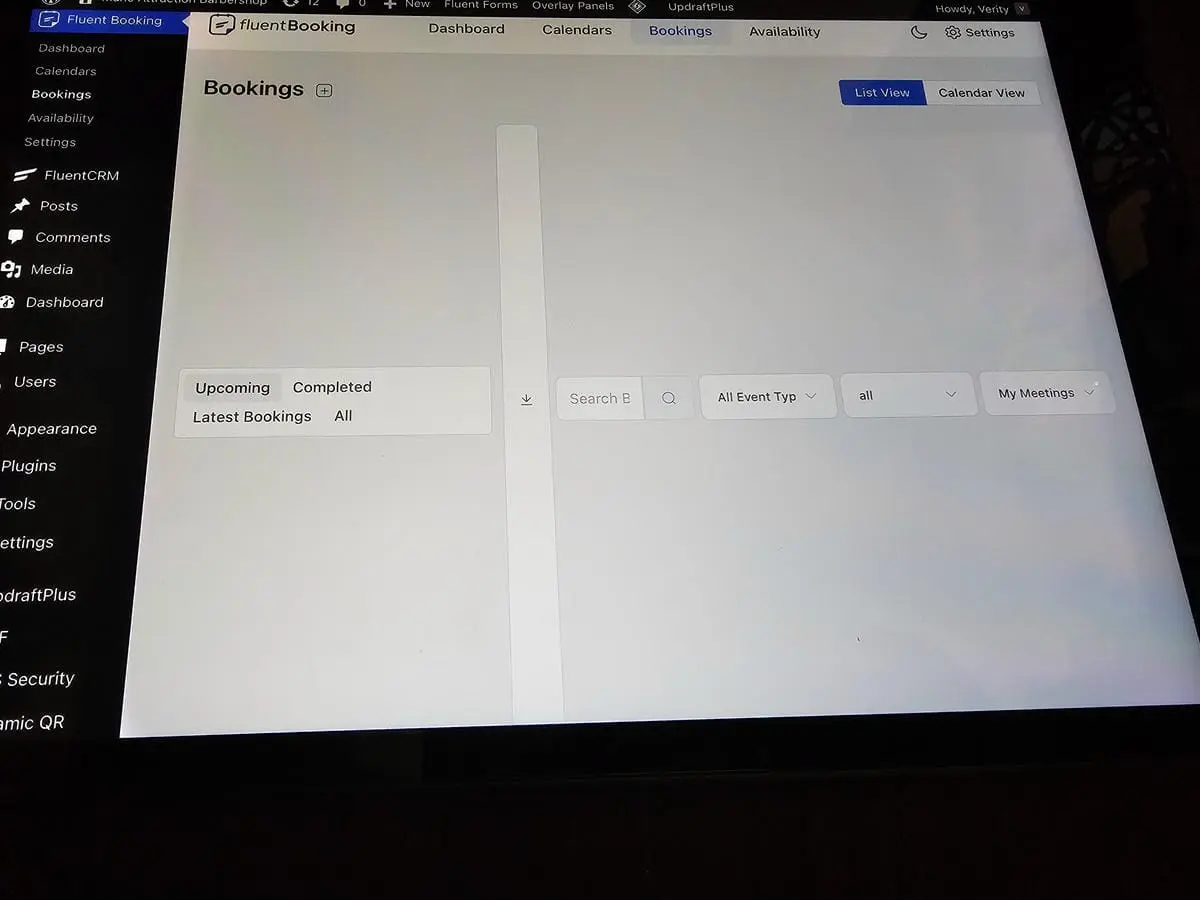
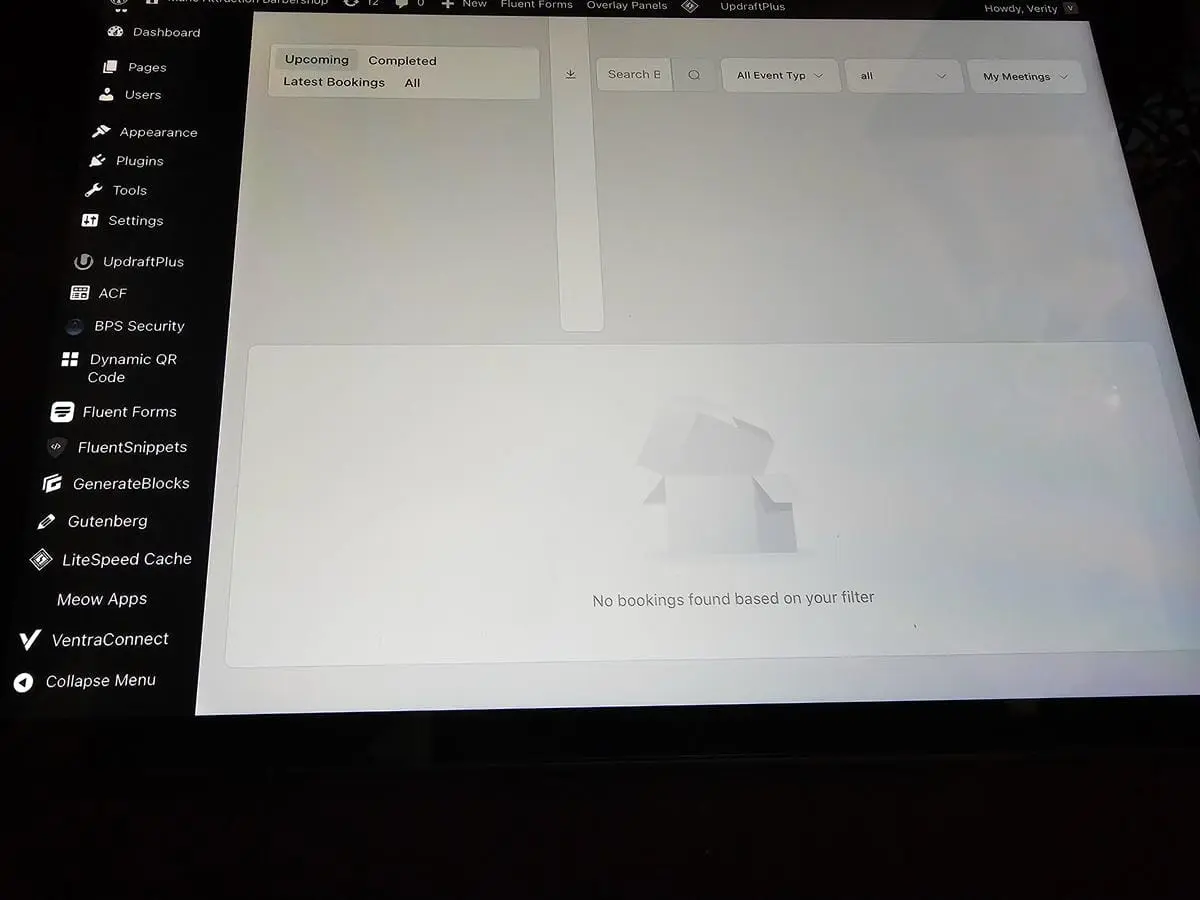
I went to go train my client on how to use FB backend and we saw this on both their iPad and iPhone. The browser didn't matter Safari, Chrome, Firefox all showed the same thing. Did some research and apparently iOS parses css tables differently and causes this, and different browsers don't help because Apple locks down their devices so it doesn't matter what browser you use, it's all the same webkit.
I ended up buying an iPad so I can see and fix frontend issues the iOS browser causes, but it would be great if you guys could fix the backend so we aren't all having to fix it individually for our clients!

Proposing to use FluentCRM, FluentCommunity and FluentBookings for our community run arts organisation.
Is there a way I can surface the users “My bookings” from FluentBooking on their FluentCommunity profile?
We are a community art gallery run by volunteers. Volunteers book to do morning or afternoon shifts (we can’t open the gallery without a person to welcome visitors). I’ve got that part working with FluentBooking (gallery as host, two event types for Morning shift and Afternoon shift), and integrating with FluentCRM.
My question is this. Shifts are for one person. But new volunteers can ask to do a “Buddy Shift” where they are paired with an experienced volunteer who will train them. How could I allow experienced volunteers to indicate to new volunteers that they are welcome to book onto their shift to be trained? And how can new volunteers see which shifts on the calendar are available buddy shifts they can book onto?
I'd like too know if you could add an alternative to Zoom.
I like Digital Samba a lot. It is hosted in Europe and has many unique features that are particularly welcome for classes:
- LMS integrations: quizz (included import of quizzes); whiteboards; documents sharing and embedded content
- private and shared notes
- no need to make an account (free web-based hosting)
- option to show you your mirrored image (if you hate seeing yourself "backwards" on screen, like me...)
- (freemium: 10 000 minutes a month) native integration : white labelling
I am not paid my Digital samba to promote it. I just really like this product. :)
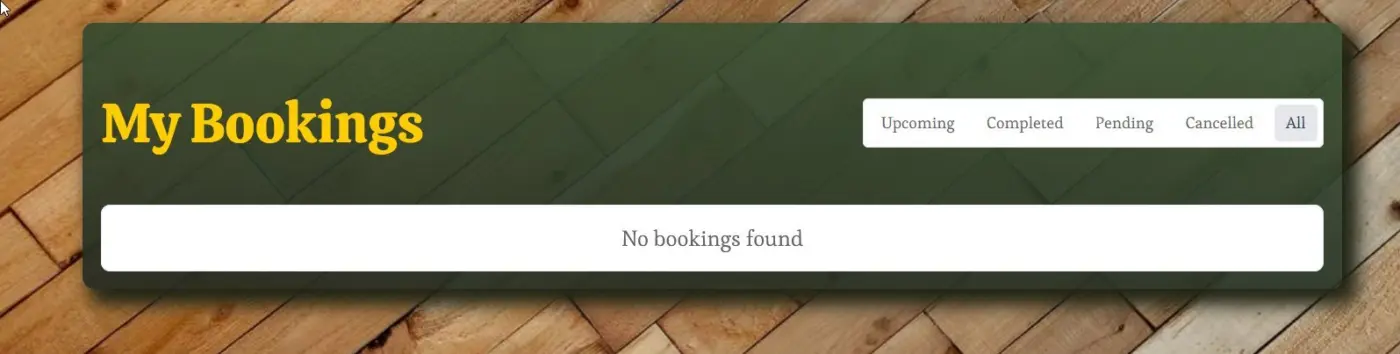
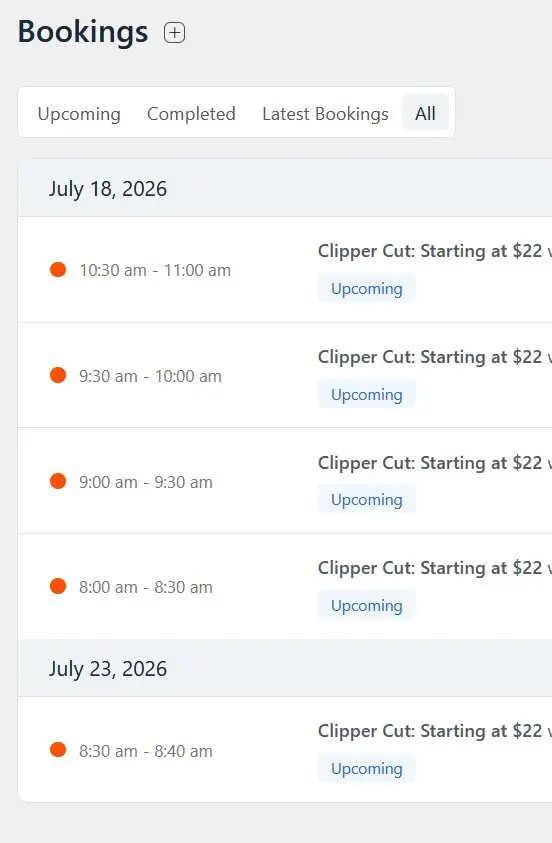
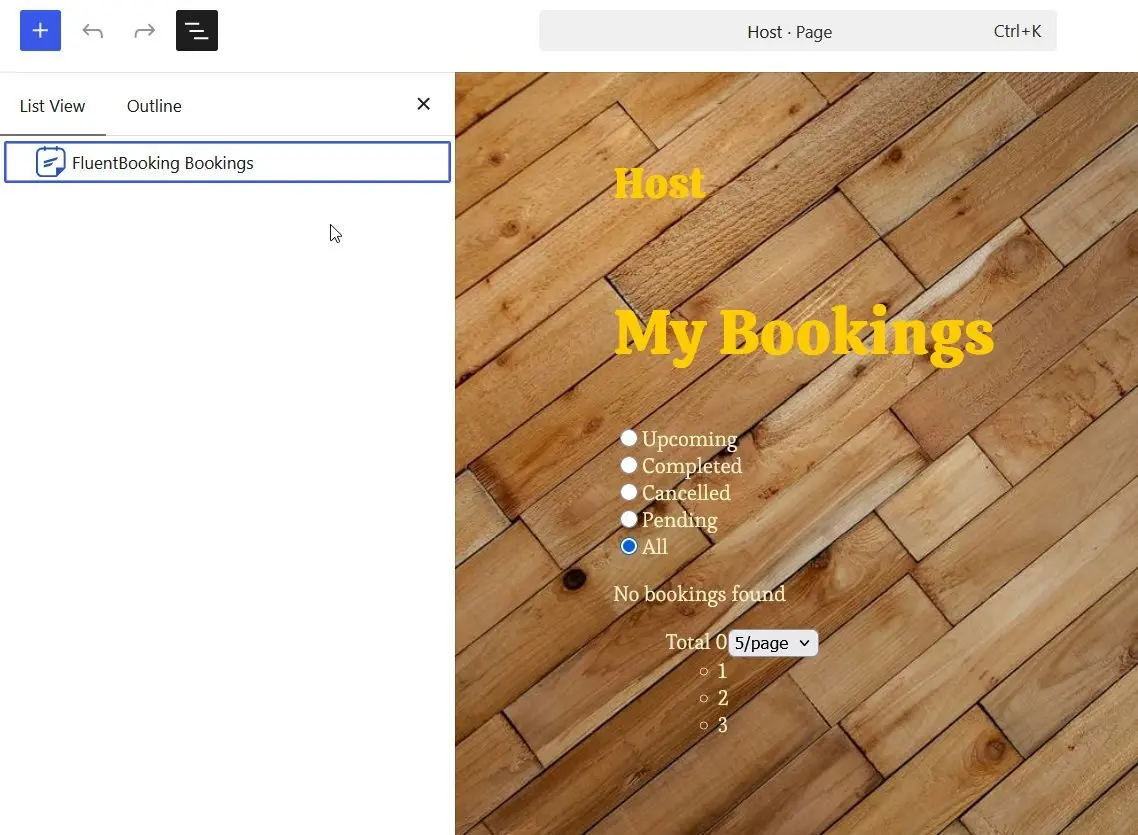
I'm trying to help my not tech-savvy client navigate and manage their bookings easily and thought that dropping the bookings block on a page would be a good alternative to trying to train them to use wp-admin on their phone (ugh). Unfortunately, the block isn't displaying any of the test bookings I have set up, so I can't see if it would work for what I have in mind.
I built a template for Pages and put the Content block inside the green container you see. Then I made a Page called Host and the only thing on the page is the booking block.