


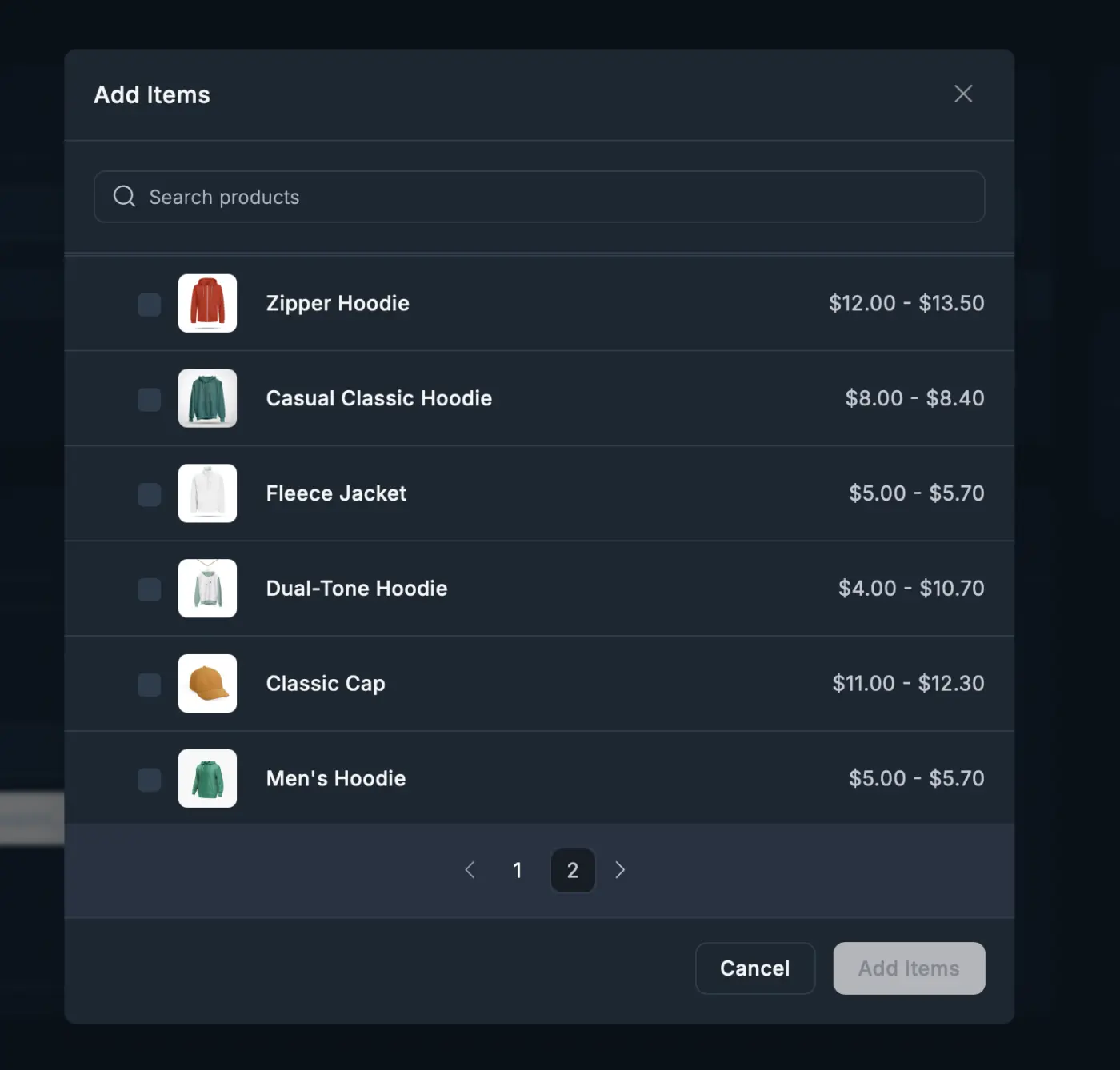
In FluentCart, all products with variants are greyed out when creating an order from the WP Admin > Fluent Cart > Orders > Create Order screen.
There is no interface to further select a variant. If I use the search bar, all variant products are greyed out and cannot be added.
Am I doing something wrong here?
NOTE: I verified that the product had an enabled Shipping Class and Tax Class.
I tried creating a brand new product (without variations) and this worked fine - it appeared in the product selection shown in the screenshot and I was able to add with no issues.
What is happening here? What am I missing?

Is there a shipping api that can be used that is either free or low cost?

Hey friends, it's been a while since i posted this (https://community.wpmanageninja.com/portal/space/community-meta/post/fluentcart-it-s-not-100-eu-compliant)
Has there been any update/improvement to this? I just read the release notes of FluentCart 1.3.15 and got excited that the EU VAT was updated - but obviously doesn't mention that it solves this problem.
I'll try and explain this again to hopefully get a clearer idea of when a fix/solution will be put into place:
When a store sells to both private & business clients, the store must include VAT in the prices. When a business customer purchases from the store with a valid, verified & accepted VAT number, the VAT must be removed from the total price (and not just marked as €0 with no change in final price).
Here's an example of this very situation:
Business customer adds 100€ product to cart > they put in their VAT (and is outside of store location) > final price is modified to €81
I appreciate any update here.
Cheers,

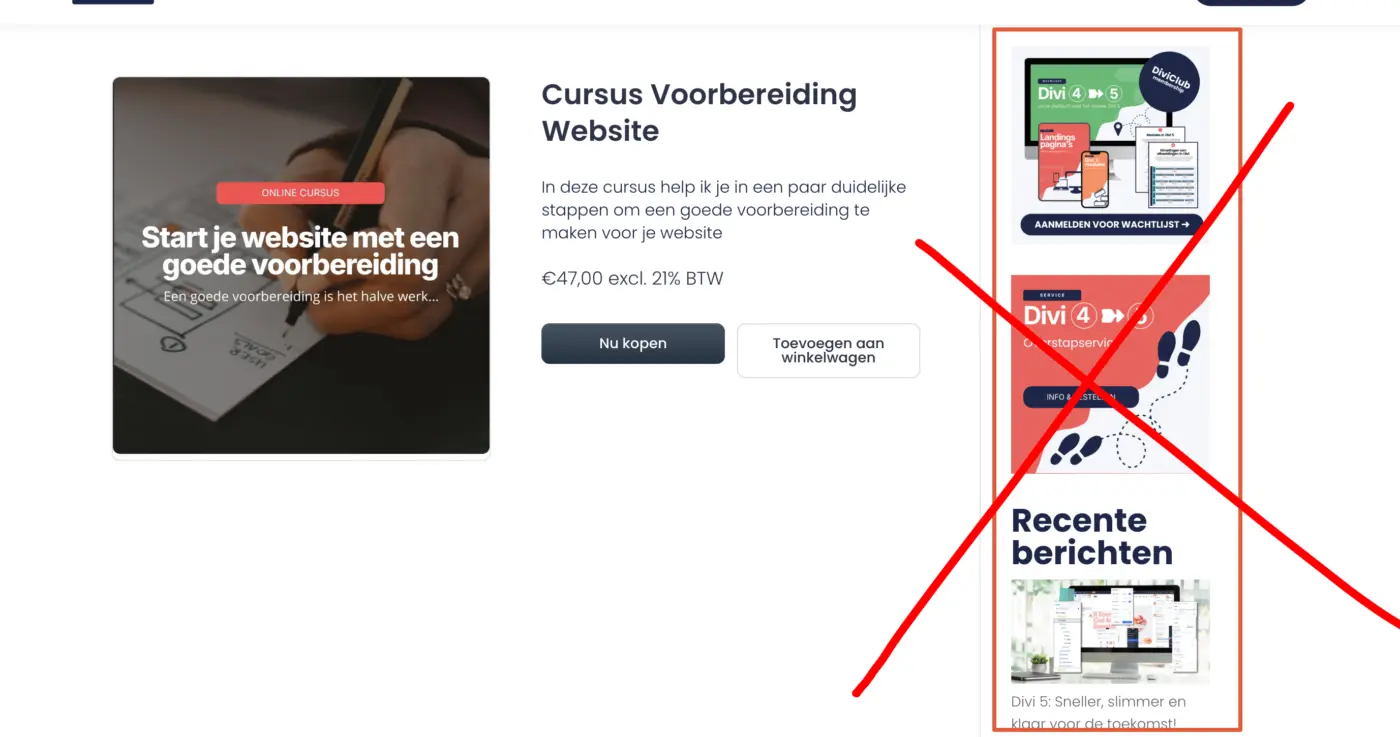
I switched from Astra to Divi theme, and now I wonder, is this even possible? My productpages give a sidebar and header and footer. What is the workaround here? Somebody? 😀.
I hope a feature will be added soon, just like in Gutenberg, so that I can place a button on my landing page that triggers a slide-in cart.
#divi

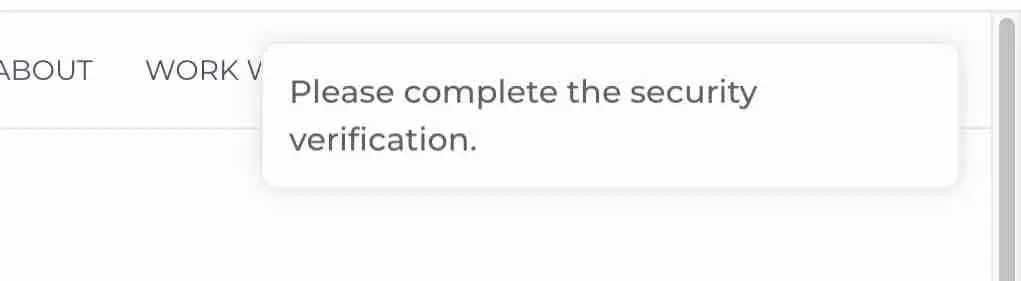
Hello, I have a client in Canada who is trying to make a purchase. I'm in the U.S., and the client is getting this alert. I have my store set up with Stripe. I asked ChatGPT, and one of the things mentioned was that the client might need to authorize payment with the bank. Before I jump through hoops troubleshooting, does anyone know what the most likely cause is? TIA!

Hi,
The order bump is placed below the overview of the order. This means that no one sees the actual order bumps on mobile. When I use the 2 column feature with Elementor it shows perfect on laptop, but on mobile it's unreadable.
How can I change this so there will be more order bumps? I used to have more when using WooCommerce.
Thanks!


UPDATE: As of March 29, 2026, the support team has acknowledged that this is a verified bug. Hopefully there will be a fix in a patch / bugfix minor release... it's too big a thing to bundle with the next feature release!
A customer ordered a digital product from me -- an epub file -- and emailed me to let me know the download link either couldn't be found or had expired.
I logged in as them and confirmed. I then double-checked the product; everything seemed in order. I also logged in as other customers and checked that their downloadable purchases were still downloadable. All good.
On a whim, I went into the offending product and re-entered file information under Downloadable Asset(s) and re-saved the product. I logged in as my customer again, and sure enough, the product could be downloaded.
So! Is FluentCart "losing" or "forgetting" uploaded files in the same way it sometimes loses featured images?
This is a very nasty issue, if true, and should be addressed ASAP.

Could we specify shipping class for product variations?
Let's say a graphic design is available as a sticker (small, lightweight, flat) and a poster (large, heavy tube). Customers don't want to scroll through multiple product listings for the same design; they want to pick out the sticker, magnet, and/or poster on the same page and add to cart. I don't want to collect sticker shipping costs for a poster. :) Thanks!
What I'm hoping to do: set up a single-use coupon for anyone, even those who are not yet users.
What I attempted: I thought applying the Per User LImit to "1" would take care of it.
What happens: This makes the coupon invalid for people who have not yet become users. Only removing the Per User Limit fixes it, but that opens the coupon up to multiple uses by the same user.
Any ideas how to make this work? Thanks in advance!

I activated cash payements because it was requested by some clients, but then I got assaulted by bots who tried to buy products by cash. Now I have a dozen of these fake transactions.
Is it possible/adviced to delete these spam transactions?
What can we do to avoid this ? (captcha, ...)