


Introducing the Command + K shortcut in the CRM to quickly search contacts, companies, and newsletters would be a great idea. For those working in the CRM daily, this feature could save valuable time and improve workflow efficiency.

I’ve noticed that all the CRM contacts I previously had in board tasks are no longer there. Additionally, when I add a new CRM contact to a task and reopen it, the contact is missing again.
Furthermore, within CRM, the contact profiles no longer display a tab for Boards, which suggests that the integration between CRM and the board might be broken.
Could you please look into this issue? Let me know if you need any further details from my end.



I do not believe this feature is available today at least not without a significant amount of custom coding.
I have a client that is moving from HubSpot to FluentCRM (downsizing). They really like the more integrated solution - Here were a few of their questions for me today
1) Is there a way to trigger an automation if they've opened the last 3 campaigns but not clicked for example OR if they have clicked on links but not submitted a gravity form after X days
2) Is there a way to get a report of people that have gone through automation and are at a certain stage - a way to identify sales leads
3) Trigger an automation based on page visits within the site.

Hey!
I was researching bulk email services and came across Email It (https://emailit.com/pricing). What caught my attention was the price: 1 million emails for just $140! And that’s not even counting the fixed monthly fee of $20, which is still way cheaper than other platforms I’ve seen.
My question is: Has anyone tested this service? The offer seems too good to be true. Does it deliver well? Do emails end up in spam a lot? Are there any limitations that aren’t clearly stated on the website?
If anyone has used it or knows someone with experience on this platform, please share!
Thanks!

I think togke active / deactivate on email Sequence it's important to added.

Will FluentCRM launch a frontend portal, just like Fluent Booking, in order for managers to access FluentCRM from this portal instead of wp-admin ? Shahjahan Jewel ?

Hi FluentCRM Support Team,
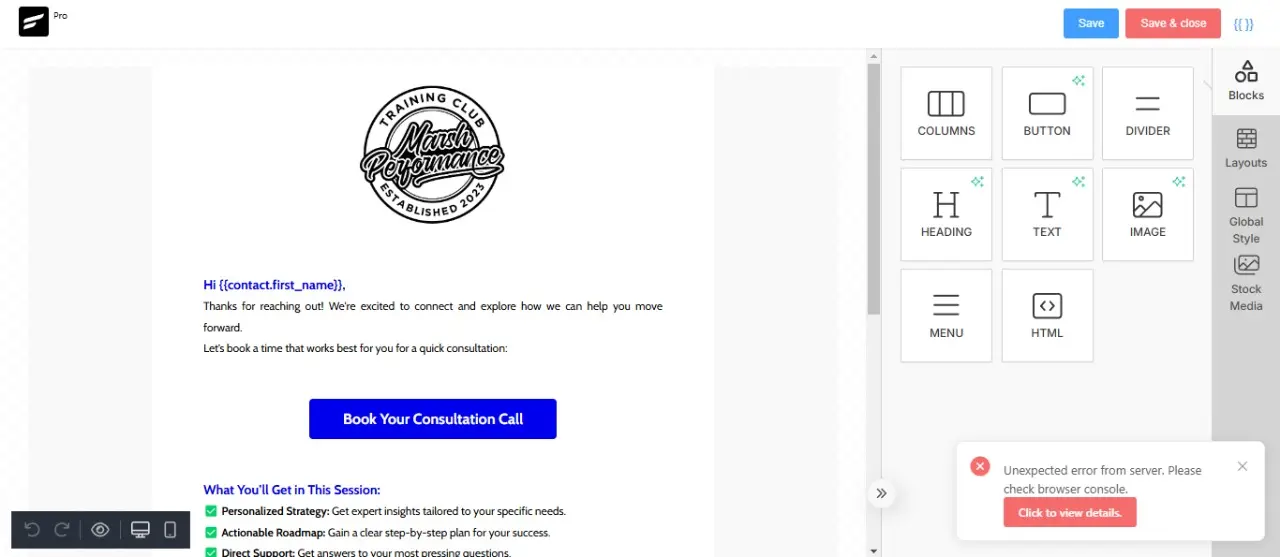
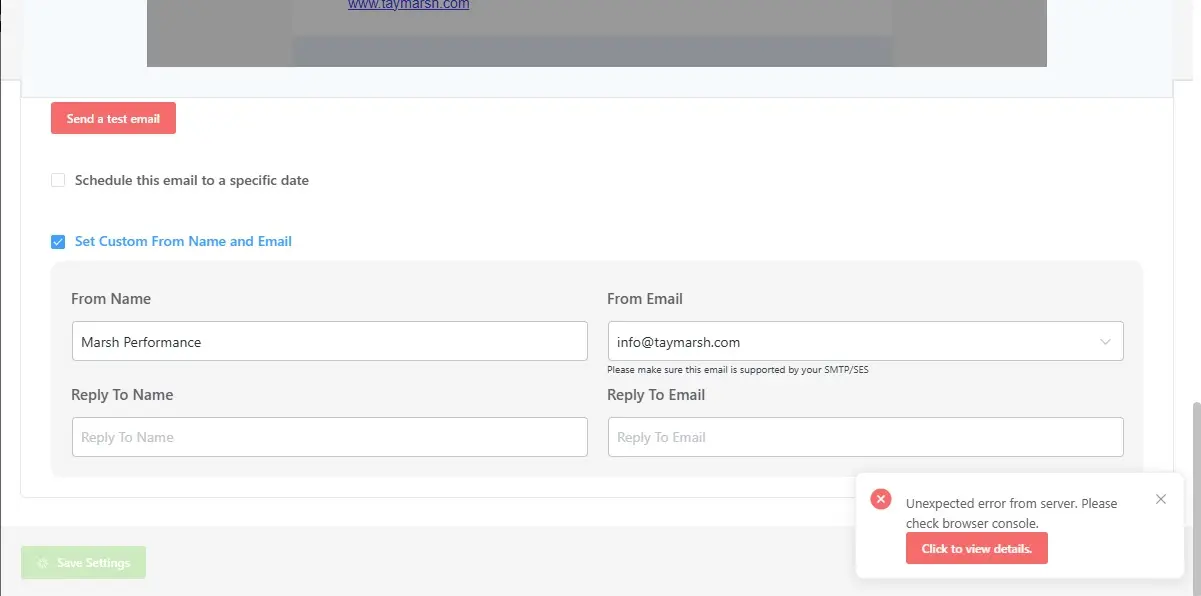
I am experiencing a serious issue with FluentCRM on my website. Whenever I try to save email templates inside Automations or Email Campaigns, or when I attempt to import any automation, the plugin throws an error:
"Unexpected error from server. Please check browser console."
Because of this issue, I am unable to save or update any email templates, and I cannot proceed with automation workflows.
The strange thing is that FluentCRM is working perfectly on my other website, so I believe this issue is specific to this installation.
I’ve also checked the browser console and noticed 403 errors and connection closed issues (attached screenshots for your reference).
Could you please look into this urgently and help me resolve it?
Here are some additional details for your reference:
- FluentCRM version: 2.9.45
- WordPress version: 6.7.2
- Hosting provider: Hostinger
Please help me to figure out this problem

I have multiple trainers in my brand who all have their unique landing pages (subdomains), and unique 'business' within my fluentCRM pro. I want those trainers to only be able to access their own contacts (leads & clients) and have some other permissions within the CRM. Additionally, my trainers collect payments from their own clients. Those payments must go to the trainers own stripe account. I do have fluentforms pro. Is all of this possible? If so, what is the best way to set this up? Or do i need to install a fresh fluentcrm & fluentforms for each of my employees?

I was just checking out the auto logins from Smart links of Fluent CRM. It seems that these auto login links work for 90 days. Seems a bit long?

Hello, has anyone setup their WooCommerce transactional emails in FluentCRM? Is this possible to do?
I tried to setup some transactional emails in the automation tab with the trigger "New Order (Processing)" but after testing some orders, I wasn't receiving the FluentCRM email and was only receiving the basic WooCommerce email.
I'd like to have some nice looking order confirmation emails, but can't seem to figure it out. Will WooCommerce be higher up in a hierarchy hence why their emails are sending but the FluentCRM ones aren't?
I would've thought regardless FluentCRM automation would still send, but I am not being sent anything when I test it.