

"Unexpected Error from Server" Issue in FluentCRM
Hi FluentCRM Support Team,
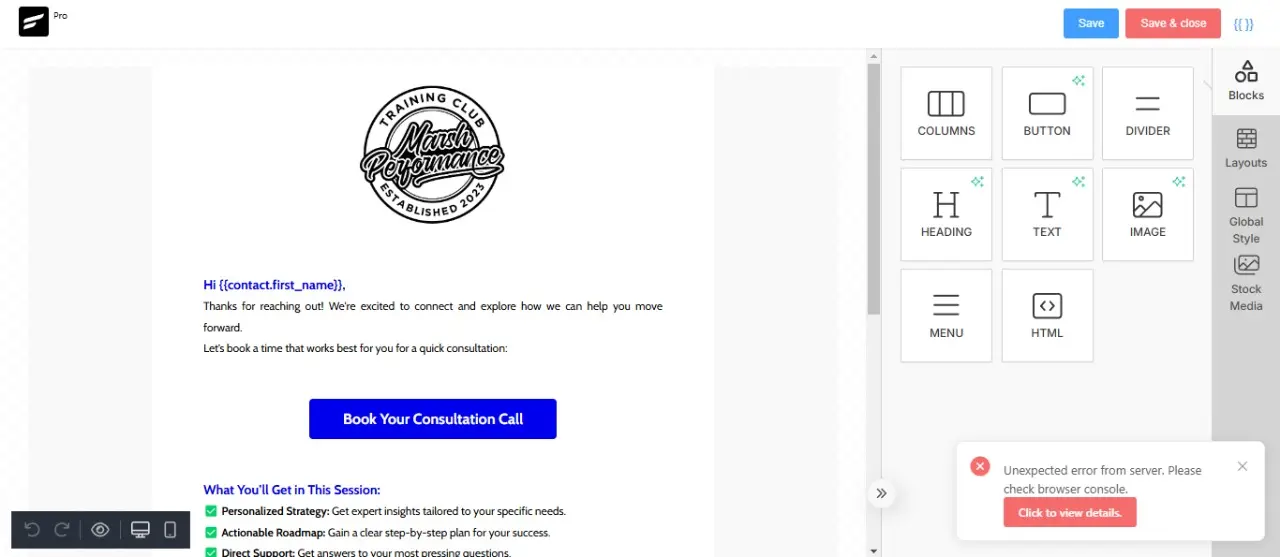
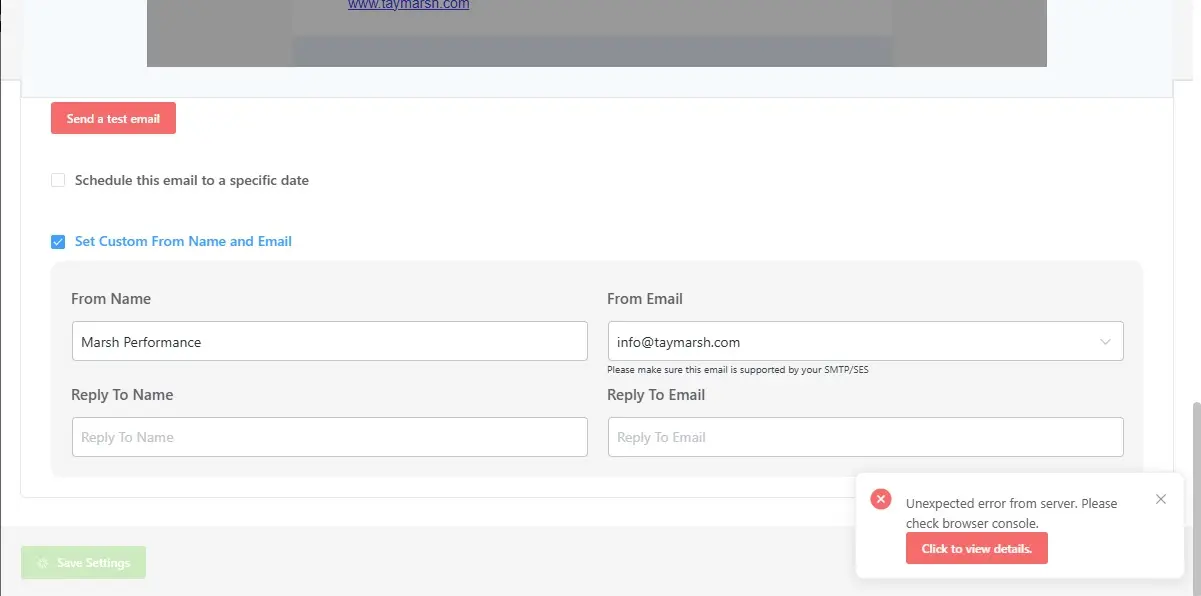
I am experiencing a serious issue with FluentCRM on my website. Whenever I try to save email templates inside Automations or Email Campaigns, or when I attempt to import any automation, the plugin throws an error:
"Unexpected error from server. Please check browser console."
Because of this issue, I am unable to save or update any email templates, and I cannot proceed with automation workflows.
The strange thing is that FluentCRM is working perfectly on my other website, so I believe this issue is specific to this installation.
I’ve also checked the browser console and noticed 403 errors and connection closed issues (attached screenshots for your reference).
Could you please look into this urgently and help me resolve it?
Here are some additional details for your reference:
- FluentCRM version: 2.9.45
- WordPress version: 6.7.2
- Hosting provider: Hostinger
Please help me to figure out this problem

What do you see when you click "Click to view details"?

it shows me this
TG BANDIT FF Looks like your server is blocking the REST request. You have to contact with your server.
Thank you for the quick response!
However, I’m using the same server setup for my other websites, and FluentCRM is working perfectly fine on them. This issue is happening only on this particular website, which makes me think there might be something else causing the problem.
Could you kindly help me investigate this further and guide me on how to solve this?
I would truly appreciate your support.
Looking forward to your assistance.
TG BANDIT FF based on the error message the server is blocking the request for some reason. Or maybe your firewall plugin.
i do not setup any type firewall plugin but i found this can you tell me what is this and to fix this
TG BANDIT FF In that case, your server is blocking the request as I stated earlier.
Shahjahan Jewel Can you help me plz to fix i have done everything but it didn't work..!
ok

TG BANDIT FF Can it be a cron job issue? Are you using server cron or wp?

TG BANDIT FF Shahjahan Jewel Nazir Himel
I just had this exact same issue and I can also say that I have the same configuration on multiple sites on the same host and some were working just fine. The issue / solution is that a ModSecurity rule was being triggered and they(Server Admin/Support) had to add an exception for it.
FluentCRM team - perhaps the alert box can make that recommendation vs just saying invalid response
Can you plz elaborate this I am still facing this issue..!
TG BANDIT FF The error only happens when a security plugin or your server block the requests.
TG BANDIT FF So this is going to depending on who you are using for your hosting provider. I would attempt to save the page and then reach out to support for your server and let them know you are getting a 403 error from a plugin and have been told it is being caused by a ModSecurity issue. They should be able to address this.
If you are running you own server / VPS - you'll need to look at the server settings for where ModSecurity and the log and allow the rule that is being triggered