


Hi, I am setting up a store for the Japanese market and need to customize the checkout name fields.
In Japan, it is standard to have separate fields for "Last Name" and "First Name," and they must appear in that specific order (Last Name first, then First Name).
The default "Full Name" field often causes confusion for Japanese customers and makes data mapping difficult for shipping and CRM.
I am looking for a way to achieve one of the following:
Split the Name Field: Replace the single "Full Name" field with two separate fields: "Last Name" and "First Name."
Custom Mapping: If I use the single "Full Name" field, can I change the mapping logic so it correctly identifies the Japanese name order (Surname first) when syncing to WordPress user meta or FluentCRM?
I noticed that FluentCart provides various filter hooks for customizing the checkout experience.
Is there a specific filter hook available to customize the name fields on the checkout page for this purpose?
If such a hook exists, could you please explain how it should be used or customized to:
- Remove or disable the default “Full Name” field
- Add separate “Last Name” and “First Name” fields in the desired order
- Ensure these fields are properly saved and mapped to the order data and user profile
If there is recommended documentation, sample code, or best practices for handling non-Western name formats (such as the Japanese name order), I would greatly appreciate your guidance.
Thank you!

I can't find for the life of me find where this happens. I can do it with CSS, but I'm wondering if there are settings for this. Thanks.

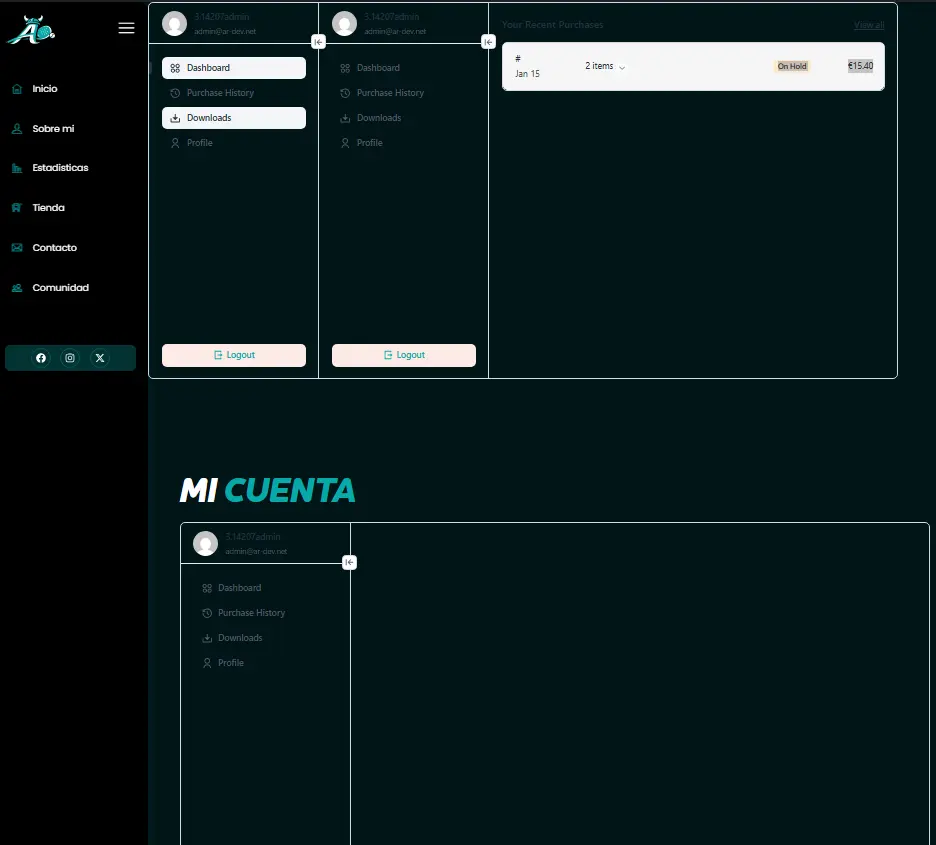
Hello. I have three dashboards on my My Account page. I'm using Elementor. I haven't encountered any problems with the other pages so far. Does anyone have any idea why this is happening? Here's the link: https://3.14207.laura.ar-dev.net

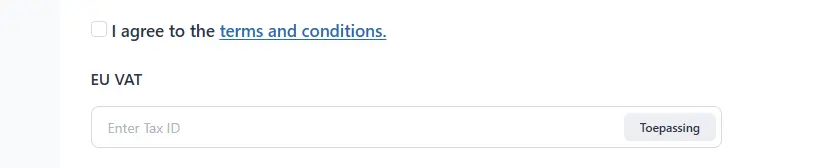
Any news for the update of the Tax Module regarding proper tax identification? (eg.: FR VAT, ES VAT, etc).
Currently, taxes are marked as "Tax Estimate", which can be a problem in some jurisdictions and confusing for international customers. Specially in european sales.

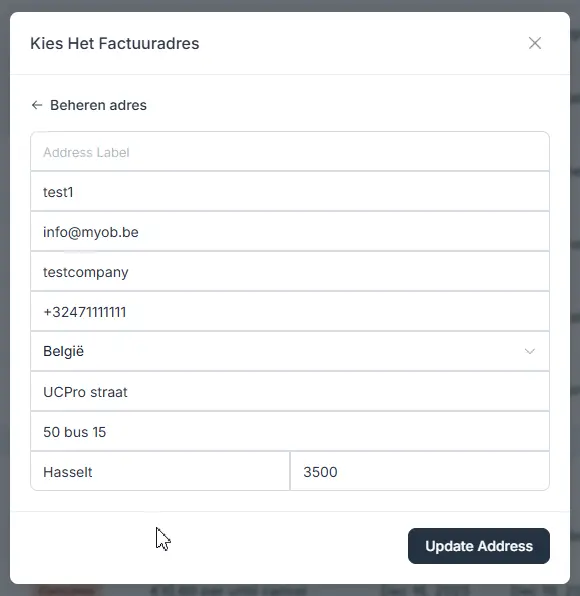
For B2B shops, it is important to have a way to correct ALL customer data from admin.
I am happy to see the company name field available, but I really need the VAT field available too from customer administration, at least in billing address.
Also, please provide a way to require the VAT field on checkout for certain scenarios.
And, if possible, move the VAT number to sit next (or under) the company name field. Those fields belong together

FluentCart's S3 settings only work with AWS S3 — there's no endpoint URL field, so we can't use Cloudflare R2 or other S3-compatible providers. Please add the same fields Fluent Community has (endpoint URL, bucket, public URL). R2 has zero egress fees which is perfect for digital downloads.

Hi, I want to sell limited memberships with tiers for a portal launch:
- First 30 members: €6/year
- Next 60 members: €15/year
- Next 120 members: €30/year
Is there a way to set quantity limits on digital products in FluentCart? I couldn't find this option when creating products, but perhaps I overlooked it.
Interestingly, it appears that this can be accomplished using the Inventory option in FluentForms’ payment feature; however, I would prefer to use FluentCart on this new portal.
If this feature doesn't exist yet, would it be possible to add quantity limits for digital products to support tiered launch pricing?
Thanks!

Hi Shahjahan Jewel,
With the recent rise of the Universal Commerce Protocol (UCP) and its impact on AI-driven shopping, I was wondering if there are any plans to integrate this standard into Fluent Cart’s roadmap?
As AI agents become more involved in the checkout process, having UCP support would be a massive competitive advantage for store owners using your platform. Do you have plans to provide an endpoint or compatibility layer for this protocol soon?
Keep up the great work!

For my website I am really missing the Upsell functionality. I see that it is planned for Q1/Q2 but is there a more clear date? Since this is quite an important feature (at least to me).

What happens, when i have checked the box "revoke access to spaces/courses when product is refunded or subscription ends" and i change the content of the spaces/ courses AFTER the customer has bought* but before refund/end of subscription?
- will access be revoked only of spaces/ courses the customer got access to by the time the product was bought OR
- will access be revoked of all spaces/ courses that are included in the integration feed by the time the product is refunded or subscription ends?
*let's say i add two courses to the product at some time and i grant previous buyers of the product additional access via automation or manually