


At WordCamp Europe in Kraków, I sat down with Remkus de Vries, and he asked for pages inside spaces and explained exactly why he needed them. That conversation stuck with me, so this one is dedicated to him.
Pages for Spaces
Every space has a Pages tab now.
- Written in the normal block editor, so it can be anything: welcome guide, rules, resource list, FAQ, course outline
- Order the pages however you want
- Comments on or off, per page
- Multiple page templates
Your community can show up on LLMs now
Until now, when ChatGPT or Claude visited your community, they got a blank page. The portal renders in the browser, so crawlers saw nothing.
Now the portal serves real HTML to anything that isn't a browser. Posts, spaces and courses show their actual content. So search engines can index your threads, AI tools can cite your answers as LLMs love real conversations and communities.
Privacy: it only ever renders what a logged-out visitor is already allowed to see. Private and secret spaces are not rendered at all. Nothing changes there.
Also in this release
- Push notifications clear the matching badge when you open them, and in-app toasts no longer double up with push
- Settings screens are proper routes now, so the back button works
- Faster Pages Manager and a faster popular times report
- Better dark mode, and the space header menu and toasts fixed up for phones
- New action hooks for lesson and section events, if you build on top of this
- Fixes: iOS lesson scrolling, video uploads showing as links, daily digest not going out same day, quiz submission with no enabled questions, stale space cache, PHP 8.1 notices, and more strings opened up to translators
Full changelog: https://fluentcommunity.co/blog/fluentcommunity-2-10-0/
Please share your feedback on these new features in the comments.

Hi,
I believe I found a bug in the Require approval for first comment workflow.
I had a post with one actual published comment. After approving that user’s first comment, the post showed 2 comments, but when I opened the discussion, only 1 comment was visible.
I checked the database and found:
-
In
wpfc_fcom_posts, the affected post hadcomments_count = 2 -
In
wpfc_fcom_post_comments, that post had:- one row with
type = commentandstatus = published - one row with
type = reportandstatus = ignored - the report row was associated with
first_comment_approval
- one row with
I then ran a query comparing comments_count against the actual number of rows where:
type = 'comment' AND status = 'published'
The affected post was the only mismatch:
comments_count = 2
actual published comments = 1
After manually updating comments_count from 2 to 1, the displayed count was correct.
This suggests the first-comment moderation/approval flow is incrementing or preserving the cached comment count incorrectly, possibly counting the moderation/report record in addition to the published comment.
I just launched my site so its still early for things, but wanted to post and see if its an issue. Thanks.
-Daniel Garcia

While translating 2.10.01 to German I found two places in the new Space Page
editor that stay English no matter what the catalogue says. Both are small and
easy to fix.
1. The editor's post type labels are hard-coded
The block editor shows the post type label as the heading of the first sidebar
tab. All three labels are plain strings without __():
fluent-community/app/Hooks/Handlers/FluentBlockEditorHandler.php, in
register():'fcom-dummy' => ['label' => 'Lesson', …]and
'fcom-lockscreen' => ['label' => 'Lockscreen', …]fluent-community-pro/app/Modules/SpacePages/SpacePagesModule.php:92,
inregisterEditorPostType():'label' => 'Space Page'
So a German site shows "Space Page" (or "Lesson") above an otherwise German
sidebar. Wrapping them would fix it:
'label' => __('Space Page', 'fluent-community-pro'),Lesson and Lock Screen already exist in the fluent-community catalogue, so
those two would be translated immediately.
2. "Enable comments" is missing from the editor's i18n map
The editor bundle (Modules/Gutenberg/editor/index.js) takes its strings from
window.fcomEditorI18n, built in FluentBlockEditorHandler::getEditorI18nStrings().
The Space Page sidebar asks for Enable comments (lowercase c), but the map only
contains Enable Comments (capital C, used by lessons). Anything not in the map
is shown in English, even though Enable comments is translated in the
catalogue via TransStrings.php.
I checked all 40 strings the bundle requests against the map – this is the only
one missing. The fix is one line in getEditorI18nStrings():
'Enable comments' => __('Enable comments', 'fluent-community'),Until then I am patching both through the existing filters
(fluent_community/block_editor_post_types and
fluent_community/editor_i18n_strings), so nothing urgent – but it would be
nice to drop the workaround.
Thanks for the quick fixes last time!
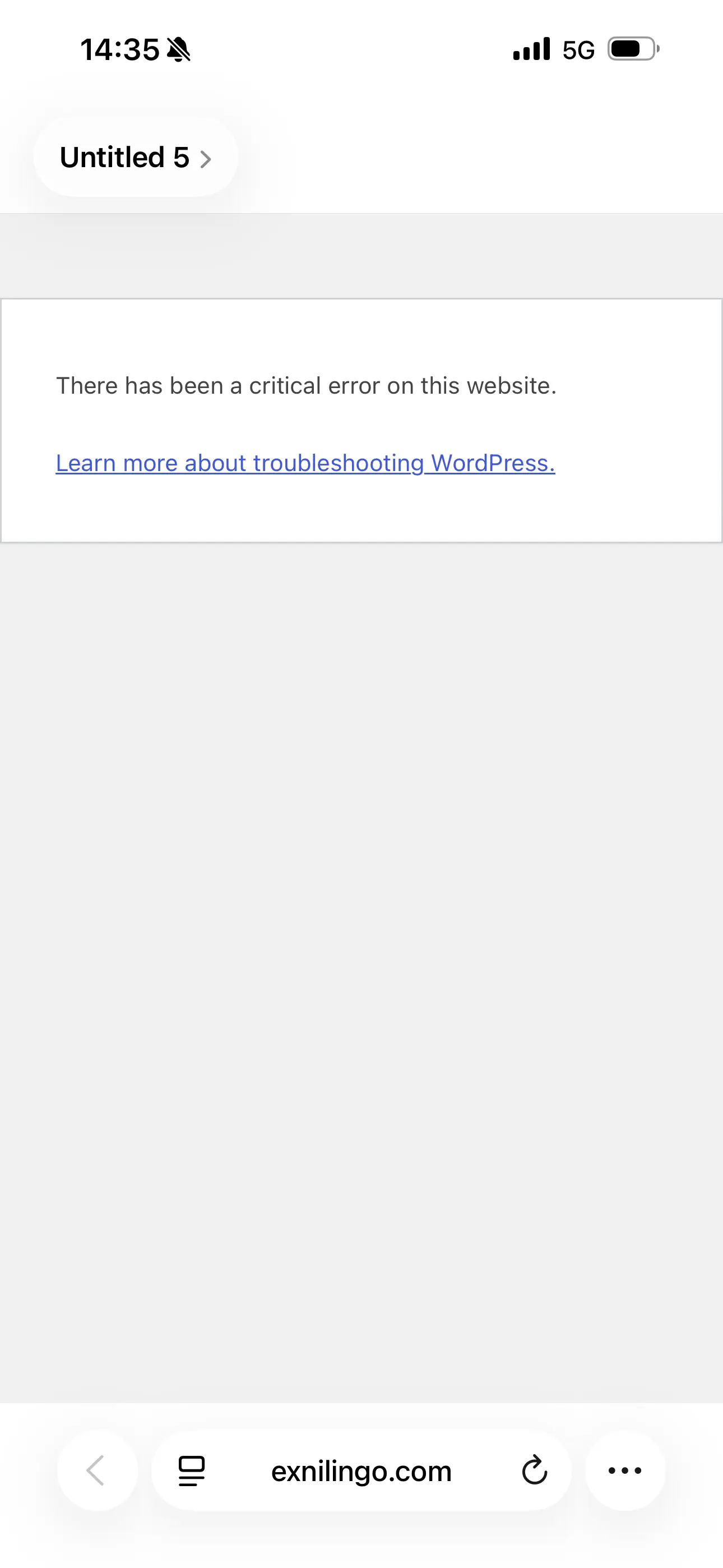
This is the error message I got from uploading the last version of fluent community. I lost access to Wordpress instantly after uploading.
I have contacted FC support that told me what to ask Hostinger support, which is a mere AI bot. I confirmed all the steps it offered to do (such as deactivating several plugins), to no avail. It’s a catastrophe. I don’t know what to do.
Does anyone know what may have happened?!

Is it possible to change the default page people see when they log in through the app?
I run a yoga membership, and instead of members seeing the Feed first, I’d like them to land directly on a specific page — in my case, the video catalogue.
Ideally, when they open the app, the video catalogue would be the first thing they see, with the Feed as a secondary option.
Is there a way to change the default landing page from the Feed to another page?
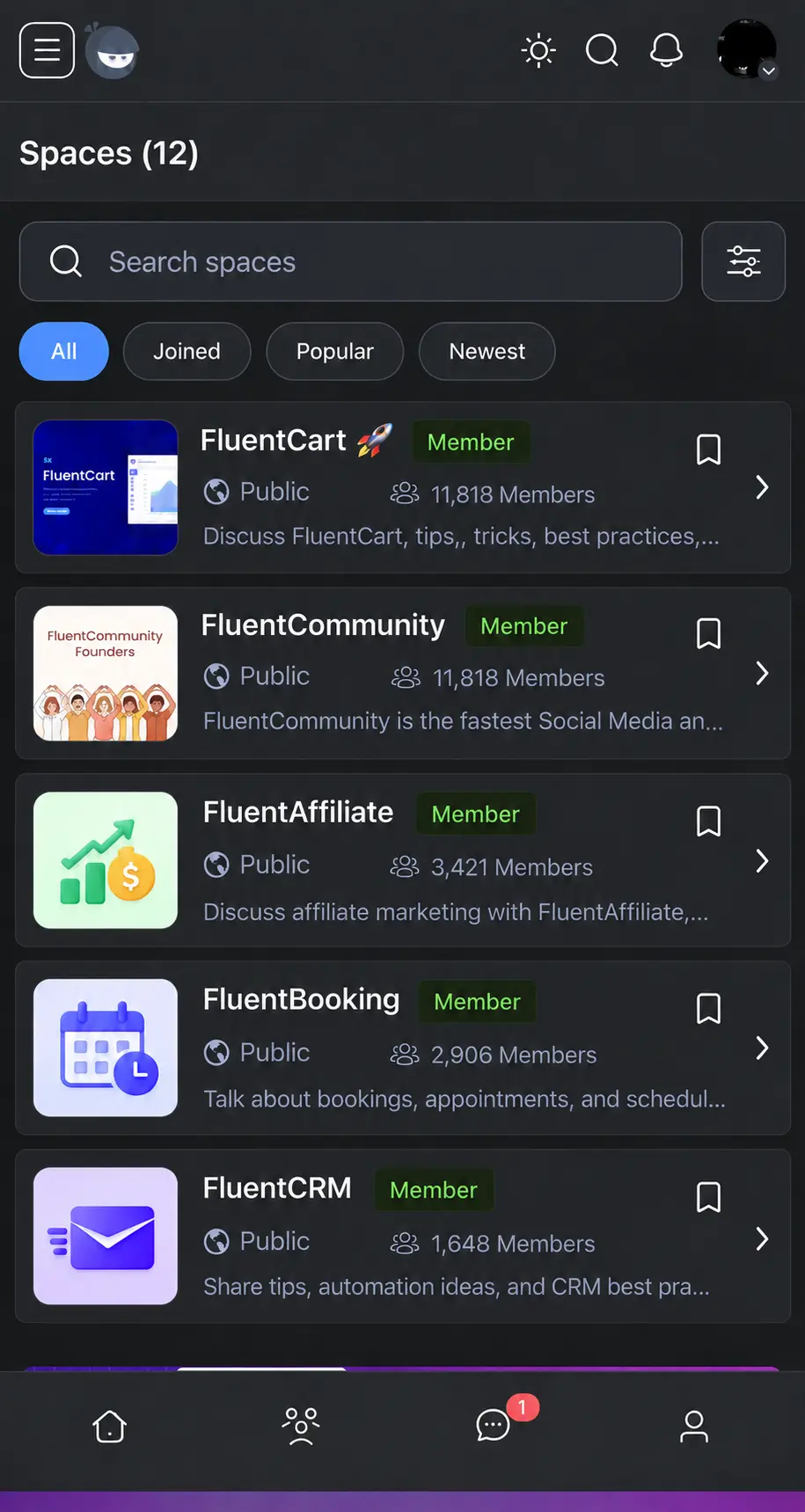
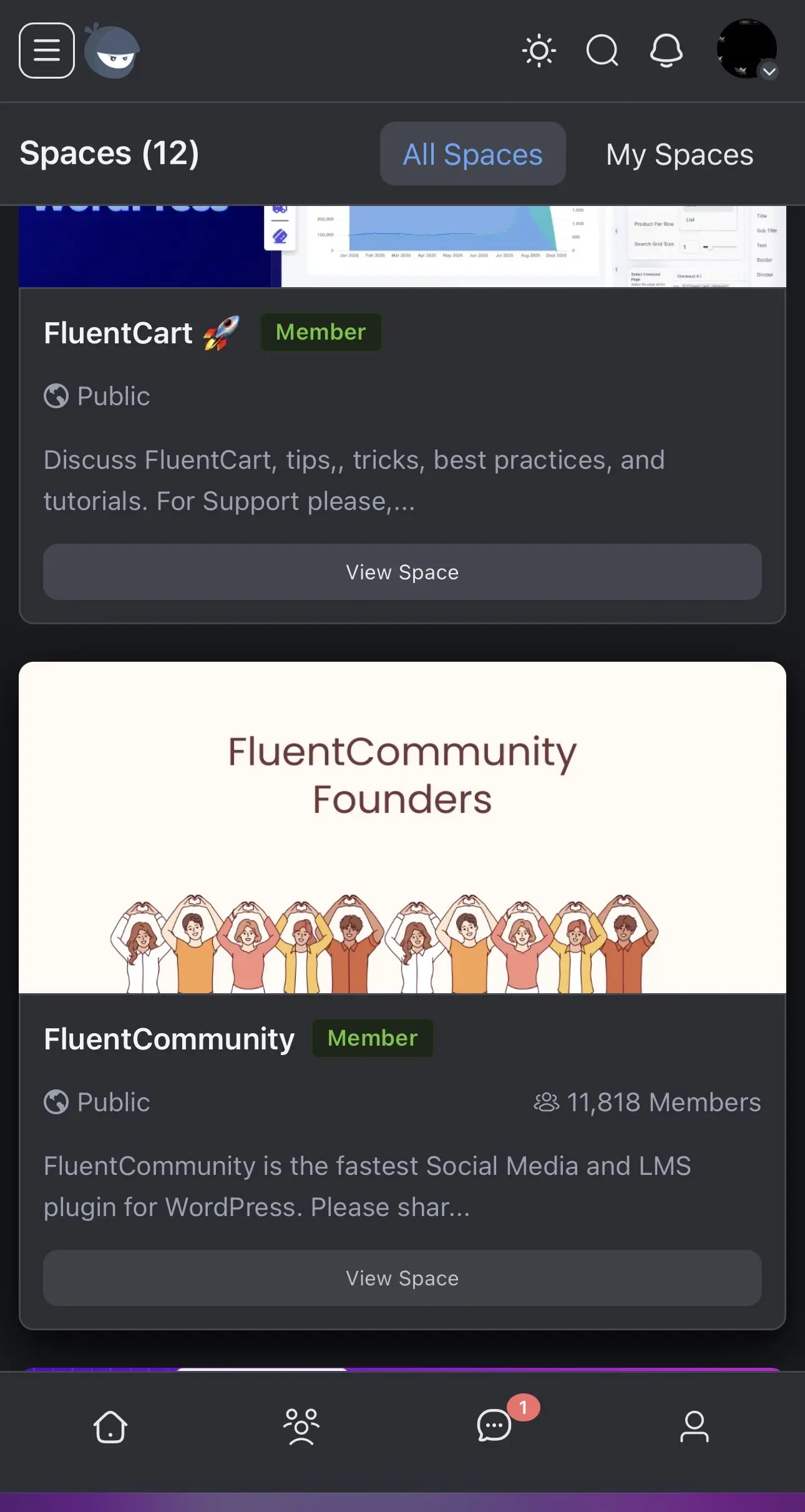
I think that Spaces take so much room on screen. Why not give them a compact look like in the prototype below? (Second screenshot is Spaces as they look now).
That would concerned Spaces in the portal but also in one’s profile.
Thank you!

Today I noticed that ordering photos is not possible in any way. Does not matter which photo from bulk photos you choose first, it still upload same way. Can dev team cosinder adding feature to change photos ordering or atleast make it respect in which order user choose photos from gallery?

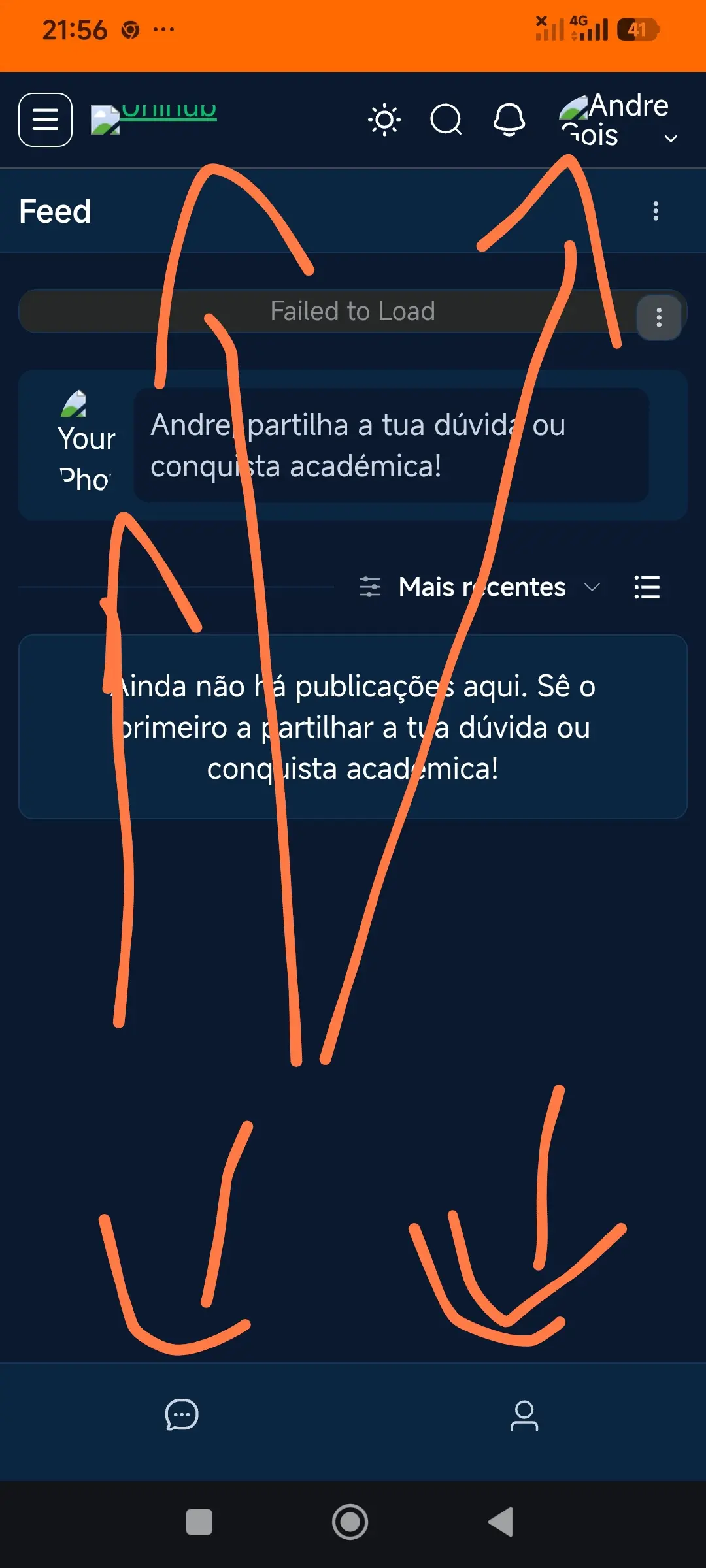
Why i can not see the photos load the banner and most o the menu links disapeared!!

Does anyone know if having a title makes a difference in terms of how likely a post is to appear on Google? If so, is there any solution for communities that prefer using posts without titles?
Also, I noticed that when titles are disabled in the community, Google Search shows generic "User posted at Community" title. How to solve this?

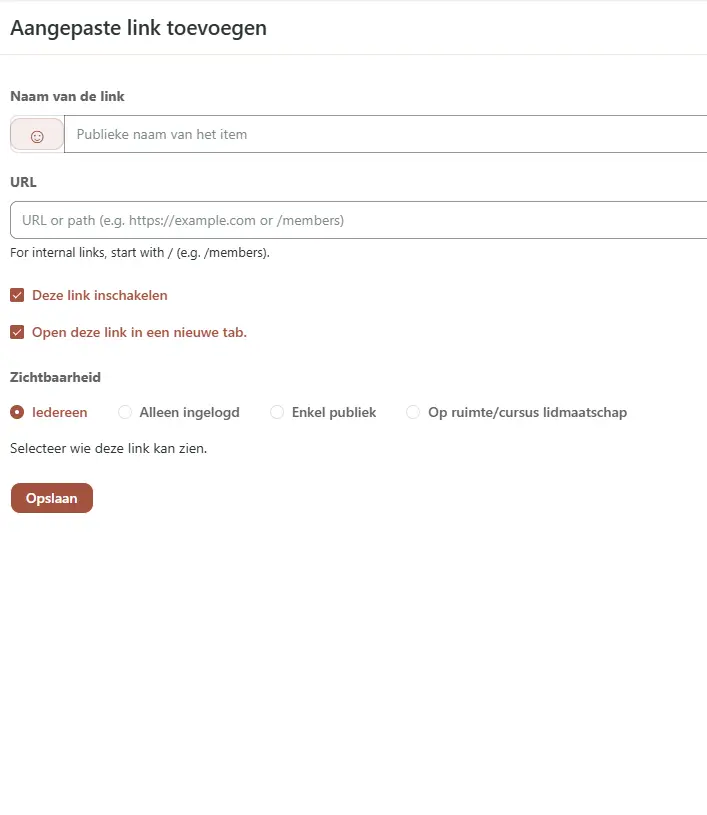
It would be nice to have buttons only for admins. Without a space.
Or do i miss something?

Will be the images visible in browser (outside the community) if it’s post in a privat space?