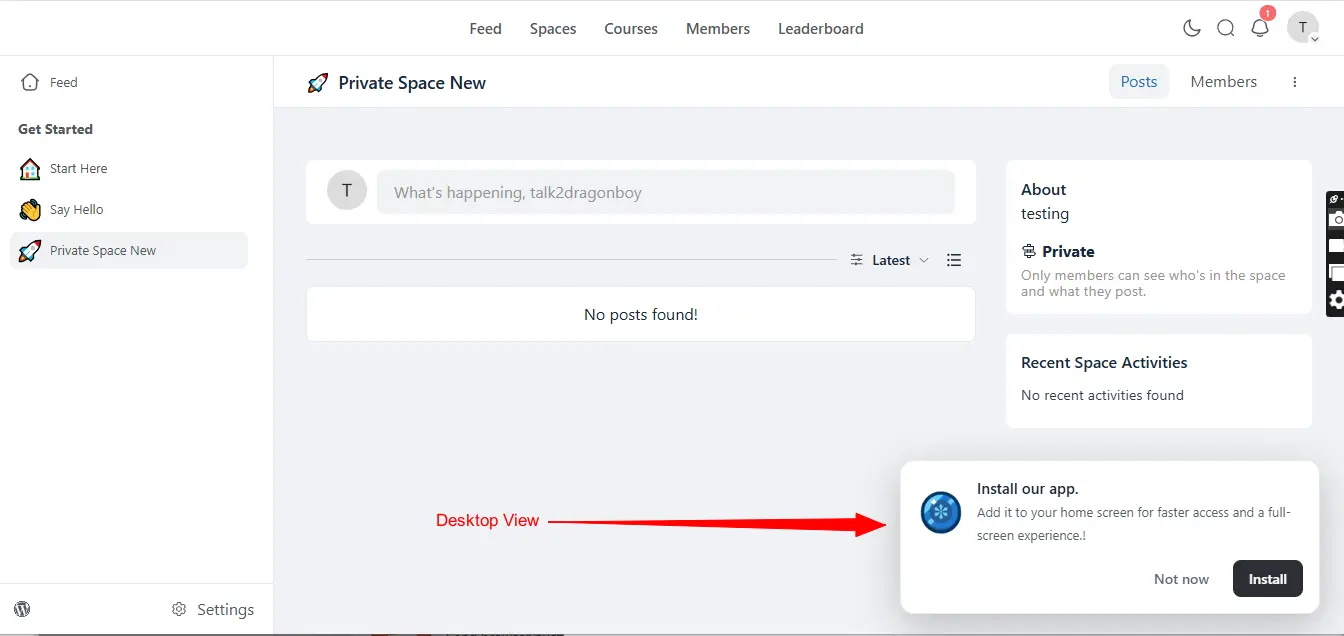
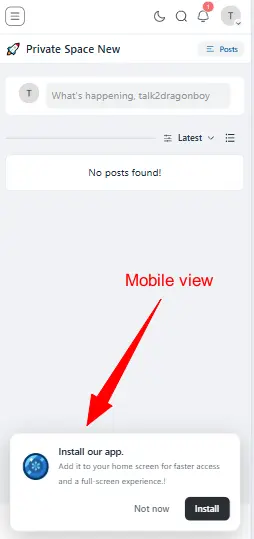
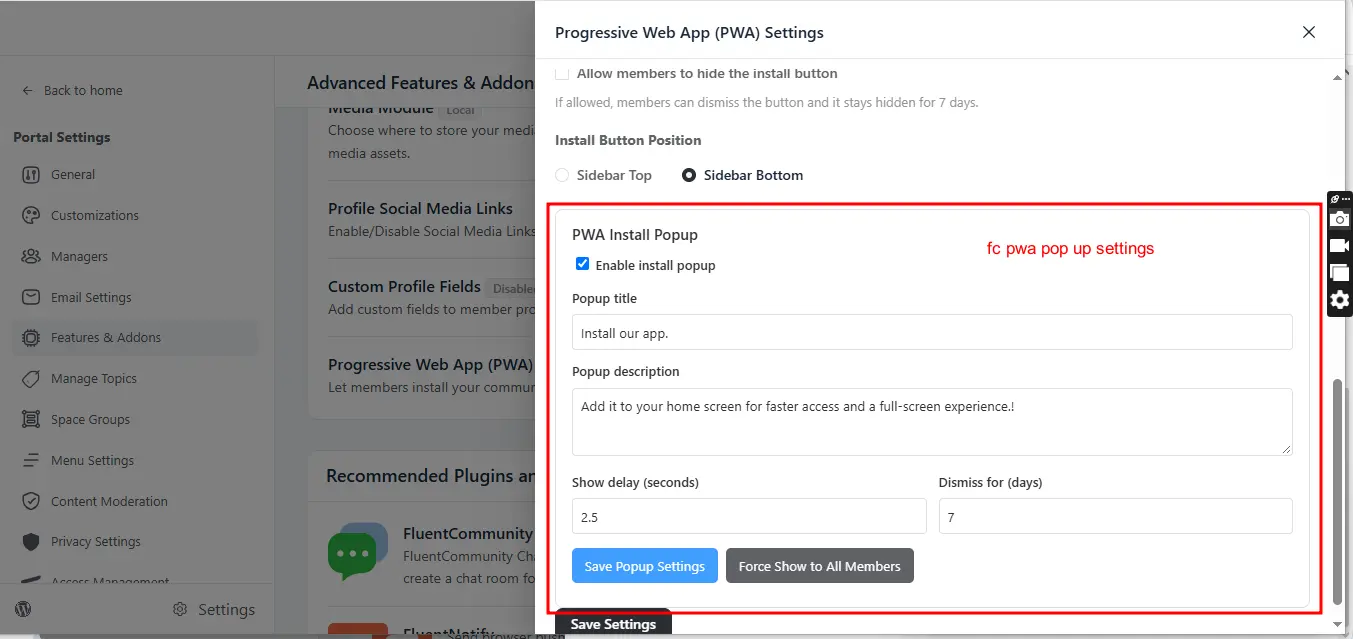
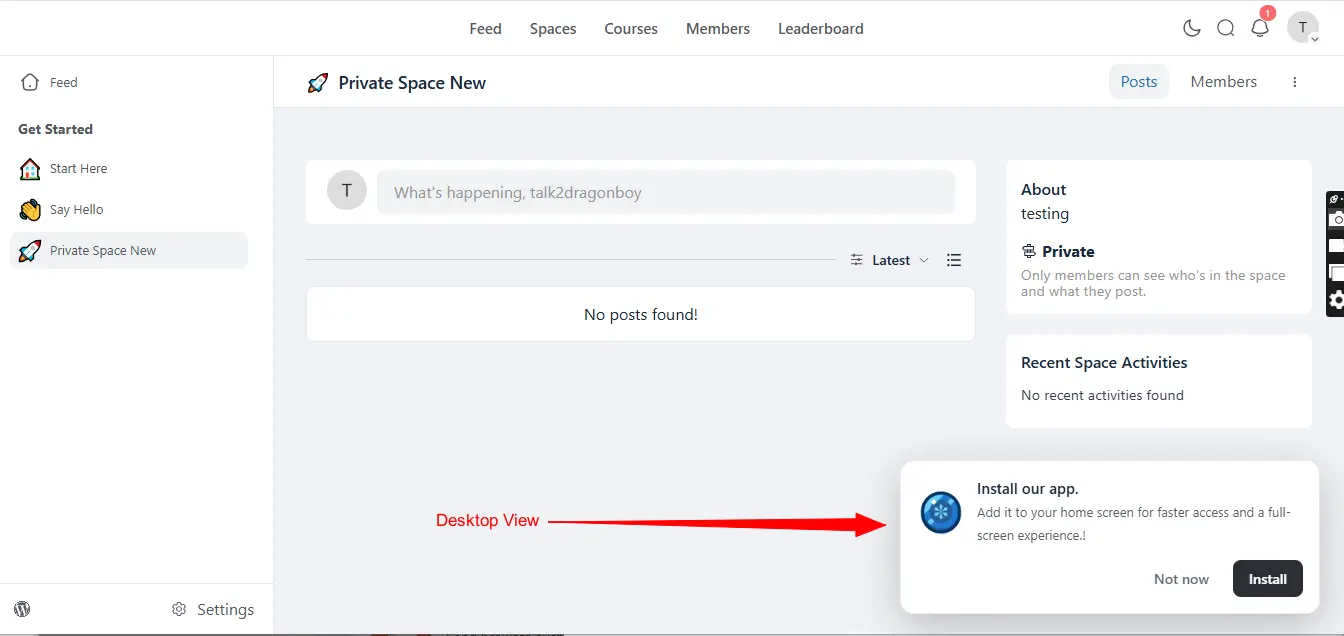
Is there a way, such as a code snippet or hook, to automatically change a postβs slug when creating a postβfor example, to use a numeric ID instead of a string? The automatically generated slug is currently unsuitable for non-English languages.
Background for dark mode status bar on android / chrome is not working. Same problem is here on FC site.
When creating a post in FluentCommunity, required-field validation could be made much more user-friendly.
Current Behaviour
If a user tries to publish a post without completing a required fieldβfor example:
- Post title/heading
- Post content/message
- Required tag
FluentCommunity currently displays an error notification/toast in theΒ bottom-right cornerΒ of the screen.
The problem is that this notification tells the user there is an error, but it does not clearly showΒ which field needs attention.
Requested Behaviour
Instead of relying only on the bottom-right error notification, please addΒ inline validation directly to the affected field.
For example, if the user forgets to select a required tag:
**Tag ***
Please select a tag.
The Tag field should also receive a visible error state, such as a red border or other appropriate validation styling.
The same behaviour should apply to all required fields.
Recommended UX
When the user clicksΒ Publish/Post:
- Validate all required fields.
- Highlight each missing or invalid field.
- Display a short validation message directly underneath or beside that field.
- Automatically focus or scroll to theΒ first field containing an error.
- Keep the existing toast notification if desired, but use it only as a secondary notification rather than the primary way of communicating validation errors.
Writing this one as a community operator rather than as a translator. We run a
German-speaking community on FluentCommunity with a few hundred members, and
this is the single setting our members ask for most often.
Everything below is measured against 2.9.1 on a live install, not inferred
from the docs.
What members see today
Under Notification Settings, the per-space table is exactly right in shape:
New Posts Notifications
Subscribe to new posts notifications by space.| Space | Email Disabled | Notify only for Admin Posts | Notify for all posts |
Three choices per space, stored as np_by_member_mail_<id> and
np_by_admin_mail_<id>. Clear, and members understand it immediately.
What it does not cover
When an admin ticks Email everyone while posting, that email reaches every
member of the space regardless of what they chose in this table. Someone who
set Email Disabled for a space still gets it.
That is not a bug in the table β the announcement path simply never reads those
keys. emailNotifyUsersForEveryoneTag() in
app/Hooks/Handlers/EmailNotificationHandler.php builds its own recipient
query, and the only preference it honours is the mention key:
->where('event_key', 'mention')
So the one way a member can currently escape announcement emails is to switch
off Someone mentions me β and lose every mention notification along with it.
The global switch has the same problem from the admin side:
public static function hasEmailAnnouncementEnabled()
{
$settings = self::getEmailNotificationSettings();
return Arr::get($settings, 'mention_mail', 'no') === 'yes';
}
Utility.php:502. Turning announcements off site-wide means turning mention
emails off site-wide. The two are not related features, and tying them together
means neither can be configured on its own.
For us this is not theoretical. Members who like the community but not the
volume of announcement mail have no option except unsubscribing from mentions,
which is the notification they actually want.
And the table currently tells them something that is not true. A member
with no stored row for a space sees Email Disabled selected β that is what
getNotificationPreferance() returns for an empty preference β and then
receives announcement emails from that very space. The radio button is not
just missing an option; the one it shows is wrong.
Suggestion A: a fourth choice in the same row
The table already has the right shape, and the two storage keys already exist
separately. One more option turns the row into a proper scale:
| Space | Email Disabled | Notify only for announcements | Notify only for Admin Posts | Notify for all posts |
Reading left to right: nothing β only what the admin explicitly sends to
everyone β also ordinary admin posts β everything. The new value would sit
alongside all_member_posts and admin_only_posts in
ProfileController::getNotificationPreferance() and
saveNotificationPreferance(), say as announcements_only, plus one new
string:
'Notify only for announcements' => __('Notify only for announcements', 'fluent-community'),
And emailNotifyUsersForEveryoneTag() would read that per-space value instead
of the mention key.
This is the version we would prefer, because it puts the setting where members
already look for it, and because it is the same table, not a second place to
configure notifications.
And it should be the new default
Not as a change of behaviour β as a name for the behaviour you already have.
A member with no stored row for a space receives no email about ordinary
posts: notifyOnPostCreated() only queries members who have a row with
value = 1 for that space, so no row means no mail. The same member receives
every announcement, because that path ignores those rows entirely. In
other words, the state announcements only is what almost everybody is in
right now. It simply has no name and no radio button.
On our installation, measured today: 233 members, 26 of them with any
per-space preference at all. For the other 207 β 89 percent β selecting
announcements_only as the default would describe exactly what they already
experience, and change nothing about what lands in their inbox.
That makes the migration free: no data to convert, no behaviour to
communicate, no surprise for anyone on upgrade. What changes is that the
table starts telling the truth, and that a member who wants out can finally
click Email Disabled and have it mean what it says.
Suggestion B: if that is not wanted, three hooks
We built our own plugin for this, and it works, but every one of its three
moving parts exists only because there is no hook at the right spot. Each of the
following is a one-line addition.
1. A filter on the announcement recipients. This is the important one.
// EmailNotificationHandler::emailNotifyUsersForEveryoneTag(), before the send loop
$users = apply_filters('fluent_community/announcement_email_recipients', $users, $feed);
Today the only filter in that method is
fluent_community/new_feed_everybody_notification/email_sections, which shapes
the body of a mail that has already been decided on. To suppress a single
recipient we have to hook pre_wp_mail and match on the address β which works,
but means reimplementing a decision the loop has already made, and it breaks the
moment the mail is sent through anything but wp_mail.
2. A hook when preferences are saved. saveNotificationPreferance()
currently has neither filter nor action, and NotificationPref::updateUserPrefs()
silently drops any key it does not recognise (resolveCell() returns null,
the loop does continue). So an extra preference cannot travel through the
existing form at all:
do_action('fluent_community/notification_prefs_saved', $xProfile->user_id, $request->all());
3. The per-space column list in the API response. The three radio columns
are hardcoded in the Vue app, so even though
fluent_community/profile_notification_pref_api_response lets us add data to
the payload, there is no way to render a fourth column. Shipping the options as
part of the response β and filtering them β would make the table extensible
without touching the frontend:
$data['space_pref_options'] = apply_filters('fluent_community/space_pref_options', [
['value' => '', 'label' => __('Email Disabled', 'fluent-community')],
['value' => 'admin_only_posts', 'label' => __('Notify only for Admin Posts', 'fluent-community')],
['value' => 'all_member_posts', 'label' => __('Notify for all posts', 'fluent-community')],
]);
With just number 1 we could drop the pre_wp_mail workaround. With all three we
could offer the setting inside your table instead of on a separate page, which
is where members expect it.
One more thing, independent of the above
Even if neither suggestion lands: please decouple
hasEmailAnnouncementEnabled() from mention_mail. An admin who wants to stop
announcement emails site-wide should not have to stop mention emails as well.
A separate setting key, defaulting to the current value so nothing changes on
upgrade, would fix that on its own.
Happy to send a PR for any of this.
Posting this as a translator again. Same setup as before: I maintain the German
catalogues for FluentCommunity, FluentCommunity Pro, FluentMessaging and
FluentPlayer, a little over 5,000 strings, and I check every string against the
rendered page rather than against the return value of __().
Two findings from going through 2.9.0. The first is a small UI slip, the second
is a string that cannot be translated correctly in any language, and it affects
two of your products with the same code.
1. A preference row that renders with no control at all
Where: member profile, notification preferences.
The table has one row per event. Four of the five rows offer an email checkbox,
a push checkbox, or both. The fifth offers neither, and looks like a bug to the
member.
The row is co_comment β Someone also comments on a post I commented on. It
is push-only by design, and that design is consistent in both layers:
// app/Services/NotificationPref.php:31-36
const NOTIFICATION_EVENTS = [
'comment' => ['mail' => 'com_my_post_mail', 'push' => 'com_my_post_push'],
'reply' => ['mail' => 'reply_my_com_mail', 'push' => 'reply_my_com_push'],
'mention' => ['mail' => 'mention_mail', 'push' => 'mention_push'],
'co_comment' => ['push' => 'co_com_push'],
'digest' => ['mail' => 'digest_mail']
];
// app.js, NotificationPref component, computed channelRows
{ key: "co_comment",
label: this.$t("Someone also comments on a post I commented on"),
push: "co_com_push" } // no mail key, unlike the other four
The template renders the email cell only when row.mail is set, which is right.
The push column, however, is hidden as a whole when push is not available:
showPush() { return this.push_available }
and push_available comes from PushNotificationModule::isAvailable(), which
requires FluentNotify to be installed and configured, on top of
push_enabled being yes in FluentCommunity:
public static function isAvailable()
{
$pushEnabledInCommunity = Arr::get(Utility::getPushNotificationSettings(), 'push_enabled') === 'yes';
return self::isFluentNotifyActive() && $pushEnabledInCommunity;
}
So on every site that has not set up FluentNotify β which is every site right
after updating to 2.9.0, since push_enabled already defaults to yes β that
row appears with its label and two empty cells. Nothing to click, no
explanation.
Suggestion: drop rows from channelRows that have no visible channel left.
Something like
visibleChannelRows() {
return this.channelRows.filter(row => row.mail || (row.push && this.showPush))
}
and render that instead. If you would rather keep the row visible as a teaser
for push, a short hint in the empty cell would do the same job and would tell
the member what is missing.
I mention it here because from the outside it reads as a translation problem β
"the German label is there but the checkbox is gone" β and it is the kind of
thing a site owner reports to the translator first.
2. The expired-license message is assembled from hardcoded English
Where: FluentLicensing::getExpireMessage(), in both
fluent-player-pro and fluent-community-pro.
// fluent-player-pro/app/Services/PluginManager/FluentLicensing.php:316-322
$expired = $expiresAt
? __('expired at', 'fluent-player-pro') . ' ' . gmdate('d M Y', $expiresAt)
: __('expired', 'fluent-player-pro');
return '<p>Your ' . $this->getConfig('plugin_title') . ' ' . __('license has been', 'fluent-player-pro') . ' <b>' . $expired . '</b>, Please ' .
'<a href="' . esc_url($renewUrl) . '"><b>' . __('Click Here to Renew Your License', 'fluent-player-pro') . '</b></a>' . '</p>';
fluent-community-pro/app/Services/PluginManager/FluentLicensing.php:316 is the
same line with a different text domain.
Three separate problems in one sentence:
Yourand, Pleaseare not translatable. Whatever the fragments become,
the sentence stays half English.- The word order is fixed by concatenation. German puts the date and the
participle in a different place than English does; there is no arrangement of
license has been+expired at <date>that produces a correct German
sentence, because the pieces cannot move past each other. gmdate('d M Y')always renders English month abbreviations, regardless of
locale.date_i18n()is the drop-in replacement.
This is not hypothetical, and it is not only about German. Your own bundled
Spanish pack translates the fragments faithfully:
'license has been' => 'la licencia ha sido',
'expired at' => 'expirado el',
which renders as:
Your FluentCommunity Pro la licencia ha sido expirado el 12 Jan 2026,
Please Click aquΓ para renovar tu licencia
Every translator who touches these four fragments produces something like that,
because there is no other option available to them.
Suggestion: one string per case, with placeholders, so the translator owns
the whole sentence:
$renewLink = '<a href="' . esc_url($renewUrl) . '"><b>' .
__('Renew your license', 'fluent-player-pro') . '</b></a>';
if ($expiresAt) {
// translators: 1: product name, 2: expiry date, 3: link that says "Renew your license"
$message = sprintf(
__('Your %1$s license expired on %2$s. Please %3$s.', 'fluent-player-pro'),
$this->getConfig('plugin_title'),
date_i18n(get_option('date_format'), $expiresAt),
$renewLink
);
} else {
// translators: 1: product name, 2: link that says "Renew your license"
$message = sprintf(
__('Your %1$s license has expired. Please %2$s.', 'fluent-player-pro'),
$this->getConfig('plugin_title'),
$renewLink
);
}
That is four fragments replaced by two full sentences and one link label, and it
costs the existing translations nothing worth keeping.
One thing worth checking while you are in that file: the FluentCommunity Pro
version calls strtotime($licenseData['expires']) unguarded, where the
FluentPlayer Pro version has learned to handle an empty expires for lifetime
licenses. A lifetime FluentCommunity Pro license would render 01 Jan 1970.
Happy to send a PR for either of these if that is easier for you.
Posting this as a translator again. Same setup as last time: I maintain the
German catalogues for FluentCommunity, FluentCommunity Pro, FluentMessaging and
FluentPlayer, around 5,000 strings.
This is not a bug in the sense that something breaks. It is a string that cannot
be translated correctly, because one source string has to serve several places
at once.
What happens
In the profile editor, the Short Bio field is a markdown editor without a
placeholder prop. The editor component falls back to its generic default:
placeholder: {
text: this.placeholder || this.$t('Type your message here!'),
mode: 'doc'
}
So the bio field prompts the member with Type your message here! β the same
sentence the editor shows everywhere else it is embedded without an explicit
placeholder.
The label above the field is fine: Short Bio, from
app/Services/TransStrings.php:1650. It is only the placeholder that is
borrowed.
Why it matters for translations
Type your message here! (app/Services/TransStrings.php:1892) is a single
catalogue entry shared by every editor instance that does not pass its own
placeholder. A translator therefore has exactly two options, and both are wrong
somewhere:
- translate it generically, and the bio field gives the member no hint what the
field is for, or - translate it for the field where it is most visible, and the same sentence
turns up misplaced in the next editor.
Our German catalogue went through both. It used to read write your welcome
message here β correct where a translator had seen it, wrong the moment the
same string appeared over the profile bio. It now reads generically again.
The profile form is a good candidate for its own placeholder, because it is the
one editor where members are least likely to know what is expected: a headline
of up to 60 characters sits directly above it, and without a prompt the
difference between the two fields is not obvious.
Suggestion
Give the bio editor an explicit placeholder, e.g.
'A sentence or two about yourself' => __('A sentence or two about yourself', 'fluent-community'),
and pass it as the placeholder prop on the profile editor instance. That
leaves Type your message here! for what it is, a generic default, and gives
translators a string they can render for its actual context.
The same pattern, second case
Username (app/Services/TransStrings.php:1973, Modules/Auth/AuthHelper.php:187)
serves three different places at once:
- the field label in the signup form,
- the placeholder of the username field in the profile editor, and
- a column header in the CSV import preview, where the column is 110px wide.
Whatever a translator writes there has to fit a form label, a placeholder and a
narrow table header at the same time. Splitting the table column into its own
string would be enough; the signup form already has its own placeholder string
(No space or special characters), which is exactly the right shape.
Anything else on the fallback
The same applies to any other editor instance that currently relies on the
fallback β the welcome banner editor is the one we noticed.
Happy to send a PR if that is easier for you.
Hey all, anyone else having issues with notifications not saving? When my clients and I go to profiles and set notifications, they are not saving at all. Wondering if anyone else has seen this issue?
I have gone in and disabled all caching plugins, but it still did not work. What am I missing? Shahjahan JewelΒ
Make please this box visible on Posts and Comments tabs aswell. I have different ordering and push prompt box is visible only on Bio tab.

I installed a plugin on my site, but I'm encountering a critical error that says, "There has been a critical error on this website." I removed all the plugins and tried again, but the issue persists.
Do you have any ideas on how to fix this? I can access the site when I'm not logged in, but when I log in, the error occurs.
Any help would be greatly appreciated!
The most requested feature in FluentCommunity's history ships today.
A community runs on replies. Someone answers, the asker comes back, a third person joins. Email breaks that loop: it arrives hours late, buried, or not at all. The thread goes cold and the person who answered feels ignored.
Push fixes it where it breaks. A reply lands, their phone buzzes in seconds, tab closed or not, and they are back while the thread is still alive. Every reply becomes a return; every return creates the next reply.
What you get
- Push on desktop and mobile, powered by FluentNotify, our free plugin. Install from FluentCommunity settings, connect once, done.
- No third-party service, no per-subscriber pricing. Your data stays on your site.
- Members pick Email or Push per event: comments on my post, replies to my comment, mentions, and, new in 2.9.0, someone commented on a post I commented on.
- You set the defaults for every member and place the "Never Miss a Reply" prompt in up to four spots.
- One switch to turn push off community-wide if you ever need to.
Also in 2.9.0
- Drag-and-drop ordering for topics and badges
- Fluent Messaging 2.9.0: chat moderation, member search, emoji picker, endless scroll
- Installed app now covers your whole site, pull-to-refresh on iOS
- Full accessibility pass across portal and chat
- Security hardening on every endpoint
- Internal bug board at zero. Everything we know about is fixed and shipped.
Full notes: https://fluentcommunity.co/blog/fluentcommunity-2-9-0/
Full setup guide: https://docs.fluentcommunity.co/push-notifications-with-firebase
Update, turn on push notifications, and watch your threads come back to life. Please share your feedback on these new features in the comments.