


This release includes a security fix along with a good batch of new options, improvements, and bug fixes.
Security: HTML embed for media is now restricted, properly validated, and sanitized. Thanks to Patchstack for reporting it. We recommend updating at your earliest convenience.
New:
- Privacy control for profile password changes. Now you can disable password change options in the portal from Privacy Settings.
- Divider option in the editor slash menu
- Play button color for FluentPlayer Media can be configured now.
Improved: Media gallery tabs now sync to URL query params, better audio edit modal thumbnail upload and styling, clearer quiz result badges in dark mode, and improved keyboard and screen reader accessibility.
Fixed: 14 fixes across comment replies (mentions, focus, unsaved changes warning), mobile sidebar and bottom nav behavior, blank audio players after gallery tab switches, multi-select quiz answers, the lesson editor back button, profile field line breaks, and several styling issues.
We are working on something really cool in FluentCommunity, and hopefully we will release that within the next week 🙌

Hi community,
I need to implement two features for compliance and dispute prevention on my forum:
- Time-limited Edits/Deletes: Prevent regular users from modifying or deleting their posts and comments 24 hours after publication. Are there any specific backend hooks available to intercept and deny these actions?
- Edit History Logging: Track and display (or log in the backend) every revision of a post/comment, including the timestamp and who performed the edit (User vs. Admin).
Any advice, code snippets, or recommended hooks would be highly appreciated.
Thanks!

As Topics are the core metadata in FluentCommunity, can you give us an easy way of making a clickable index of all topics used so that users can quickly access material posted with specific topics linked?
Thank you

How to enforce a "minimum and/or maximum" post length in Fluent Community?
Can we also create something similar to x/twitter?
Standard free accounts on X (formerly Twitter) are limited to 280 characters per post, while X Premium subscribers can publish long-form posts of up to 25,000 characters.


FluentCommunity (Plugin)
WordPress FluentCommunity plugin <= 2.7.5 - Cross Site Scripting (XSS) vulnerability.
| Severity: |
|---|
| MEDIUM |
Affected versions: <= 2.7.5
Has anyone else been notified?

This feature has been requested over and over again.
Release and drip fluent community posts per user
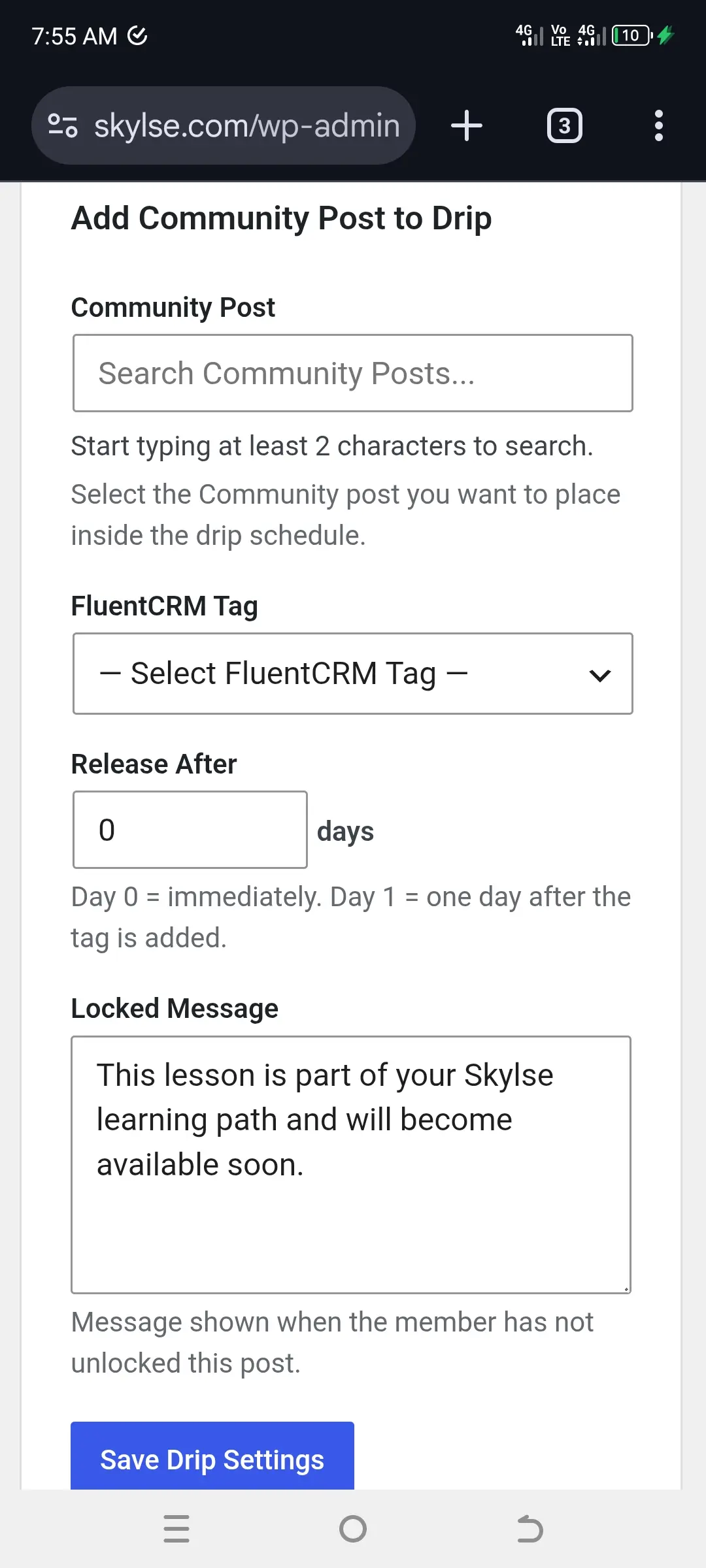
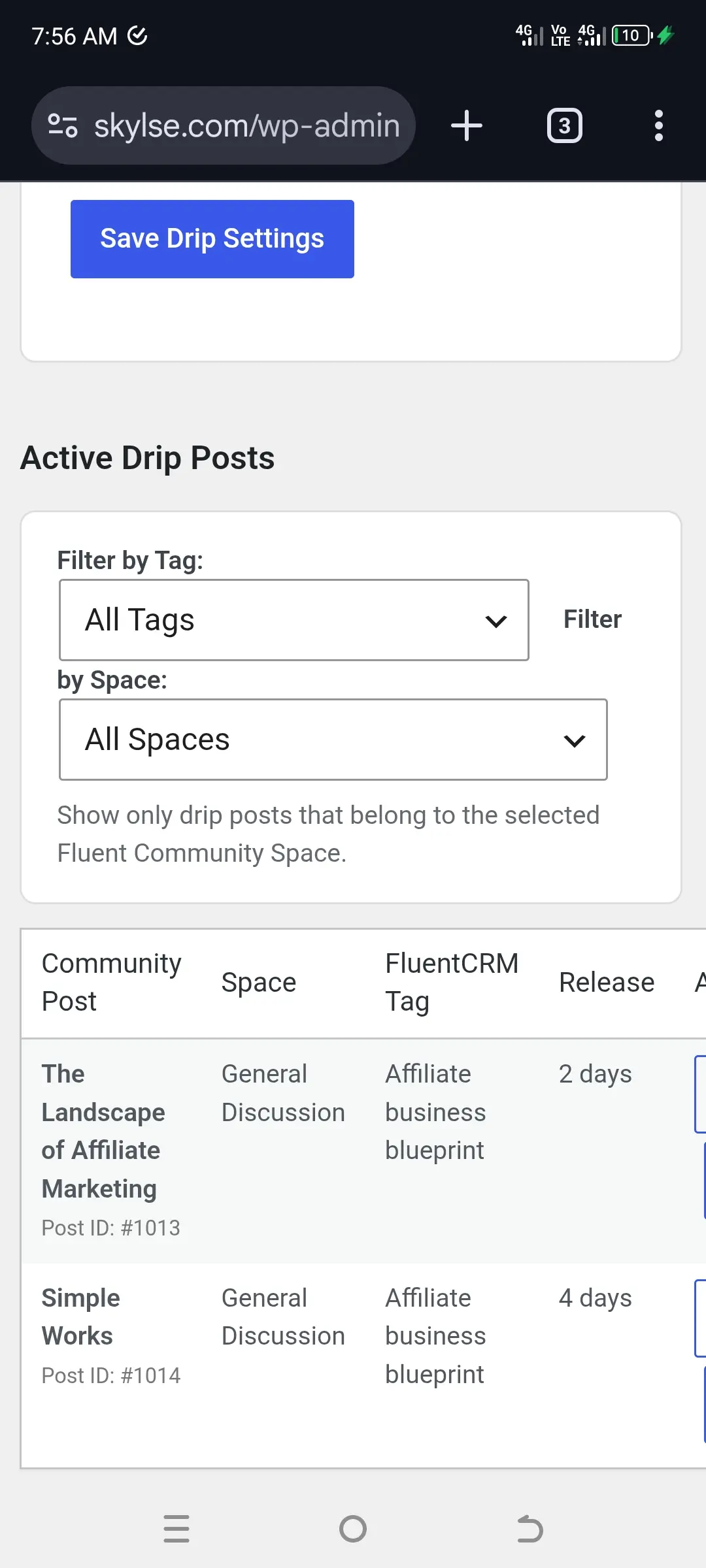
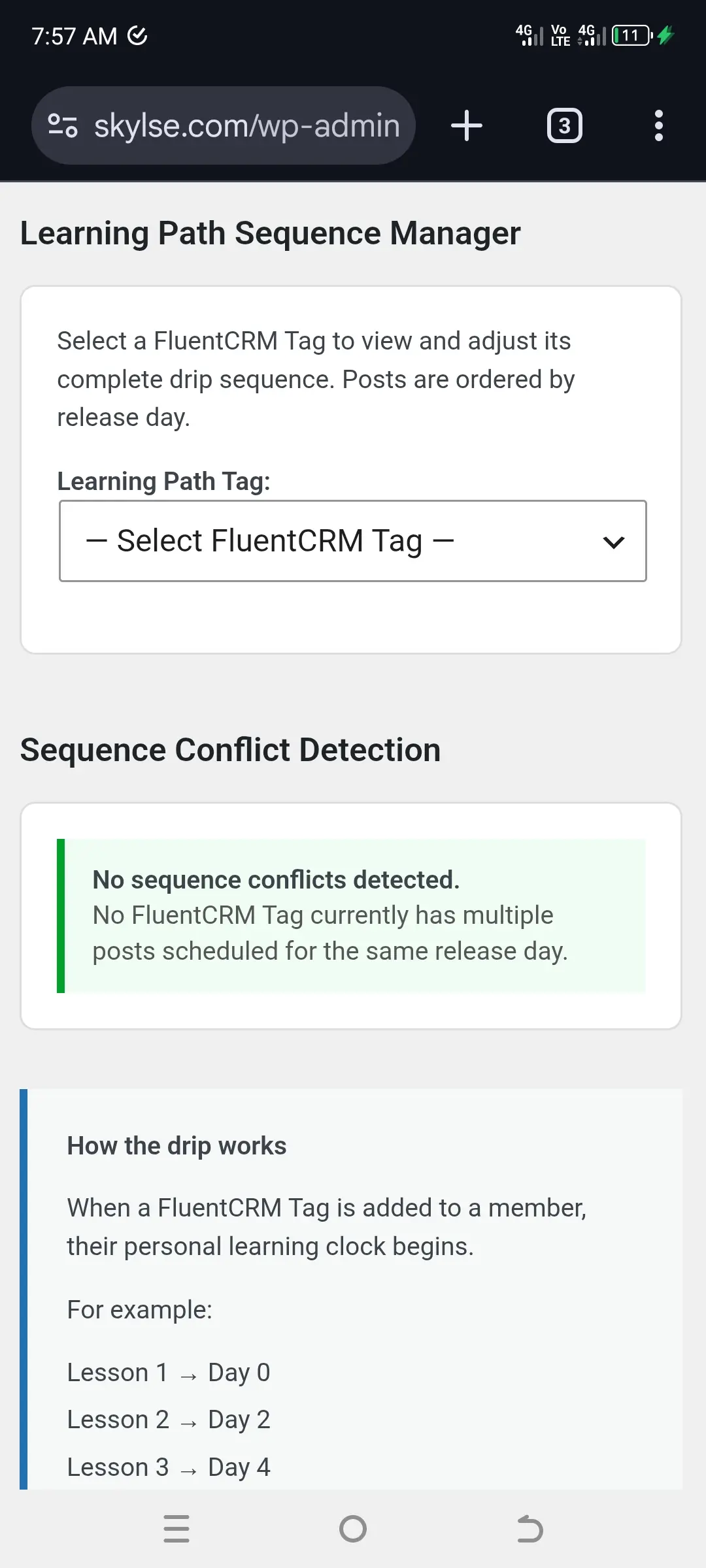

I have a free 14 course created in 2 sections.
Week 1 and week 2.
7 lessons in each week.
What’s the correct way that when a user enrolls in the course only one lesson is unlocked per day?
I want user to only access one lesson per day for the 14 days.
Thanks for any help.

Hi there! I want to set up turnstile to protect the signup form, but cannot find a way. I have FluentComm, FluentAuth, using the standard community signup forms with 2 factor.
Do I miss something?
Thanks in advance! .)

I know this may sound silly, but it's really something that i think should be done asap. Best naming practice would be to have the plugin folder to match the plugin name. Not this one!

I need a box like this one where we can post updates into as a shortcode. I would like to set up a create post box on a page that prompts users to post something to the feed, I also need to preselect what space they will post into.
I want to use this feature on a course lesson page.
Any help as to how to do this or set it up would be appreciated.