


Is it possible to have a space where everyone can view the space and its posts, but users must request to join and be approved by an admin before they can post or interact, maybe ‘like’ but not comment?
Ideally, the flow would be:
- Non-members can view the space and its content.
- A Request to Join is shown.
- An admin/moderator approves or declines the request.
- Once approved, the user can post and interact normally.
At the moment, it seems that Public spaces allow users to join freely, while Private spaces provide controlled membership but restrict the content from non-members.
Is there currently a way to combine public visibility with approval-based membership, or could this be considered as a feature?

I’ve been investigating repeated console errors during normal FluentCommunity SPA navigation:
Uncaught (in promise) provider destroyedThe errors originate from:
fluent-player.js?version=2.7.7I traced the behavior in the installed Fluent Player runtime.
The Vimeo and YouTube provider destroy() paths explicitly reject unresolved provider command promises with:
provider destroyedDuring normal Vue route navigation:
- the Fluent Player custom element is removed;
disconnectedCallback()runs;- the player/provider is destroyed;
- any pending provider RPC promises are rejected;
- those rejections appear as uncaught promise errors in the browser console.
A single route change can produce multiple errors because several provider commands may still be pending at teardown.
I have not found evidence that the player runtime is duplicated or that my custom integration is double-initializing the same player. The errors also occur across several different SPA route transitions.
Playback appears to continue working normally, so this looks like an unhandled cancellation/teardown rejection rather than a functional playback failure.
Could you please confirm whether this is a known issue in Fluent Player 2.7.7?
It seems the provider teardown path may need to treat outstanding RPC cancellation as an expected handled condition rather than allowing the rejected promises to surface as unhandled errors.
I can provide stack traces or reproduction steps if helpful.
Hi FluentCommunity Support,
I’ve found a mobile-specific issue with the FluentCommunity user profile dropdown on my live site.
The profile avatar opens the dropdown correctly, but none of the links inside the dropdown respond to a normal tap on mobile.
This affects all items inside the dropdown, including My Groups, Bookmarks and Logout.
A few things I’ve confirmed:
- The dropdown opens normally on mobile.
- Every link inside the dropdown fails when tapped.
- If I tap and hold a link, the browser shows the correct link preview/destination.
- The same dropdown and links work normally on desktop.
- The issue occurs in normal mobile Safari, so it is not specific to my mobile app/WebView.
- I also tested after disabling my custom Ministry Guides Hub / FluentCommunity integration and custom skin, and the issue still remained.
This makes it appear that the link URLs themselves are valid, but normal mobile tap events may be getting intercepted or prevented somewhere in the FluentCommunity dropdown behaviour.
Could you please check whether this is a known mobile issue with the profile dropdown
i even tested it from your fluentcommunity profile dropdown here and it still not working.

I would like to request a native Share Button for the FluentCommunity Feed Footer. This would make it much easier for users to share community posts, especially on mobile devices. Ideally, it should use the Web Share API on supported devices and provide a link-copy fallback for browsers that do not support native sharing.
I also tried implementing the Share button myself. It works initially, but because FluentCommunity is built as an SPA, the feed is dynamically re-rendered when switching tabs, scrolling, or loading new posts. As a result, a custom DOM-based implementation can conflict with the feed rendering lifecycle, causing the feed to keep loading or the Share button to disappear. This is why I believe a native Share button integrated directly into FluentCommunity’s FeedFooter component would be a much more reliable solution.


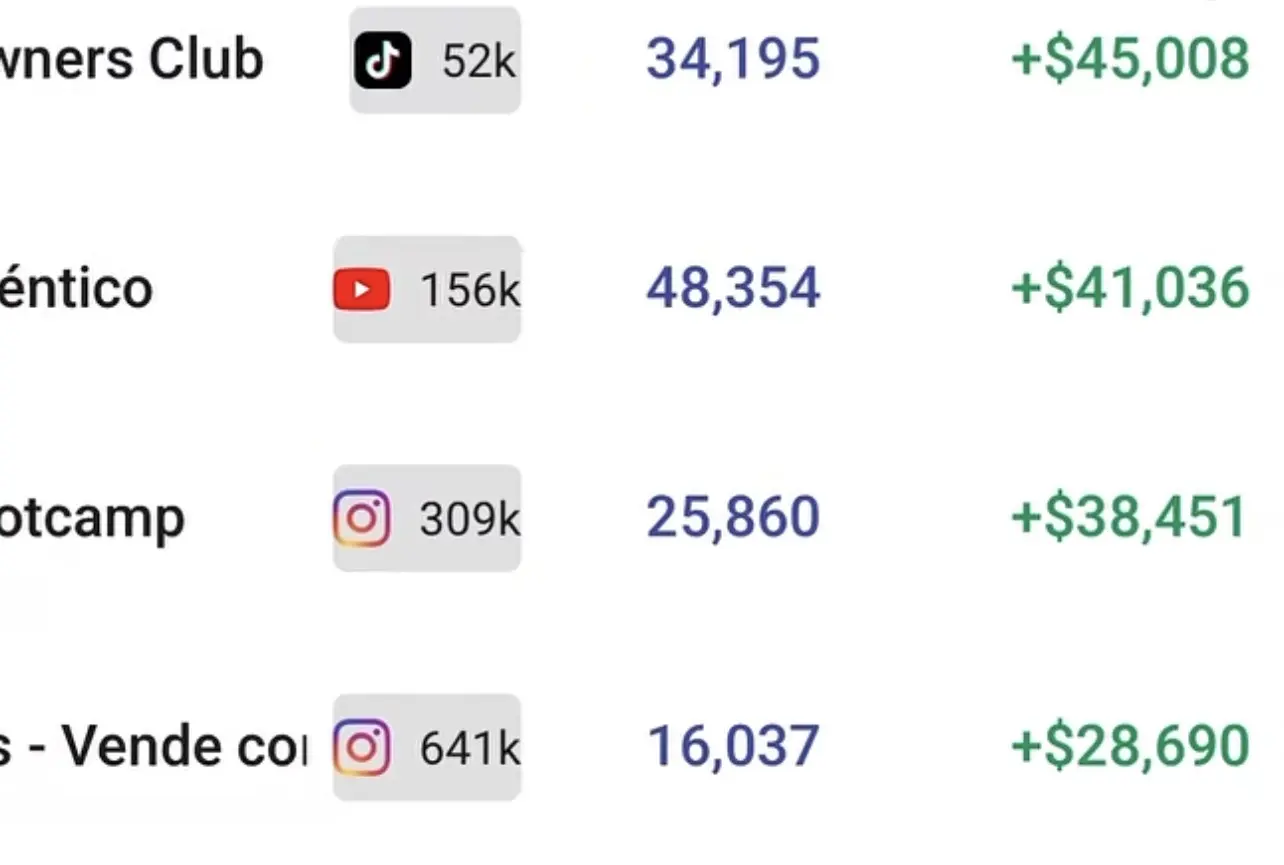
We are able to enter our social media accounts and or allow our members to do so.
But, having the option to get an overview of their audience volume will be cool.
Specially, for partnerships, affiliates, etc.
I’ve seen this feature in Skool, with filters and looked good!

I'm looking for the simplest way to live stream in my community.

Please excuse the newbie question but if I have a discussion space is it possible to integrate an ai API key to answer questions based upon a KB or dB of some kind ?
Just a thought?

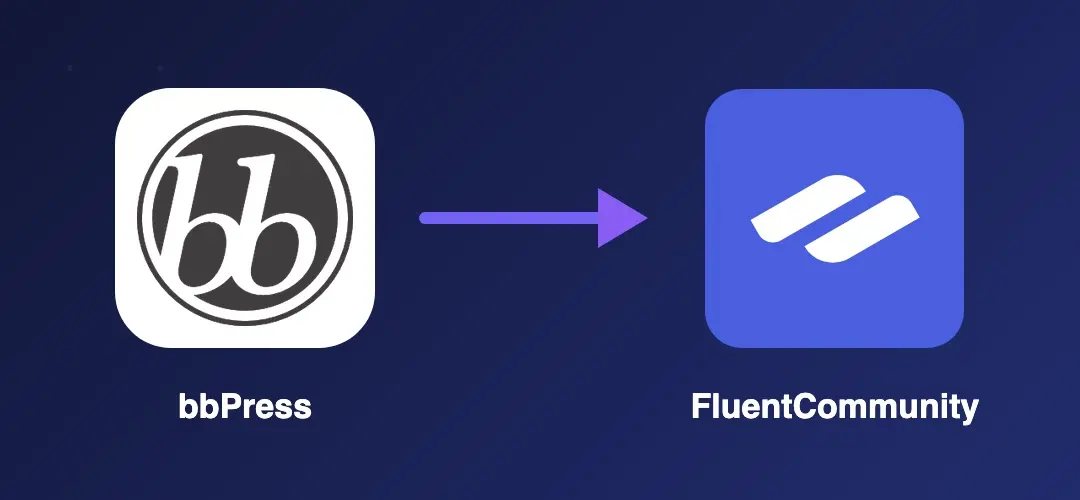
Introducing bbp-migrate, a free migration tool that moves your bbPress forums, topics, replies and members into FluentCommunity. No coding required, no data loss, no drama!
I've been working with Nicolas D who wanted to migrate a bbPress site to FluentCommunity. The bbPress site had approx 10K users, 100 forums, 5K topics and 20K replies!
After some trial and errors, bbp-migrate version 1.0.3 is now available for free for anyone who would like to move a bbPress site to FluentCommunity (just make sure you backup first or even better, test on a staging site first!)
What gets migrated
- Forums → FluentCommunity Spaces (with correct privacy settings)
- Topic tags → FC Space Topics (top 20 most-used per forum — FC Pro required)
- Topics → FC Posts — including sticky and closed topics
- Replies → FC Comments — including two-level nesting
- Anonymous content → optionally assigned to a fallback user
- Forum subscriptions and favourites → Space membership
- Topic favourites → Post likes
- bbPress roles → FC Space roles (admin, moderator, member)
- Original permalink slugs → preserved on migrated posts, so URL redirects map one-to-one
Not migrated: topic subscriptions (FluentCommunity's notification system works differently — users can follow content in FC after migration), forum/topic icons, spam and trash content, sub-forum hierarchy (FC does not support nested Spaces), and multi-site setups.
Requirements
- WordPress 6.0 or higher
- PHP 8.2 or higher
- bbPress 2.x (active)
- FluentCommunity free (active)
- FluentCommunity Pro (optional — required for topic tag migration only)
Full instructions and download can be found here — https://tribetools.pro/bbpress-to-fluentcommunity/
Any questions or feature requests, please let me know.

Coming soon? 😇

GoDaddy hosted Wordpress using Fluent forms. Using Fluent SMTP as well. Email notifications are not going through. I know GoDaddy blocks the main outbound SMTP server ports. This is driving me crazy. My email domain is NOT the same as my website domain name and there is no mail hosted on my GoDaddy domain. I have been in DNS hell for over a week now and am waving the WHITE FLAG. 😒