


Document repository, where a discussion admin can post a library of documents that are relevant to that group/discussion, maybe accessible on the side panel always visible.

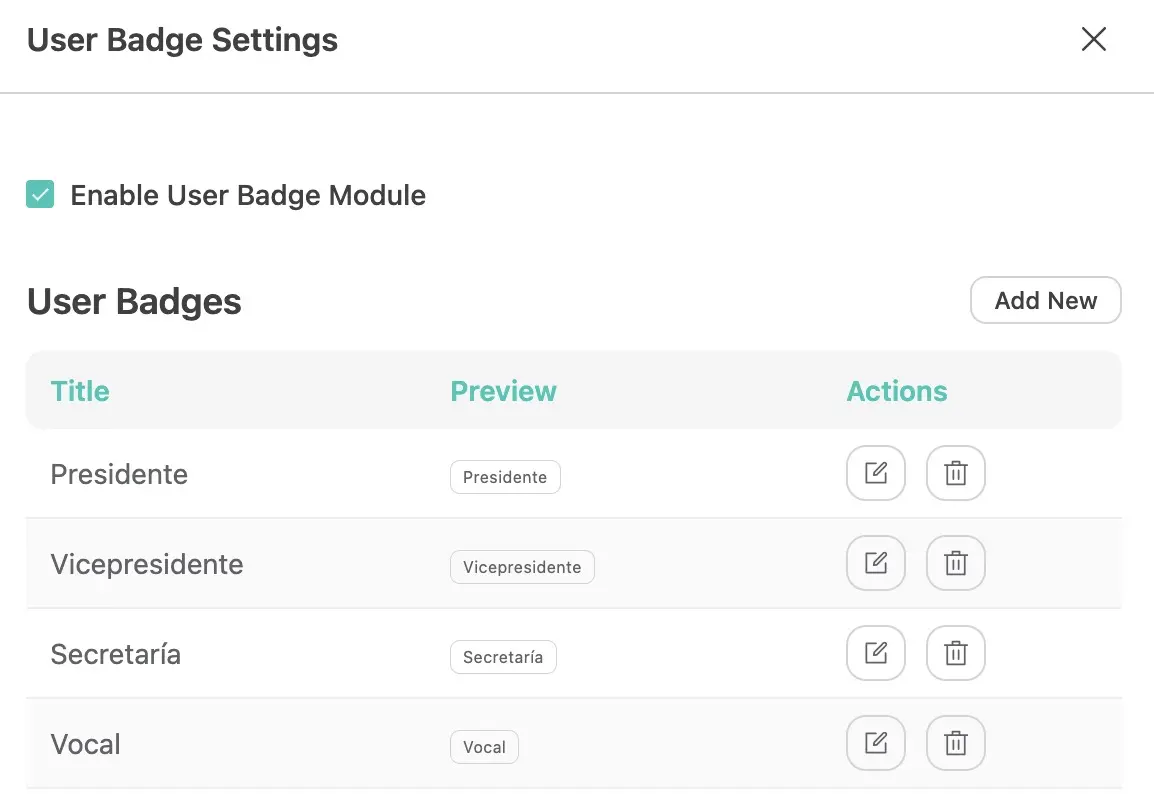
Could you add an option to order User Badges? Shouldn't be difficult and it's useful.
Thanks!
Right now we can set a logo for light and dark mode but what about of using the Site Title? Shouldn't be difficult to add this option. Could you make it happen?

I’m currently testing S3 storage for FluentCommunity and would like to understand how others are handling the practical limitations of the current setup.
At the moment, FluentCommunity stores and serves media directly from the S3-compatible storage URL. This works technically, but it raises a few questions for production use:
- public S3 URLs can be accessed directly outside the website;
- repeated or abusive downloads may generate additional storage traffic;
- CORS does not really solve direct access or hotlinking;
- there doesn’t seem to be a built-in way to serve FluentCommunity media through a CDN or a custom domain such as
media.example.com; - using a private bucket with signed URLs also doesn’t appear to be supported as a standard FluentCommunity workflow.
For those already running FluentCommunity with S3 in production:
- Do you simply use the public S3 URLs directly?
- How do you deal with hotlinking or potentially abusive traffic?
- Have you found a reliable way to place a CDN or custom domain in front of the S3 bucket without modifying FluentCommunity core files?
- Are there any recommended architectures for larger communities where media traffic may become significant?
And a question for the FluentCommunity team:
Is native support for a custom media domain / CDN in front of S3 planned for FluentCommunity?
Ideally, it would be useful to keep S3 as the origin while allowing FluentCommunity to generate media URLs such as:
https://media.example.com/...
instead of exposing the storage provider’s S3 URL directly.
It would be interesting to hear both how the community handles this today and whether this is on the product roadmap.

As communities scale, global storage configurations lead to massive hosting bills from heavy user uploads. I want to suggest a decentralized approach with granular storage tracking per user, space, and course to cut costs and monitor resource usage. Let's discuss these concepts:
- The "WhatsApp" Model for Communities
On WhatsApp, media consumes the individual user's storage, not WhatsApp’s central servers. While web users can't use their physical local drives directly inside a browser, what if we mirrored this philosophy?
- Granular Tracking: Provide an administrative view to see exactly how much storage space each individual user, space, or course is consuming.
- Bring Your Own (BYO) Remote Storage: Give individual users, courses, and spaces the option to connect their own private remote storage accounts (such as Google Drive, Wasabi, Dropbox, or a personal S3 bucket). If they connect their own account, their media routes there—allowing them to use the platform for free without draining the website owner's server resources.
- Resource Usage Billing via FluentCart
If a user, instructor, or space owner chooses not to connect their own remote storage and instead relies on the website owner's local server drive, the admin should be able to monetize that.
- We could utilize FluentCart to handle usage-based billing. Admins could sell storage tiers (e.g., "$5/month for 10GB of web owner storage") or implement automated overage fees. If users want to avoid these fees, they simply switch to their own remote storage connection.
- Handling User Privacy & Preventing Broken Layouts
Because users own their data, they have the right to disconnect or wipe their remote storage for privacy reasons. The platform must be resilient enough to handle these deletions automatically without breaking the user interface:
- Automatic Media Placeholders: If a user deletes their external files, the frontend video player or image box is automatically replaced with a clean system banner: "This content is no longer available because the user has removed their storage."
- User Absence States: If a user leaves the community entirely, their remaining posts or spaces smoothly transition to an archived view showing: "This content belonged to a user who is no longer with the community."
- Dynamic Layout Collapsing: If an image attachment is deleted, the system should automatically recalculate the feed layout, removing empty padding/margins and converting the post into a clean, text-only layout so the feed remains flawless.
These adjustments would make FluentCommunity incredibly scalable for massive networks. It protects website owners from huge hosting bills, gives users flexible choices, respects data privacy, and keeps the site visually pristine.
What do fellow community owners think about this model? And to the Fluent team—how feasible would an architecture like this be for future updates?

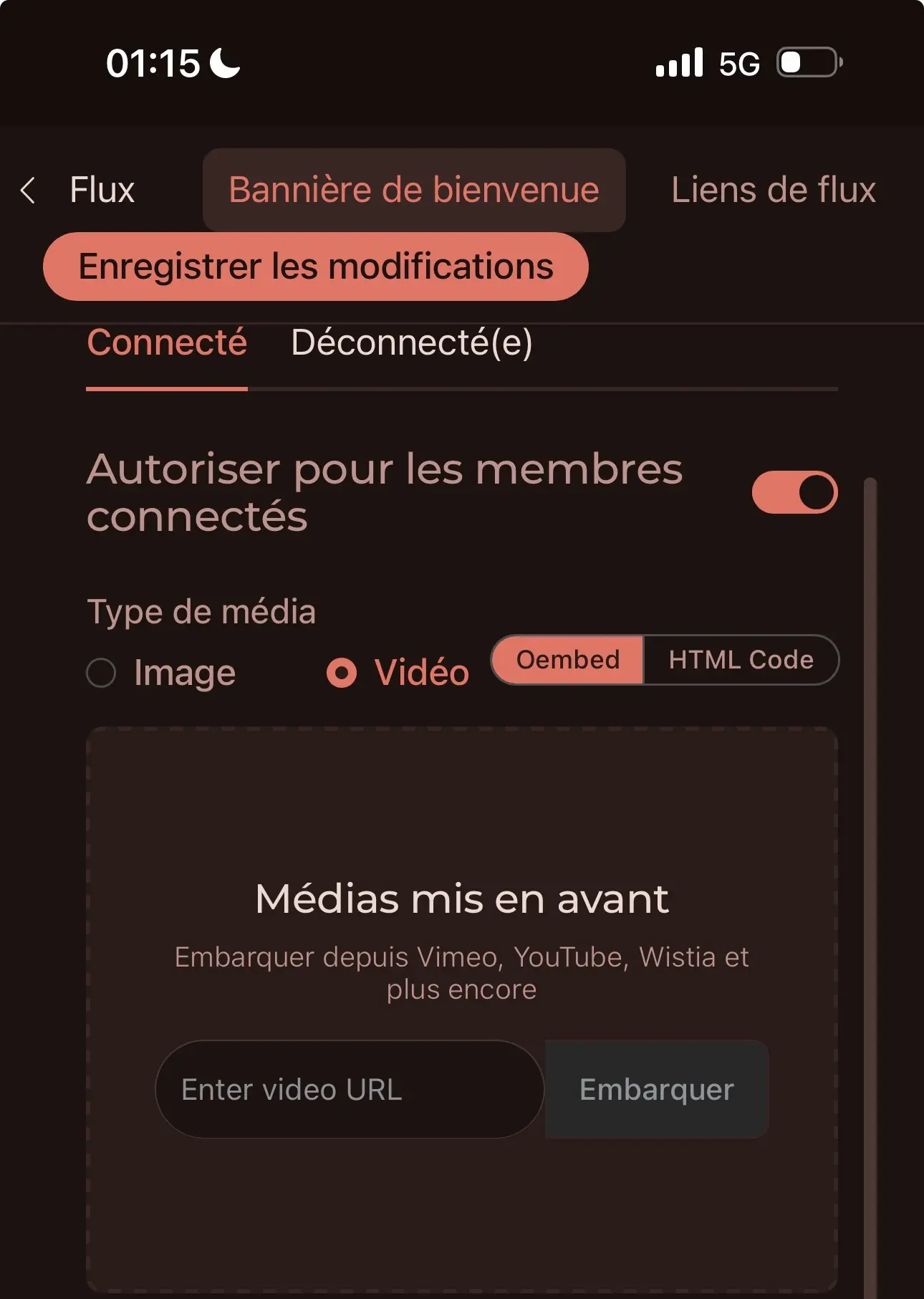
Dear team. Can we have the option to upload a video from our computer? I don’t understand why it’s possible for images and not for videos (which have to be already hosted).
I would also like to have the option to have 2 different banners: one for light mode and one for dark mode.
Feasible?

The emoji selector for adding an emoji before the space name is no longer working for my community, Any one else having that issue? It worked just fine for me yesterdat.

99% of my clients are in the US. I can't find a way to set the country code in the phone number field to default to the US +1. Is this possible so I don't have to search every time?

FluentSnippets just crossed 50,000 active installs on WordPress.org 🎉
Most of you don't know how this plugin actually started, so let me share it today.
A few years back, I was looking at the snippet plugins in the repository, and all of them were saving your PHP code in the database and running it on every request. I didn't like that at all. Code should live in files, not in the database. So I built my own version, where every snippet is a real PHP file on the server.
I submitted it to WordPress.org, and it got rejected. They had simply stopped accepting new plugins in the code execution category. So I had a finished plugin and no way to give it to anyone.
Then I thought, ok, new plugins can't get in, but old plugins can change hands. I searched the repository and found Easy Code Manager. Around 1,000 installs and no update for almost 3 years. I emailed the developer; he was happy that someone wanted it, we agreed on a price, and I bought the plugin.
After that, I replaced everything inside with the plugin I had already built. My very first release moved all of their snippets to the file-based system automatically on update, because those 1,000 sites are important for me as well.
And this is also the reason the WordPress.org URL still says easy-code-manager. A lot of people ask me about this 🙂
That was 3 years ago. Now it is 50,000+ sites. Still 100% free, no pro version, no upsell, and I still build it on weekends.
Today 10.56 is out. It's a full redesign with dark mode on every screen, plus a lot of work under the hood for fatal error handling, speed, and permissions.
Just update from Plugins → Updates. Full details and screenshots here: https://fluentsnippets.com/articles/fluentsnippets-10-56
Thank you to all 50,000 of you 🙏

Hi everyone,
I am currently using FluentCommunity, FluentAuth, and FluentSMTP.
In FluentSMTP, I have already configured two different Email Providers. I am trying to achieve the following setup for better security and delivery management:
- Provider 1: Handles user registration, verification links, and security codes (FluentAuth/WordPress core system emails).
- Provider 2: Handles daily notifications, digests, and newsletter emails.
However, I cannot find any settings to split these routing paths:
- Inside FluentCommunity, there is only an option to select a single "From" email/sender.
- Inside FluentAuth, there is no setting at all to configure a specific sender or email routing.
Right now, everything goes through the same default provider. Does anyone have a good workaround, a code snippet, or advice on how to route such emails to different providers?
Thanks in advance for your help!