


How to hide specific spaces from the spaces page?
I know you can set spaces to Secret, but I want non-logged in users to see the Lock Screen instead of the "Space Not Found" message.

Assuming Profile Posting is enabled, users should be able to post directly to their profile without first having to select “Posting in: Select Space”.
At the moment, it feels unnecessarily long-winded and slightly confusing.
Could the “Select Space” option be hidden by default? If a user has joined one or more spaces, they could then have a dropdown allowing them to choose a space. Otherwise, the post would simply be published to their profile.

I forwarded an email to a colleague to answer a question in our community and when they clicked the link, it logged them into my account automatically. I assume that's not supposed to happen?
Edit: I'm using the Magic Login Pro plugin which I guess created a magic link to auto login. So I don't think it's directly a FC issue (correct me if I'm wrong).

Sorry another quick question... can I add the plugin to my existing wordpress website and keep the existing pages that are set up, design etc? Or would it wipe existing styles (Astra/Elementor)
So I'm trying to set up messaging/chat for my forum but where do I get the App ID etc? Is that something else I need to buy or should have myself?
And is there a way we can further customise the look of the forum particularly in its white manifestation? Slightly changing the background page colour to off white or something, adding a community banner across the top of the forum

Is there a straightforward way of surfacing a list of clickable topics for the user please?

Hi everyone - I tend not to advertise my premium products here but am making one exception to let you know I'll be winding down my lifetime deal if anyone was still interested. I launched it at the end of last year when things were very early in development and have since released Events Pro, Progressive Web App, Push Notifications, Directory, Blog, Bookmarks, Custom Menus, Widgets Pro, Course Blocks, Multi-Reactions, Real-time support, Custom Themes, and Global Search. As things have got more stable I'll be giving my website a refresh to reflect what's there and to price things up individually and as bundles, but until then this is all available in the LTD.
You can get here now with split payment options available, whilst stocks last.
I appreciate many of you are purists and are waiting for some of this to come in the core FC product and that's fine, this stuff likely isn't for you. In the event any of this is released in core I will ensure easy migration/compatibility.
Add-ons currently available:
Events
Complete event management and registration add-on. Adds events directly into your community. Allows for user submitted and controlled events, recurring events, custom registration forms, space restricted events, and more.
Progressive Web App + Push Notifications
Turn your community into an installable app on android and iOS. Works in conjunction with Push Notifications to provide a seamless experience for your members.
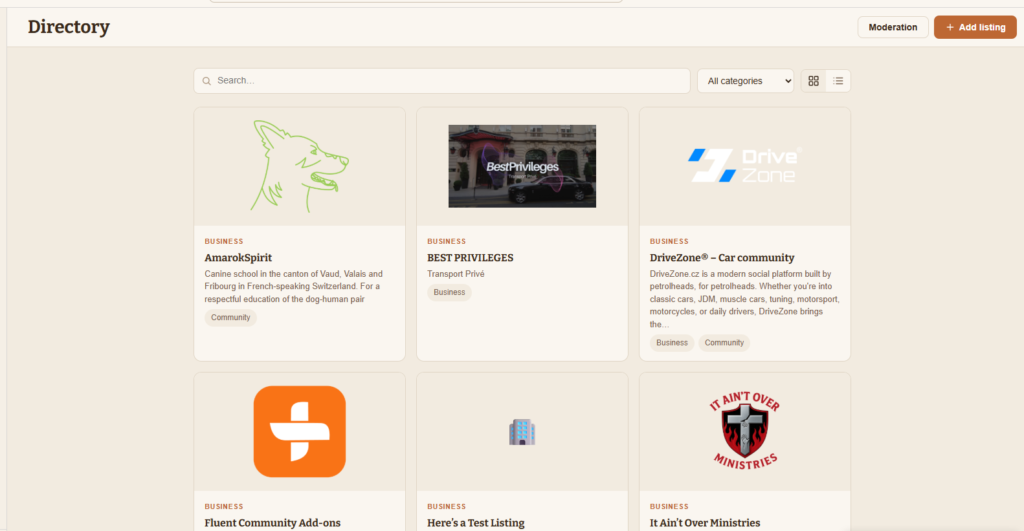
Directory
Add a filterable directory inside your community. Users can submit and manage their own listings. Customise the directory name, slugs, categories etc.
Blog + Community Comments
Bring your wordpress blog posts into your community. Choose from several display options. Use in conjunction with Community Comments to link your blog post to a space post and share the comment thread between all three.
Multi-reactions
Replace the default heart-like button with a facebook style multi-reaction selector. Choose which reactions to include. Adds a new reaction modal with a breakdown for each chosen reaction.
Custom Display Names
Customise how your members are shown in your community. Choose username, first name, or any custom pattern.
Global Search
Replace the default search with one that searches across all posts, comments, courses, lessons, members, events, blog posts, and wordpress pages.
Real-time
Add real-time notifications and content to your comment. Configure pop up toaster notifications to show user presence and activity. Add a "members online" and "viewing space" widgets to your feed.
Bookmarks
Enhance the default bookmark page and allow for bookmarking blog posts, events and more.
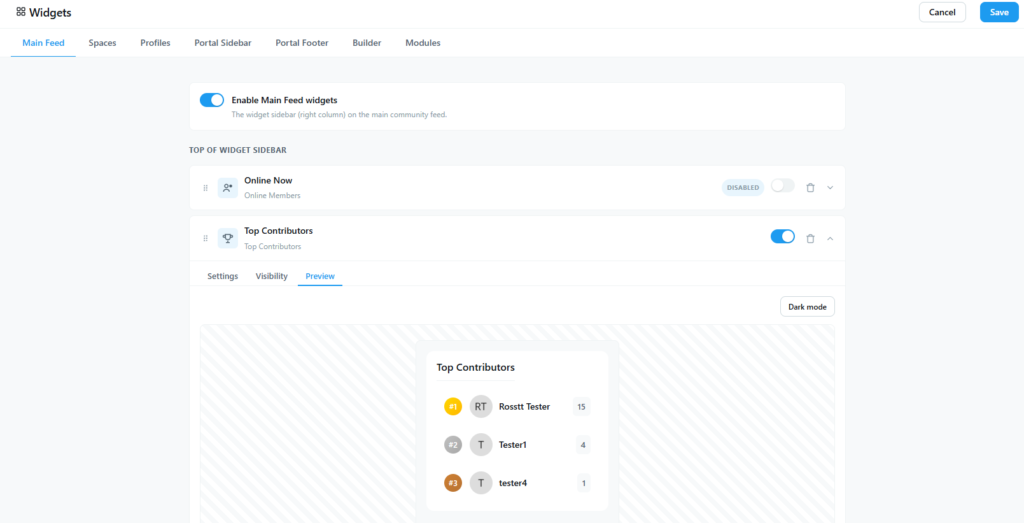
Widgets and Menus
Build custom menus and widget areas for your community. Display different widgets and menus based on your role/membership etc. Choose from presets or build your own.
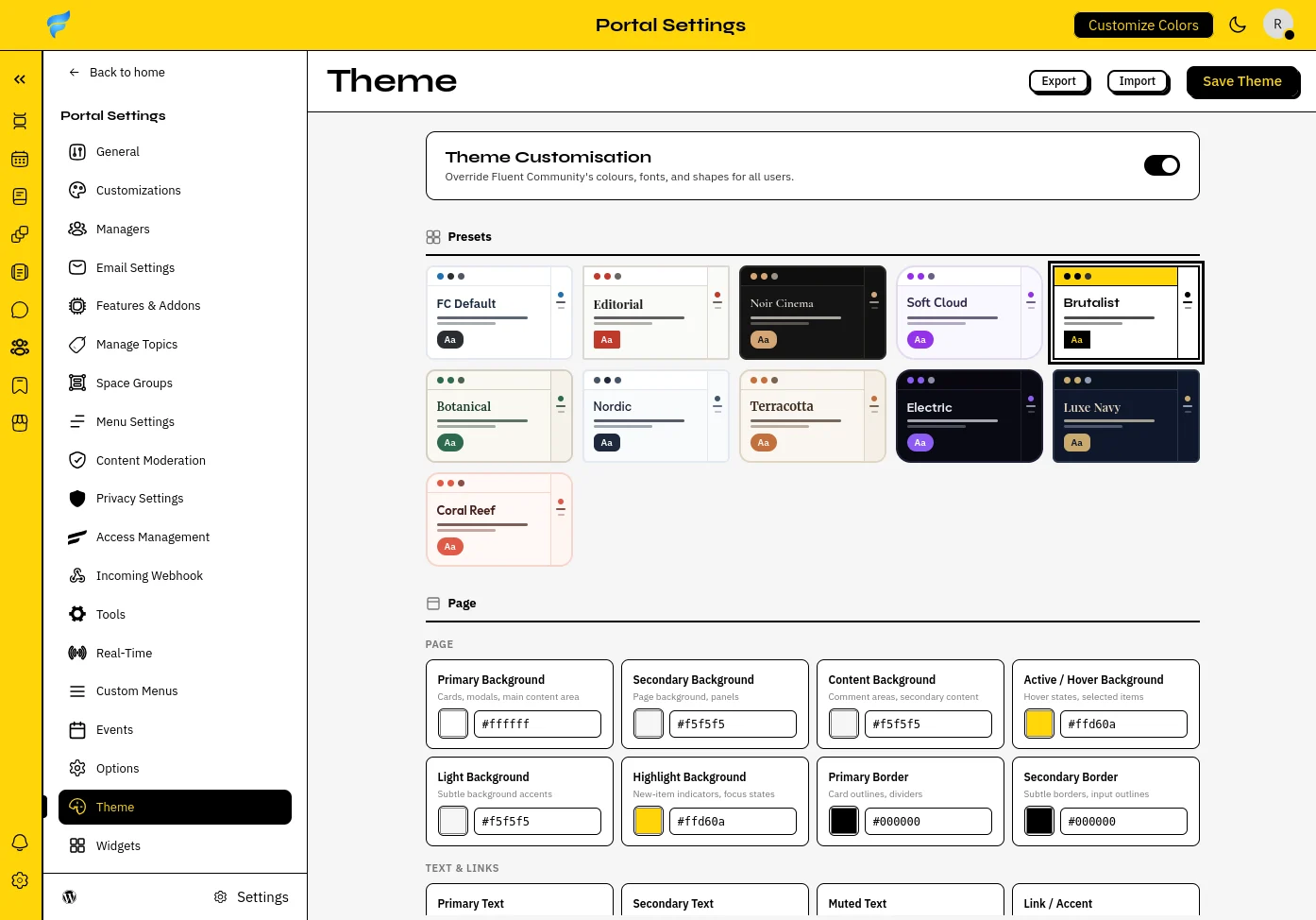
Themer
Customise the look and feel of your whole community. Create your own themes or choose from a number of presets. This targets much more than the default color customizer.

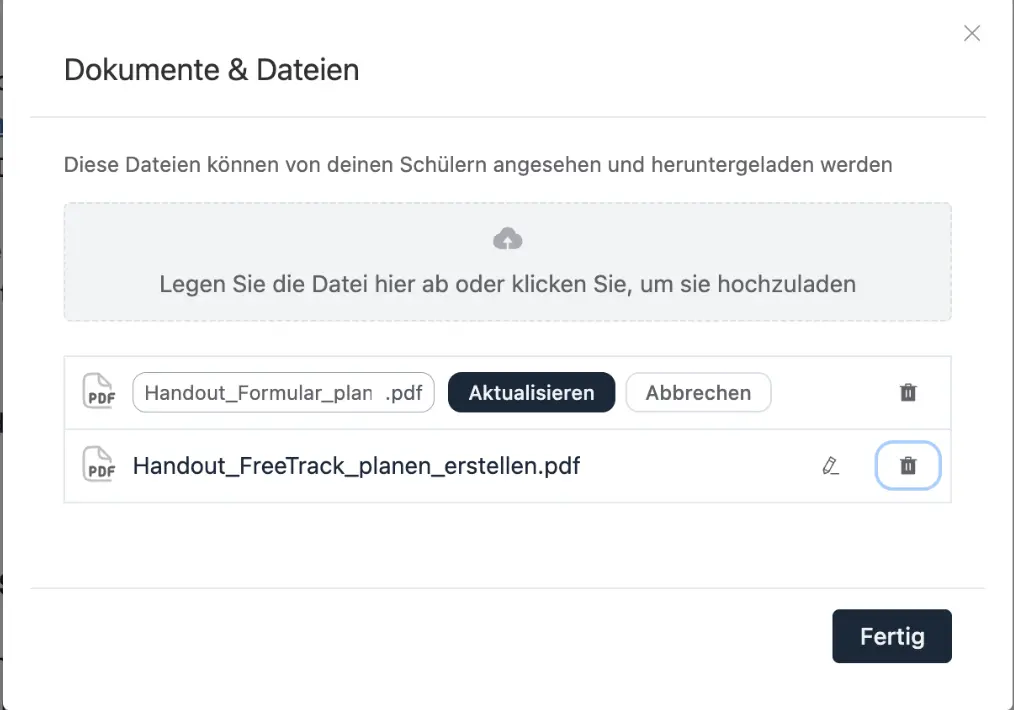
tried to delete PDFs (Bunny Storage) via trash icon in lessons, but they are still shown....
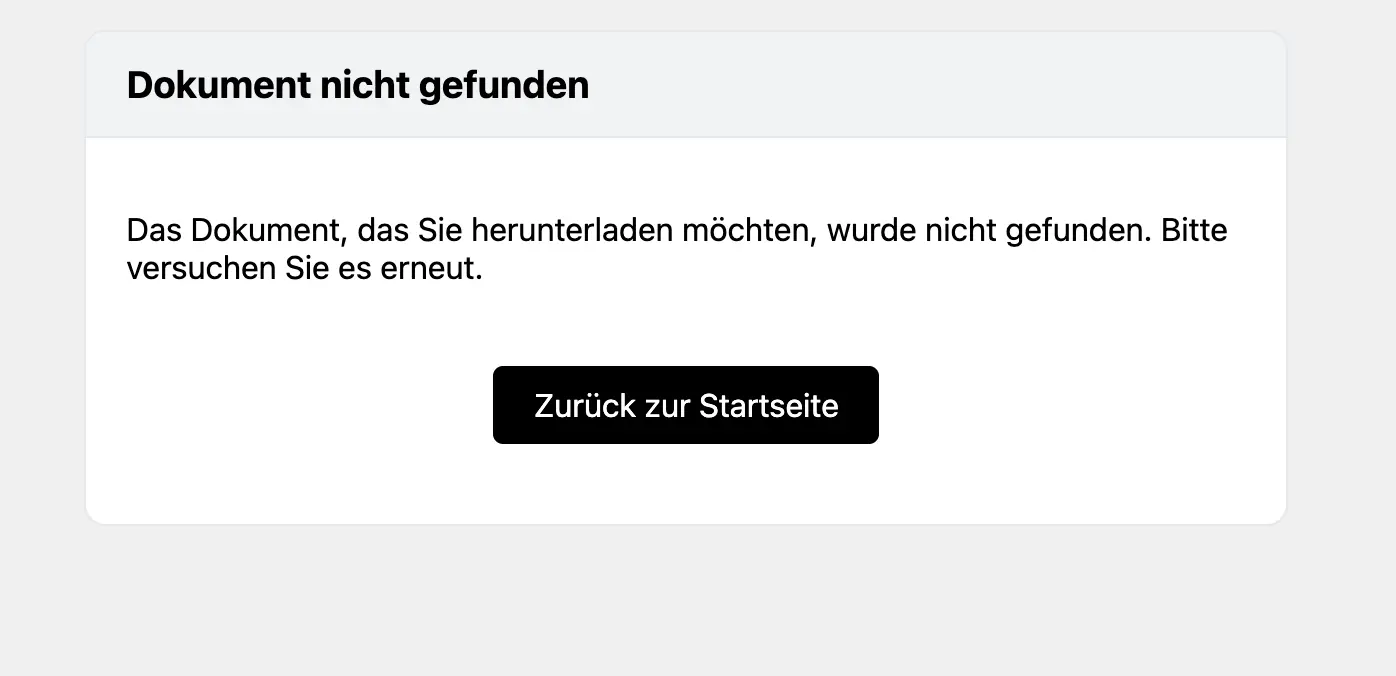
when you click on the link, it says "documents can't be found".....
the documents are still in bunny
how do i get rid of the link in the lesson?

Hello Folks,
Here from the start, trying to make a better community for my members and for me also, as a small business owner, i want to give you my honest review, regarding my attempt to make an app for my Fluent Community website.
I think the best solution for now is from Fluent Community addons, the PWA from Ross is great. Pretty solid, notifications and settings are sweet. Pretty much everything that a small community needs.
I was very anxious about the future, i saw LazyCoders, maybe its not the right fit for me and then i saw James Elrod and the things they are building.
I took the chance to use their trial and i will continue towards them.
The app is fast as Flash, load time under a sec, you can customize pretty anything and the managed package is so easy to customise.
That's all, i do not know why i am telling you this, but my feeling is that this managed app can help you.
Thanks

Hi everyone,
We've built a purchase flow where users buy on an external WordPress
site and get access to a FluentCommunity portal on a separate install.
We use the incoming webhook to create the user and enroll them in a course.
Everything works correctly, the user is created and enrolled.
The problem is onboarding: the new user has no idea what password to use
to log in. We need to send them login credentials after account creation.
How are other people handling this?
Options we've considered:
- Pass user_password in the webhook and send it via welcome email, but
it seems the password field may not be applied as expected - Send a password reset link after account creation, but this feels like
poor UX for a paid product - Use FluentAuth Magic Login Link, seems like the cleanest solution but
we'd like to understand if there's a simpler native approach first
What's the recommended flow for sending a new user their first login
access after being created via incoming webhook?
Thank you