


Pulling the trigger this week on moving from BuddyBoss to FluentCommunity. Before we do how does it work with SureMembers & SureCart?
This is a single-item private community, so I don't really need a cart feature. I'd be open to moving to Paymattic, but i don't see where Paymattic can add people to groups within FC. It looks like I need FluentCart to do that, which is $250/yr where SureMembers is free. Please correct me if I'm wrong and Paymattic does member group integration.

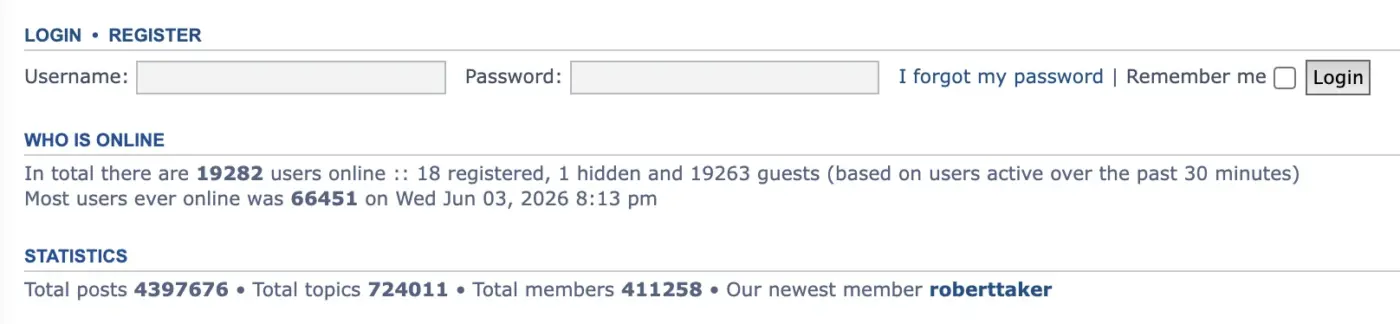
In the past I used forum systems like phpBB, SimpleMachines and vBulletin. One of the cool things those forum platforms have are some cool statistics and info.
Would be nice to have a widget or something where I can see Who is Online. Another widget could be Today's Birthday, including a list of users who are celebrating their birthday today.
There could be other small widgets with different info. Actually, you already included a few ones. I'm just suggesting a couple that could be nice to be included in future releases.
Thanks!

Product: FluentCommunity 2.9.1 (Pro 2.9.1), WordPress 7.1, PHP 8.3
What happens
A mention at the end of a sentence is not resolved:
Thanks @ pcl,renders as a link to the profile. Correct.Thanks @ pcl.renders as plain text. No link, no notification.
Every other punctuation mark works. Only the period fails.
It is not limited to the one mention: getMentions() returns null for the
whole post as soon as no candidate resolves, so a second, correctly written
mention in the same post is dropped as well.
Why
app/Services/FeedsHelper.php:
public static function getMentions($text, $spaceId = null, $withUsers = false)
{
    // the mention may have . or _ or - in the username
    preg_match_all('/@([a-zA-Z0-9_.-]+)/', $text, $matches);
The period is part of the character class, so @pcl. yields the candidate
pcl., and XProfile::whereIn('username', ['pcl.']) finds nobody.
The comment above the pattern does not hold. Every path that assigns a user
name goes through CustomSanitizer::sanitizeUserName():
$username = sanitize_user($username);
$username = preg_replace('/[^a-zA-Z0-9_]/', '', $username);
Neither a period nor a hyphen survives that. Callers are
ProfileHelper (2x), ProfileController (2x) and PortalHandler, which even
compares the stored name against the sanitised one. Measured on a live site
with 236 profiles: 0 contain a period, 0 contain a hyphen.
The affected mention paths are FeedsController::store,
FeedsController::update, FeedsHelper::createFeed, CommentsController::store
and CommentsController::update. Beyond the missing link, the post also loses
meta.mentioned_user_ids, and with it the bell notification
(NotificationEventHandler::maybeHandleMentionedUserIds), the mention e-mail
(EmailNotificationHandler) and the Pro FollowHandler.
Suggested fix
Drop the period and the hyphen from the character class, matching what
sanitizeUserName() allows:
preg_match_all('/@([a-zA-Z0-9_]+)/', $text, $matches);If older installations may carry imported names with a period, a fallback that
retries the candidate with trailing periods trimmed would cover both.
Related, same function
strtr() replaces substrings anywhere in the text, so a mention that resolves
also rewrites an e-mail address that happens to contain the same name:
$t = 'Thanks @ anna, write to hello@ anna.de please.';
strtr($t, ['@ anna' => '<a>Anna</a>']);
// Thanks <a>Anna</a>, write to hello<a>Anna</a>.de please.
A replacement anchored on a word boundary before the @ would avoid it.

I would appreciate it if Fluent Community and Fluent Messaging could convert characters into emojis.
Like: :-) to 🙂 etc..


just putting a new community together and planning spaces and had an idea.
What if we created a space and added a few topics to that space and when that space grows big enough would could branch out topics in that space out into their own space and move all the posts featured with that topic.
Eg space is SEO
Space topics: Google, Backlinks, social.
if there was a lot of social topics in that space if we could just turn that topic into its own space and move all those posts to that space with a few button clicks, this could be a great way to expand the community as it grows. Start with one space a few topics and expand as site grows.

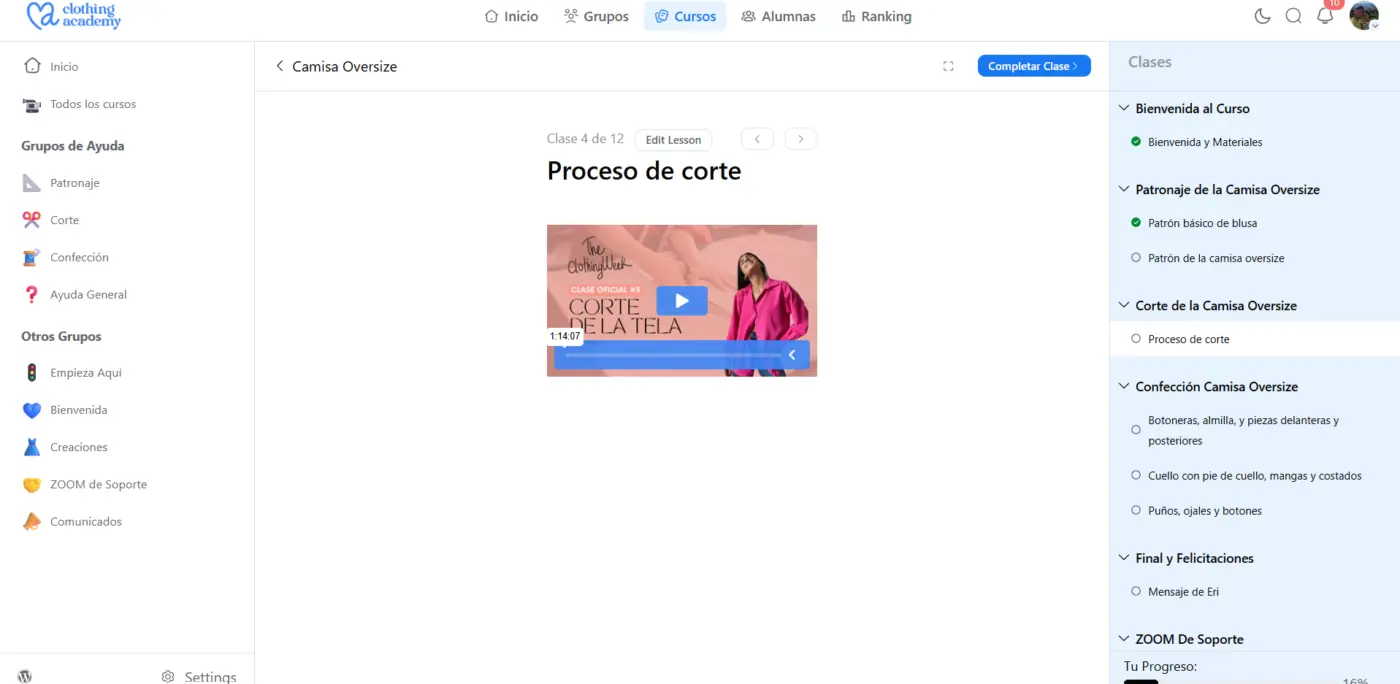
After Updating FC to 2.9.1 now my vimeo videos shrink in desktop and mobile. They tend to inherit the width size of the title.. Please I need it to be always 100% width of that container like it was in previous versions

On mobile, it’s not always easy to distinguish between sent and received messages at a glance.
Using different colors for each (similar to WhatsApp) could help a lot. In any case, making the distinction crystal clear would significantly improve the mobile UX.

Hi, is it me or is the interactive forms layer not available in the course lessons?

Hello,
I would like to suggest the development of a feature that would allow FluentCommunity profiles to be linked to one another through a relationship system.
The idea would be to allow members to establish relationships between their profiles and define the type of relationship.
1. Creating a relationship between two profiles
From their profile, a member could select another member and define their relationship:
- Father / Mother
- Son / Daughter
- Brother / Sister
- Grandparent / Grandchild
- Uncle / Aunt
- Nephew / Niece
- Cousin
- Spouse
- Partner
- Friend
- Colleague
- Business partner
- etc.
The system should also allow custom relationship types, so each community could define its own types of relationships.
2. Automatic reciprocal relationships
The system should understand that certain relationships are reciprocal.
For example:
Ahmed → Father → Mohamed
would automatically create:
Mohamed → Son → Ahmed
Likewise:
Ahmed → Brother → Karim
would automatically create:
Karim → Brother → Ahmed
This would prevent users from having to manually create both sides of the relationship.
3. Displaying relationships on the profile
A new section could be added to each profile:
My Relationships
For example:
Family
- Ahmed — Father
- Fatima — Mother
- Karim — Brother
- Sarah — Sister
Other Relationships
- John — Colleague
- Paul — Business Partner
Each person would be clickable and lead directly to their FluentCommunity profile.
4. Graphical visualization
Based on the relationships that have been created, FluentCommunity could automatically generate a graphical visualization of the relationships.
For a family, this could automatically generate a family tree.
However, the same system could also be used to represent:
- Families
- Teams
- Associations
- Organizations
- Professional networks
- Groups of friends
- Communities
5. People without a FluentCommunity account
It should also be possible to create a relationship with someone who does not yet have a FluentCommunity account.
For example:
Mohamed
→ Father: Ahmed — FluentCommunity member
→ Mother: Fatima — non-member
This person could be stored as an external person / non-member profile.
It could then be possible to invite them to join the community.
6. Invitations and automatic linking
An interesting feature would be:
“Invite this person to join my family / relationships”
The person would receive an invitation and, when they create their account, their new profile could automatically be linked to the existing relationship.
7. Permissions and privacy
The system should allow each member to control the visibility of their relationships.
For example:
- Private
- My relationships only
- My family
- Community members
- Public
It should also be possible for a member to accept or reject a relationship request made by another member.
8. Relationship requests
Rather than allowing anyone to directly create a relationship with another profile, the system could work through a relationship request.
For example:
Mohamed requests: “Are you my father?”
Ahmed accepts → the relationship is created.
This would help prevent false or unauthorized relationships.
9. A common technical foundation
Ideally, the goal would be to create a generic relationship system between users, integrated into the core of FluentCommunity.
Each relationship could contain:
Profile A → Relationship Type → Profile B
with:
- Relationship type
- Status (pending, accepted, rejected)
- Visibility
- Creation date
- Optionally, a start/end date
- Ability to edit or delete the relationship
Once this infrastructure exists, different features could then make use of these relationships, including a Family Tree Builder.
I believe this could become a very powerful feature for FluentCommunity because it would not be limited to genealogy. It could allow communities to build a true map of relationships between their members.
Would it be possible to evaluate the feasibility of such a system and consider integrating it into FluentCommunity, either as a core feature or as a dedicated addon?