


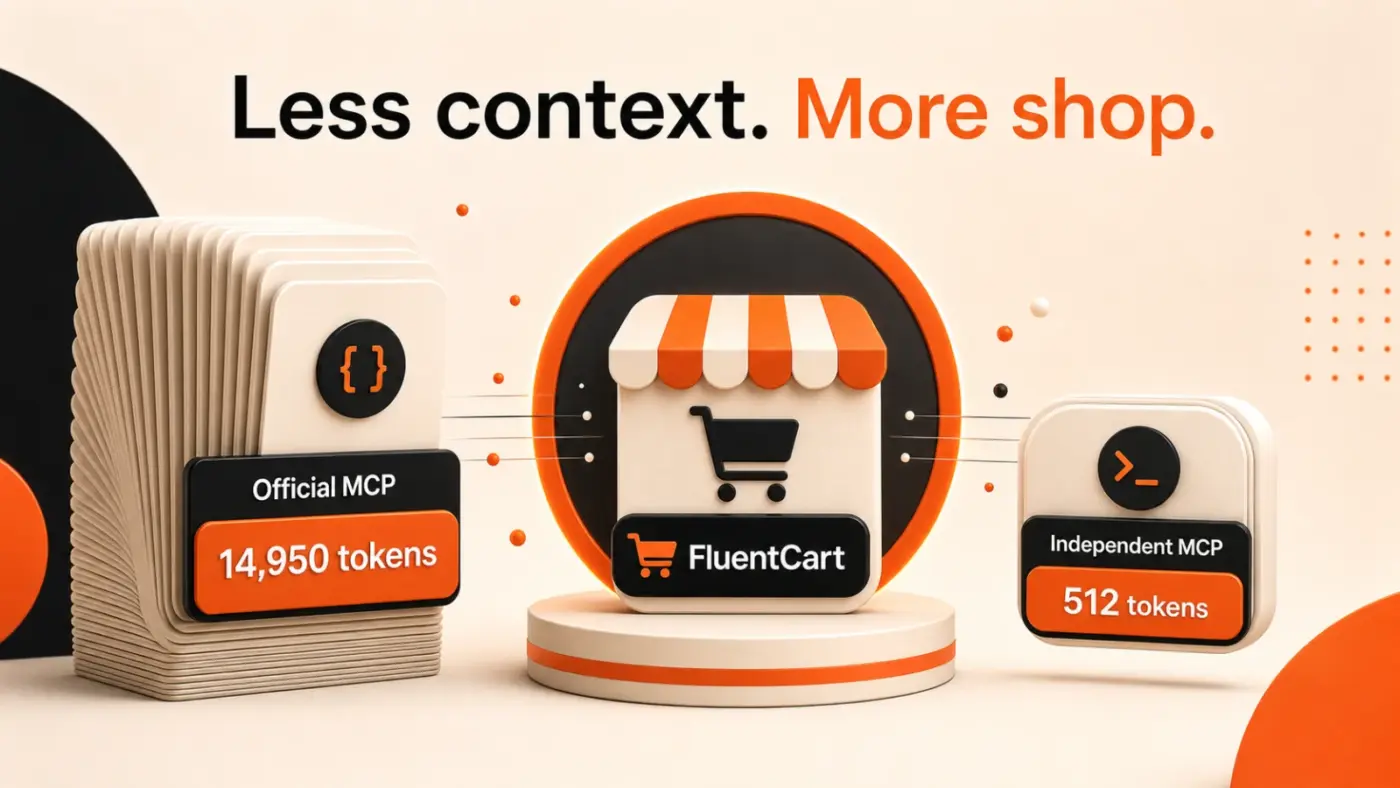
As many of you know, I built the first independent FluentCart MCP. Then the official MCP arrived. So naturally, I had to do something extra. 😏
FluentCart MCP 2.2.0 is now live, rebuilt on MCP SDK v2 with the newest protocol standards, compatibility for existing clients, and official conformance testing.
Same MCP you already know. New engine. Fewer ghosts. Considerably less works on my machine. Try the upgrade:
👉 https://fchub.co/docs/fluentcart-mcp
Tell me what you think - or just try to break it. I already did my best.
Wondering how my independent MCP differs from the official FluentCart MCP? I wrote a refreshingly brochure-free comparison:
👉 https://fchub.co/blog/fluentcart-mcp-vs-official-mcp

In FluentCart, can you create a coupon for a single user automatically for a limited time?
For example, if a user does whatever action, we can offer them a 20% discount coupon for the next 24 hours. If a user subscribes to a new email list, we can automatically email them a unique coupon code created just for them, which can only be used once and has a time limit of 24 hours.

I've noticed that when I insert any of the major elements into a Bricks page/template (think checkout, account, cart, etc.), the element is squashed into the left of the page.
Most of the time, I can simply set the element to 100% or a fixed value and all is good.
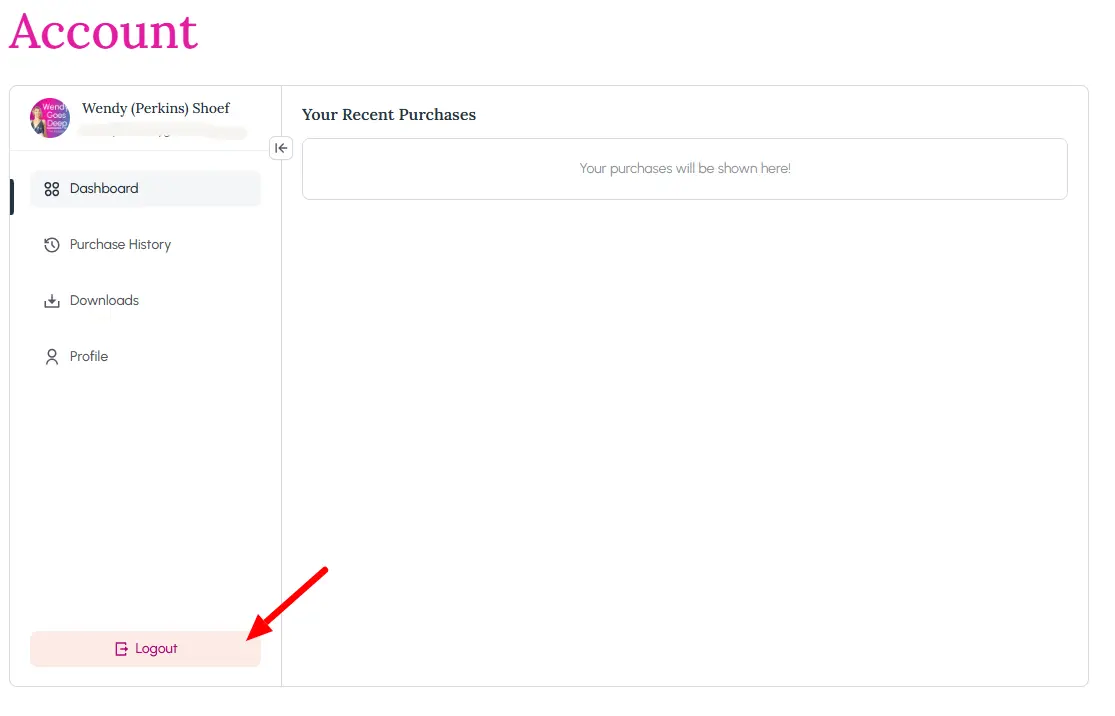
However, I'm finding that the Account page displays (see screenshot) and will not expand full width.
This was the same when I tested the beta, so I thought it was a simple bug that would get fixed for the final release. However, that doesn't seem to be the case.
Has anyone else come across this problem?


Does the Stripe API [or other payfac} include the ability to offer an ACH solution to the customer at checkout?

Hi there, sorry something has been frustrating me for a while now ever since we switched over to FluentCart. A user has be logged in to use a coupon. What is the reason for this? None of the other shopping carts do this.
I don't want to use a sale option. Why? This does not reflect the actual price in the cart or at least the discount received at checkout.

I am configuring an online course using this setup: FluentCart - FluentCRM - FluentCommunity.
I added the 'WP User Create / Update' integration in my FluentCart product, triggered on 'Order Paid'.
How does the buyer get their login credentials to access the online course in FluentCommunity?
I can't find any email notification in FluentCart to send the user details to the buyer, and I can't find a way to pass the user credentials to FluentCRM so I can send the buyer an email with them.
Shahjahan Jewel, AKM Elias & team: How is this supposed to work? How is it done?
Thank you in advance!

I can't figure out where the background color is coming from for the button. The color of the font is the default link color for the website, but the background color isn't anything that the website uses.
I don't see a place for shop colors anywhere. What am I missing?

Right now I'm testing and figuring out how FlentCart works, and I can't wrap my head around something.
How can I simply and constantly identify my orders? Seems a bit silly, hear me out:
- it would be logical that each order has a unique order number or ID (it may have, I can see that when I open an order)
- in the Orders table's first column for paid orders there is the invoice number (I really don't need any invoices and inv. number, but cannot turn off) - how can I put the Order number in a column?
- the problem is, if a customer place an order, I'd use the {{order.order_ref}} to tell them what to put in the bank transfer comment
- if the order is not paid, that order_ ref = order ID, but after it's set to paid, order ref becomes equal with the invoice number -- that seems crazy to me
So right now the only way to identify an order properly is to open the one I suspect will be the one I'm looking for.
Is there something I'm missing in the setup process? I assume my logic is more UX friendly (to have one unchangeable ID, shown in certain places) than the current solution.
I hope you understand my jumping reasoning :)

Is there a workaround or setting i am missing to be able to add multi subscriptions and or subscriptions with other products in one shopping cart to purchase together at the same time. At this time they have to purchase seperately.

This is one of those releases I've been wanting to ship for a long time. And I'm really excited to share it with you finally.
Let me explain why this matters.
Until now, if you wanted to sell subscriptions, your payment gateway had to support it. If it didn't, you were stuck. And the ones that do? They often charge extra for it. That never sat right with me.
With 1.6.0, your store can manage subscriptions on its own. You choose who's in charge - the gateway or your store. Switch to store-managed mode, and FluentCart handles the entire renewal cycle. It creates a renewal order before the due date, emails your customer a payment link, and they pay with whatever gateway you offer. Even cash on delivery. Even bank transfer. Any gateway works now. Automatic charging still available with Stripe, PayPal and other supported payment gateways.
When a charge fails, it doesn't disappear. FluentCart retries on a schedule, emails the customer a link to update their card, and shows you the full retry state in the admin. Failed renewals used to be the silent leak in subscription revenue. Not anymore.
We also shipped a full set of subscription emails - renewal created, payment reminders, upcoming charges, failure alerts, past-due notices. Your customers stay informed at every step.
Subscription management got a serious upgrade. Pause, resume, skip a billing period, reactivate cancelled subscriptions, edit amounts, change schedules, adjust billing dates - all from the admin. Every subscription shows a badge for how it bills. Pro users get an extra bonus: subscriptions paid through Mollie, Authorize.net, or Paddle can automatically upgrade from manual to automatic billing.
Also in this release:
- Elementor blocks now available for free stores
- Better onboarding with clearer step descriptions
- Bricks Products element with empty category toggles
- Storefront styling improvements across the board
- Solid round of fixes and security hardening
What's coming next.
This subscription engine is the foundation for something bigger - complete migration paths from WooCommerce and SureCart. The architecture we shipped in 1.6.0 makes that possible. It's coming.
We also improved the MCP tools recently - advanced order filters, better reporting for your AI agents. If you're using Claude or any AI assistant with FluentCart, the experience just got a lot smarter.
Full release notes: https://fluentcart.com/blog/fluentcart-1-6-0/
The team has been working hard and cooking more 🚀