


Want to build a online community for the organization that I run website for. Soo much to learn!

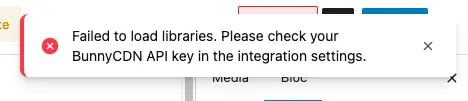
Shahjahan Jewel I thought it was only on my site, but I noticed the same thing here.
Secondly, is there any hope we are getting the fluent community themes in the future as you promised.
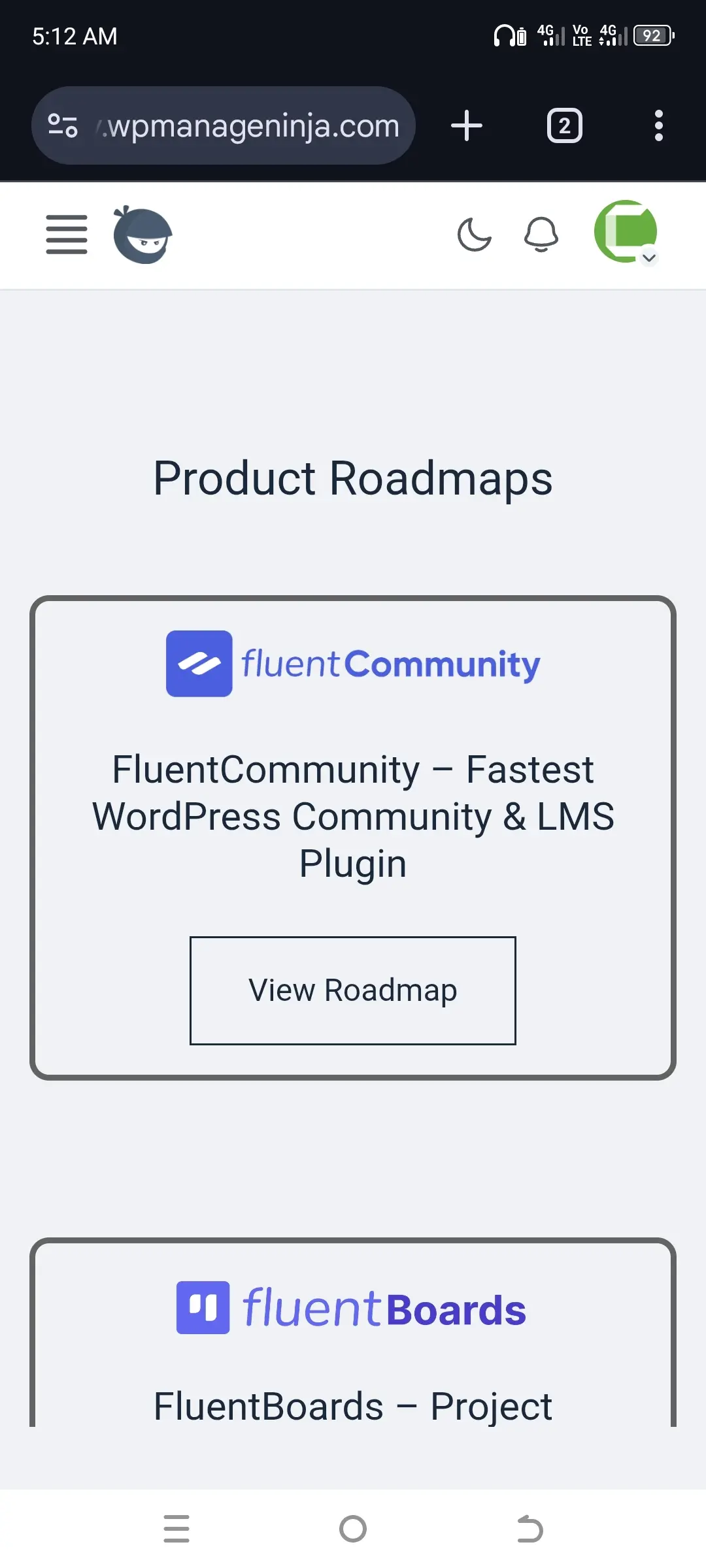

Hi... I can't connect my libraries, which are in Bunny Stream, to my WordPress site. Bunny Storage works, so I can upload videos from there to my WordPress site. But I obviously need access to all my libraries in Stream. There's only one key in Stream, so I can't go wrong. I don't understand.

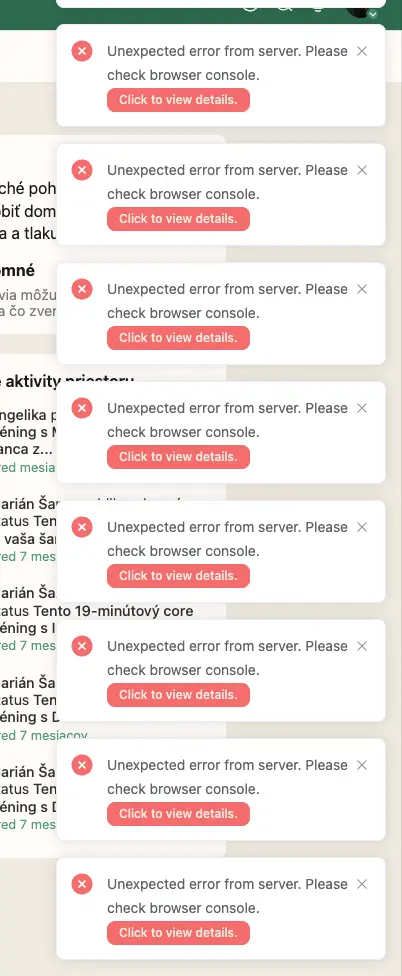
Hi, I’ve activated Fluent Player, but I’m only seeing this output.
Can you please explain why it’s not working properly?

I just dropped a rough-around-the-edges livestream showing how I've wired up the entire Fluent ecosystem to work with Claude AI (via Claude Cowork and Claude Code). No polished production here — just me showing how this actually works in my real business.
Here's what I'm doing:
FluentBoards is acting as my AI command center. I create task cards that Claude reads and executes — so instead of typing long prompts, I just update a board card and the agent knows what to do.
FluentCRM is the backbone. It's handling contacts, tags, automations, and sequences — and Claude can read and write to it via MCP (the protocol that lets AI talk to your tools). So agents can enroll contacts, trigger sequences, and segment lists without me touching a thing.
FluentCommunity is where my learners live. Claude can post to spaces, create discussion threads, and respond to community activity — all triggered from workflows.
FluentCart is in the mix too — products, offers, and transactions are all accessible so the agent has full context on what someone has bought before it takes action.
▶️ Watch the livestream: https://www.youtube.com/live/a78QFs2WUG4?si=buaMGb6vW-F5hR17
Why does this matter?
Most people are still treating AI like a chatbot. I'm treating the Fluent suite as the operating system for an AI-powered education business. Claude is the employee. Fluent is the office.
This is not a polished tutorial — it's a live look at what's actually working (and what I'm still figuring out). If you're building on Fluent and want to see where this is going, this one's for you.
Happy to answer questions about the setup. Lots of people in this community are already sitting on the perfect stack for this — you just need to know how to connect the pieces. 🔧

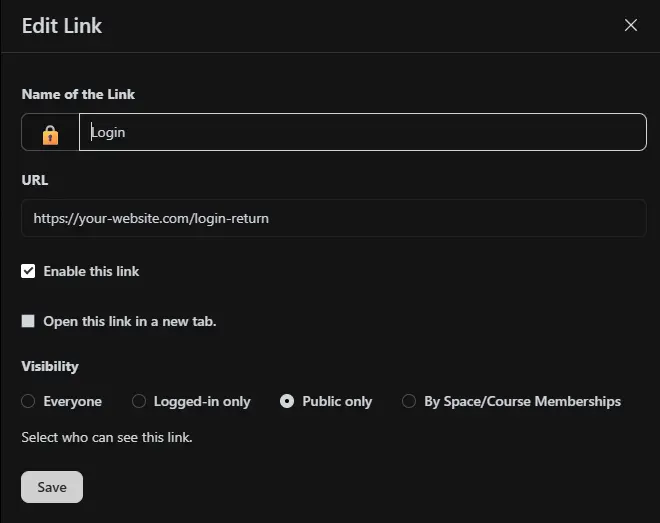
On the /admin/settings/menu-settings page I wanted to add a login link that auto-redirected user back to "current page" if they were logged out.
<?php
/*
 * Front-end login helper for WordPress
 *
 * What it does:
 * 1. Watches for visits to /login-return
 * 2. Looks at the page the visitor came from
 * 3. Sends them to wp-login.php with that page added as redirect_to
 * 4. After login, WordPress sends them back to that page
 *
 * Example:
 * /space/say-hello/home
 *   -> click /login-return
 *   -> redirect to /wp-login.php?redirect_to=that-page
 *   -> after login, return to that page
 */

add_action('template_redirect', function () {
    global $wp;

    // Change this if you want a different trigger URL.
    // Example: 'member-login', 'signin', 'go-login'
    $login_return_slug = 'login-return';

    if ( trim($wp->request, '/') !== $login_return_slug ) {
        return;
    }

    // Get the page the visitor came from.
    $referrer = wp_get_referer();

    if (
        $referrer &&
        strpos($referrer, 'wp-login.php') === false &&
        strpos($referrer, 'wp-admin') === false &&
        strpos($referrer, '/' . $login_return_slug) === false
    ) {
        wp_safe_redirect( wp_login_url( $referrer ) );
        exit;
    }

    // Fallback: if no usable referrer exists, send them to normal login
    wp_safe_redirect( wp_login_url( home_url('/') ) );
    exit;

}, 1);
My 3 suggestions aim at curating members' profile pages so they look more personal.
NB) Would be nice for my posts to be actually read by the devs. They always go under the radar! :(
- Post pinning (for members)
So far, only Admin (and I believe moderators?) can pin posts on top or on the right sidebar, which is a great feature.
It would be a strong addition to let members use this feature on posts within their own profiles. That way, they can highlight their most meaningful contributions and shape a profile that feels more personal and polished. Because there aren't options to "beautify" one's profile page.
- Disabling likes and comments (for members)
Admin (and maybe moderators also?) can disable comments on a post, but not likes. I would like to have this option.
And for members, I would like them to be able to disable comments and/or likes on a post if they want as well.
I can’t be the only one who doesn’t want a community driven by popularity metrics. That’s exactly what I dislike about every single social network that exists. I’d love for members to have the option to post without reactions or comments if they choose, more like journaling without the constant noise of feedback.
-
Addition of tabs in the profile
Alongside About, Posts, Spaces, and Comments, you could include a tab for bookmarked posts, as well as another tab that shows the posts where the user has been mentionned (@) within the community.
Thank you for your comments on these ideas!

Just finished a first round of testing with the iOS implementation of Appza for my Fluent Community site (from Noor Khan with Lazy Coders). Working with them on questions and/or feature requests for the beta, but it's super cool already.
Any of you hoping for an app that you can use for your Fluent Community site, Appza rocks. I like it over Fluent Community Mobile because with Appza I can have an Apple developer account, submit a build via Appza and have my OWN stand alone app in the app store. NICE!!!!
Really excited that Appza is in active beta and it's already as polished as it is. If I make a change on the Fluent Community side it shows up on the iOS app right away. Pretty freaking slick.

Are conversational forms from FLuentForms supported on Community Space Lock Screens ?
I can get normal forms to work, just not cconversational .

I have two annoying problems.
-
The form is not showing the top menu when editing. As you can see in the top right - in the image attached. I can't see the menu.
- The form is not displaying correctly on my iPhone (I've published it to test). What could be the issue?
Thanks
