


I'm interested in knowing if what I want to do is possible. I haven't been able to do it yet, but it might be that I'm making a mistake and not being able to do it. I have almost the entire Fluent ecosystem. I want to do something that would integrate booking with CRM and community, so that if someone has an active appointment scheduled with me, they have access to my private community. For example, if someone has already booked an appointment with me, they immediately have access to the private community, and as they rebook from that same appointment, they continue to receive updates as long as they have an appointment scheduled. If at any point they cancel or don't schedule any more appointments, they would lose access to the community, unless they pay for a separate monthly subscription at a lower price.

I’m considering using Pressable to host my community because they have enhanced security, Aksmet, and the Presto Video Player included. Has anyone used Pressable for hosting FluentCommunity? I also have a couple of xCloud servers, my biggest concern is managing another server and controlling cost until it pays for itself.

Is there a way to completely disable this automatic video preview? I just want posted URLs to stay as plain text links.

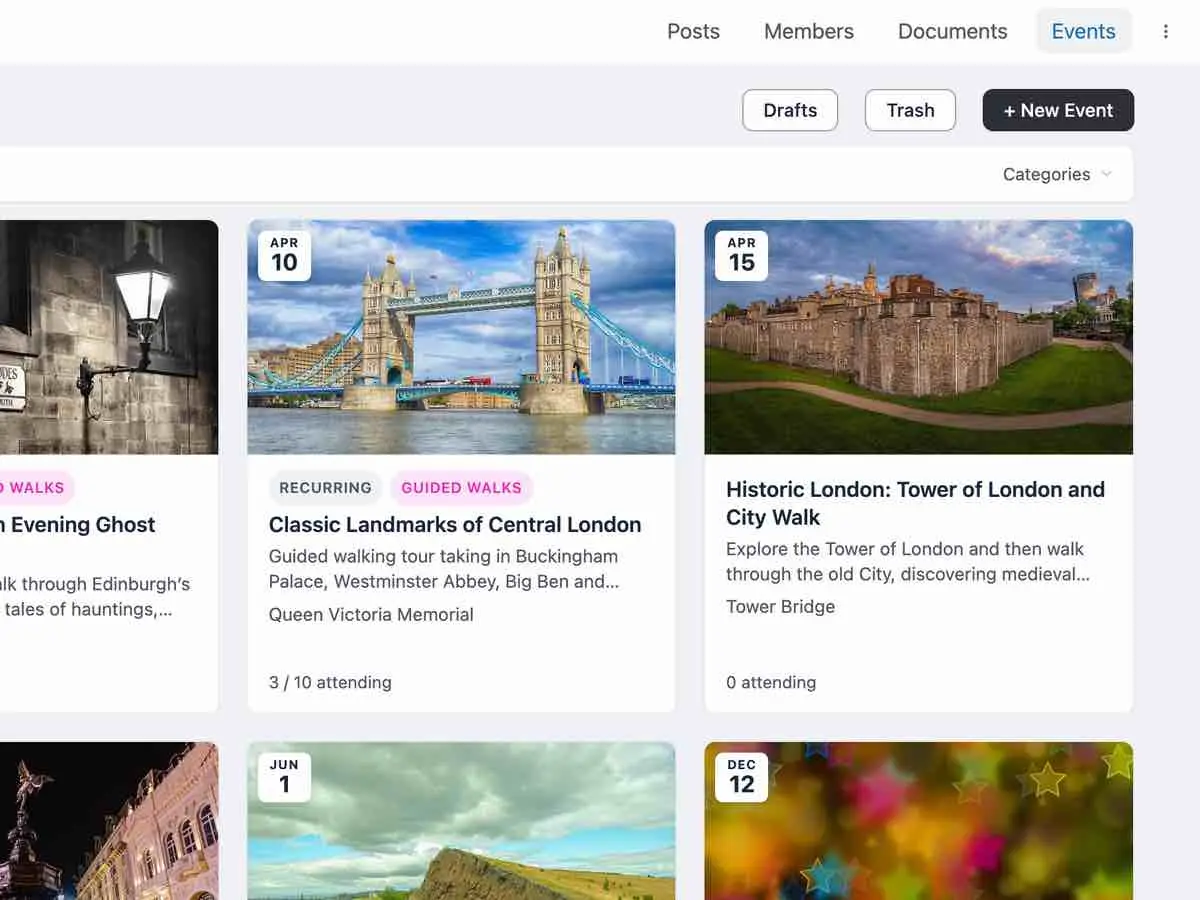
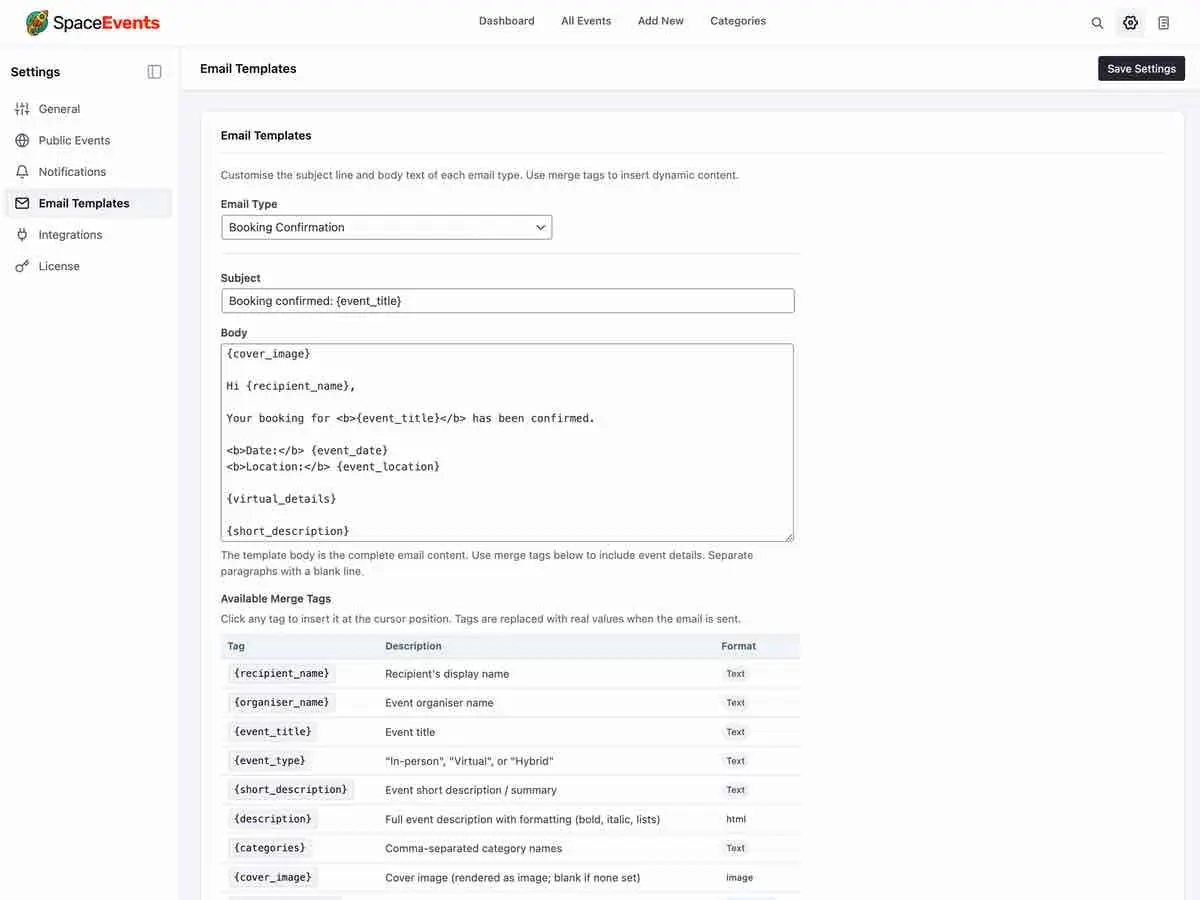
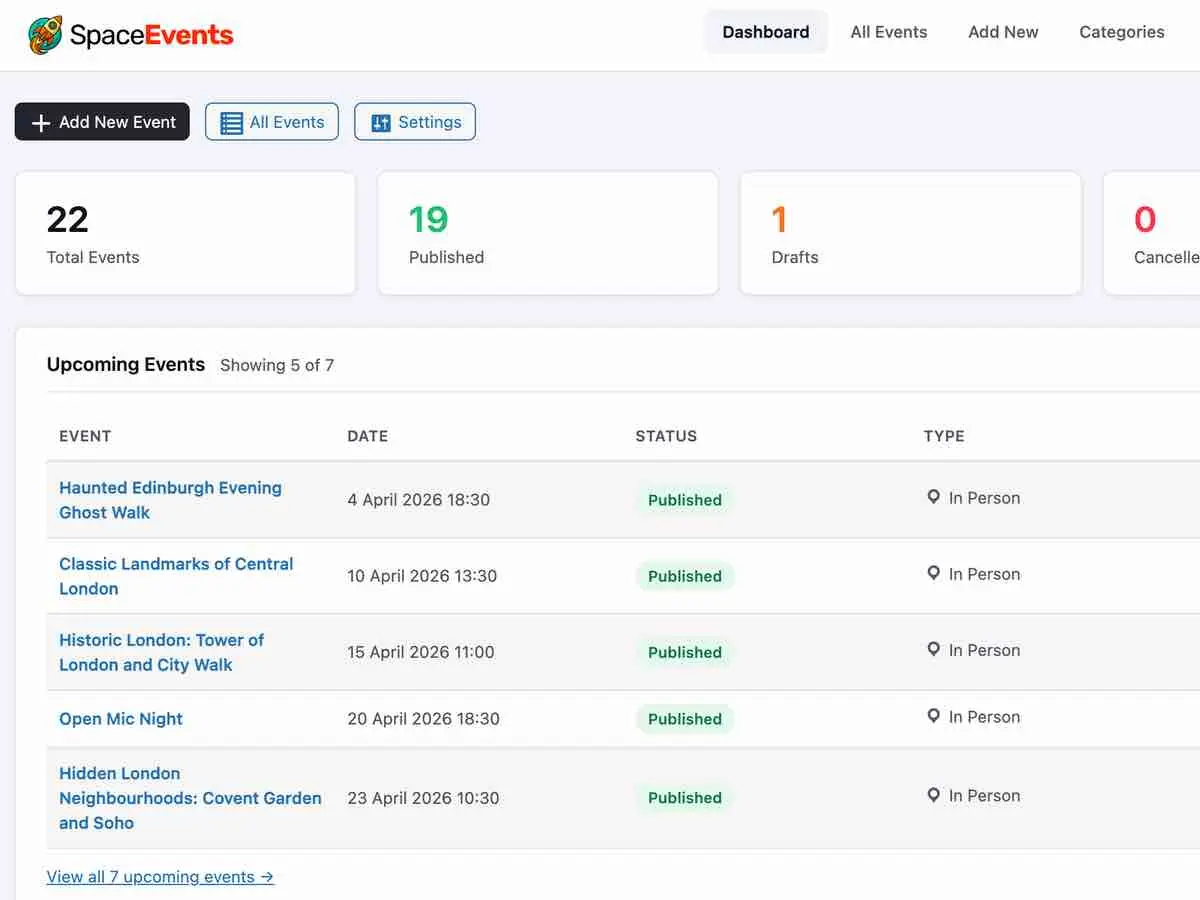
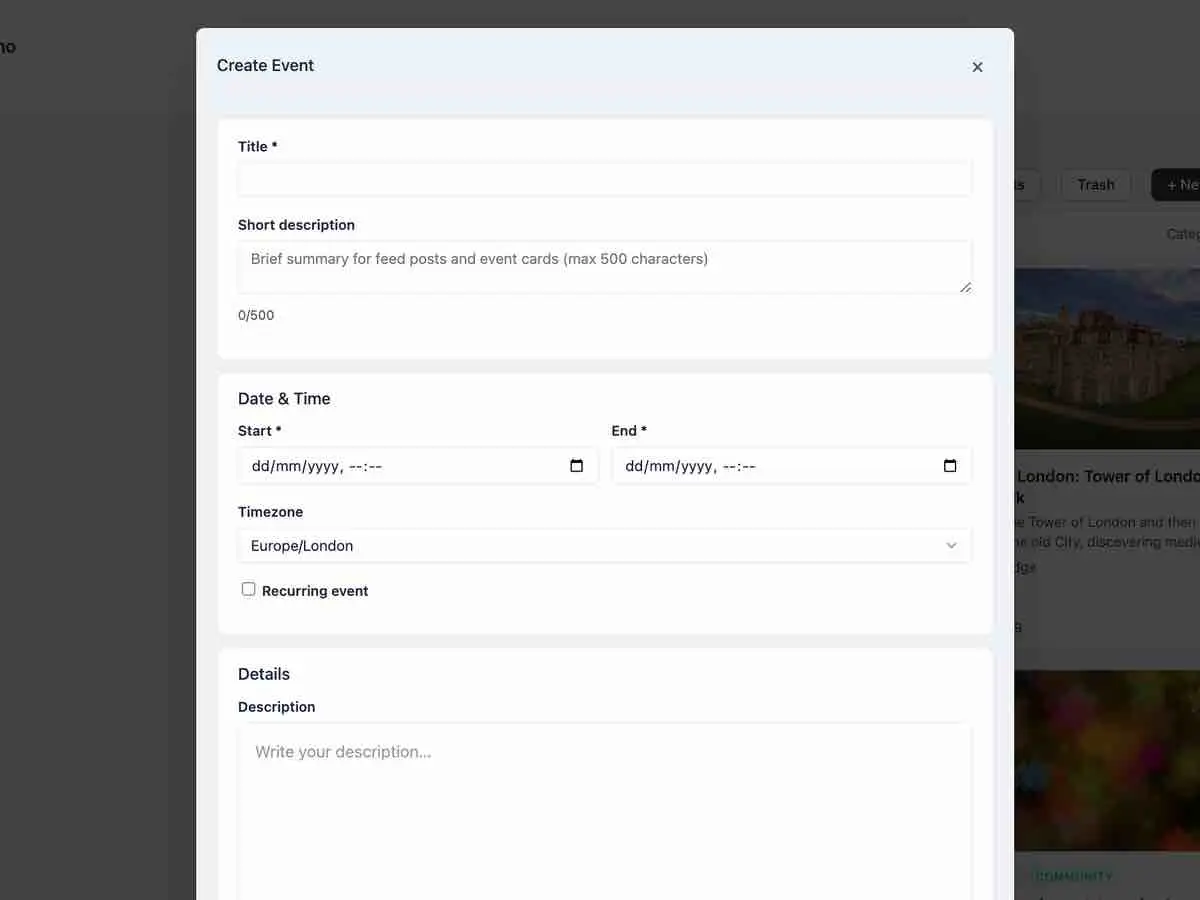
SpaceEvents RC-1 is almost ready to go public — which means the early adopter discount won't be around much longer. Head over to tribetools.pro to grab a 1 or 5 site licence before the price changes 🚀 Everyone who joins before launch gets a little something special from us at Christmas 🎁
I have some exciting new features and updates planned for SpaceEvents v1.1, which should follow next month. I'm also working on several new addons for FluentCommunity and FluentCart — so keep an eye out for some Lifetime deals, upgrade options and Bundle pricing later in the year.
Hope you all have a great weekend 🙏

Hi, I've been changing some icons to SVG in both the top and side menus, as well as in the themes. I added icons to them and also to the titles in the right sidebar. If you have any feedback that could help me improve, that would be fantastic.
The only thing I haven't been able to do is get the icons in the top menu to change color when using dark mode. I haven't been able to get it to work, but the default icons do change color. That's why I used colored icons. My community is about legal matters.

Hi, when i try to add documents to a post with a video, the video disappear !?
Is it a normal behavior ? If yes, i really need this, how can i do this ?
Have a great day

Generate beautiful PDF certificates the moment your students complete a course or pass a quiz. Fully automated, secure, and ready to share on LinkedIn.
The Problem
You run an online academy with FluentCommunity. Your students finish courses, pass quizzes, but they have nothing tangible to show for it. No certificate to download, no proof to share with their employer, no credential to add to their LinkedIn profile.
You could build something custom. Or you could install FCOM Certificates and have it working in five minutes.
How It Works
1. A student completes a course (or passes a certification quiz)
2. FCOM Certificates generates a PDF, personalized, branded, tamper-evident
3. The student receives it by email, with a download link and a LinkedIn share button
4. Done. No manual work. No spreadsheets. No "I'll send it next week."
Key Features
Set It and Forget It
Configure once, generate forever. Certificates are created automatically when FluentCommunity fires the course completion or quiz submission hook. You don't need to touch anything after the initial setup.
Two Triggers, Your Choice
- Course completion, certificate issued when all lessons are done
- Quiz validation, certificate issued only if the student scores above your minimum threshold. A keyword filter lets you distinguish certification quizzes from practice quizzes.
Two Professional Templates
Choose between Classic (centered, formal, gold accents) and Modern (sidebar layout, bold typography). Both are fully customizable:
- Background color, heading color, text color, accent color
- Custom background image (A4 landscape)
- Your logo and watermark
- Company name, address, declaration number
Overrides
Global settings apply everywhere, but you can override the template, title, phrase, validity period, minimum quiz score, and email content.
One-Click LinkedIn Sharing 🤩
Every certificate email includes a Share on LinkedIn button. One click, and your student adds the credential to their LinkedIn profile, with your academy name, course title, and a link back to your site.
This is organic marketing that costs you nothing. Every shared certificate puts your brand in front of the student's professional network. No ad spend, no campaigns, just real credentials from real students.
Public Verification
Each certificate has a unique ID and a public verification page. Anyone, an employer, a client, a recruiter, can verify a certificate is authentic by entering its number on your site. Privacy-first: the holder's name is masked by default (GDPR compliant).
TEST :
Certificat Number 👉 CAIA-202604-DA0FP (copy)
Verif with GRPD ON👉 https://comprendre.ai/verification/
Manual Generation
Need to issue a certificate outside the normal flow? The manual generation page lets you pick a user, pick a course, and generate on the spot. Useful for retroactive certificates or special cases.
Secure by Design
- Unique certificate IDs with configurable prefix
- HMAC-signed download tokens, no guessable URLs
- Rate-limited public API to prevent enumeration
- PDF files stored outside the web root with access protection
- SQL injection, XSS, CSRF, and path traversal protections throughout
- Ed25519 signature verification on plugin updates
GDPR Compliant
- Integrates with WordPress personal data exporter and eraser
- Anonymizes records on erasure (preserves legal traceability without PII)
- Privacy policy content auto-registered
- Public verification masks holder names by default [On/Off]
FluentCRM Integration
If you use FluentCRM, FCOM Certificates plugs right in:
- Automation trigger — start a funnel when a certificate is generated
- SmartCodes — use
{{fcom_cert.download_url}},{{fcom_cert.course_title}}, etc. in your FluentCRM emails - Tag assignment — automatically tag contacts who earn a certificate
Built-In Dashboard
A clean admin dashboard with 12-month rolling stats: certificates generated, active, expired, revoked. Plus a full registry with search, export to CSV, and one-click email resend.
Expiration & Reminders
Set a validity period (or make certificates permanent). Automatic email reminders are sent before expiration. Expired certificates are marked accordingly and the public verification page reflects the updated status.
Webhook Support
Push certificate events (generated, revoked, expired) to any external system — Zapier, Make, n8n, or your own API. HTTPS enforced by default.
What Your Students See
Email : A branded notification with the certificate attached as PDF, a download link, and a LinkedIn share button.
Certificate PDF : A professional A4 landscape document with their name, course title, issuance date, validity period, unique ID, and verification URL. Fully customized with your colors and branding.
Verification page : A public page on your site where anyone can verify a certificate's authenticity.
Languages
FCOM Certificates ships in French (native) and English, with full translation support. All strings use WordPress i18n standards — .pot, .po, and .mo files are included in the languages/ directory. You can translate the plugin into any language using Poedit, Loco Translate, or any standard WordPress translation tool.
Requirements
- WordPress 6.5+
- PHP 8.0+
- FluentCommunity (free or Pro)
- FluentCommunity Pro required for quiz-based certificates
Quick Setup (5 minutes)
- Install and activate the plugin
- Enter your license key
- Set your platform name, logo, and colors
- Choose your trigger mode (completion or quiz)
- You're done, certificates will be generated automatically
Pricing & License
€69 👉 €49
Buy 👉 https://comprendre.ai/item/fcom-certificates
Licensed through FluentCart Software Licensing. One purchase, lifetime updates.
Built for FluentCommunity. Designed for academies that take their students seriously.
![[Now available] Fcom Certificates - Automated training certificates for FluentCommunity](https://cdn.community.wpmanageninja.com/wpmn_community/fluentcom-nQO676E1FIlgeKLSb81zrvN0G2nPWvUS-fluentcom-Capture-decran-2026-04-10-001155.webp)
![[Now available] Fcom Certificates - Automated training certificates for FluentCommunity](https://cdn.community.wpmanageninja.com/wpmn_community/fluentcom-wZOe9H2K9poGuXwtzw9OTwF1iEe57Jdj-fluentcom-Capture-decran-2026-04-10-000809.webp)
![[Now available] Fcom Certificates - Automated training certificates for FluentCommunity](https://cdn.community.wpmanageninja.com/wpmn_community/fluentcom-OwL3EO6osCgjVT9vKrDrOVLZs1XHogY1-fluentcom-Capture-decran-2026-04-10-001532.webp)
![[Now available] Fcom Certificates - Automated training certificates for FluentCommunity](https://cdn.community.wpmanageninja.com/wpmn_community/fluentcom-1Iq7WWD4V7A2MlvczrhJA9dBcrbShl1e-fluentcom-Capture-decran-2026-04-10-021010.webp)

Will it at one point be possible to change the footer links ?

Hi all! This is my first post, I have just setup Fluent Community and we are beta testing it with existing clients. I am looking for a workaround or solution....
We have other sales mechanisms so I'm not interested in putting paywalls into place. But many of our spaces are for paid members only.
Ideally I would like to setup some kind of screening bit for access, maybe a code word they receive through email which quickly allows the admins to see that someone has purchased the required product for access.
But I am open to other solutions that accomplish the same goal. Does anyone have any ideas for this, or does the functionality exist and I missed it?

Hi team! I am building a custom REST API endpoint to import real estate listings from n8n directly into my Fluent Community Hub.
I am successfully creating the posts using \FluentCommunity\App\Services\FeedsHelper::createFeed($feedData). The posts generate perfectly, and the text/HTML renders great.
The Issue: With the new "Card View" layout, I cannot get the uploaded image to display as the cover thumbnail on the card grid.
What I've tried: After createFeed(), I tried manually injecting the image data into fcom_media_archive (including calculating the serialized width/height settings) and manually updating the has_media column to 1 in both fcom_feeds and fcom_posts. Despite the database rows looking identical to a manually uploaded post, the <div class="fcom_feed_card_cover"> refuses to render on my API-generated posts.
My Question: Is there a specific Helper Class or Method (similar to createFeed) that I should be calling via PHP to programmatically attach a local image to a feed ID so that the Card View natively recognizes it?
Thanks!