


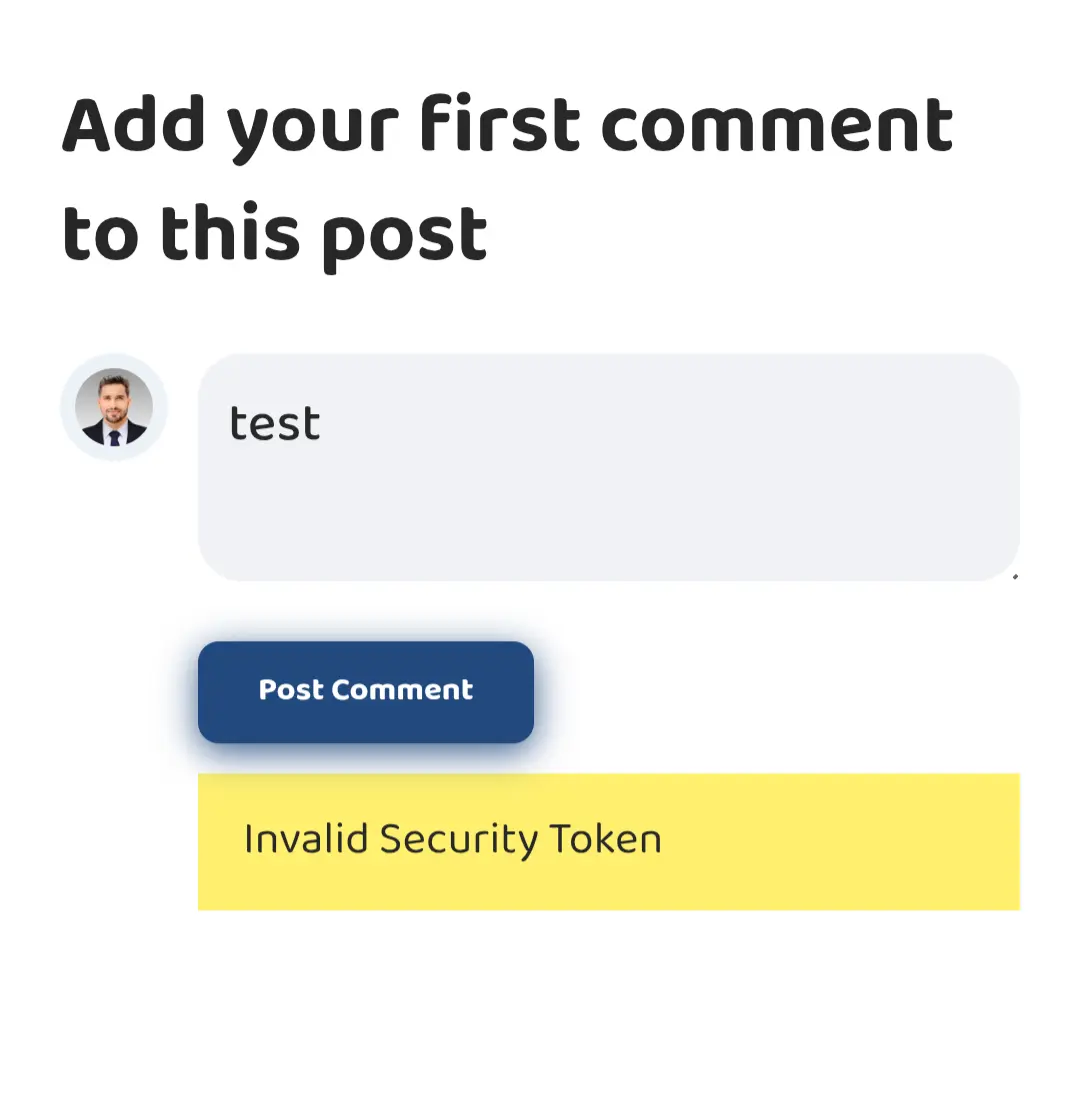
After installing the FluentComments plugin, I noticed an issue when users are logged in and try to submit a comment. On the first click of the Submit button, it shows an error: “invalid security token.” However, if the user clicks the Submit button a second time, the comment is submitted successfully.
How can I fix this issue so that comments are submitted correctly on the first attempt?

Hi, I get questions from a client about extending the user logged in session, because he needs to login a lot. Is there a way to do this maybe with FluentAuth?

Is there a way to add my Fluent keys to wp-config? I know FluentSMTP has the option for connections, but I'd like to add my other Fluent license keys there.

It seems like fcart is mature enough to have a board. I have questions and perhaps feature suggestions (who doesn't, lol), but not sure where to ask.

This morning with still a little sleep left in my eyes so to speak (meaning I am not fully awake and alert yet) I made a new video showing WP Social Ninja free and then the Pro version with focus on adding Instagram to a site. Let me know what I left out, or if you have any comments, as I am wondering if I should remake it. https://youtu.be/gY2r551DCQE
The video is unlisted on Youtube for now. As I used a customers site for this tutorial. She very much appreciates me using her site as it gives it some extra promotion.
If people are in general happy with it then I might make a new Fluent tutorial where I include the video and add it to this list: https://easywebdesigntutorials.com/tutorial_tags/fluent-plugins/

I have one more request: I want to personalize the PDFs in FluentCommunity stamps at the bottom. So when the user downloads the PDF, I want the user's email address to appear in the lower margin, like a kind of watermark. I found an address that might explain the idea a bit better.

In FluentCart, will there ever be direct integrations for shipping companies like UPS, Fedex, USPS, etc etc. where shipping prices are displayed in app based on your product (dimensions, weight, etc.)?
When I think of something like this, I think of PirateShip, which is something I have used very frequently, and has an integration for WooCommerce.

I want to pass the specific page (space, course, link) inside of the community so that when the person logs in they get redirected.
Is there a way to do this? I didn't see a place to accept variables.

So I currently have fluent CRM, community, auth, booking, SMTP and dont even know what else😅. Im really happy with all the ecosystem but im really interested in trying fluent cart and check if I can sync it via webhook or something similar to TiloPay which is the payment gateway that I use. Is there and aproximately date for when fluent kart is going to be available?

One of my goals is to create a store that showcases products from a partner with fluent cart. Instead of selling the products directly, I want the "Buy Now" button to function as an affiliate link. In other words, when a user clicks the button, they are not taken to my own checkout process but are instead redirected to my partner's store to complete the purchase there.
My question is: Is it possible to configure Fluent Cart so that a product's main purchase button redirects to an external/affiliate URL instead of triggering the local checkout?
is this possible?