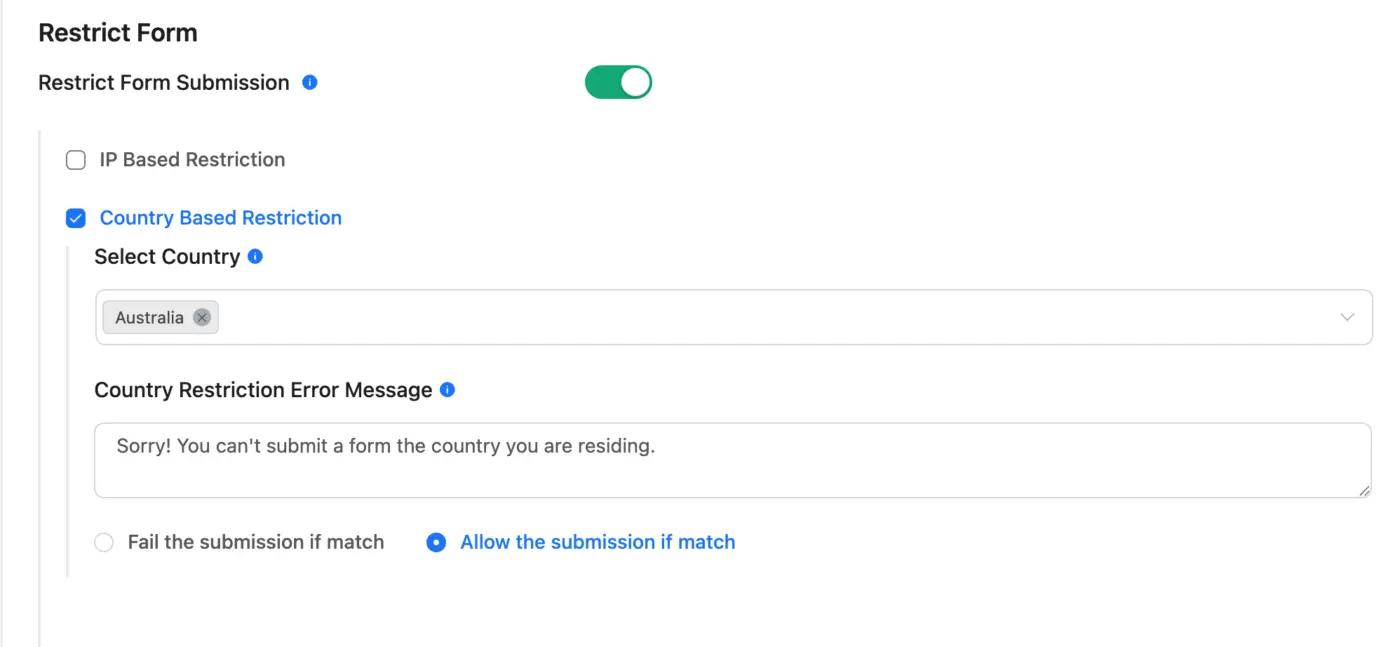
if county based restriction is allow just Australia and then some in Australia trying to fill the form is getting this message.Sorry! "There is an error occurred in getting Country using ip-api.com. Please check form settings and try again."
It was working before.. could be the new update ...


Error: Update failed: The package could not be installed. PCLZIP_ERR_BAD_FORMAT (-10) : Unable to find End of Central Dir Record signature

Is there a way to prepopulate field values using the shortcode, like you can with URL variables?
Or a way to populate a field based on a meta field of the post it is being displayed in?

Is there a way to hash the IP address immediately upon submission (one-way encryption) to protect identifiable information but also allow to check for duplicate submissions?
Or is there a way to strip the IP address before storing it in the form record?

All my customers filling in their form receive an empty page with this text on it when confirming:
"The confirmation of the double opt-in has already been carried out and can only be done once. If you continue to experience issues, please contact the site administrator for assistance."
Any ideas?

Is this the standard button that appears when using a popup form? if so how can it be styled? and if possible is there a way to make the new style the default style?
Thanks

Hey everyone, I’m new to FluentForms and was wondering if there’s a way to define custom global styles for all my forms. The Custom CSS/JS option in the form settings is helpful, but I’d prefer not to add the same CSS to each form over and over again.
Thank you! 😊

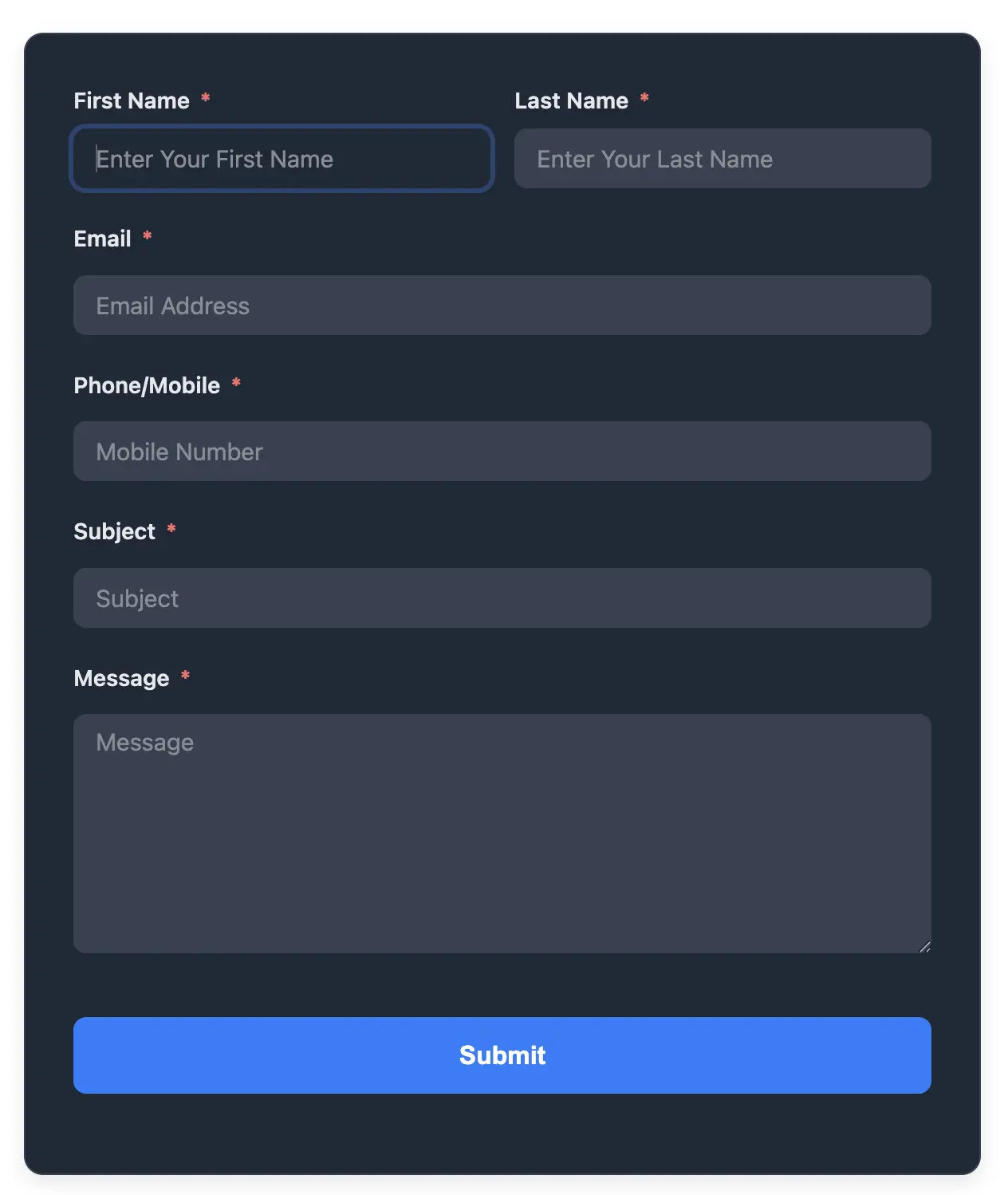
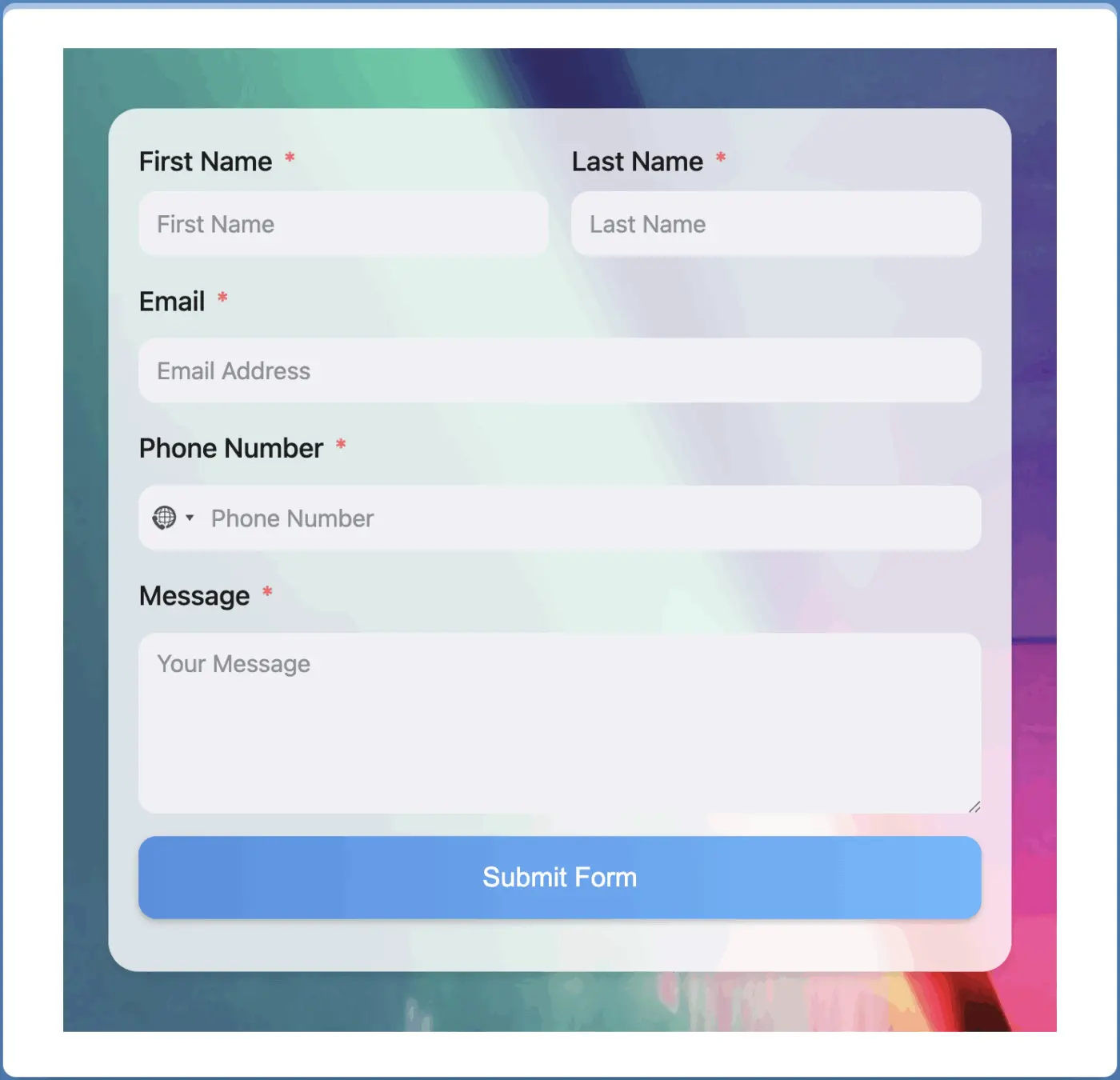
Just made two forms using AI and thought I would share. The design and CSS were all generated by AI form creation of fluent forms —I only added a background image.
Also the generated css is saved in custom CSS

Hi there,
I want to migrate from Thrive Quiz Builder to Fluent Forms. Is this possible? Any experience?
Best regards,
Sander

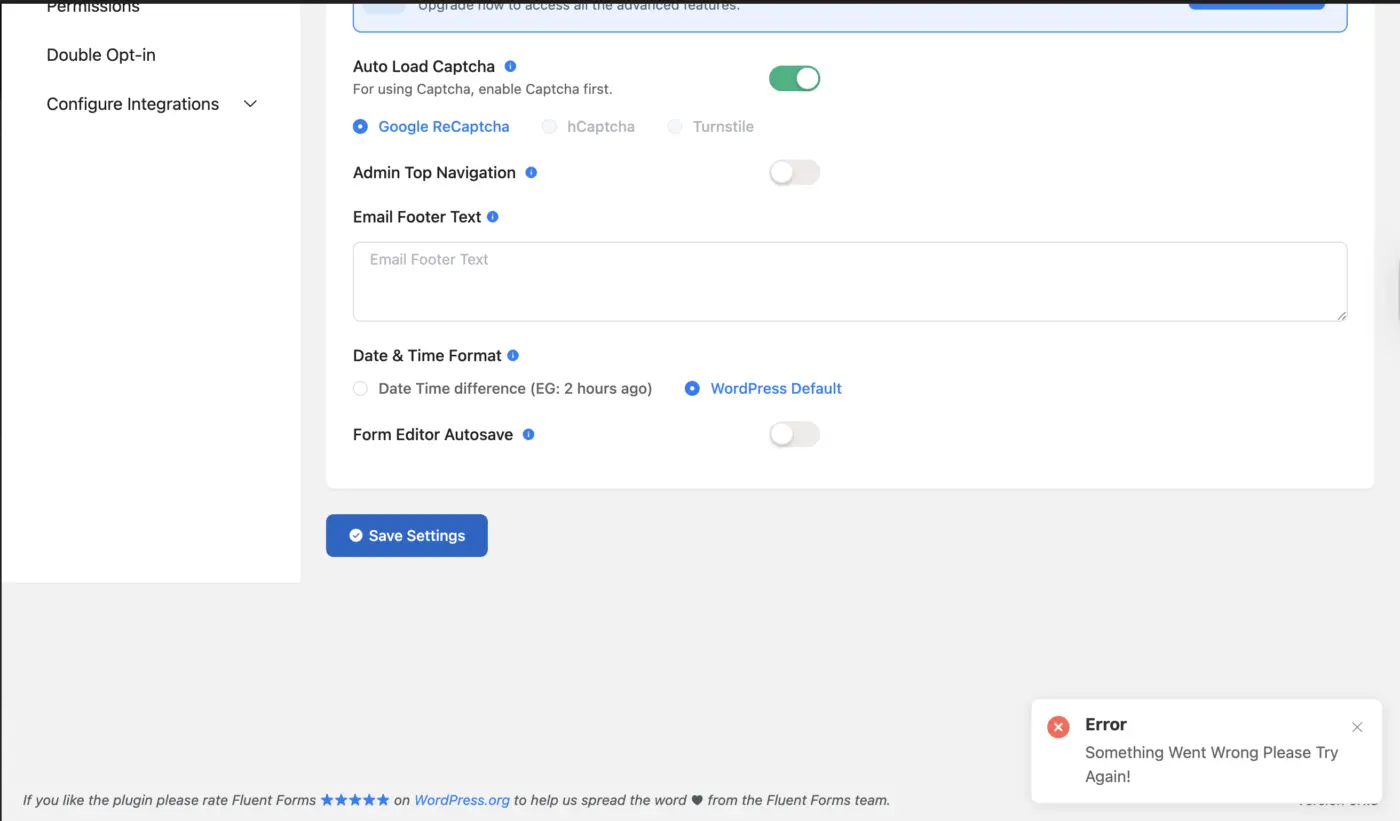
After the latest FluentForms update, the Global Settings page cannot save any changes.
Every other FluentForms section works normally (forms, emails, integrations, entries, etc.).
Only General Settings fails with:
“Something Went Wrong Please Try Again!”
Let me know if you need the response payload from the network inspector.
Thanks.