

New to Fluent forms so need a little help.
Is this the standard button that appears when using a popup form? if so how can it be styled? and if possible is there a way to make the new style the default style?
Thanks
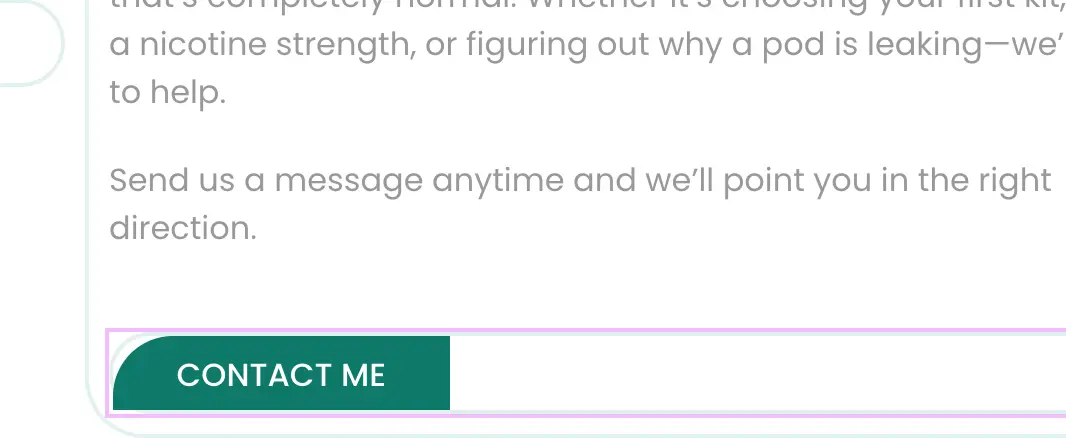

Some CSS code restyling and it will be fine.

Drive Zone thanks do you by any chance have a link to a video that might show me how to do that in Fluent Forms

Drive Zone I would love to add though, it should be standard in the plugin itself to style and not need CSS added to restyle!
it's the actual button that appears when you use a shortcode that I want to style [fluentform_modal form_id=”2″] I want to make it look more like this image.
Shortcode cant help me to lead you customize it. Ask ChatGPT for example for some CSS basics, when you figure out how to send him element and its css styling, he will lead you how to fix it.
Drive Zone thanks
Drive Zone and anybody else that has this problem. Between mw and Chat GPT we worked it out. Just add this to you Global CSS and change to suit.
.ff_form_modal .ff_modal_btn {
background-color: #E0F2F1 !important; / base colour /
color: #1A1A1A !important; / text colour /
border-radius: 30px !important; / fully rounded /
padding: 5px 5px !important; / medium feel /
font-size: 16px;
font-weight: 600;
border: none;
box-shadow: none;
transition: background-color 0.3s ease; / smooth fade on hover /
}
.ff_form_modal .ff_modal_btn:hover {
background-color: #61CE70 !important; / hover colour /
cursor: pointer;
}

Hey Nick Porter Nick.
I got a few Fluent Forms tutorials here: https://easywebdesigntutorials.com/tutorial_tags/fluent-forms/