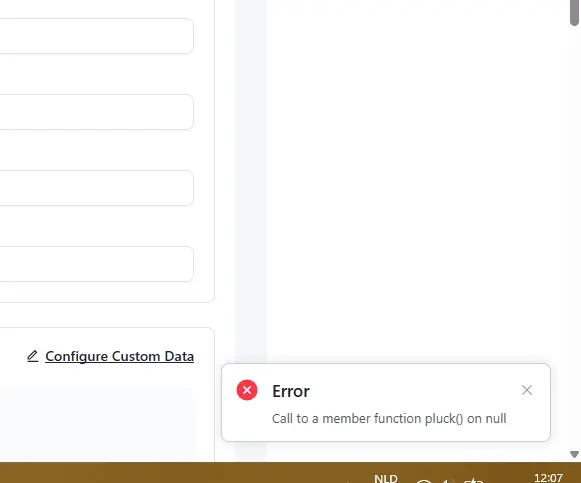
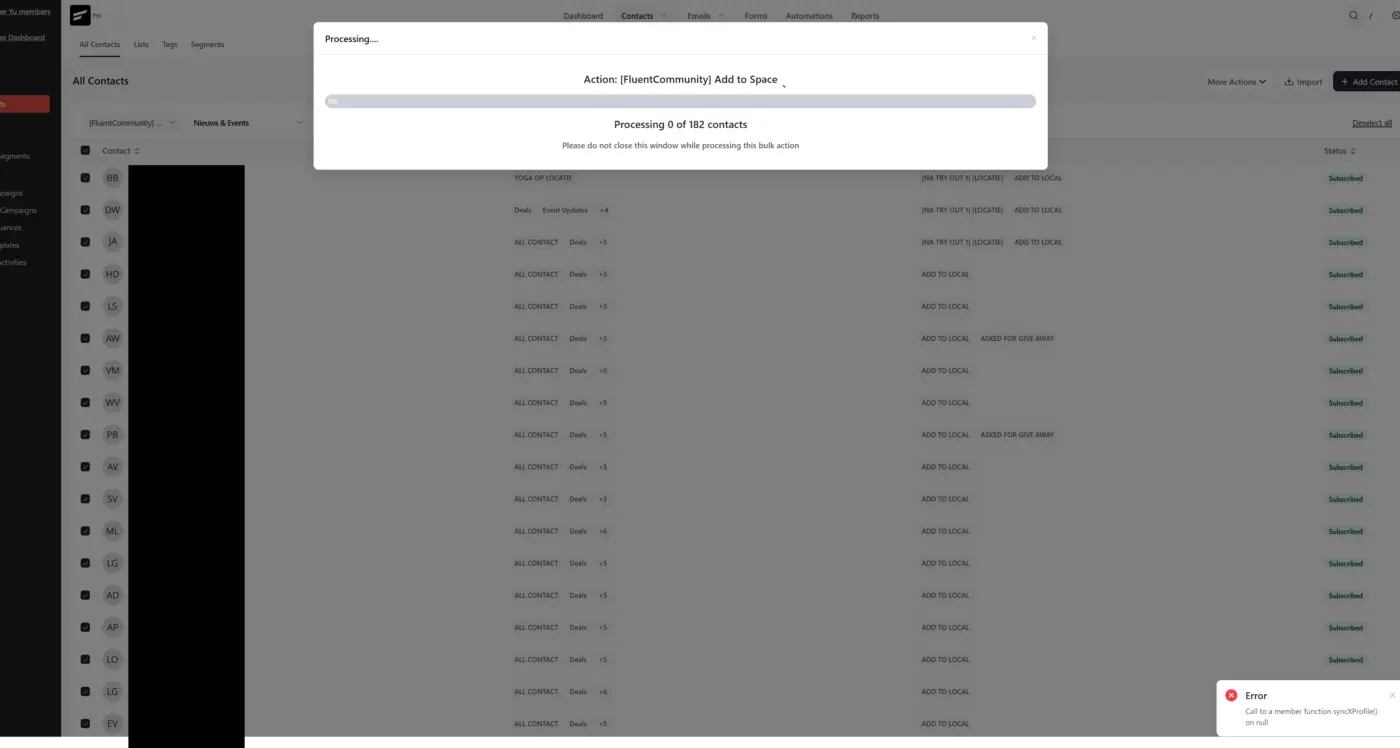
When i want to set in bulk clients to a community, i get error
And it keeps srolling,

I’ve posted about this before and recently reopened an old support ticket to try to get it working. I’m hoping someone in the community may have already solved this.
This seem like it would be a pretty basic and necessary CRM function, so I’m surprised it’s not working as expected.
We’re using Fluent Forms to collect contacts and sync them to FluentCRM through the built-in integration. The “Company” field is a plain text field in Fluent Forms, and “Primary Company” is the built-in FluentCRM field available in the integration mapping.
I mapped the Company field to “Primary Company,” expecting that when the form is submitted it would create the company in the CRM and associate it with the contact.
Instead, the contact is created, but no company record is added and no connection is made. Other mapped fields sync correctly, this is the only one not working.
Has anyone successfully used Fluent Forms to create and associate a company in FluentCRM?

Hello FluentCRM Team,
I would like to request the addition of the following automation triggers. I've also noticed similar needs raised by other community members, so I believe these would benefit a wider range of users.
1. Scheduled / Time-Based Trigger
Request: A native trigger that allows automations to start based on a schedule, such as daily, weekly, or monthly intervals (e.g., every Monday, the 1st of each month).
Use Case: To periodically evaluate contact conditions and apply actions automatically — for example, tagging inactive subscribers who have not opened any emails in the last 30 days, or switching them to an unsubscribed status — without any manual intervention.
2. Campaign-Based Trigger
Request: A trigger that fires when a campaign email is sent, with optional filtering such as:
- Specific campaigns (filtered by label or title)
- Campaigns targeting contacts that match a specific list or tag segment
Use Cases:
- Similar to #1 above, applying tags or switching contacts to unsubscribed status based on their behavior immediately after a campaign is sent.
- Triggering automations right after a campaign is sent — such as tagging recipients, moving contacts between lists, or initiating conditional branching workflows.
Thank you for your continued development of FluentCRM. We are confident that these additions will make FluentCRM an even more powerful marketing automation platform.

Hi,
I'm working with FluentCart / Fluent CRM and am seeing some abandoned carts. I want to create an automation to track these and send emails to people. But it seems to only be working wit WooCommerce. Will this also be available with FluentCart?
This is greatly needed for basic maintenance. Often times people use multiple accounts, either when moving companies or personal and business email, this ends up being problematic especially when they make purchases etc. Would be awesome to be able to merge the contacts and select the primary email address and the others listed as alternate or secondary etc.
Also we often get users that type in their company names differently. For example one person might type in "XYZ Company" and another "XYZ Company, Inc." which then creates another company. Would be nice to be able to just merge those when it is obvious they are the same company.

I'm testing FluentCRM 3.0 Beta and noticed that the Global Style settings in the email builder are not being saved. Every time I update the Typography, Colors, Max Width, or Padding settings and save, they revert back to the defaults on the next visit.
Is anyone else experiencing this? Any known fix?

I'm in beta. For some reason my automation has stopped working. Leads are properly tagged but I have to manually add them.
Hello Shahjahan Jewel can we expect anny update in the upcomming days?
With some fixed problems ;)
Thank you 🙏
David

Hi, I’d really love to build the websites I create for clients with Lovable.
It’s so fast and the results are amazing.
The thing is, I also want to use excellent plugins like FluentCRM, for example, for email marketing and system management.
So my question is:
Is there a way to build in Lovable and then convert it to WordPress,
so I can enjoy the best of both worlds?
https://www.loom.com/share/cc649f6e72ff4f44b3b2df1c3eb83535
Maybe other users the same?
I deactivated other plugin. Strange.