


I was reading about adding links in courses and I was wondering; if you are a student, where do these links appear for you? I don't see any examples in the docs

in the profile the first name is required. when I fill out the first name and empty the last name and then click save -> the first name will be saved to the field of the last name and the field of the first name will be empty.
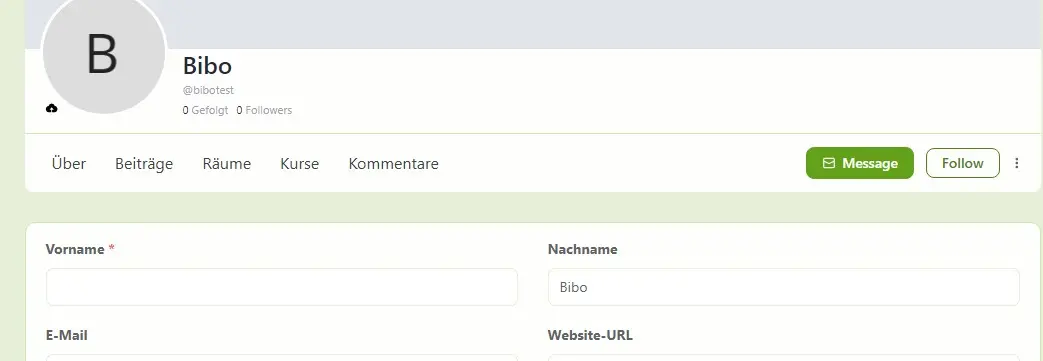

This feature was removed unintentionally, yet it still hasn’t been restored. Given that it was working previously and is affecting the user experience, I’d appreciate understanding the current status and priority of this fix.
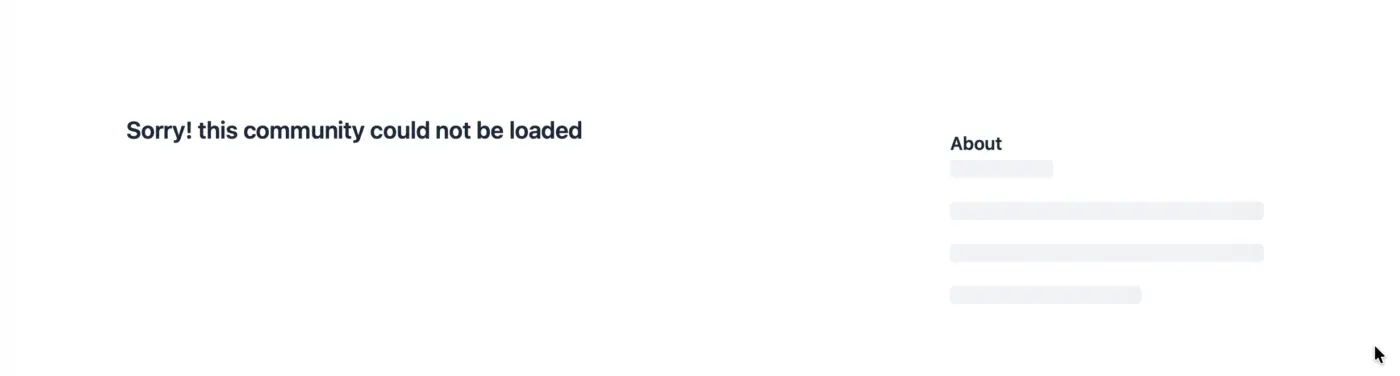
When a post from a secret community is shared via email, the post content is included in the email correctly. However, when recipients click the “Join the conversation” link in the email, they are taken to a page that displays the following error message:
“Sorry! this community could not be loaded.”
Expected Behavior
Recipients who have the appropriate access should be directed to the secret community post or be prompted to sign in and access the community as intended.
Actual Behavior
Clicking “Join the conversation” results in an error page displaying:
“Sorry! this community could not be loaded.”🐞
Please investigate and restore this functionality.

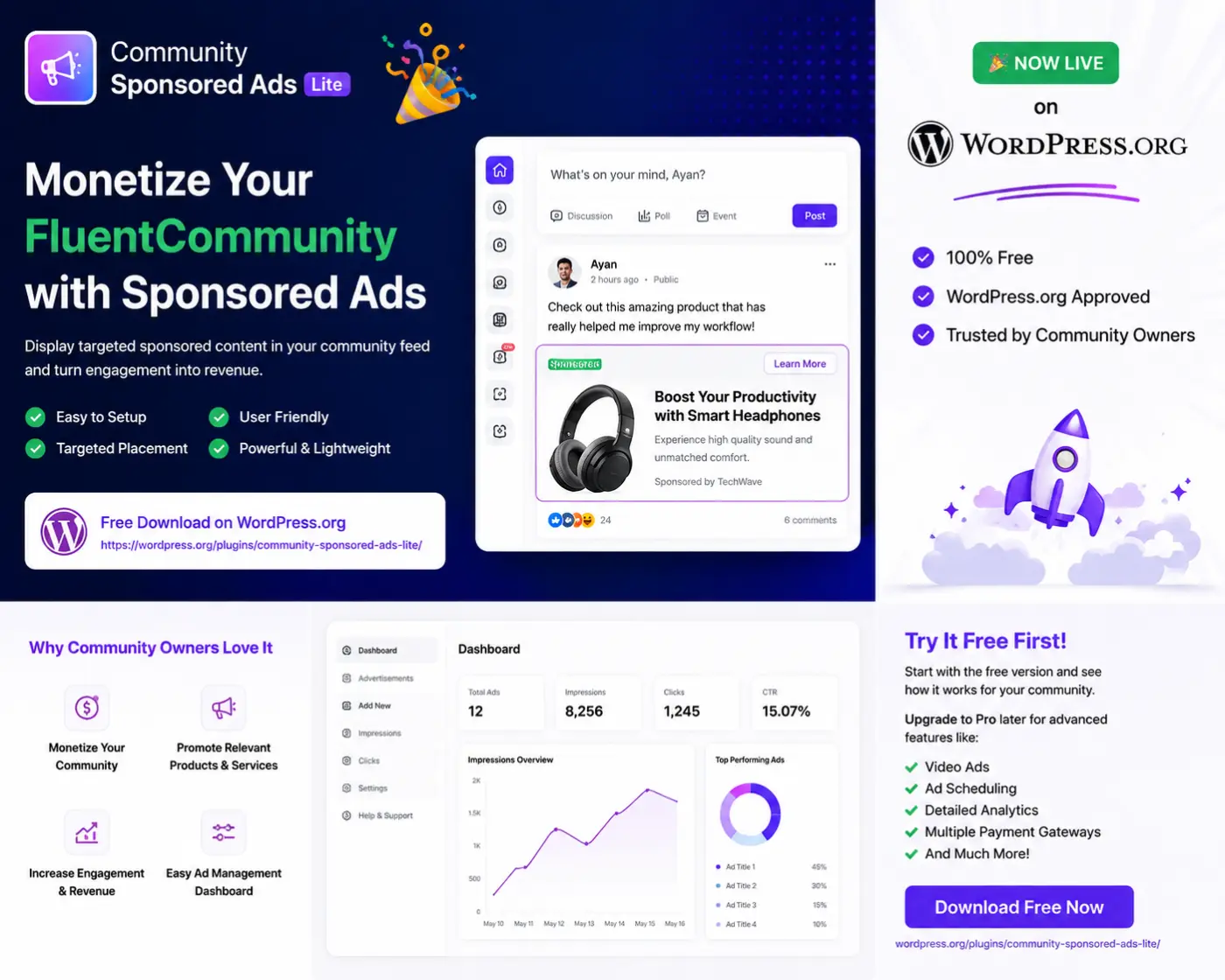
If you're using FluentCommunity and thinking about monetization, I recommend starting with the free version first.
✅ Install it
✅ Test it on your community
✅ See how sponsored content works
✅ Share your feedback
Download Free: https://wordpress.org/plugins/community-sponsored-ads-lite/
If you later need advanced features such as:
• Video Ads
• Post Promotion
• Ad Scheduling
• Impression & Click Tracking
• Revenue Dashboard
• Payment Gateway Integration
• Ads-Free Membership Plans
you can upgrade to Community Sponsored Ads Global.
My goal is simple: let community owners try the plugin first and decide if it fits their needs before purchasing the Pro version.
Feedback, feature requests, and suggestions are always welcome. 🙌

Hello Team,
I have a question regarding the Articles module and the main Community Feed.
In platforms like BuddyBoss, when an admin or a user publishes a new blog post/article, it automatically generates a post or a notification directly on the activity feed so that the community doesn't miss it.
I have successfully set up the Articles section in FluentCommunity, but I can't find a native way to have newly published articles automatically appear on the main Feed as community posts.
Is there a built-in feature, a specific toggle, or perhaps a recommended filter/hook to achieve this? Right now, users have to manually click on the "Articles" tab to see them, and I want to push them directly to the main feed for better engagement.
Thank you
Hello FluentCommunity Support Team,
I am experiencing a critical database error when trying to create or update a post using the Georgian language (UTF-8 characters). The issue specifically occurs when the post title is relatively long.
Here is the error logged by WordPress:
WordPress database error: Invalid data. (SQL: update wpy2_fcom_posts set title = 'კონკურსის მიზანია მეცნიერების პოპულარიზაცია ფართო საზოგადოებაში, საქ?', meta = 'a:0:{}', wpy2_fcom_posts.updated_at = '2026-06-14 23:42:40' where id = '5')
Observations:
- The error only triggers with long titles in Georgian. Short Georgian titles or English titles work fine.
- Looking at the SQL query, it appears the title string is getting abruptly truncated (ending with a
?), which results in the invalid data error. - This strongly suggests an issue with how the plugin handles multibyte character length validation before inserting/updating, or a potential issue with the database column length/collation not fully supporting the required string size for multibyte characters.
Could you please look into this bug and let me know if there is a quick filter/hook or a patch available to bypass this truncation issue?
Thank you

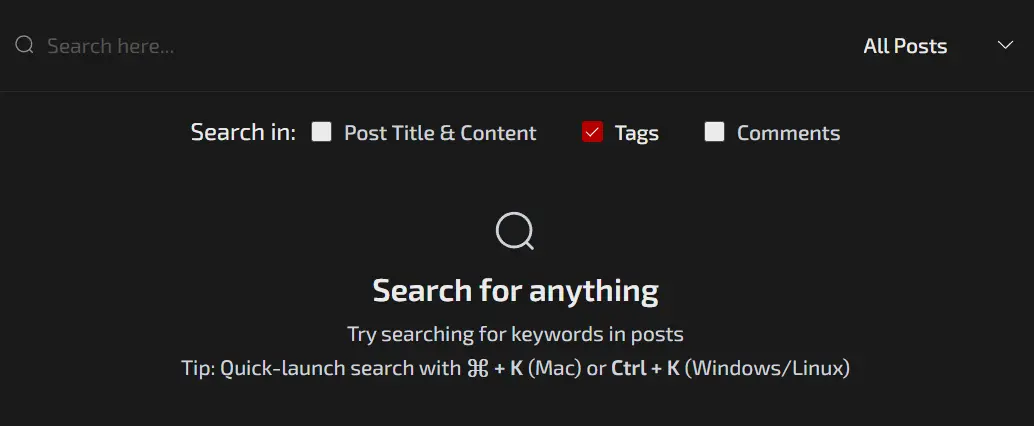
Search by tags would be on the top of my list, need to be able to narrow down by space tags and comments combined.
Because somethings can get lost.
Anyone else can pitch in ideas for search filters and functions.

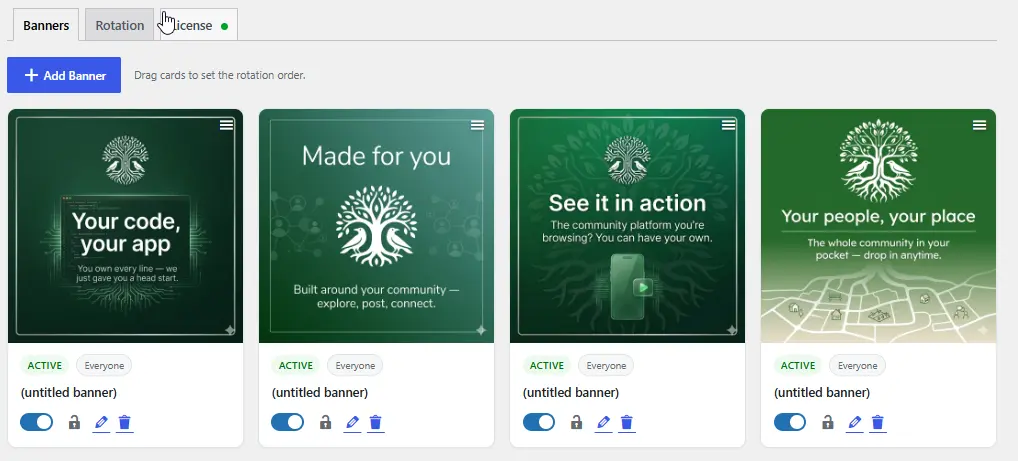
We use the Fluent Community welcome banner constantly. It's the first thing people see when they open the app or site, so it's where we put whatever event is coming up next on our personal sites. A lot of our clients use it the same way.
Most of what we run repeats, though. Monthly events, weekly sessions, the usual. So every week someone has to log in and swap the banner to the next one. Small task, but it never stops, and it's easy to forget.
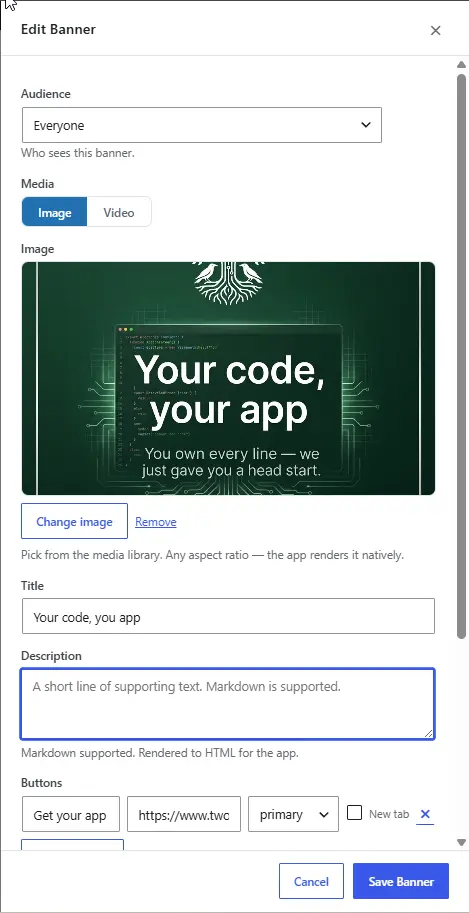
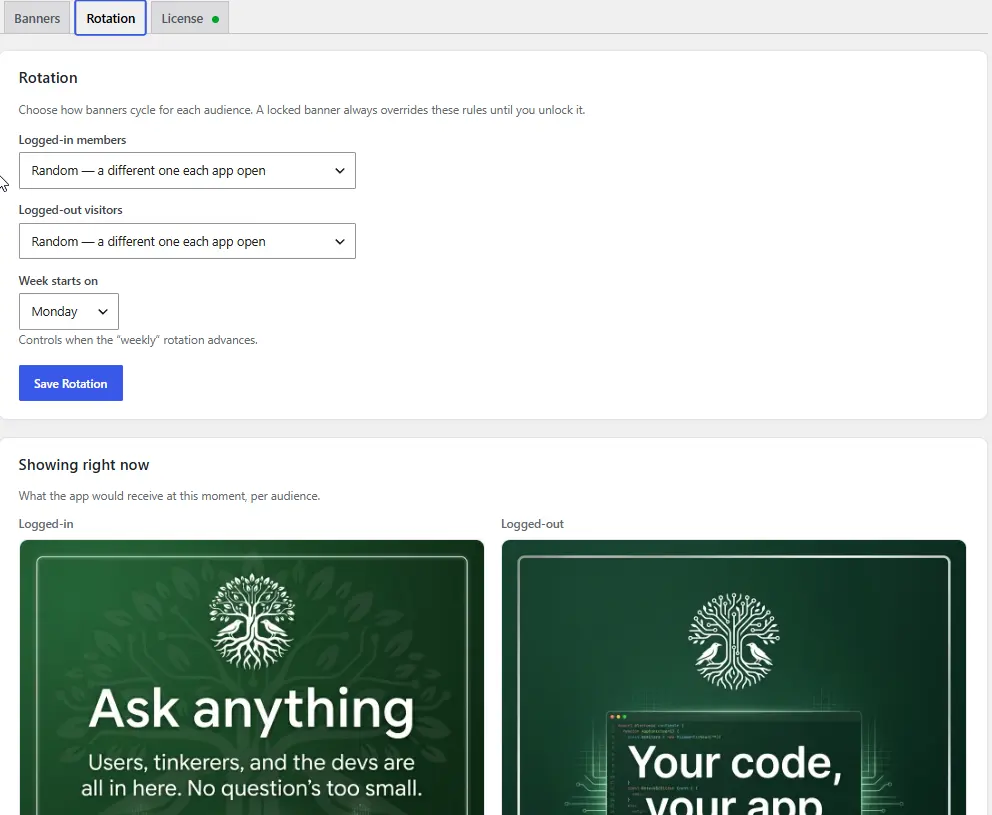
So we built something to handle it. You load in a set of banners (image or video, text, buttons) and they rotate on their own: random, daily, weekly, or on a schedule. If there's an event you really want to push, you can lock one so it stays put until you unlock it.
Now the banner updates itself and nobody has to think about it. Works on the web and in the app.
If you run a community on Fluent Community, it might save you the same weekly chore: 👉 https://www.twobirdscode.com/blog/item/tbc-banner-roation/

Hi everyone,
I'm building a custom WordPress plugin that extends the FluentCommunity Followers Pro feature.
I've successfully implemented follower limits based on membership levels, and the plugin can modify the REST response messages for follow and unfollow actions.
For example, if a user follows someone, my plugin can return a custom success message instead of the default "Successfully followed user" message.
The issue is that FluentCommunity still displays its own default frontend notification/toast message rather than the custom message being returned by the API.
Has anyone found a supported way to:
- Override the default follow/unfollow success messages?
- Hook into the frontend notification/toast system?
- Listen for follow/unfollow events in JavaScript?
- Replace the default notification text from a custom plugin without editing FluentCommunity core files?
Any pointers to hooks, filters, actions, JS events, or documentation would be greatly appreciated.
Thanks!