


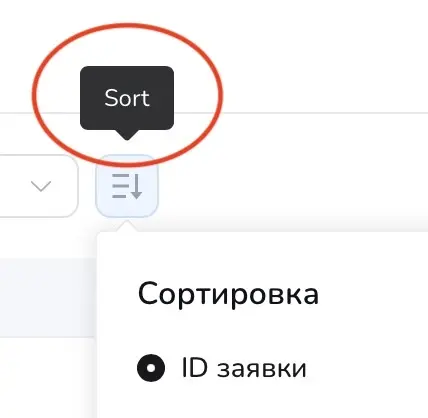
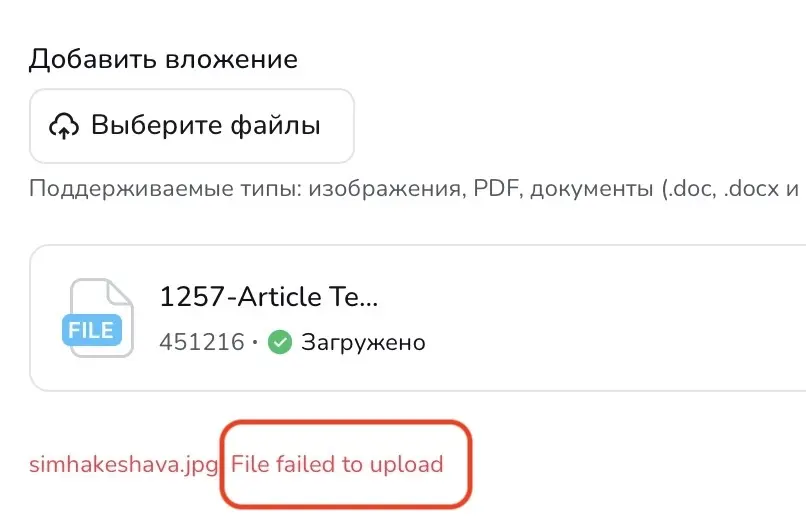
There are some untranslatable strings in the client frontend. Although the strings “Refresh”, “Reply and Close”, and “File failed to upload” are present and have been translated in LocoTranslate, the translations are not being displayed.
The other two provided strings ("Ticket has been merged..." and "Sort") are missing entirely.
One more string in comment.
Shahjahan Jewel Please fix this issue.



Our team just released a minor update of FluentSupport. Version 1.9.0 focuses on refining the support experience with better control, helpful context, a free-of-cost SaaS helpdesk migration option, and small but meaningful enhancements across the platform.
Changelog:
- New: Integration with Fluent Community. (Pro)
- New: Informational replies on admin ticket responses.
- New: Help Scout, Freshdesk & Zendesk Ticket Migration Now Available in Free Version.
- Improved: Internal note functionality now works for closed tickets.
- Improved: Responses in closed tickets can now be edited.
- Fixed: Error message shown for the Priority field when the Product is required in the customer portal.
- Fixed: Fatal error triggered by the Share Essentials weekly cron job.
- Fixed: Customer responses are not displaying in agent response stats within agent reports.
- Fixed: Incorrect ticket response count shown in today's stats.
- Fixed: Broken media upload CSS in the page editor caused by the [fluent_support_admin_portal] shortcode.
- Fixed: "Waiting For Reply" filter not working in advanced filtering.
- Fixed: Responsive issues in the Agent Portal.
Our team is also working on a big update (2.0) with a super optimized admin UI upgrade and some exciting new features.
Full changelog: https://fluentsupport.com/fluent-support-1-9-0/

Any change, the Fluent Support could be expanded to include website chat with a RAG like system like Aidbase is building?

Hi,
We currently use FreeScout (freebie Help Scout alternative) for our support tickets. We currently have 13 mailboxes (buckets for tickets which I think are called Business Inboxes in FluentSupport) setup and each has its own dedicated real IMAP mailbox in Microsoft 365 (FreeScout pulls new emails periodically instead of using forwarding like FluentSupport).
We're looking at switching to FluentSupport for two primary reasons. One is to switch to using email piping to avoid paying for those 13 Microsoft 365 mailboxes every month. The second primary reason is to be better able to manage and use the data since FluentSupport runs in WordPress. FreeScout is its own app with its own database and we've had a couple issues that took a while to fix.
Given the above, I have the following questions. I'd welcome any feedback. Thanks in advance!
- How well does the email piping feature work? Since the emails presumably flow through FluentSupport servers, are the servers processing these reliable and efficient?
- Will email piping work if we create Microsoft 365 distribution lists to send to the piping email address instead of forwarding from a real mailbox? This would allow us to get rid of the 13 paid mailboxes.
- When emails are sent out, is the from address one of our domain email addresses or is it a FluentSupport domain email address?
- How is the search functionality in FluentSupport? Does it work well and fast?
Thanks for any info. I really appreciate it.

Hello Fluent Support team.
I'm missing the possibility of automatically defining the tag when creating Workflows.
I created a field in the Fluent Forms form to select the type of request.
COMPLIMENT
COMPLAINT
REQUEST
SUGGESTION
I would like the request type tag to be added when the ticket is created.
But today I haven't found any options in the workflows that allow this definition.
Is there a way to hide or block ticket opening in the logged-in part of the site?
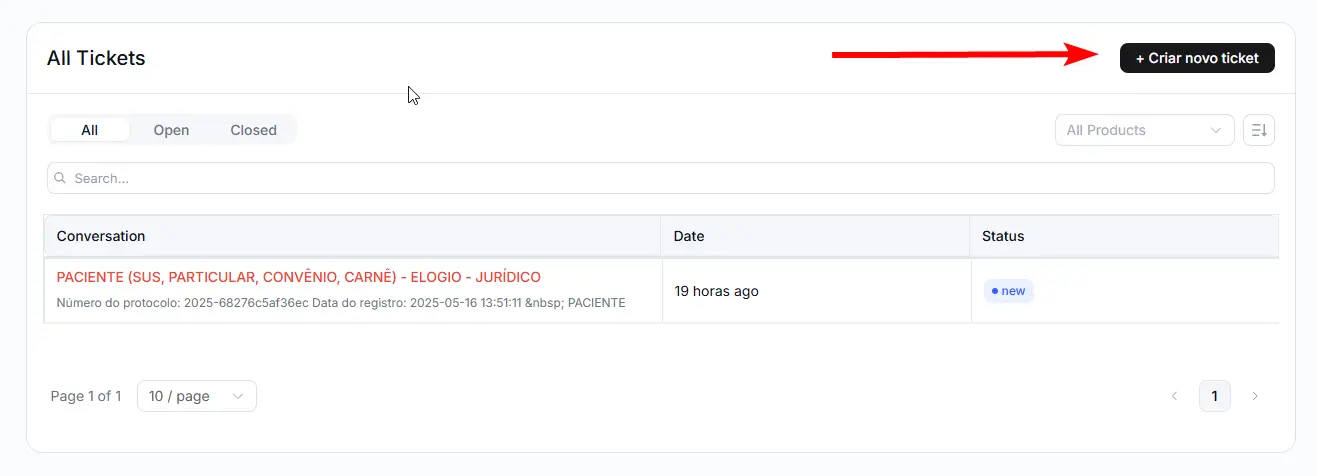

Is there a way to change the numbering sequence of tickets? I do not wish to start with 1
Thanks a million
-Lino

Is it possible during upload to change from selecting to camera....so customer can use camera instead of uploading files from there devices

But the form still displays on the website and the menu shows that there are 164 entires. but nothing listed under "forms" or "entries".
I have a backup of the entire plugin directory.
help?

We’re on a mission to showcase the incredible businesses that use Fluent Support. We’d love to feature your company on our website!
Your story, logo, and experience could inspire thousands of others looking to level up their support game.
Take 2 minutes to fill out our quick survey — tell us who you are, what you do, and how Fluent Support fits into your workflow.
We’re excited to feature real users, real teams, and real results. Looking forward to hearing from you!
Head over to this page to take part 👇