


When I sent my campaign #400 (on one of my projects), yesterday, I just can say thanks for FluentCRM as the crown's jewel in my toolbox 🙏


With most things, there is a work around. I was wondering how y'all in the hive mind that are sending SMS messages have been able to do it within automations (Telegram could possibly work too but not preferred).
My use case:
I deal with complex personal issues so people often avoid going back into the courses. However with a little nudge they do. While email is good, people are relying more and more on their phones and notifications.
I know how to handle all the tagging and customization with email, but wanted to add in SMS for weekly reminders. Everyone will be enrolling at different times so it won't be a broadcast and needs to be done in the automation.
Appreciate all feedback and suggestions

Hi! Wondering how it’s possible to add notes via external automation or webhook or something? I have some things coming in via Gravity Forms that I’d like to pass into a FluentCRM contact note, but can’t for the life of me figure out how to do it! Help?

In this FluentCRM tutorial, I reveal a powerful marketing strategy that can work wonders for both you and your clients.
Imagine this: you create a free course to attract leads, and the moment someone signs up, they’re presented with an irresistible offer to upgrade to your paid course.
This approach is a proven winner in the marketing world—turning your lead generation into a direct path for sales.

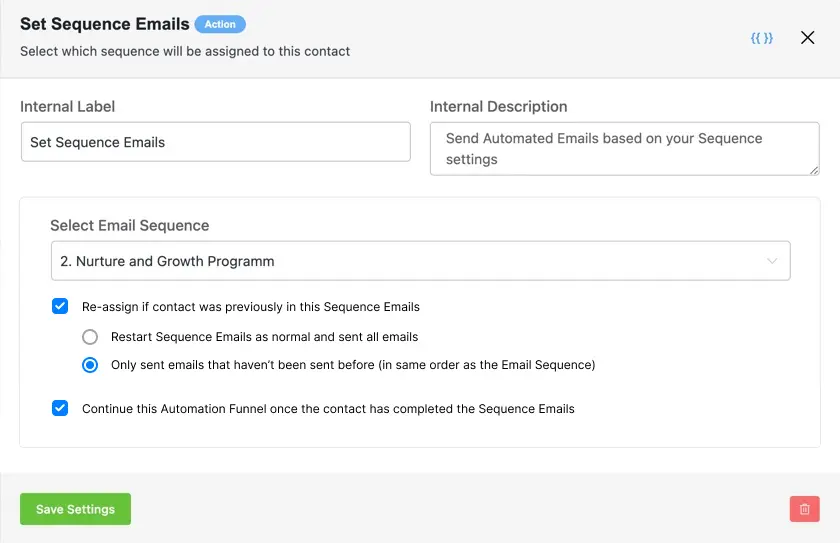
Hey everyone, I wanted to share a feature idea for FluentCRM that I believe could significantly enhance its marketing automation capabilities. I’ve attached an image to illustrate how this feature could be integrated into the FluentCRM UI, and I’d love to hear your thoughts!
Use Case:
The proposed feature would allow users to re-enroll a contact into an evergreen email sequence. This functionality would be incredibly useful for staying top-of-mind with leads and customers over the long term in a sustainable way. Additionally, when more specific or time-sensitive email sequences are needed, users could pause the evergreen sequence and resume it later. This flexibility ensures that you can maintain consistent engagement while also addressing immediate needs with targeted emails.
A second feature idea is the ability to automatically add a delay until the email sequence is completed for a contact. This would help maintain clarity and control within automations, ensuring that your email flows remain organized and effective.
I’m curious if I’ve overlooked something and this is already possible in FluentCRM. If not, I strongly hope this feature can be added soon, as I believe it would be a major step forward for marketing automation within the platform. If you agree, please like and comment to show your support!
Looking forward to hearing your feedback or any workarounds you might be using for similar needs. Thanks!

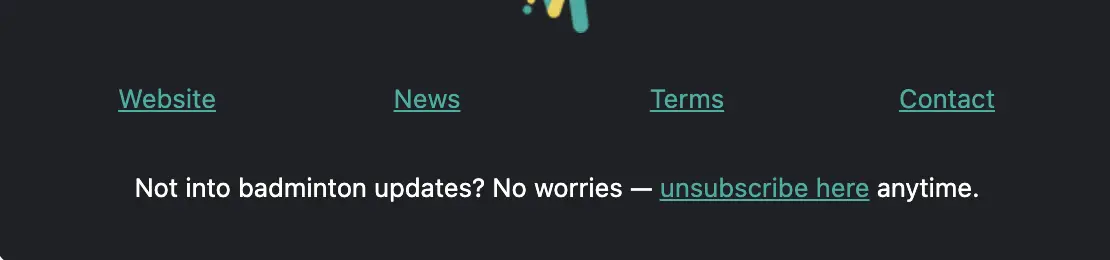
When using links in the Simple Boxed or Plain Centered layout, how can I remove the underline from the link text?
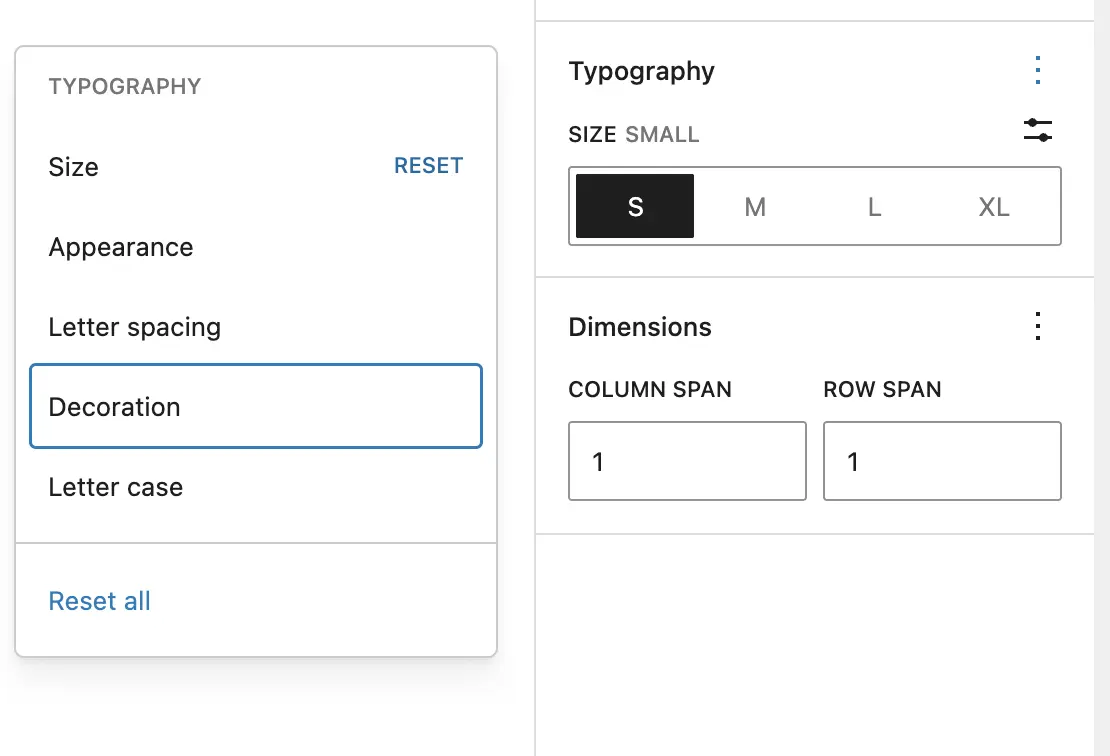
Typography options are unchecked by default, and there’s no global setting to have them enabled by default. I believe they should be checked by default. Even when I manually enable them, the settings are not retained, which makes it frustrating to use and creates a poor UX.
Hi Ninja team,
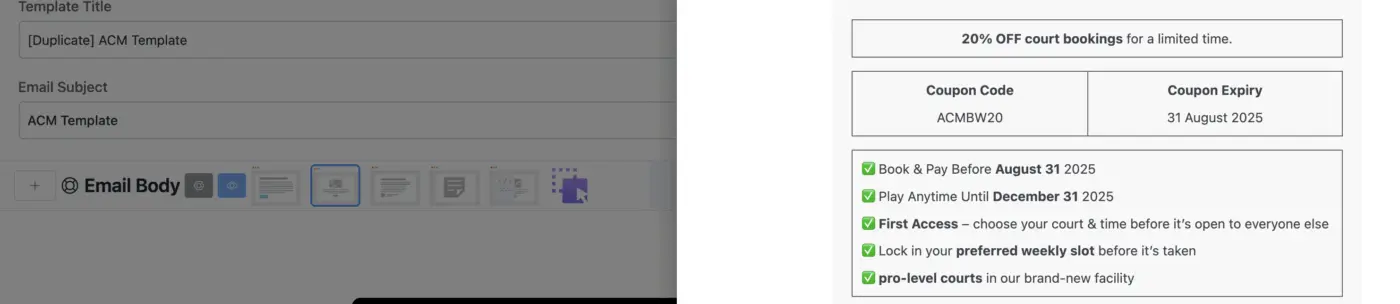
how do you remove table outlines?
how do I change the color of table outlines?
How do I make the outline corner rounded - border radius?

When I want to update from FCRM Pro .60 to .65 it tells me: "Unprocessable Entity" Error and does not update.
In Console:
TypeError: Cannot read properties of undefined (reading 'attr')
at g.updates.updatePluginError (updates.min.js?ver=b29988de94567618796dca65eea57e6b:2:8962)
at c (load-scripts.php?c=0&load%5Bchunk_0%5D=jquery-core,jquery-migrate,utils,moxiejs,plupload&ver=b29988de94567618796dca65eea57e6b:2:25304)
at Object.fire
Maybe it has to do with the new fluentcart licence managment? Because other (free) Plugins update easily.