I have automation trigger TAG and then add to list-remove tag/create wordpress user/add to space in fluent community/send webhook. For now i use delay from 1 minute. but ca i use it without delay. Then its faster but maybe not stable ? What do you think?

Hi everyone, I recently purchased the FluentCRM with the goal to get rid of my ActiveCampaign subscription.
Actually, I don't have a constant mass email sending needs, but I used to send emails to the whole list until now, even if not so often.
If I got it right, FluentCRM needs to be attached to an external email sending service to work properly.
Anyway, I'm sure my hosting provider won't be happy if I start sending 1000+ emails at once 😅
So what service provider would you suggest for this kind of use?
I see ZeptoMail is only for "transational email", but for my actual volume, FluentSMTP is enough for the moment (until I will need to send emails to the whole contact list 😁).

I’m unable to import the HTML email template because FluentCRM only supports JSON-based templates. I also tried copying and pasting the HTML code directly, but it causes alignment issues. Most importantly, SVG icons are consistently being removed by FluentCRM.

Hello, I am just wondering if anyone had figured out/done any sort of integration with notion and fluent crm since we cant really do what we need to fully with just fluent crm unfortunately.
Got a few client use cases and even our own where we could really benefit from having our sales pipeline in notion sync with our fluent crm,

Request: The conditional automation step has an integration with LearnDash. However, conditions for checking action with a lesson or topic are missing - only course level conditions can be checked. I would like to see checks for:
- Lesson viewed
- Lesson completed
- Topic viewed
- Topic completed
I'm sure there a a few others, but those are the ones I'm interested in right now.

#Request

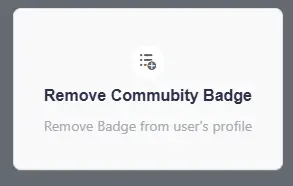
Just happened to find this spelling error and thought I'd share it.

edit: I got it figured out. Thanks for the help everyone.
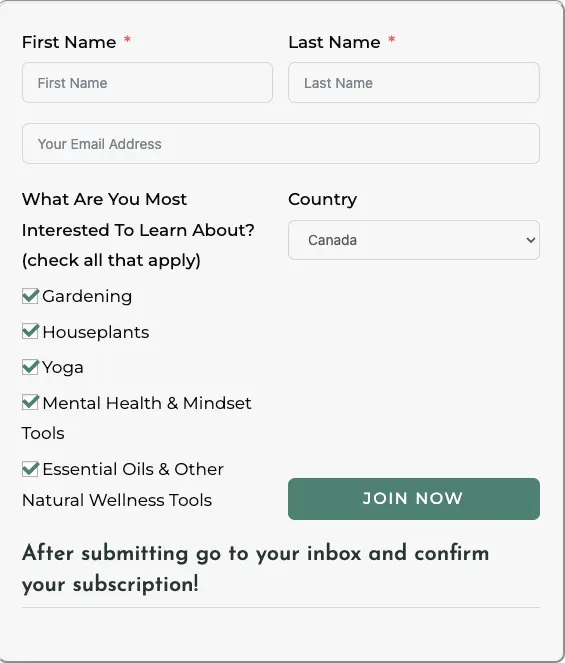
I have newsletter form on my website (using fluentforms) and I am trying to figure out how to add a tag for each of the interests selected so I can segment them to the correct lists in FluentCRM.
I cant seem to find this in either the form or through creating an automation.
Can someone help with this? thx!

Now that fCRM and FC are out in the world and inter-operating, these questions must be asked.
My client wants to make "new subscriber" offers that are time-limited, and based on the date of sign-up. Other shop owners might want to issue time-limited coupons or links to private products that are based on renewal dates or some other metric that is unique to each customer, and not a global "big sale to everyone" sort of offer.
I know about 3rd-party countdown timer services, but it's only useful for universal, full-list offers.
Are timed offers or tracking based on a user-specific date planned features?

Hi there, we're exploring FluentCRM as a replacement for Zoho. While recognising that these are different CRMs with different features, there's one thing we're really missing: a global search. FluentCRM allows you to search contacts conveniently from the admin toolbar, but what if you're looking for a company? What if you're looking for something that is mentioned in the notes of a contact? I'd love to be able to search all the data in the FluentCRM.
Is this available somewhere I'm not seeing, or could this be a feature request?

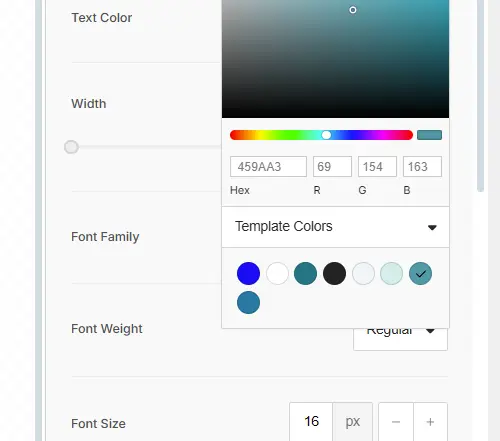
Hey FC family. FluentCRM email has template colors for the button now. Where can I set those?