

How to Add a Tag in FluentCRM based on FluentForms field input
edit: I got it figured out. Thanks for the help everyone.
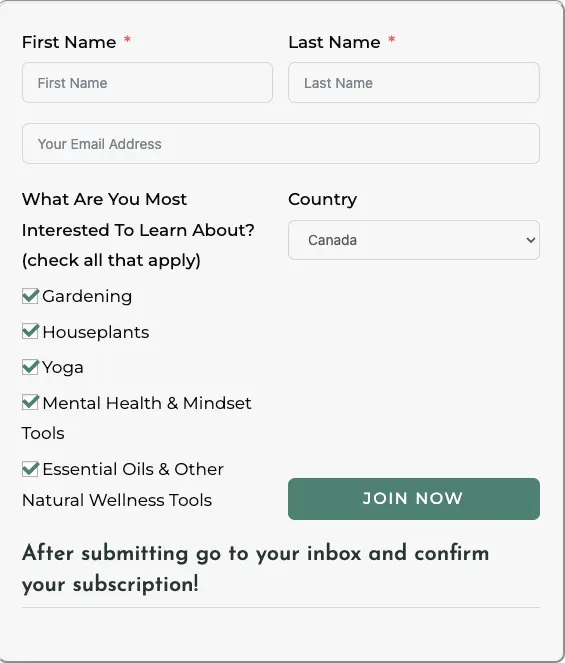
I have newsletter form on my website (using fluentforms) and I am trying to figure out how to add a tag for each of the interests selected so I can segment them to the correct lists in FluentCRM.
I cant seem to find this in either the form or through creating an automation.
Can someone help with this? thx!

Let's assume you're using Fluent Forms Pro. After you create the form, go to Settings > Webhook, and then click on the blue gear icon. You can submit as Form or JSON. I chose Form.
Now go to FluentCRM. You're going to go to Settings > Incoming Webhooks. If this exists, click the blue pencil icon.
You'll see a place toward the bottom of the screen for Custom Contact Field. You need to add those custom fields in FluentCRM so you can map them to your contacts. When a new contact comes in, have an automation where you use a new Fluent Forms Submission. Look for the Map Other Data section and then correlate your custom fields to the incoming data from the form.
In the Automation, you're going to use Check Condition to find the data from those fields. If Yes, apply the tag.

I have done this with conditional outcome screens in FF. Each one can be mapped to a different tag in FCRM via the Integrations.

Lee Busch could you share the specifics of where / how to do this?

It can be done within the Configure Integration settings and add Fluent CRM integration. Then enable dynamic tagging and create a new line for each condition 👌
ok i think i have found this. I had been told to not have this intergeration on and have the trigger in an email sequence as this form being filled out and it conflicts and doesnt trigger the automation. so i will have to see if it will work for me.
Lindsay Warne the integration is just about applying the tags and not triggering automations / sequences. You can then pull dynamic information based on the tag. The integration is just to update the CRM with the details.

We have a nice guide on this. Check it out: https://fluentcrm.com/segment-fluentcrm-contacts-using-dynamic-tags/