


Help!!
Hi,
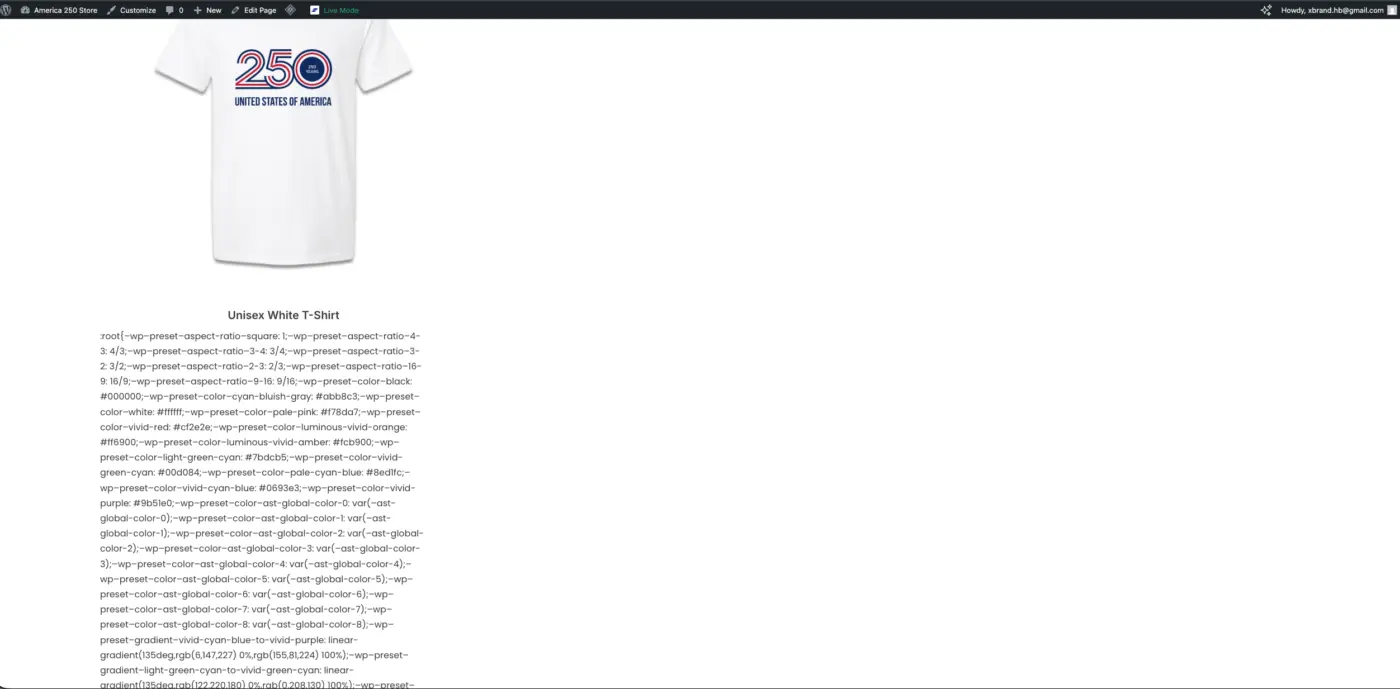
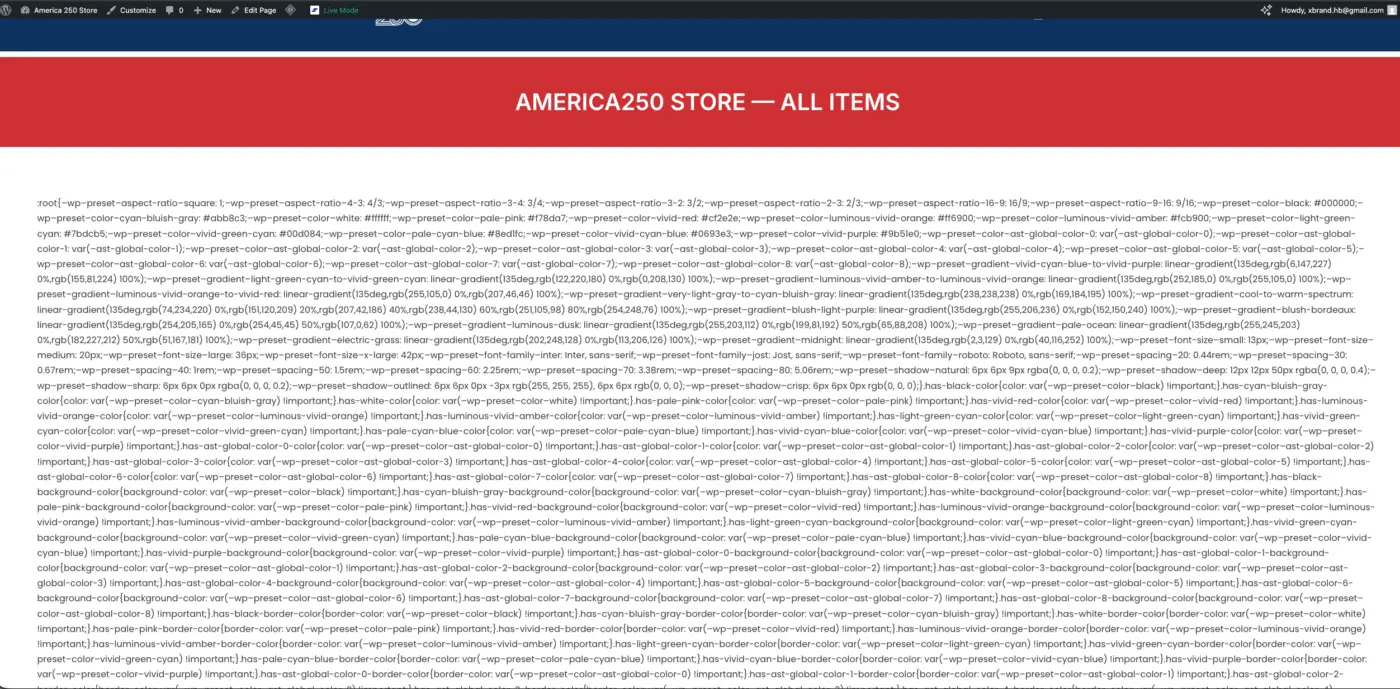
I'm seeing a bug on my shop page where a large block of CSS is showing up as plain visible text, right above the products grid.
Site: https://america250.store/shop/ FluentCart version: 1.3.28 Theme: Astra Other relevant plugins: Spectra, LiteSpeed Cache
Screenshot attached.
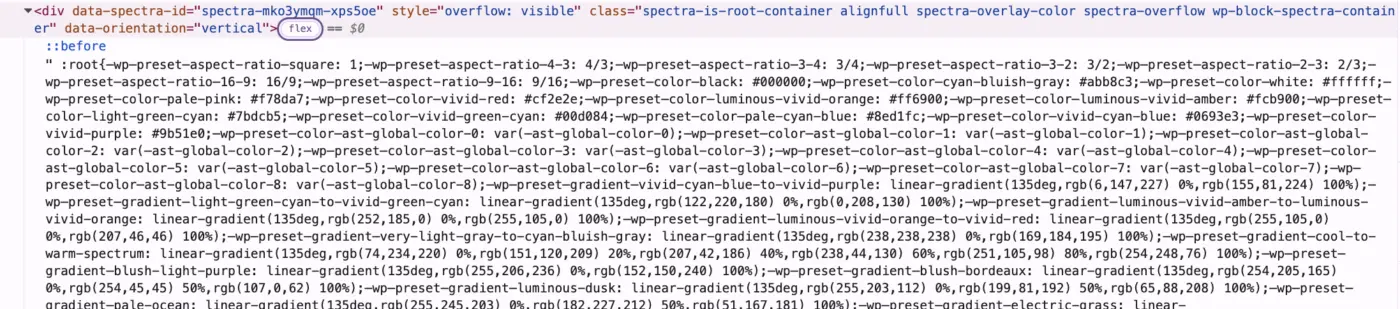
I checked the page content in the editor — there's no CSS there. I also checked via the REST API and content.rendered doesn't include it either. The CSS only appears in the actual front-end HTML, inside the products block container, before any products are listed. The -- in the CSS variables are also being converted to – (en-dashes), which makes the text very visible on the page.
It looks like something in the FluentCart products block is outputting CSS as text instead of wrapping it in a <style> tag.
Can you take a look? Happy to provide more details if needed.
Thanks!

That CSS is coming from the Spectra Plugin.

A good moment to remove spectra plugin, you dont need it, block editor can do anything you want