


FluentCart - Extra Public Facing Pictures - Needs Delete/Hide
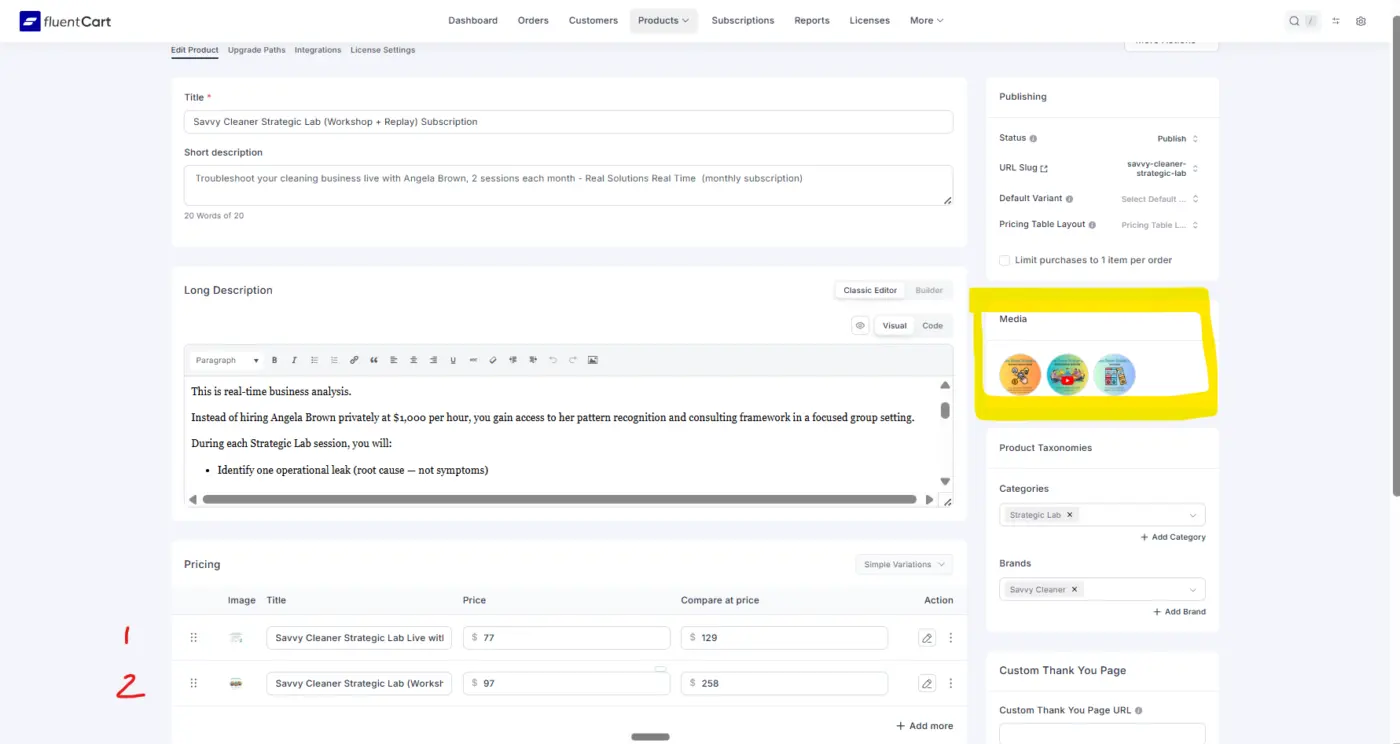
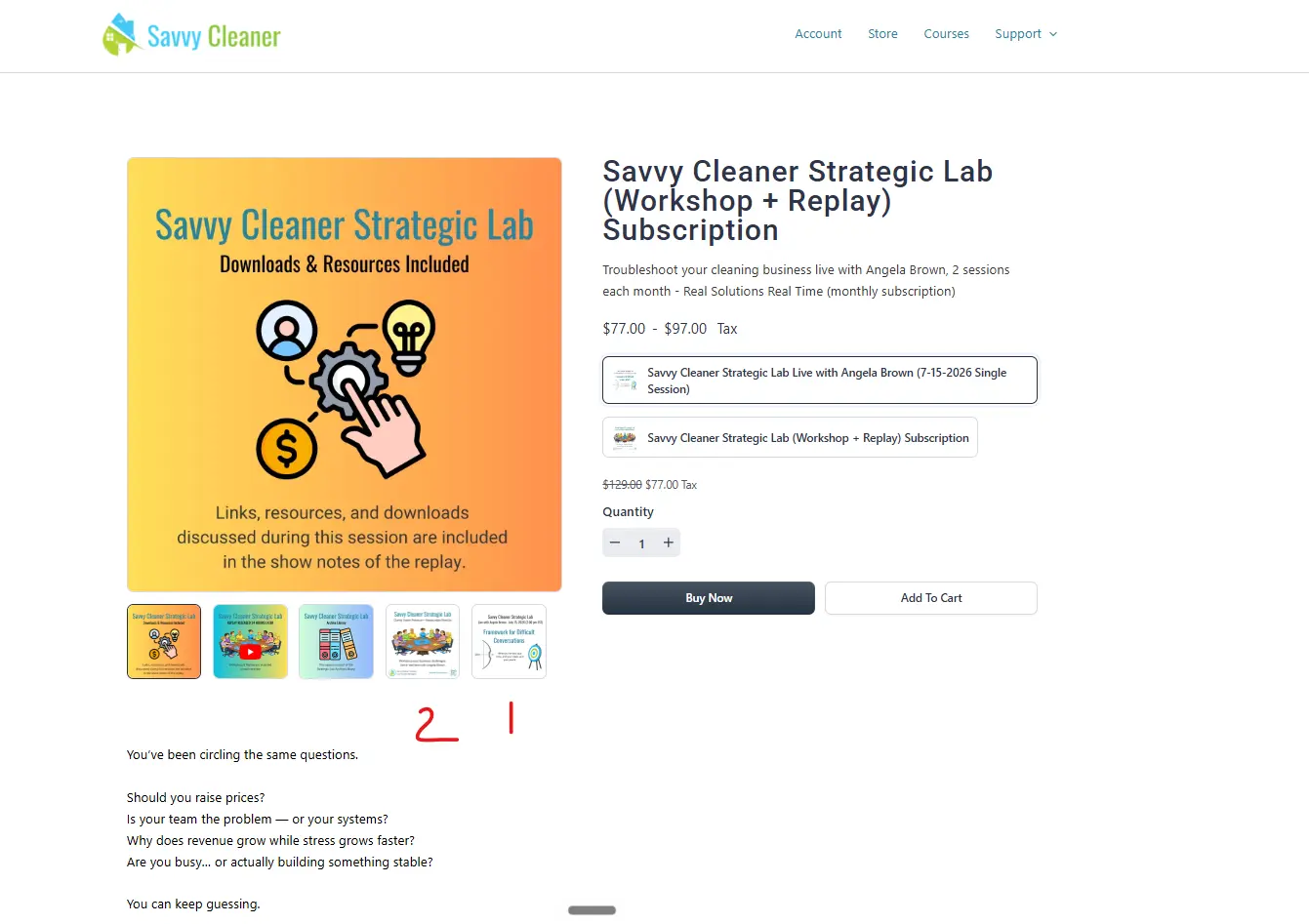
I might be doing something wrong - maybe you can help. On the left, I have products 1 and 2. To the right, in the highlighted section, I have media images that are true for both products. The front of the cart (facing the customer), however, shows the "featured image" rather than the product image. You will notice that the product images appear under the "featured image" but can't be selected as the "featured image" because they are not in the media box.
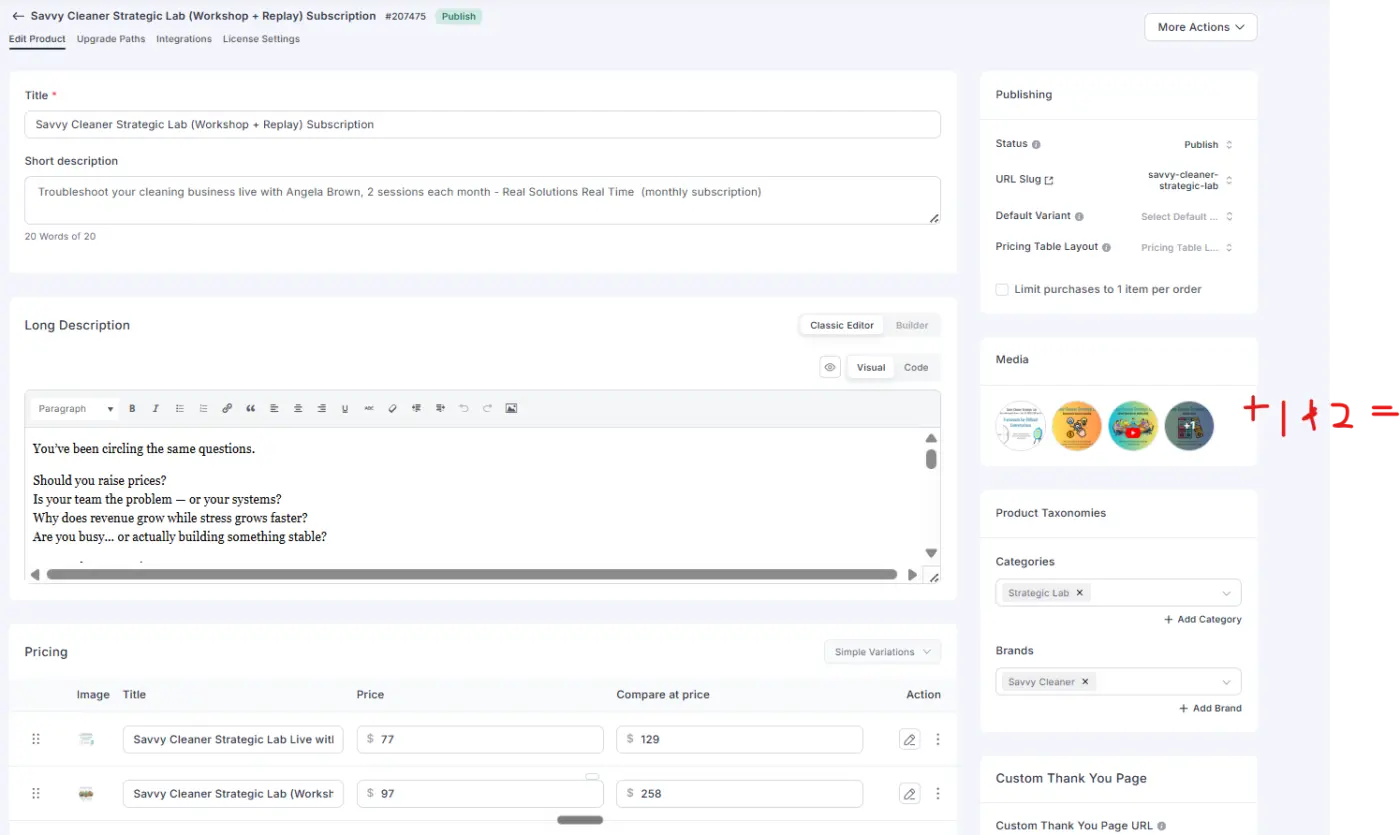
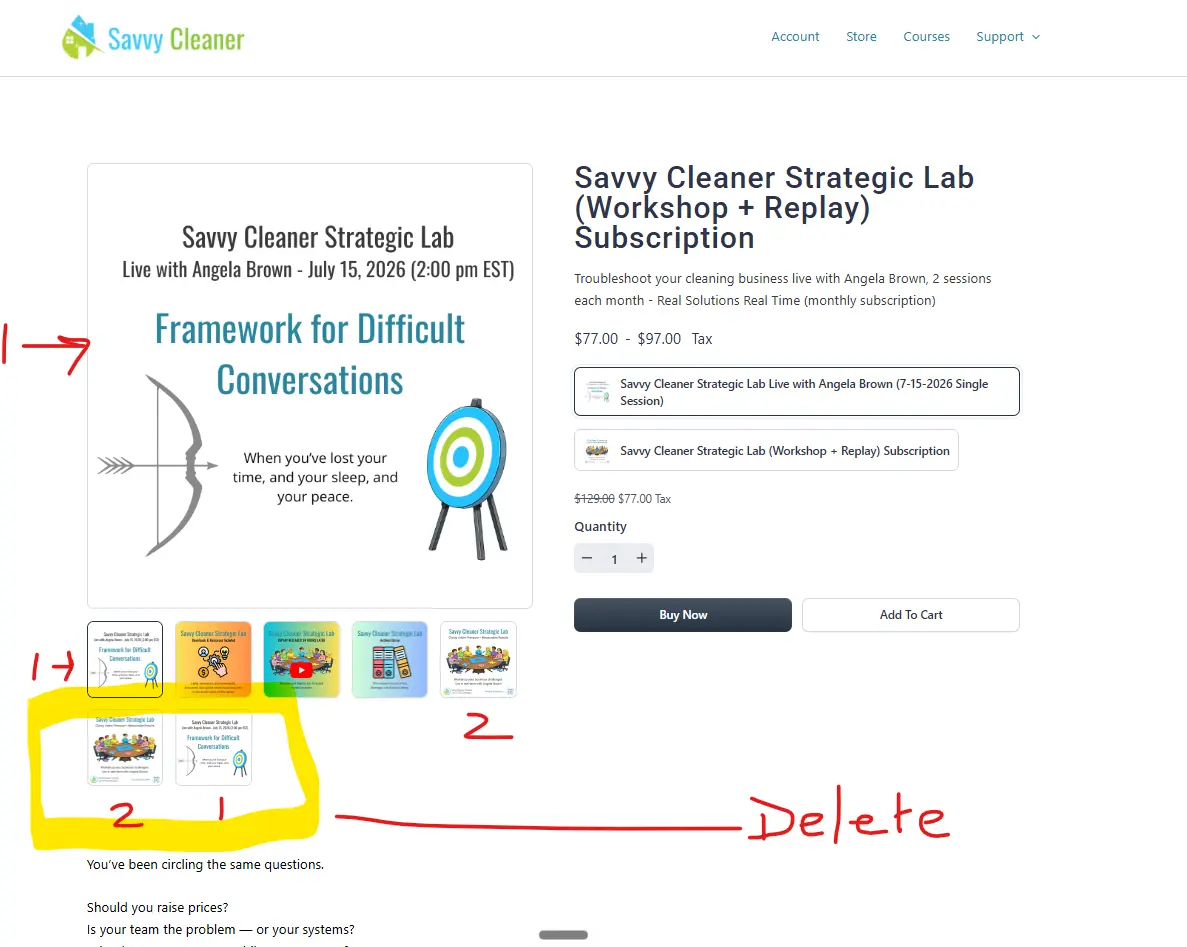
When I add the product images to the media box, I can move them around and set the product image as the featured image, but then it adds two more pictures to the UX.
How do I remove or hide the "extra" images from the shopping cart page that faces the customer?
NOTE: The issue is that this product has a variable. If it were only one product, I could simply remove the image from the product itself, place all images in the media box, and set the product image as the featured image. 🤪

Hi
We had similar problems, and some have been fixed by support, did you contact support about this ?

Thanks for reporting this and for explaining the setup so clearly. We’ve added it to our list as an improvement so product and variation images can be handled more cleanly without creating duplicate images on the storefront.