

Coupon Expire Date/Time
It's not using the date/time that you select. For example if I select March 7, 2026 @ 11:59pm... it sets it as March 8, 2026 @ 4:59am once it's saved.

I think we are saving the datetime as UTC and when we display, we display as the local time. I will check with the devs. CC: Ripon Sarkar

Shahjahan Jewel it previously displayed the same date/time I selected I think before this last update.
Shahjahan Jewel even if it is UTC, the expire date/time shouldn't be displayed differently than what I actually select. That only makes it confusing, especially when you view your coupons and it shows the wrong date/time, then go to edit/save and it still shows the wrong date/time.

Jeff Brigman In order to globalise the time, we store all the times in UTC and display them in your local system time. If you see your desired time in the schedule area but the coupon does not activate or expire at that time, that is the actual issue. It is not related to the difference between the database time and the display time. Hope this information helped.
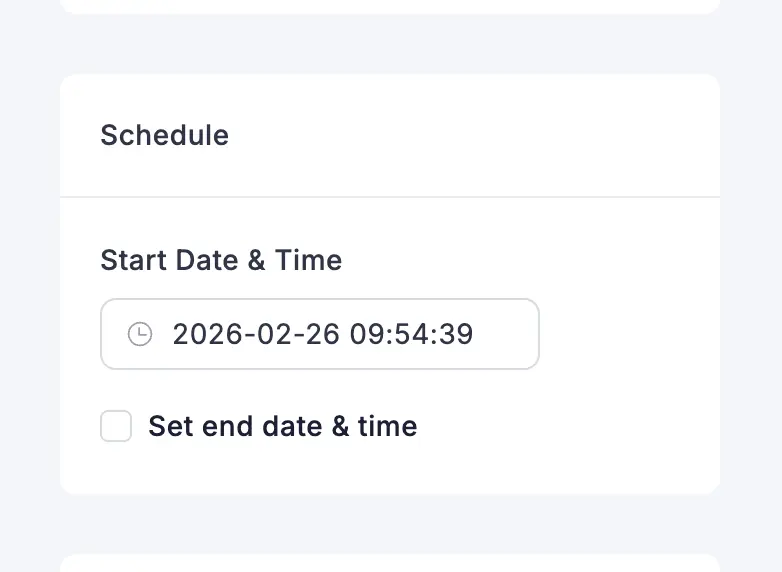
Ripon Sarkar that doesn’t help explain why it’s showing the wrong expire date/time after I save it
If I set a coupon to expire on a specific date and time, it should expire then, not five hours later.
This worked correctly and then after the recent update it doesn’t.
Jeff Brigman Please open a support ticket so they can take care of it. thanks
Ripon Sarkar here's what I'm talking about. https://share.jeffbrigman.com/JruRlNXA
The coupon works correctly but what's being shown in the main coupon area does not reflect the correct time and/or date.