

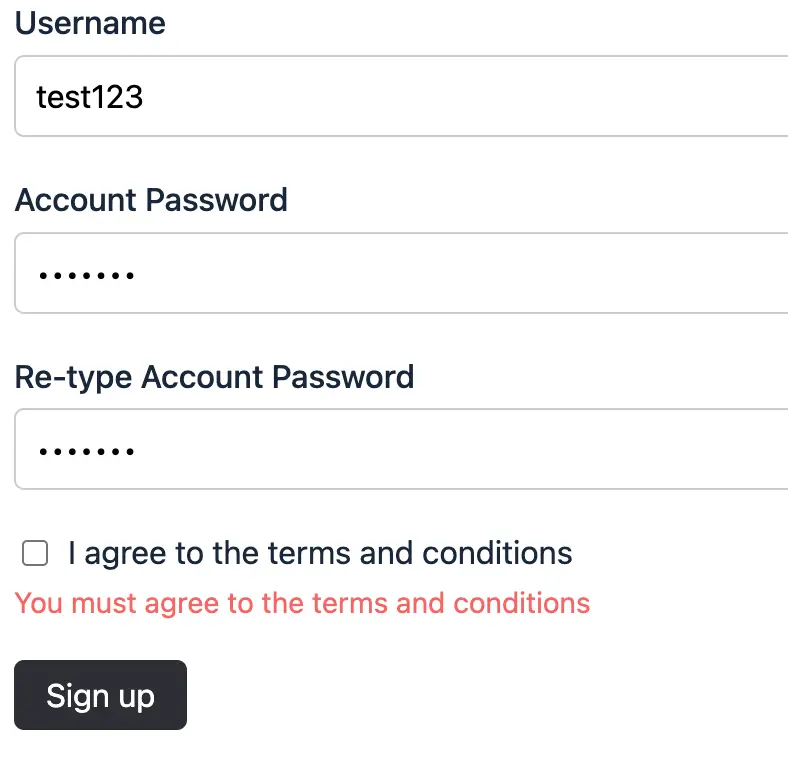
Where to link to the terms and conditions?
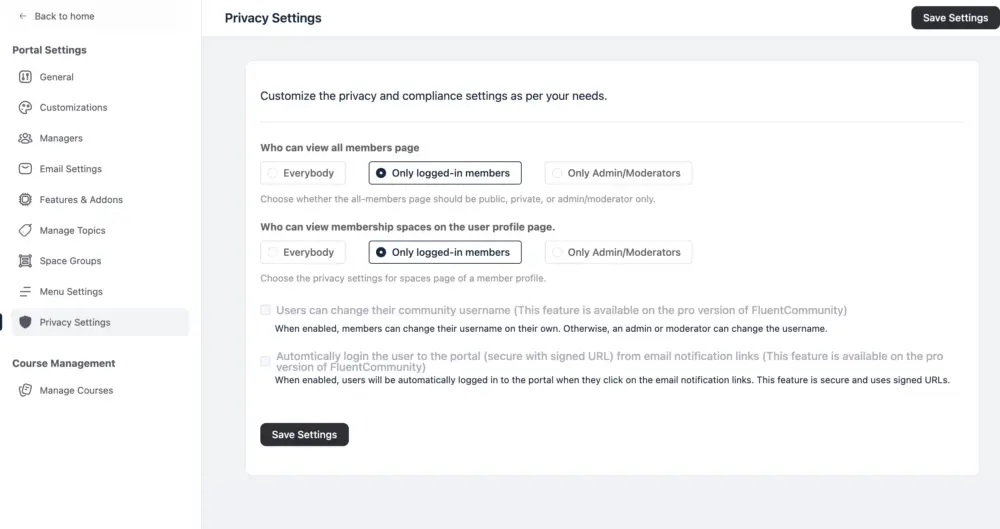
I can't find out where to include the link to my own terms and conditions.

I have my terms and conditions on the footer section of my website home page. I have a call to action register button on the home page and also in my top menu so visitors can register to become a member and access the community after visiting my home page. However if you have visitors go straight to the portal to signup, my recommendation would not work.

I see! Yeah I'd want it straight from the portal. Only wanting to have the text "terms and conditions" being a link to the actual TOS. Otherwise the checkbox is legally speaking worth nothing 😅

Same, how can they agree to something they can't click to read? There needs to be a way to add a URL or even some terms that popup in a modal.
Indeed! I've created a support ticket for it now.


that worked really well! thanks

has this been update? Why would we need an additional plugin to show terms?? If thats the case then the text and box should not be there at all
