

Storage clogging after deleting posts (Local FS / S3)
I’ve encountered an issue: when deleting a post from the feed, the attached media files are not being deleted — neither from the local file system nor from S3.
At first, I thought this might be a misconfiguration on my end, but after checking everything, it seems that the plugin does not handle cleanup of media files associated with deleted posts.
🧩 This leads to:
- accumulation of unused files on the server and in the cloud,
- unnecessary storage costs (especially in S3),
- potential security or SEO issues if those files remain publicly accessible.
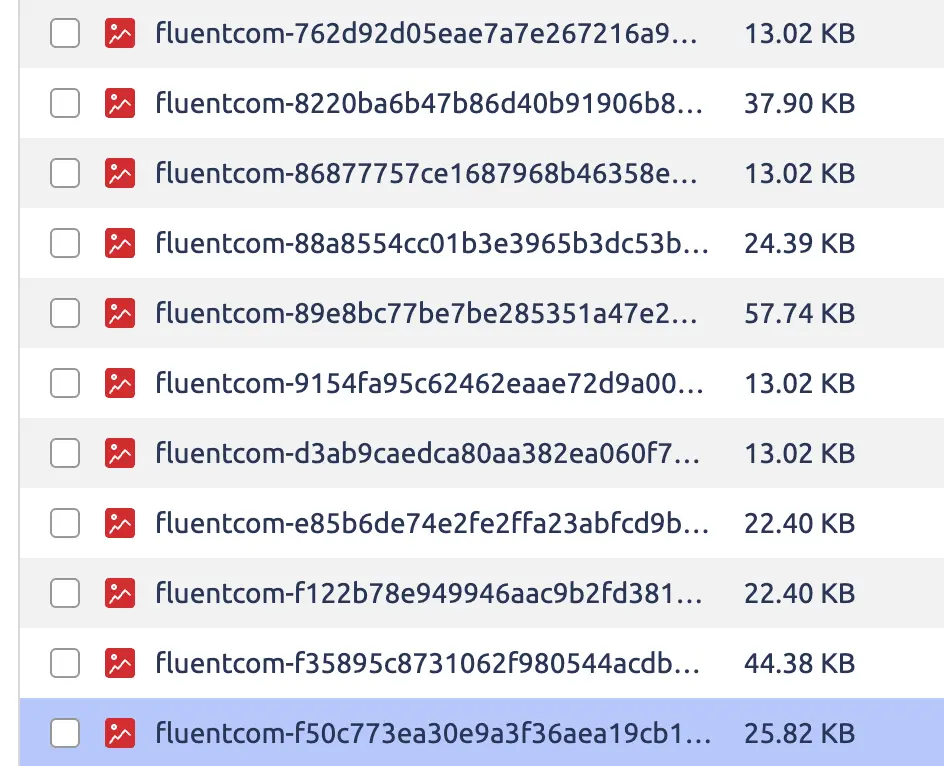
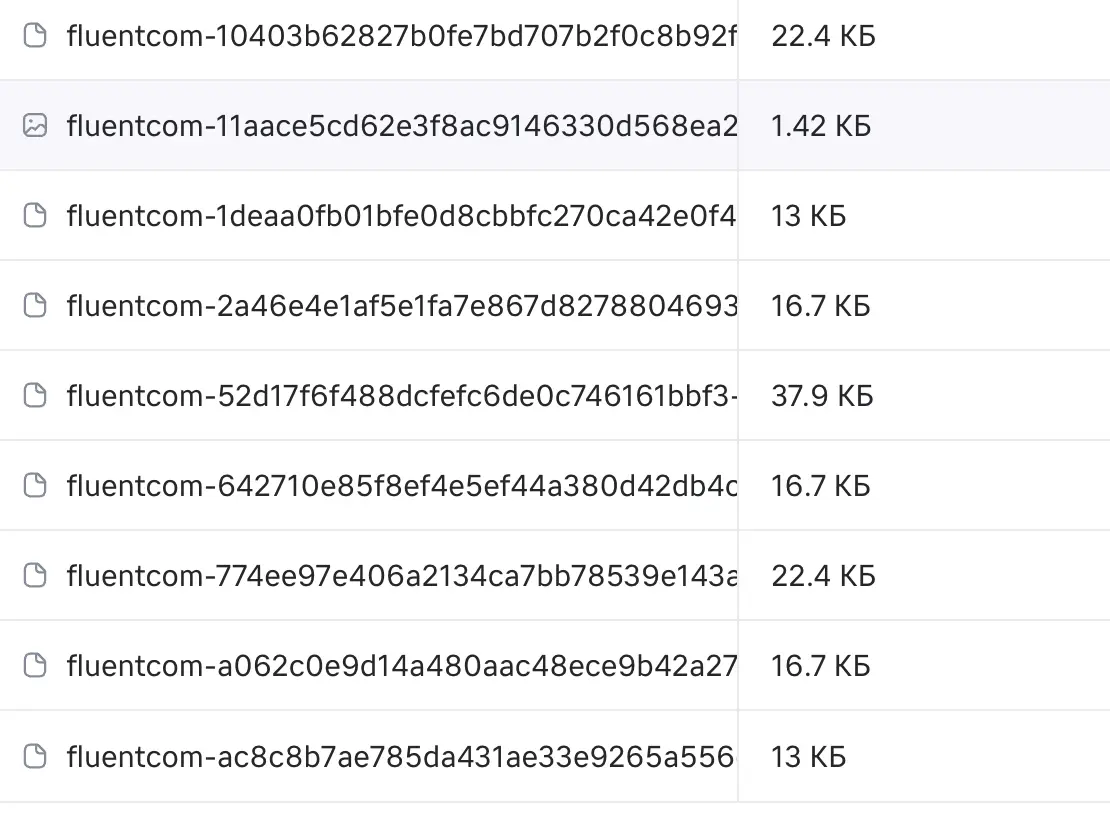
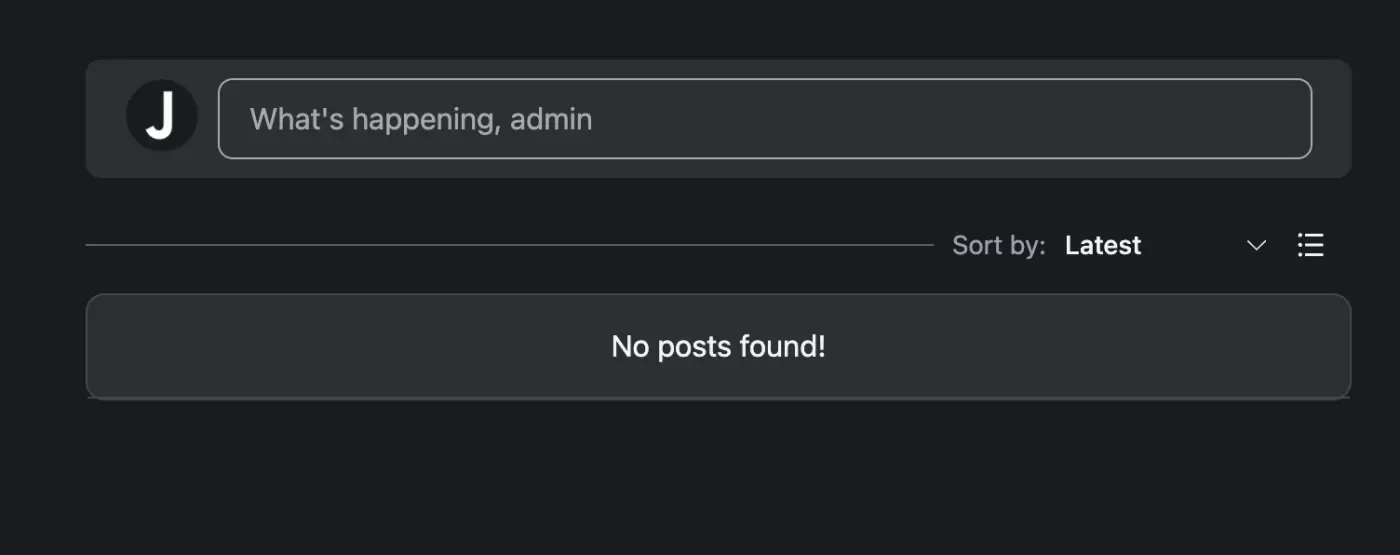
📸 In the screenshots:
- On the left — local server (
wp-content/uploads/fluent-community/), - On the right — VK Cloud S3 bucket (
fluent-community/portal/), - At the bottom — proof that all posts have already been deleted (the feed is empty), yet media files still remain.
Could you please clarify:
- Is automatic media cleanup expected behavior?
- If not, is this on the roadmap or should we handle it manually via cron/job?
- How is this handled in your own production setup?
Thanks in advance!

Same goes for images:
They remain in wp-content/uploads/fluent-community, without being visible in the WordPress media library.

D@vid do you still have files left after deletion? no change on my side, really hoping for an official answer for possible reasons.

They should be deleted within 1-2 hours after delete post related. Deleting images is not realtime, it process in batch to optimize server usage. Check the team comment here: https://community.wpmanageninja.com/portal/post/r2-associated-files-are-not-d?comment_id=18982
Cuong Thach unfortunately we still don't have the files deleted, it's been a few days.

Hi Artur Abakarov
We found an issue in the S3 file deletion process and have fixed it in the dev. Thanks for bringing it to our attention.
Raiyan Marzan nice, better you should have a log for user monitor it. The issue can happen sometimes in the future again.
Hi, Raiyan Marzan
Very happy to hear your news! And I would also like to note that this problem was detected on the local server as well.
Artur Abakarov We couldn’t reproduce it on local server. If it’s site-specific, please follow up in the ticket. Thank you!