

Signup Form
Is there a possibility to change the FluentAuth signup/login form [fluent_auth]? I need to have terms and conditions checkbox (and link to terms too) and re-enter password. Anyone knows something?

Szymon Jakubowski I hope it will be possible to enable such a custom checkbox field (out of the box) instead of using some workarounds like fForms.

You can create a new signup/registration page. Create a WordPress signup page that does what you want, and then update the FluentCommunity Login/Registration URLs in the General Settings.

William Beem And how do you switch between singnup / login / reset the password? Do you have 3 pages?
Szymon Jakubowski You could have three pages if you want, but the Login page also has a link to reset the password.
I edited my initial post to you because my sign-up page is not inside the default FC framework. If you'd like to see it, go to hub.suburbiapress.com.
You'll see a button to log in and another to sign up. The reason I chose to create my own registration page is because I charge and didn't see an option in the default registration page to charge.
William Beem OK, thank you 🙏 I try it with new FluentAuth plug-in, but I can't manage it :( I'm beginner in those things :)
Szymon Jakubowski My signup page is just a WordPress page using Fluent Forms. That integrates with FluentCommunity, Stripe, and can use reCAPTCHA is you need. It can also create the WordPress user account and add a user to the community. The rest is the same as a default FluentCommunity Login.
Szymon Jakubowski if you use Kadence then try to create one page with Tabs block and each Tab would use a different form (login, register...).
You can reffer later the url to each tab AFAIK so you can open specific tab for Login and for the Register form - I am just thinking out loud so maybe this is what you are looking for but try it out and find out.

William Beem https://hub.suburbiapress.com/community/?fcom_action=auth
For those looking. Slick page man, love it.
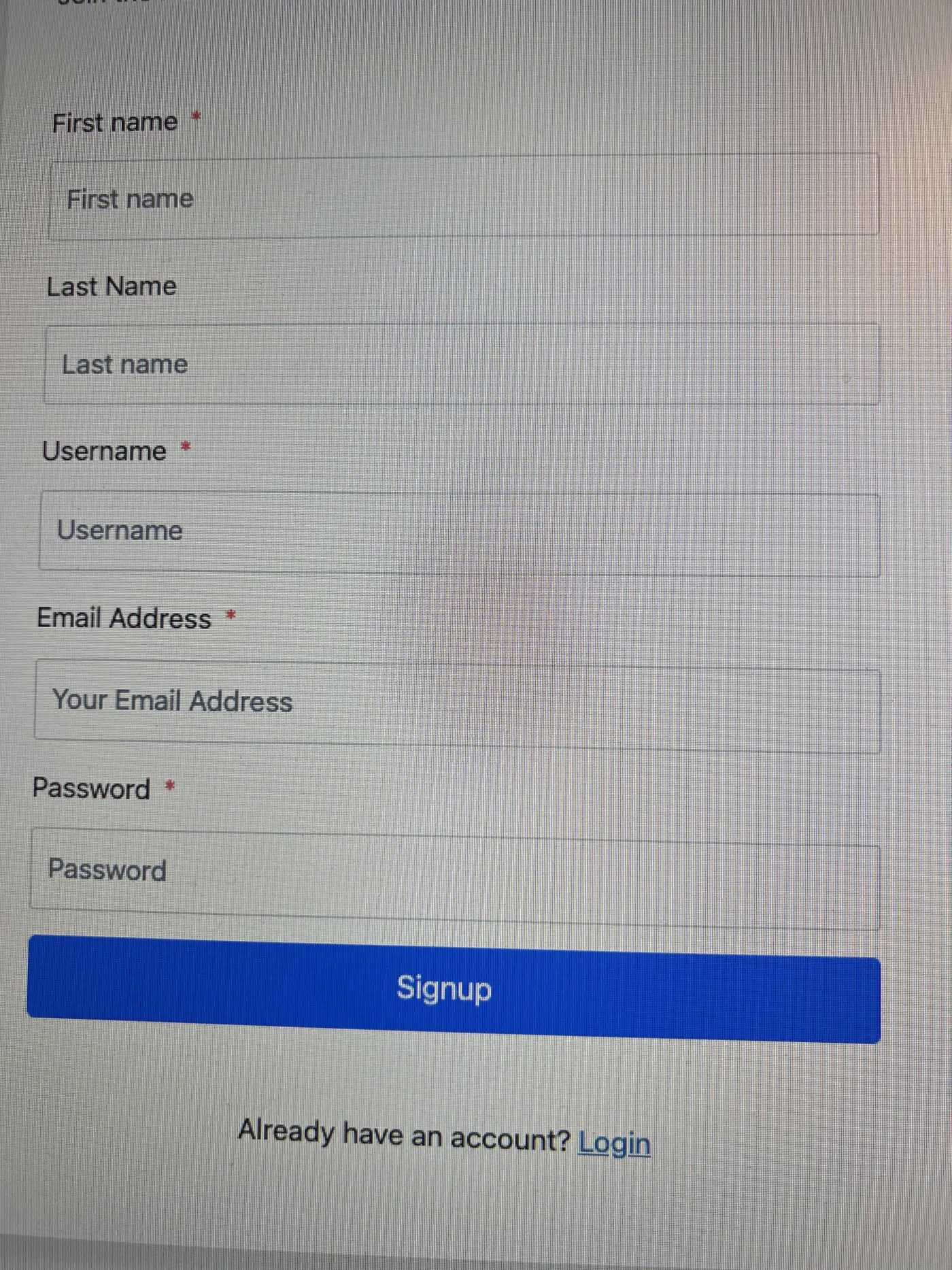
I had a similar question regarding the Sign-Up form, there seems to be a spacing issue on the font side, and couldn't find how to edit.
So I'm glad I found this post, and helped use the "search" function. Was great it worked well enough to find it quickly.
Thank you!