

Session Expired Solution: Disable the cache system?
Hi!
I read that the Session Expired problem I'm having on my FluentCommunity site is caused by the cache system. As soon as I disabled Breeze plugin (Cache system) the problem is gone. But, is it a real solution? Leave the whole website without a cache system looks like is not a good solution. Could you guide me to sort this issue with the cache system enabled?
Thanks!
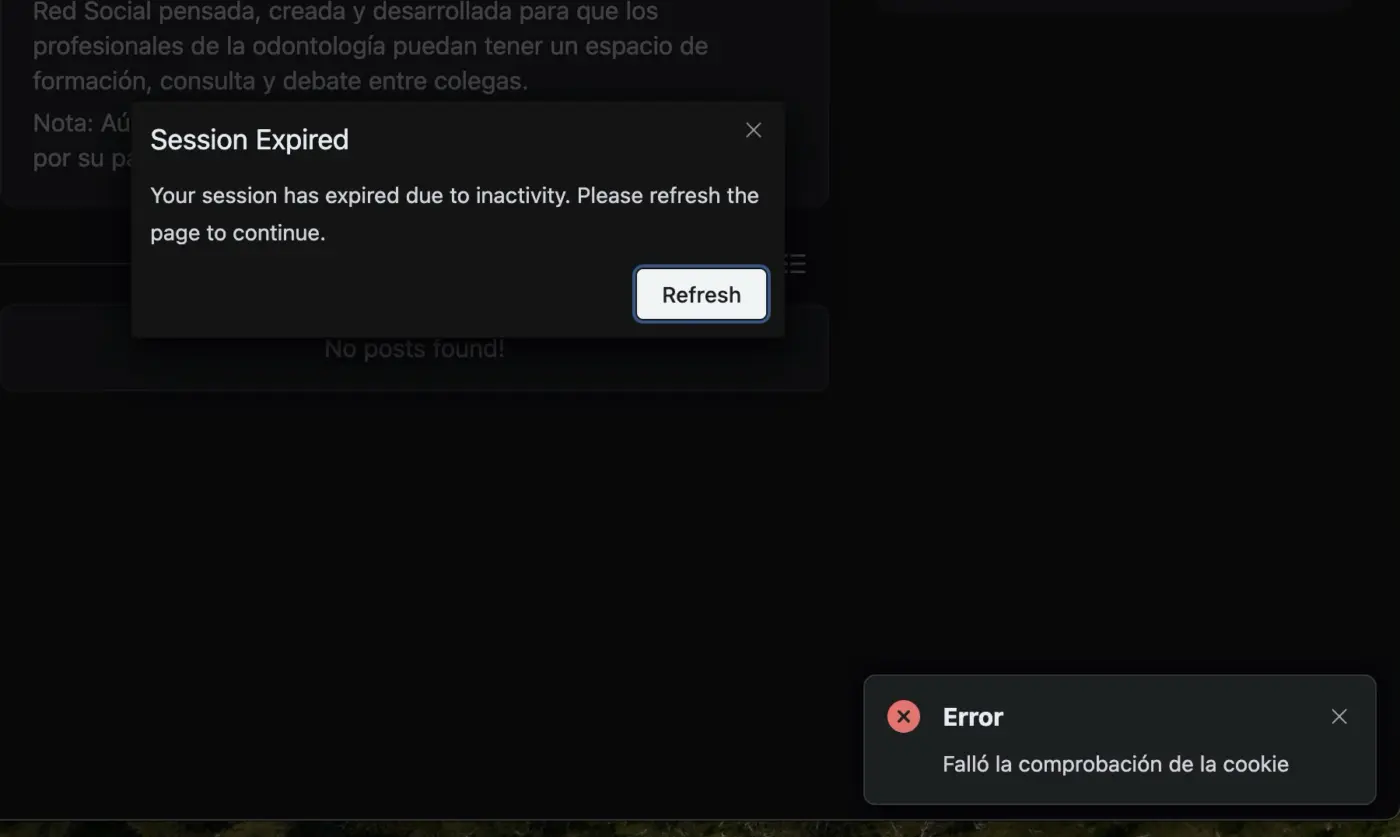

This is indeed coming from the cache. Fluent Community does not require a caching system, as it has been very well designed to operate without one while remaining highly performant.
If you still wish to keep your caching plugin, you must disable it for all pages associated with FC using the following commands:
^/portal ou /portal/(.*)
This is indeed coming from the cache Community does not require a caching system, as it has been very well designed to operate without one while remaining highly performant.
If you still wish to keep your caching plugin, you must disable it for all pages associated with FC using the following commands:

Dragan STAMENKOVIC Thanks for your answer.
I'm not using /portal or any other slug. I'm using FluentCommunity as home page on a subdomain. So, if I would like to apply your suggestion, how should I do it?
One of my problems is that my hosting is using cache on that site so, if I chage a WP page, I'm still seeing the old version for 24 hours. That's the reason I need to have Breeze installed and active, to flush the cache when I update a WP page or something like that.
Ricardo Corai In this case, I see only two solutions:
Either you disable the cache,
or you remove all pages related to FluentCommunity from your server cache, which will allow you to keep the WordPress pages cached.
What is your server configuration? Are you able to edit its configuration file?