

No formatting in course-editor
Since one of the last updates part of the formatting in the course-editor is gone. I don't see formatted headings anymore in the editor. They are visible in the preview. Is that a setting that changed and I missed or smth else? It's important that the formatting can be seen in the editor.
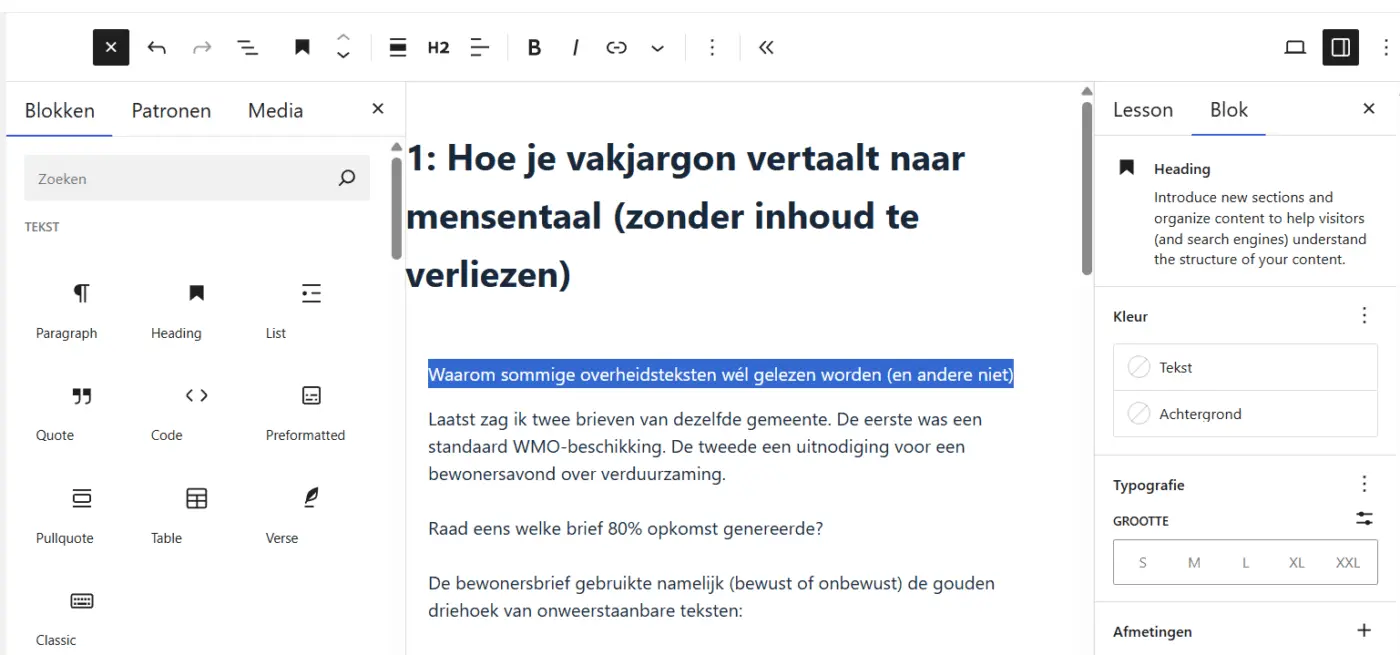
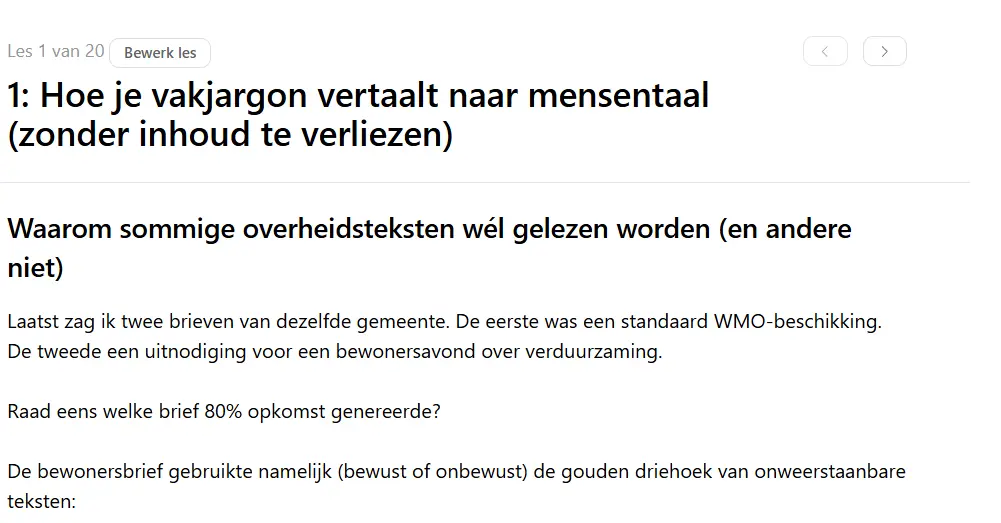

You should see something like this. Not sure which formatting are you referring.

The problem is in the first line (waarom sommige overheidsteksten...). It's a heading (H2), but in the editor it is shown in the formatting of a paragraph. The second line (Laatst zag ik ...) is a paragraph and is correct. The format of the heading should be bigger and bolder. In the preview the heading is shown correct, but not in the editor. That's very annoying, because then I have to check each paragraph if it is a heading or not.

Marcel Hoogland You may have set it to spotlight mode or distraction free.
No, I didn't.