

Lading page courses
I have two questions.
- For users who have access to the course: How can I make the landing page look a little bit better than it does now? The lessons overview for example, really doesnt look good and the description section also seems quite limited.
- For users who are not logged in or have not purchased the course, I made a couple of lessons available as a free preview. However, I cannot find a way to display them in a more clear way. Right now you just see a list of all the lessons with a lock and for a few, you don't see the lock icon. Is there a way to highlight then or make them pop out more. In any case, to just make it look more attractive than it does now.

Can anybody help with this?

For a richer course page, you can add the full information under Course Details and switch the course to the Modern Layout. With Pro, the Welcome Banner also lets you create separate content for enrolled members and visitors, including an image or video, description, and buttons.
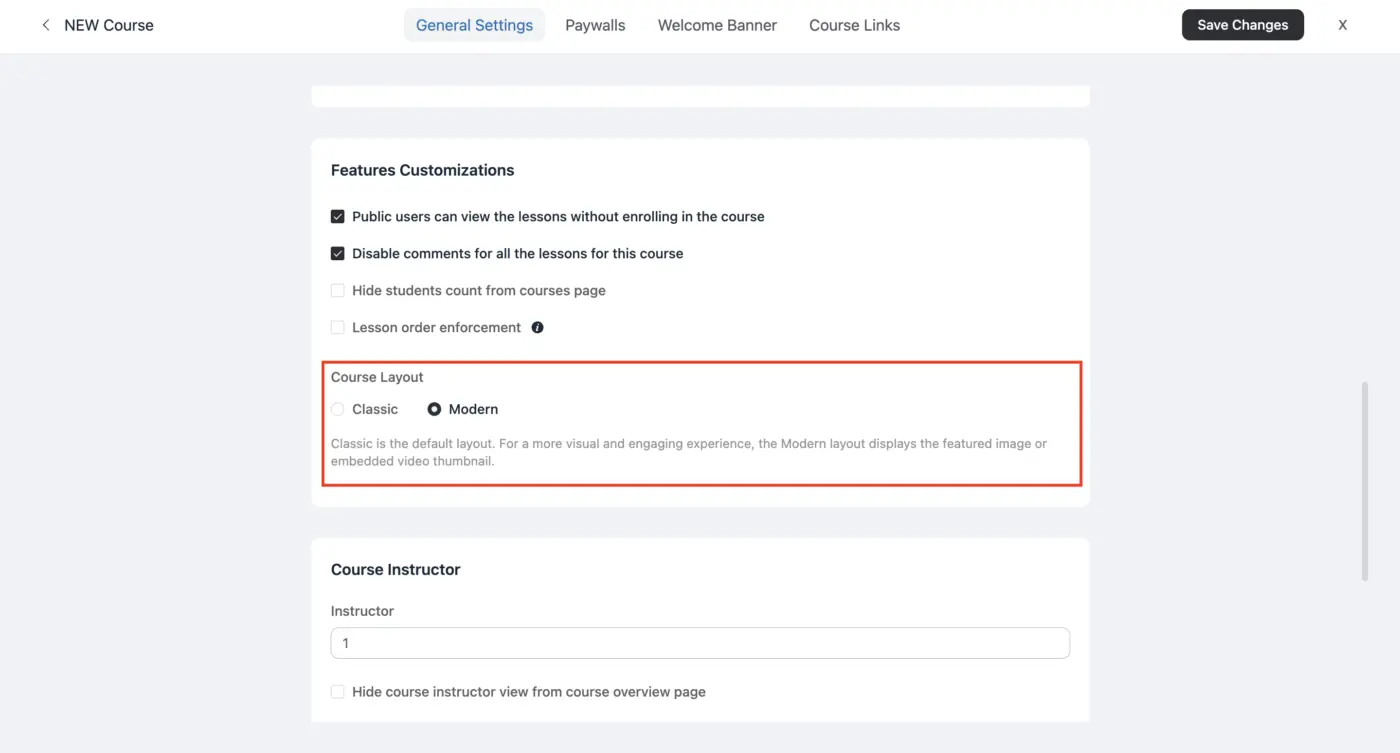
The preview lessons without a lock icon are working as intended because they are publicly accessible. To make them easier to notice, you can create a section called Free Preview, move those lessons to the top, and use titles like “Free Preview: Introduction.” FluentCommunity currently doesn’t have a separate highlighted preview area.