iPad: On-Screen Keyboard Not Appearing in Profile Fields
Hi Fluent team,
One of my students just reported an issue when using the community on her iPad. Here's what she wrote:
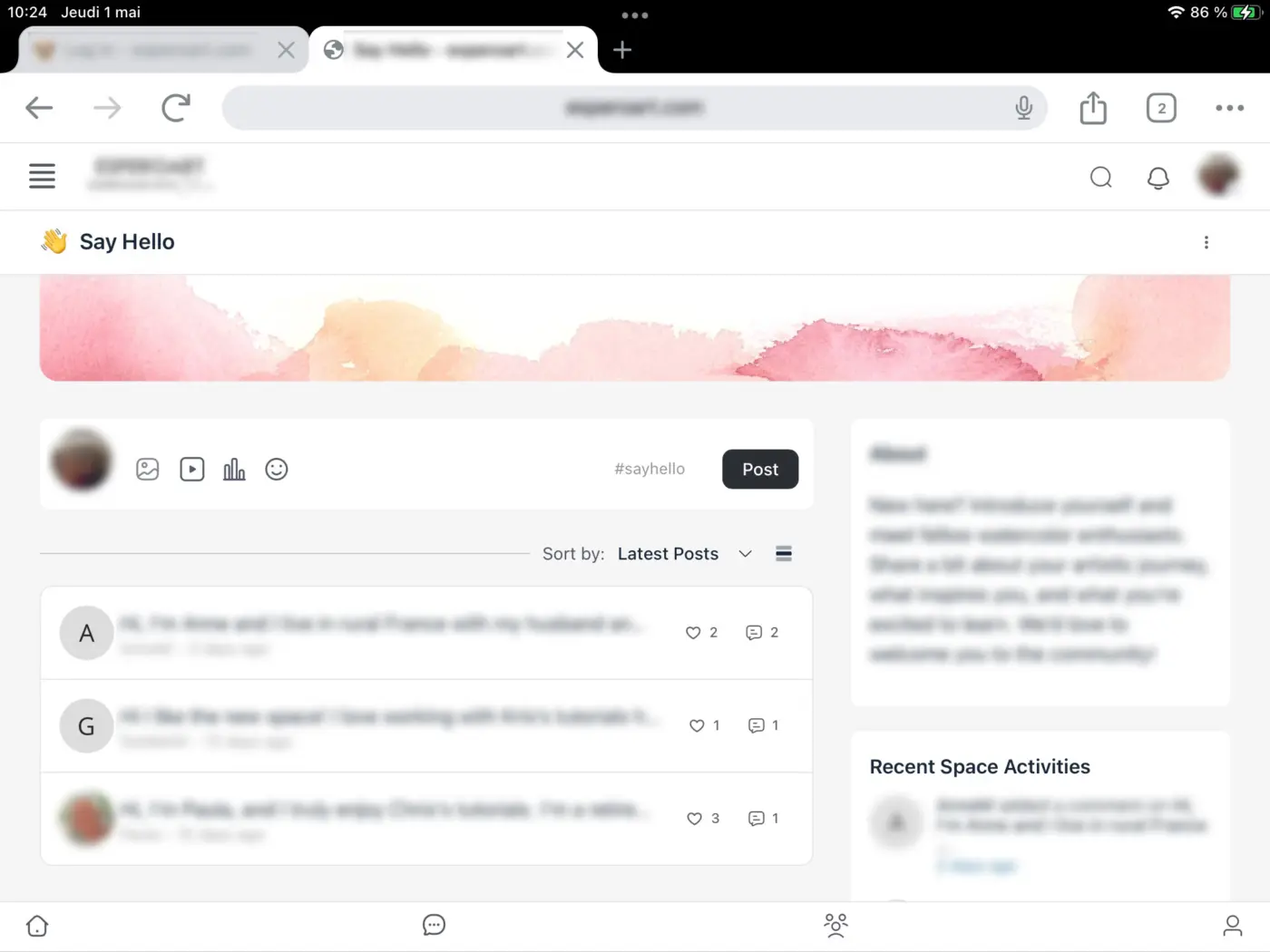
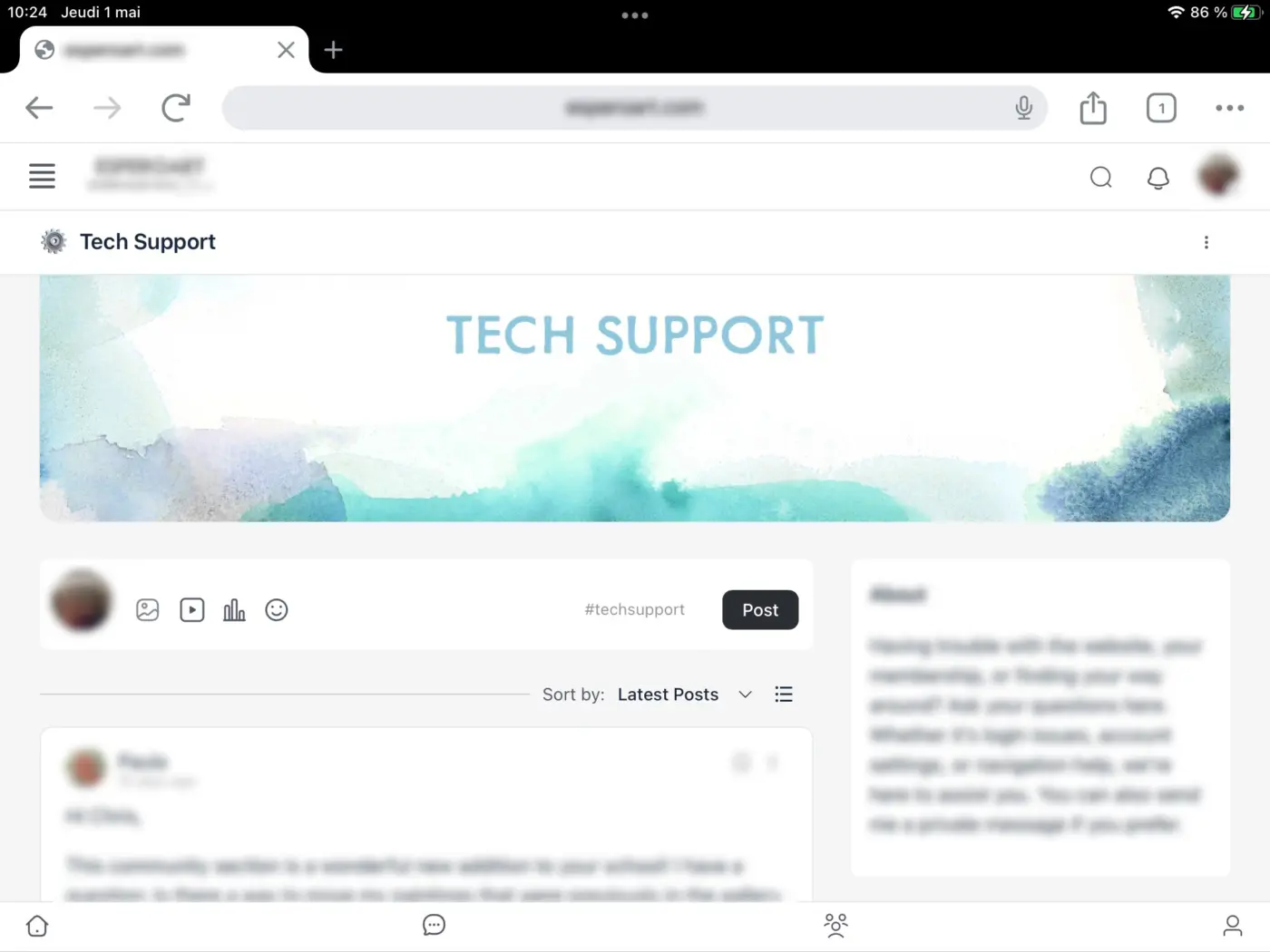
"I wanted to write a few words about myself in the profile settings, but I’m unable to type anything because the keyboard never appears. It’s the same when I upload a painting photo — there’s nowhere to write a few words. I’ve just tried it with my iPad because I’m on holiday for a week."
I tested the same functions on my own iPad and everything is working fine on my end. Do you have any idea what might be causing this issue in her case? Could it be related to the device, browser settings, or maybe something in the way the input fields are coded?
Thanks in advance for your help!
Chris
EDIT: She wrote back to me and said:
I tried Safari and Google Chrome but it doesn’t make any difference. I send you 2 screenshots so you can see that there aren’t any rectangle to write a response. My I pad is maybe too old, it’s IOS 15.