

How do you activate this module?
How do you activate this module?
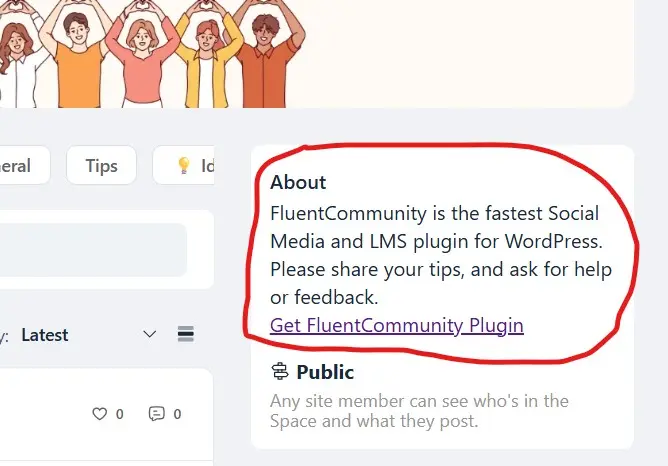

When creating a space, there's a description for spaces, that's where it is

Go to your Space (if already exists),
- Click the three-dot icon in the top right corner
- Select 'Space Settings'
- Update the description, then save to see the changes.

Thanks, I had a description but it didn't appear. I deleted it and re-appeared and now it appears. I've seen that some people have added download buttons there. Do you know how?
Buceo Madrid, if you are talking about this underline link text. You can achieve it by following these steps,
- Go to Space Settings -> Description input
- Insert a link tag(ex:
<a href="url">link text</a>) - href="url", replace url with your link, replace 'link text' with your desired title
- Additionally, if you want the link to open in a new tab, add target="_blank" inside the link tag.