Automatically add members to all spaces
How can I set it up so that new members automatically have access to all spaces?

Do you use Fluent cart? Or Fluent Crm?Yess? That is the way you can set it up with tags or integration.

David Carton no, just fluent community. is there any other way without fluent cart or fluent crm?
You have automation plugin? With fluent community integration? And how do you ad them now to your community? Can you tell me the flow?
David Carton Currently, a user is created in WordPress from Zoho CRM using a Webhook. This user then has access to the community because their role is "Subscriber." There isn't any further automation at the moment :-(
Kilian Ivers we could take and create much with webhooks and stuff, but my advise is Fluent Crm. They work so good. For low price. Best support. And community ;) There is e deal now. https://fluentcrm.com/deal/?utm_source=fcrmsite&utm_medium=banner&utm_campaign=special26&utm_id=special+deal
Just say, its not selling i am doing. Its advise ;)
Just a click away ;)
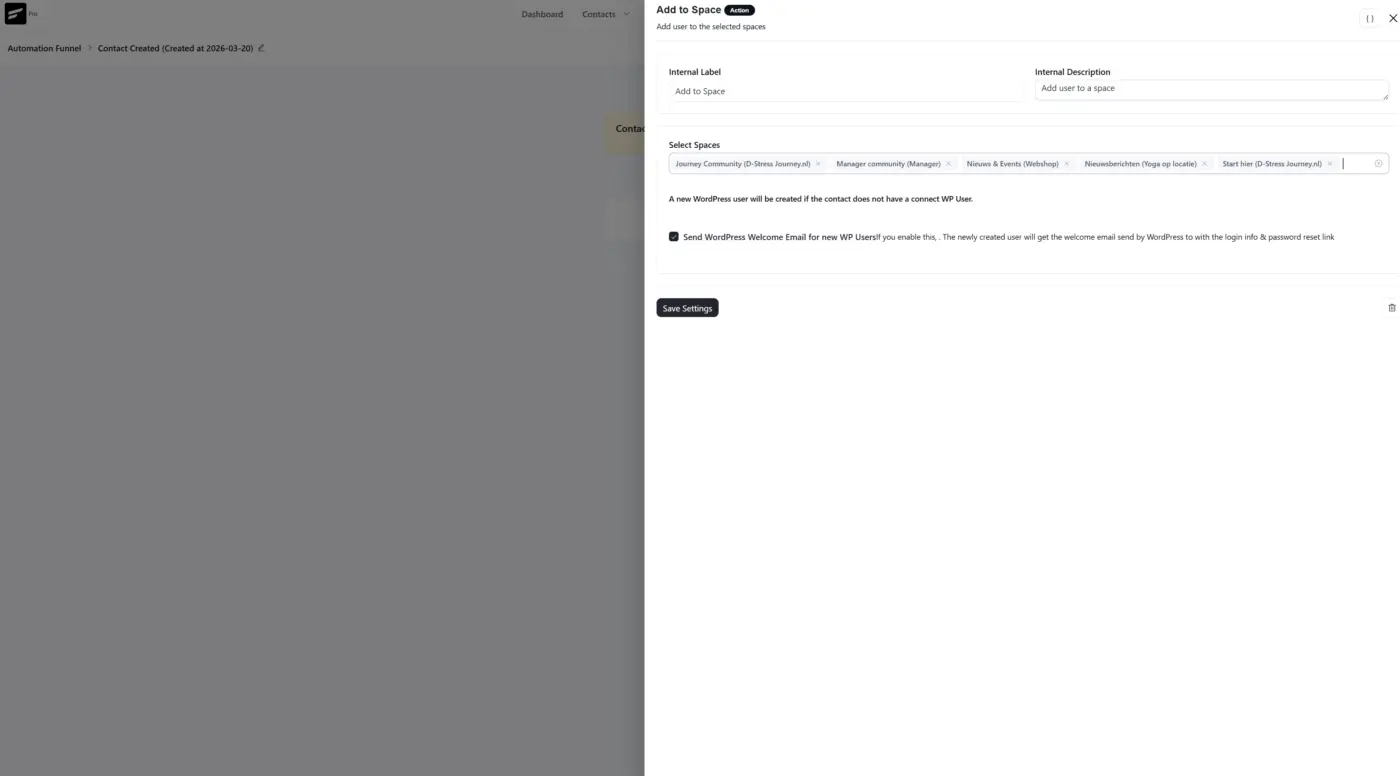

It's easy to do, have a look at the Developer Docs https://dev.fluentcommunity.co/guides/code-snippets
Use something like this (just add it to your Themes functions.php file or use FluentSnippet plugin)
add_action('user_register', function($userId) {
    if (!class_exists('\FluentCommunity\App\Functions\Utility')) {
        return;
    }

    $spaces = \FluentCommunity\App\Functions\Utility::getSpaces(false);

    foreach ($spaces as $space) {
        if (($space->status ?? '') === 'published' && ($space->type ?? '') === 'space') {
            \FluentCommunity\App\Services\Helper::addToSpace(
                $space->id,
                $userId,
                'member',
                'by_admin'
            );
        }
    }
}, 20, 1);
The Utility::getSpaces(false) returns all spaces including drafts, so you can use the status check to skip unpublished ones and only add users to Published Spaces. The by_admin flag means it's treated as an admin-initiated join rather than the user opting in themselves.
David Churchill thanks, i will try it :-)

David Carton suggested the right approach.
FluentCRM (free version) is really the simplest solution — no hook needed, everything is done through the settings. Just create a tag in FluentCRM, then in FluentCommunity Settings → Access Management map that tag to each of your spaces. Any new member who receives the tag is automatically added.
Official doc: https://fluentcommunity.co/docs/access-management-through-fluentcrm-tags/
Claudy Scoufy Yess like i said. But i would recommand the paid version ;)