

Attach video Custom HTML Code
I couldn't find a setting to add videos in this way, can anyone tell me how to enable adding videos with HTML code? Or will this be in the future?
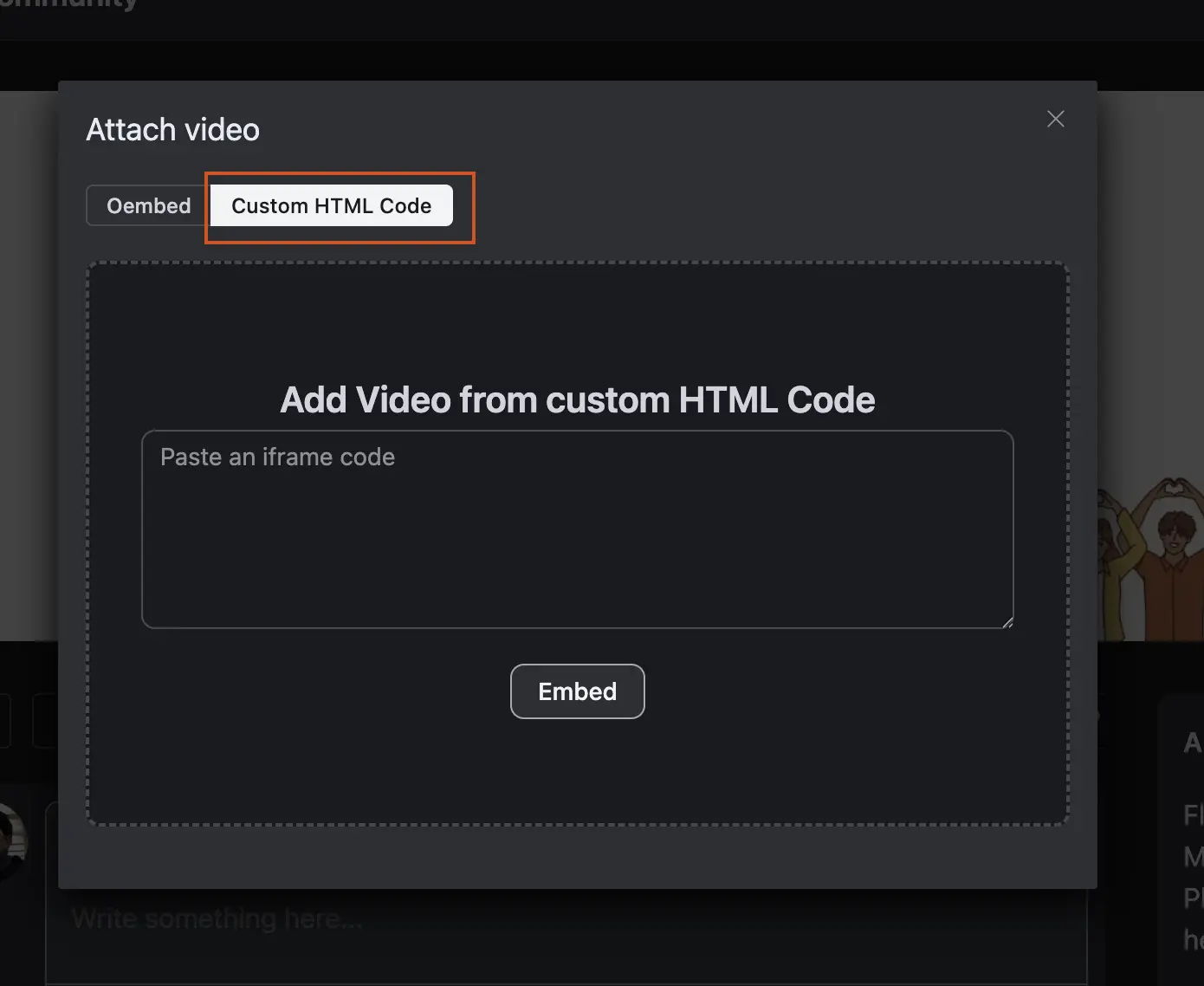

For Example:
✅ Controls are enabled (Play/Pause, Volume)
✅ No loop
✅ Sound is ON
✅ No autoplay
✅ Right-click is disabled
✅ Downloading is disabled
 <video width="100%" height="auto" controls playsinline oncontextmenu="return false;" controlsList="nodownload">
        <source src="https://your-website.com/video.mp4" type="video/mp4">
        Ihr Browser unterstützt kein HTML5-Video.
    </video>
Replace the url in this line:
<source src="https://your-website.com/video.mp4" type="video/mp4">Shahjahan Jewel Hi, wouldn't it make sense for a standard iframe to automatically be applied in the background, embedding video URLs in the post? Or at least display a standard code for copying under "Custom HTML Code".

Patrick Equ Can you tell us more?

Where are you hosting your videos? I'm using Bunny Streaming and they provide HTML embed code in an iframe. Your video host may have the code you need.
William Beem How does the add video function work for you? Can you show a screenshot?
I'll add my example, I'm missing the option to add video via HTML code.
You need to select a space first where the video should be posted; then, the "custom HTML code" option will become active. Alternatively, you can first enter the space where you want to post, and it will be active right away. However, I'm wondering if this might be a bug.
Patrick Equ You are right! If you select the space first, the user code works.