

Active Members & Engagement Display
I have recently been on the fence to join a paywalled community and the main reason is that I cannot see how many people are inside.
Paying $699 to join a community without knowing if there will be 5 people in the other side seems like a risk to me, so I hope it will be possible in the future to set the option to show the number of members.
Just sharing here as in this case they will probably loose a $699 client just because I don't know what is in the other side.
Also a cool thing will be to be able to share engagement rate of the community, of course all these as an option, but this is also one of the hardest things to achieve and I rarely find active engaged communities.
Even paid communities, I joined a $1K entry community and after 6 months the engagement was probably under 5% or less, after 1 year probably below 1%
So this transparency I think it will help potential members to make an informed decision.
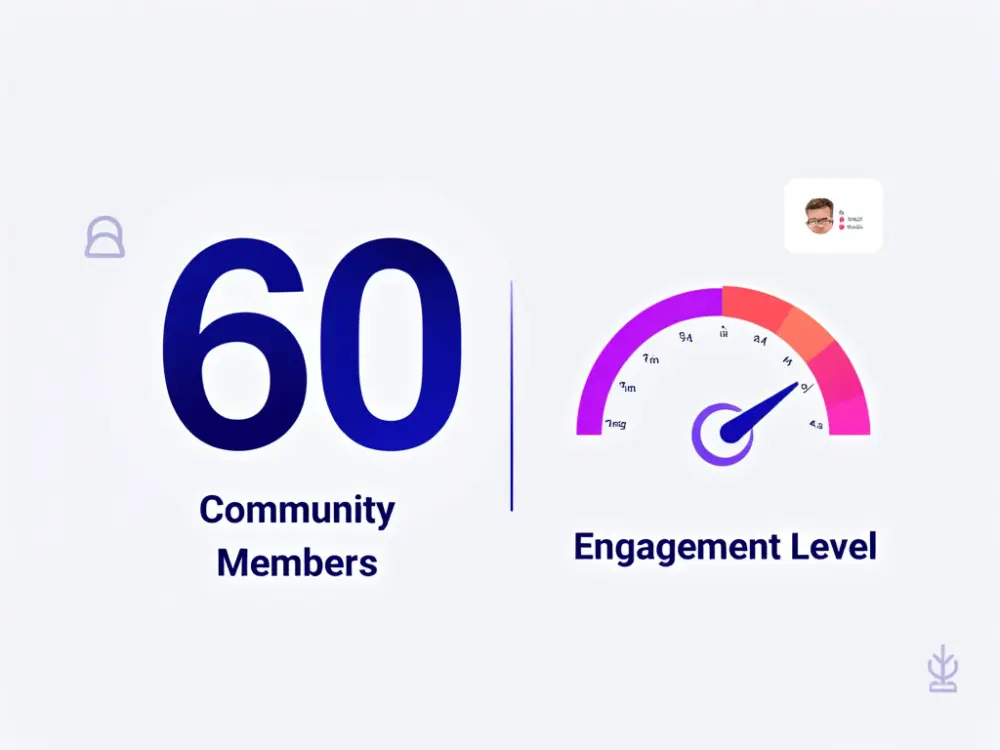

Should we add some data shortcode? So like
- A shortcode to show all the members count
- A shortcode to show the members count for a space or course?
- A shortcode to count the comments or posts etc etc?

Shahjahan Jewel yeah that will be great! I think will give a lot of transparency

Shahjahan Jewel if possible please add also a filter (last 24h/7days/30days) for average number of posts/comments/likes/logged-in users users so it clearly shows the latest activity before joining the community/space
Ps. sometimes it doesnt matter how many users are in a community in a Lifetime but how the community is being active
btw: When counting logged-in users we should calculated a logged-in user once in 24 hrs - excluding case where user logged 20times/day being calculated as 20 daily unique
Mat I have again issues with showing new comments here, I need to reload the page, is the same for you? I know is cache probably, but I wanna be sure it's not my browser (Safari), because this makes a little uncomfortable to use the community
Mat Yeah the number is not the main thing but the engagement is really important, that is 100% true
Carlos Rodera same with me. I need hard refresh F5 to see updates of the screen.
Mat yeah I hope they can get to fix that
Carlos Rodera I think its a matter of kepping better performance over instant messages in Spaces - lets see.
It is strange sometimes to reply to a new post where where already other users replied.
Mat yup I hope Shahjahan Jewel find a solution to this 😃

Yes Shahjahan Jewel please :
Recent active members
- online members
- recent posts
- My spaces
- Upcoming anniversaries
- Recently added courses
- My courses
By the way, how do you measure Engagement Level?
Shahjahan Jewel I worked this with the AI I hope it helps as a initial brainstorm:
Community Engagement Measurement System
Objective:
Build a transparent and meaningful Engagement Measurement System to reflect the community’s activity level and display this information publicly. This system will provide an average engagement score per active user, based on weighted metrics, and integrate seamlessly into the existing leaderboard and dashboard.
Key Features
1. Metrics to Measure
• Likes (Low Impact, Passive): 1 point per like.
• Comments (High Impact, Active): 5 points per comment.
• Messages (Moderate Impact, Networking): 3 points per message.
• Average Engagement Points per Member:
• Active Users: Members with at least one interaction (like, comment, or message) within a selected timeframe.
2. Leaderboard Integration
• Existing System: Keep the current points system for likes and user-specific engagement scores.
• New Data Point: Add Average Engagement Points per Member:
• Reflects the overall engagement level of the community.
• Calculated across all active users in the last day, 7 days, or 30 days.
3. Real-Time Dashboard with Time Filters
• Timeframes: View engagement metrics for the last day, 7 days, or 30 days.
• Metrics Displayed:
• Total likes, comments, and messages.
• Average engagement points per member.
• Percentage of active users in the community.
• Visualization:
• Line charts for engagement trends over time.
• Bar charts for breakdowns of interaction types (e.g., likes, comments, messages).
4. Engagement Levels for Community Transparency
• Define levels based on the Average Engagement Points per Member:
• Low Engagement: <10 points per member.
• Moderate Engagement: 10–25 points per member.
• High Engagement: >25 points per member.
• Display these levels on the public-facing dashboard to show prospective members the activity and vibrancy of the community.
5. Optional: Event-Based Points (Future Development)
• Allow administrators to manually assign points for participation in external events:
• +50 points per attendee for workshops, webinars, etc.
• Integrated via manual input or API for external tracking systems.
How It Works
Data Collection:
• Real-time tracking of likes, comments, and messages.
• Store interaction data in a relational database with timestamps to enable dynamic filtering by timeframe.
Engagement Calculation:
• User Engagement Score: Total points earned by a user based on weighted metrics (1 point per like, 5 points per comment, 3 points per message).
• Global Engagement Level:
Integration with Leaderboard:
• Display:
• Individual scores for user-specific engagement.
• Community-wide Average Engagement Points per Member.
• Trends in engagement levels over time.
Real-Time Updates:
• Implement WebSockets or similar technologies for real-time updates of metrics in both the leaderboard and dashboard.
Example Scenarios
- Daily Activity:
• Total points: 5,000 (2,500 likes, 400 comments, 300 messages).
• Active users: 250.
• Global Engagement Level = points per user.
• Engagement Level: Moderate.
- User Interaction:
• A user posts 2 comments → +10 points.
• They send 3 messages → +9 points.
• They receive 5 likes → +5 points.
• Total User Score: 24 points.
Benefits of This System
- Transparency:
The Global Engagement Level metric provides clear visibility into the community’s vibrancy for prospective members.
- Motivation:
Individual engagement scores and levels incentivize active participation.
- Insights:
Time-filtered metrics help community managers identify trends, such as high-activity periods or declining engagement.
- Scalability:
The system is modular, allowing for future integration of external engagement metrics like event participation.
Visualization & Reporting
Leaderboard Enhancements:
• Include “Average Points per Member” to highlight overall activity levels.
• Show trends in average points (e.g., increasing or declining engagement).
Public Dashboard:
• Charts showing:
• Engagement growth or decline over time.
• Interaction types (likes, comments, messages).
• Community-wide engagement level (Low, Moderate, High).
Tools & Technologies
• Frontend: Use Chart.js, D3.js, or similar libraries for charts and visualizations.
• Backend: Store data in PostgreSQL with timestamps for easy querying and time filtering.
• API: Add endpoints to fetch:
• Engagement metrics by timeframe.
• Active user counts.
• Real-Time Updates: Use WebSockets or long polling to push live engagement updates.

Shahjahan Jewel Usually I will need to join the community with the free part first to be able to see the interaction (For example, join for free for 7 days, or have free spaces to try). The interaction indexes displayed outside are meaningless.
On the introduction page, I only need to know if the community is free or paid, how many members, who created it, how many Admins, how many members are online if any.
Below are the images I can see the interaction in a community, such as the Feed or profile of the members



Don't think this is a much-needed feature - you can put this number up via a graphic or page regardless of a integration with FC.