I've been using extensively FluentHub and as I'm a dark mode fan, it shocks me this left bar on white background on Fluentboards (and other Fluent tools).
Is this something you can fix in next release/update, please?
Thanks!
![Dark Mode on FluentHub [Unified UI]](https://cdn.community.wpmanageninja.com/wpmn_community/fluentcom-splezv7IVDQxXXV9WD5TC8dDDVamk57C-fluentcom-Screenshot-2026-10-09-at-11.12.36-PM.webp)
![Dark Mode on FluentHub [Unified UI]](https://cdn.community.wpmanageninja.com/wpmn_community/fluentcom-P0Y9CqwI3wQUBs5xXIieHdSmJ9ScD0CI-fluentcom-Screenshot-2026-10-09-at-11.23.35-PM.webp)
![Dark Mode on FluentHub [Unified UI]](https://cdn.community.wpmanageninja.com/wpmn_community/fluentcom-eKQigkZdzwvubUMxmMMHGT1sMJBbQG2O-fluentcom-Screenshot-2026-10-09-at-11.22.45-PM.webp)

Could you consider adding a custom login URL feature for users? This could enhance security and provide additional value to FluentAuth.
Administrators could define custom frontend login URLs for different user groups. For example:
mysite.com/loginfor general frontend usersmysite.com/editorfor Editorsmysite.com/authorfor Authorsmysite.com/administratorfor Administrators with backend access
It would be even more powerful if login URLs could be assigned based on user roles or user segments. Integration with FluentCRM could potentially allow login paths to be tailored for specific contact types, membership levels, or user groups.
In addition, this could open up opportunities to create dedicated login and registration experiences for different user roles or user types. Site owners could build custom login pages that collect role-specific information using custom fields, allowing them to capture additional or required data during the authentication process. This would provide greater flexibility for onboarding, membership sites, learning platforms, communities, and other specialised use cases.
This feature could also be valuable across the broader WPManageNinja ecosystem, providing website owners with greater flexibility, improved user experience, and an additional layer of security through customised access points.
Just a thought and feature suggestion. I believe this could be a unique addition that further strengthens the value of FluentAuth. Hopefully, the team will consider it for a future release.
Thank you for all the great work on the product! 😊
On this site, I encountered an "Error uploading file to S3" message when attempting to upload an image. Unfortunately, I am unable to provide a screenshot here because the same error prevents the image from being uploaded.

I like this feature very much. One of my exceptions isn't working as expected.
The primary rule is to let WordPress decide on login, and that goes to the community. I have a site where the community portal root is a redirect from the FluentCommunity login page.
Then on exit it redirects to the Site Home Page. Again, that's the FluentCommunity login banner.
The only exception I have is for administrators. On login, it should go to the WordPress dashboard. It does not. It goes to the community portal, just like the primary rule.
The Sign out rule is the same, redirect to Site Home Page. No conflict there.
Any ideas why my admin account isn't redirected to the WordPress dashboard with the exception rule?

Has anyone here got the full Fluent suite running smoothly in multiple languages?
I mean the whole ecosystem: Fluent Forms, FluentCRM emails, FluentCart, FluentBooking, FluentCommunity, etc.
I’d be especially interested in hearing how you’re handling translations across the different plugins and whether you’ve run into inconsistencies or limitations between them.
Which translation/localization plugins or tools are you using? Are you using AI anywhere in the workflow? And have you found a setup that keeps terminology and translations reasonably consistent across the whole Fluent ecosystem?
Can anyone here confidently say they’re running a truly 100% multilingual setup with the Fluent suite? 🙂
I had a couple of support tickets this week because I tend to run into odd circumstances, and I needed to ask about the possibility of switching sites between FluentCart and FluentCommunity.
Sometimes I'm a bit slow to catch on, but your support team is always friendly and provides great results.
I just wanted to take a moment to thank them and acknowledge that support is one of the many great things about WP Manage Ninja.

Hi Fluent family,
Home, Clients, Journey, Announcements, Settings. Five words at the top of the screen, and the whole Client Vault admin changes.
If you don’t know Client Vault yet: it is a WordPress plugin that gives each of your clients a secure digital vault, with journeys to guide them step by step. It works with Fluent Community, FluentCRM, FluentCart, Fluent Forms and Fluent Booking, and your data stays on your server.
A home on every page
Version 20.37 is a complete redesign of the admin, built from user feedback. Every page opens on what matters, and nothing was removed.
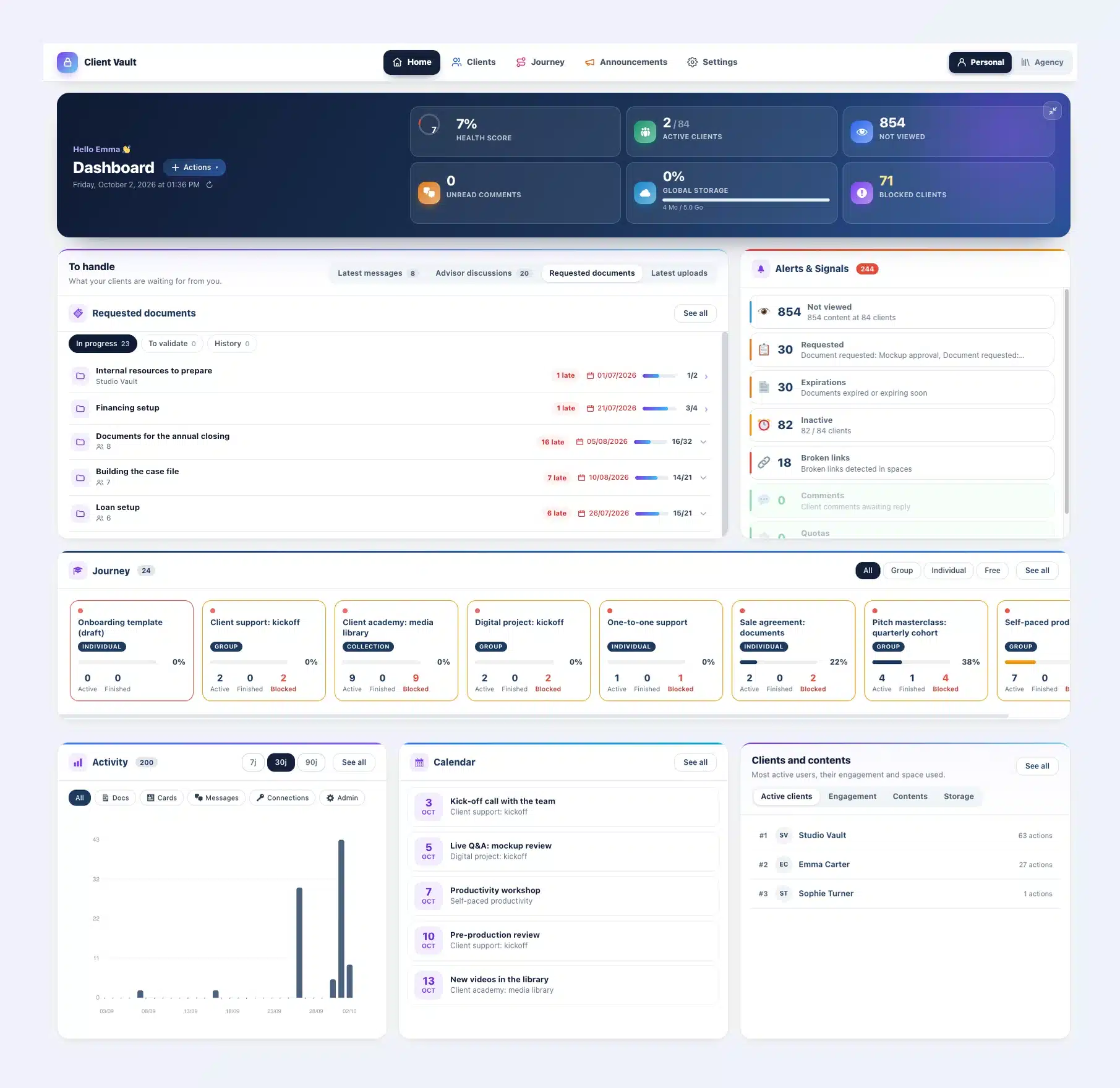
Fewer clicks
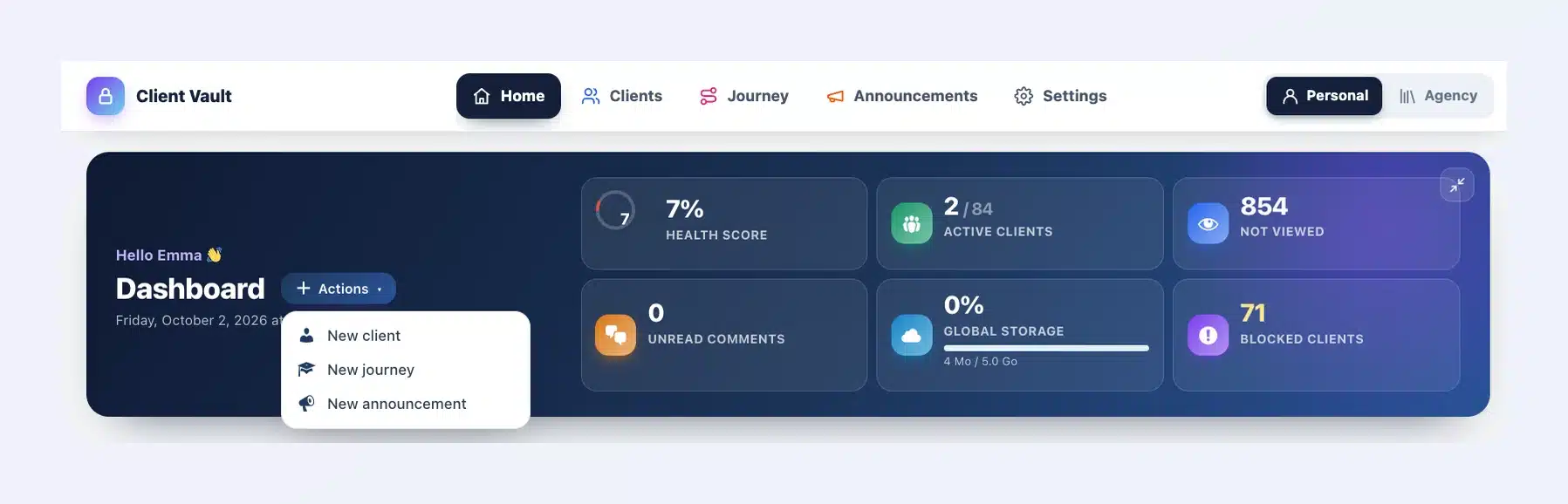
A message, a document, an appointment: one click takes you to the right place, at the right client. The Actions menu creates a client, a journey or an announcement from the home page.
Journeys at a glance
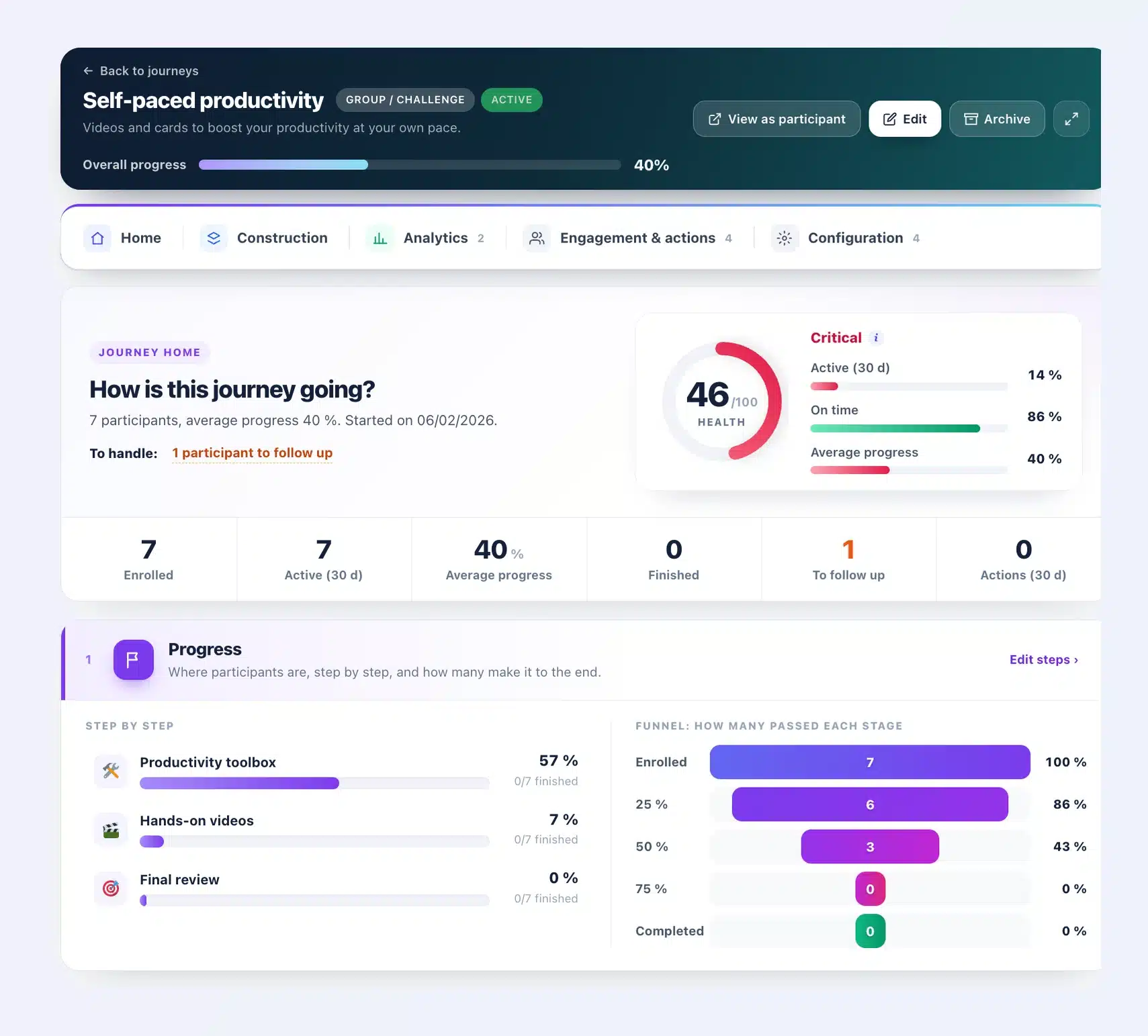
Each journey has a health score, the participants to follow up and the progress of every step.
Your brand everywhere
For agencies: your name and logo go all the way, from the Plugins page to your clients’ emails and calendar.
All the details: https://clientvault.pro/en/client-vault-20-37-update/
Try the demo: https://clientvault.pro/en/demo-live
Love the Fluent ecosystem and what we’re building with Client Vault?
A quick tap makes a massive difference for us: leave a like, drop a comment, or share your thoughts below. Your feedback fuels everything we develop.
If you’re ready to take things to the next level while backing the project, the exclusive VIP deal is still active, but only for a few more days. Grab lifetime access and lock in the best terms before this offer officially closes.
👉 https://clientvault.pro/en/#tarif - Join the founding members before it’s gone!
Thanks,
Dragan
Hi everyone,
Version 20.36 is out. It answers requests you have often sent me.
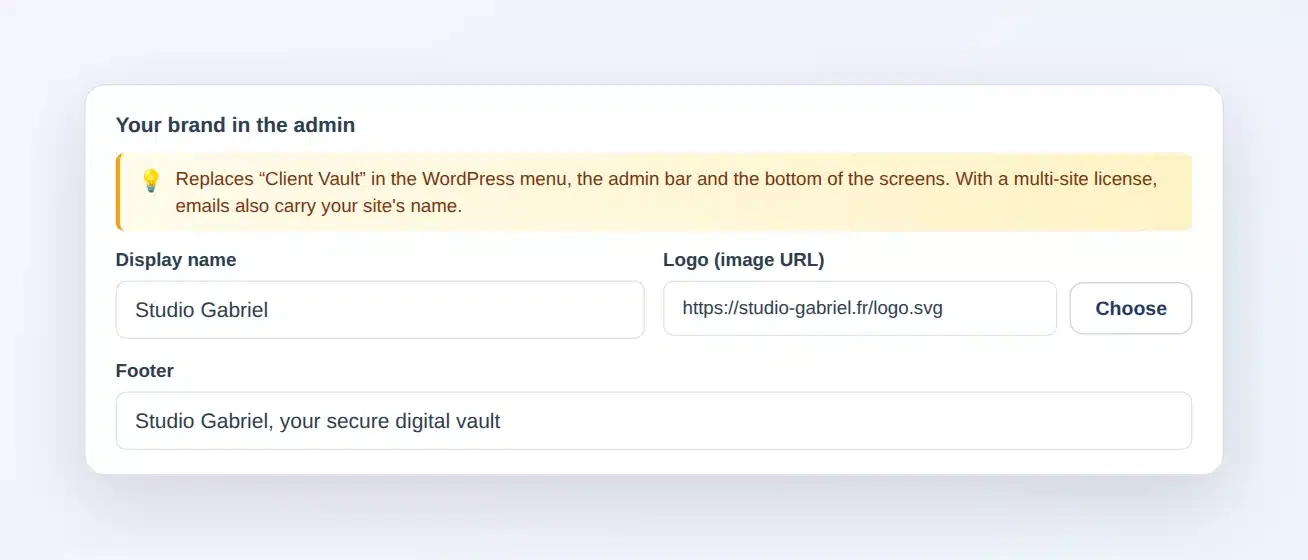
Your brand instead of mine
In the settings, Appearance tab, you enter your name, your logo and your footer. They replace "Client Vault" everywhere in the admin, and emails are sent in your site's name. It is included in multi-site licenses.
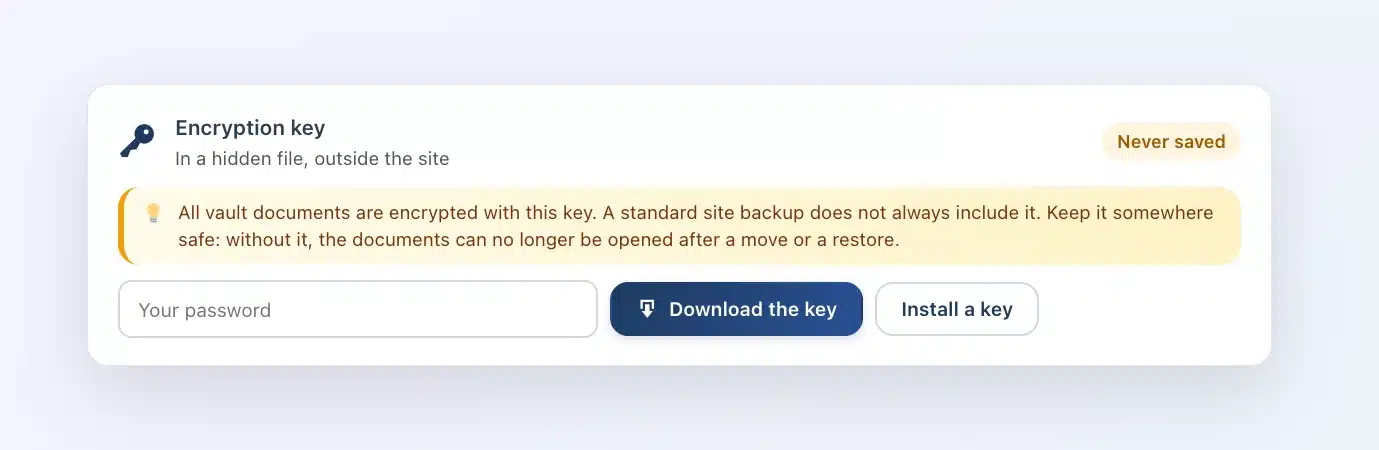
Your encryption key in one click
In the Security tab, you download your key. After changing hosts, you put it back, and Client Vault checks that it opens your documents.
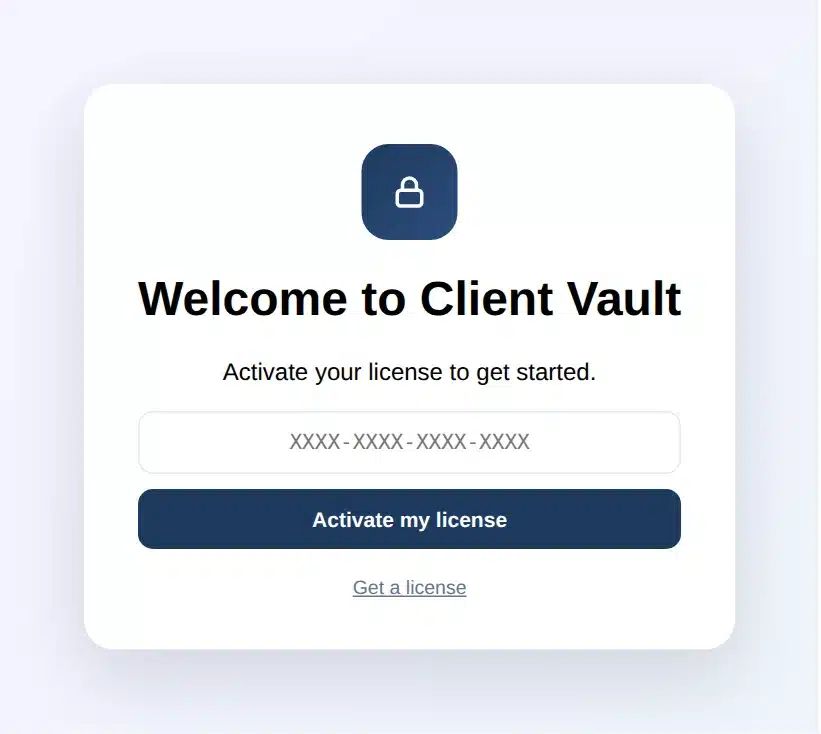
A guided start
On activation, a welcome screen greets you. The wizard then walks you through to your first client.
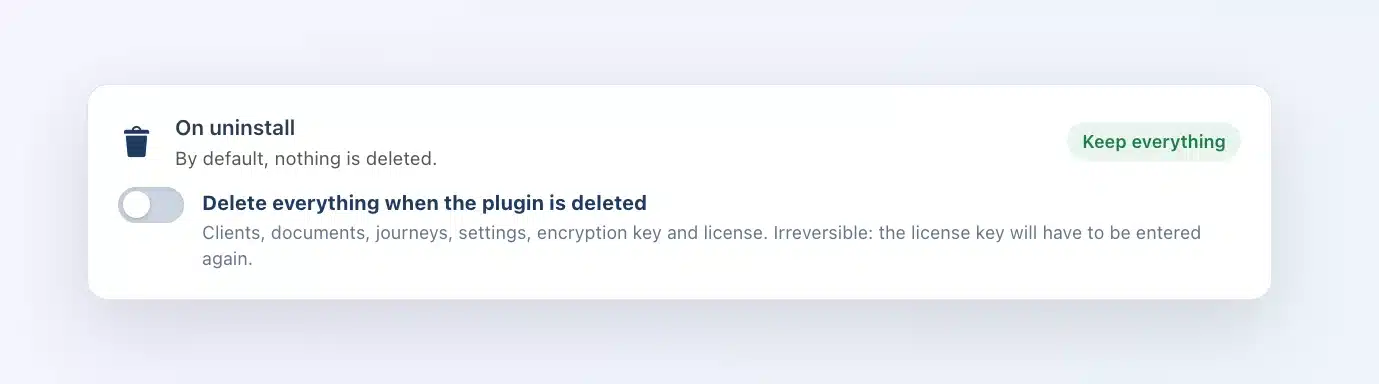
Keep everything or erase everything
By default, deleting the plugin leaves everything in place. A new switch, "On uninstall", lets you erase everything, license included, the day you want to start from scratch.
The update is waiting in your WordPress admin. Remember to download your key right after: it takes a minute.
Full article: https://clientvault.pro/en/client-vault-20-36-update/
VIP offer : https://clientvault.pro/en/#tarifs
Thank you all
Dragan
Hello everyone,
There is a problem with the community. It is no longer possible to edit one's profile or change one's image. Apparently, there is an issue with the upload process and Amazon. Could an admin fix the problem?
Thanks you
Hello everyone
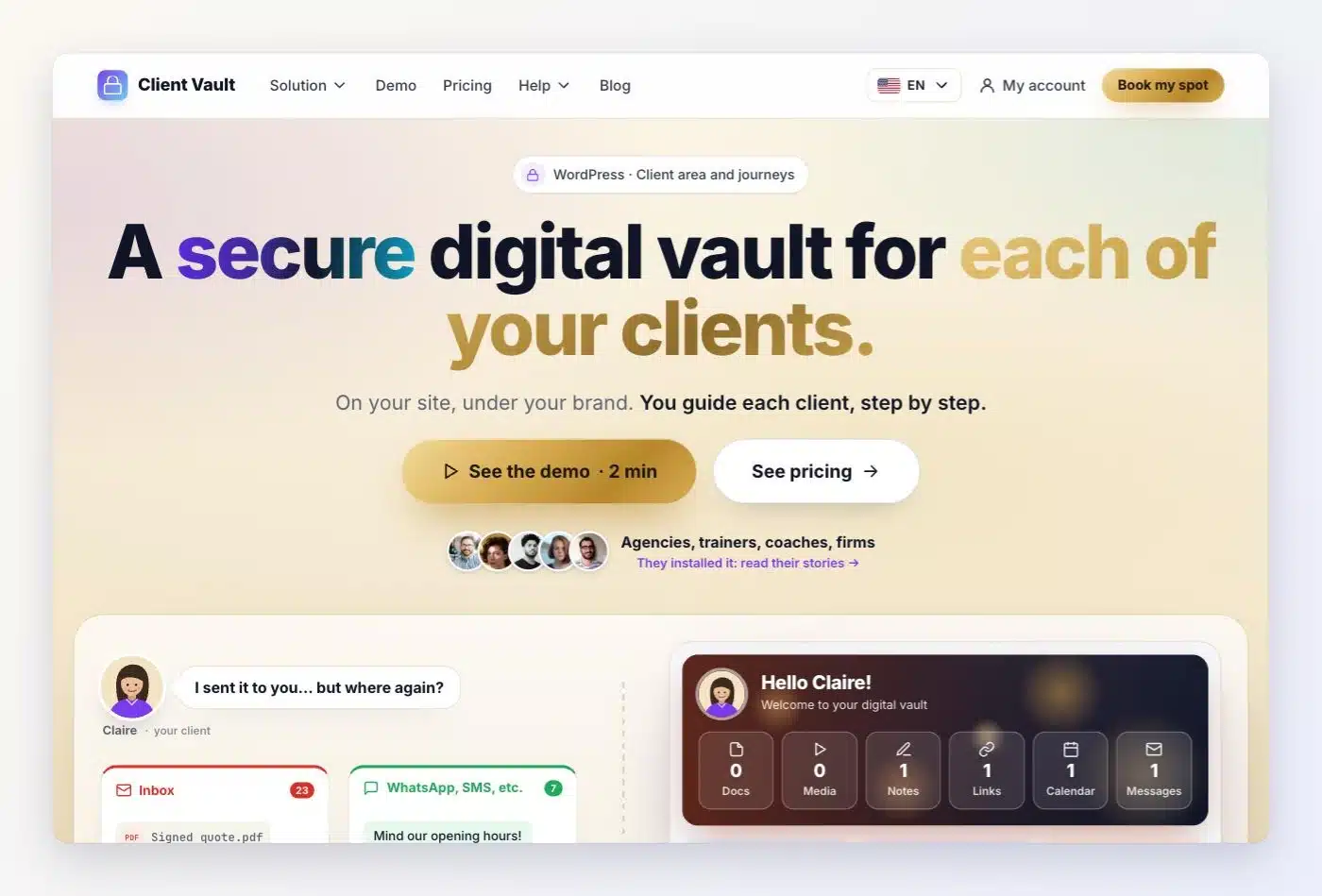
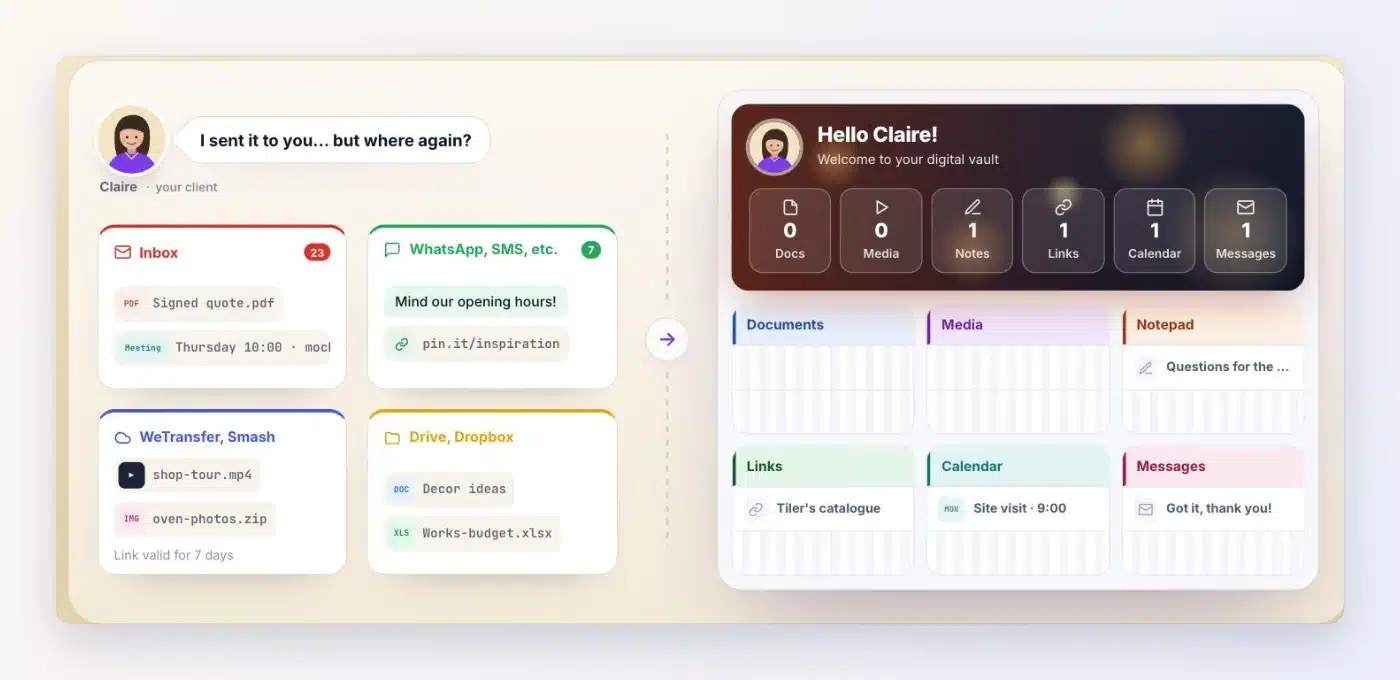
Just a quick message tonight to let you know the new Client Vault website is live. I rebuilt it from scratch. I wanted people to get what Client Vault does quickly, without getting lost in the pages.
The demo is finally available too. You asked me for it a lot, so here it is. It opens in a few seconds, and you try Client Vault in real conditions, with a client's vault, the journeys, the community and the admin.
Everything speaks your language. The website is in seven languages, the plugin and its admin in 17, and you can try the demo in your own language.
If you don't know Client Vault yet, it's a WordPress plugin that gives each client their own secure digital vault, with a journey to guide them step by step. It works with Fluent Community, FluentCRM, FluentCart, Fluent Forms and Fluent Booking, and your data stays on your server.
Full story: https://sdravobiz.com/en/newclientvault/
Try the demo: https://clientvault.pro/en/demo-live/
And one more thing. The Founder offer ends in 48 hours. If you like Client Vault and want to support the project, now's a good time. The prices are really good, the license is lifetime, and the number of sites on your license is doubled. After that, prices are going up.
Founder spots are here: https://clientvault.pro/en/#tarifs
Thanks, and have a good evening,
Dragan