

Last update: Fluent Player
After updating, the Fluent Player dashboard is completely empty. 😅
Is anyone else seeing this?
I'll start debugging, but I wanted to check first just in case.
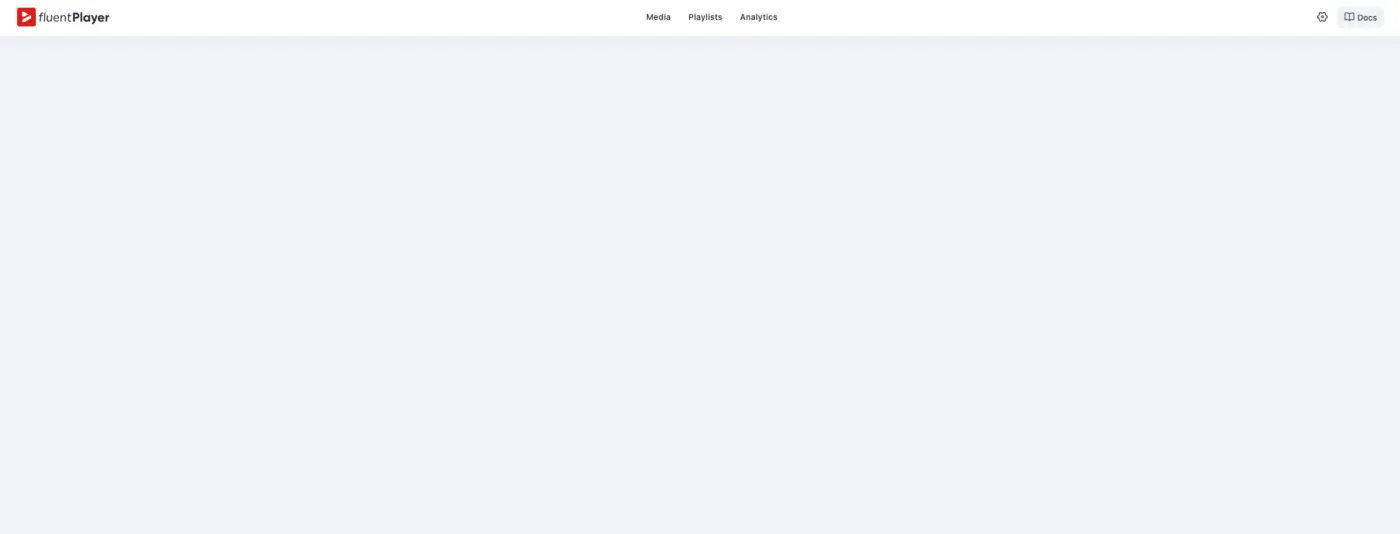

Same here

Martijn Meijer thank you for confirming.
I think this also happened to Sella Yoffe too. So probably this is not an isolated issue and a hotfix could be necessary 😅

Jorge de los Reyes yeah. Same here. on one website.

Mine did Same, when I click on settings. But I switched to a different laptop and it works fine
Bryan William thank you Bryan! I switched to a mobile. And it’s working for me too 😅
I’ll check it later also from a desktop device, but it appears to be working now.

It seems like cached assets after an update — I ran into the same thing, and empty cache reload fixed it for me. Give that a try, or an incognito window, and let us know if it's still empty.
Habibur Rahman Delwar I tried clearing the cache and object cache, which sometimes causes weird things, but it didn't work. Strangely enough, today it works okay...
Habibur Rahman Delwar cleared browser cache, purged CDN and Litespeed. Will try Redis also. Here is the console and screenshot. Want to active the license after purchase yesterday but I am not able to do it.
Another browser or device doesn't help either
Habibur Rahman Delwar Weird thing.
Yesterday I actually purged everything. From Cloudflare, to CDN, even object cache. But it wasn’t working.
However, I have entered later today from a Mobile device and it appears to be working fine.
😅
Martijn Meijer absolutely!

Jorge de los Reyes It some times happens from phpopcache very rarely and very weird indeed like a ghost issue, I faced it with other plugins though
Same same
Anyone with a fix? Support suggests all steps discussed here. Need to setup staging for them to look for a fix. Don’t have that yet, hope someone figured it out 😇
Hello Martijn Meijer,
I'd suggest trying to log into your dashboard using an incognito/private browsing window. And check if this way it works for you.
It sounds a bit strange, but several users (myself included) have run into an issue where the dashboard appears completely empty, while everything works normally in another browser or in incognito mode.
So it's most likely a caching issue. Hopefully that helps narrow it down.
PS.: if you find that this way it works, just purge your browser cache / data.
I tried incognito, other device, disabled bunny optimizer, disabled opcached, disabled litespeed. WTF haha
Martijn Meijer Oh God. I am sorry to read that Martinjn.
You know, the "Support God" motto: disable all the plugins, and check just fluent player. You may need to enable debbuging mode so as to detect if there is an specific error.
But probably the team could address this faster.
On my side, I had the same problem as you. But a full purge at a server level, CDN, and cache + also purging the browser data fixed it.
But if you tried using different devices and browsers and the issue persists, I guess it's not, then, this kind of weird Poltergeist...