Audio Only playback mode for video sources
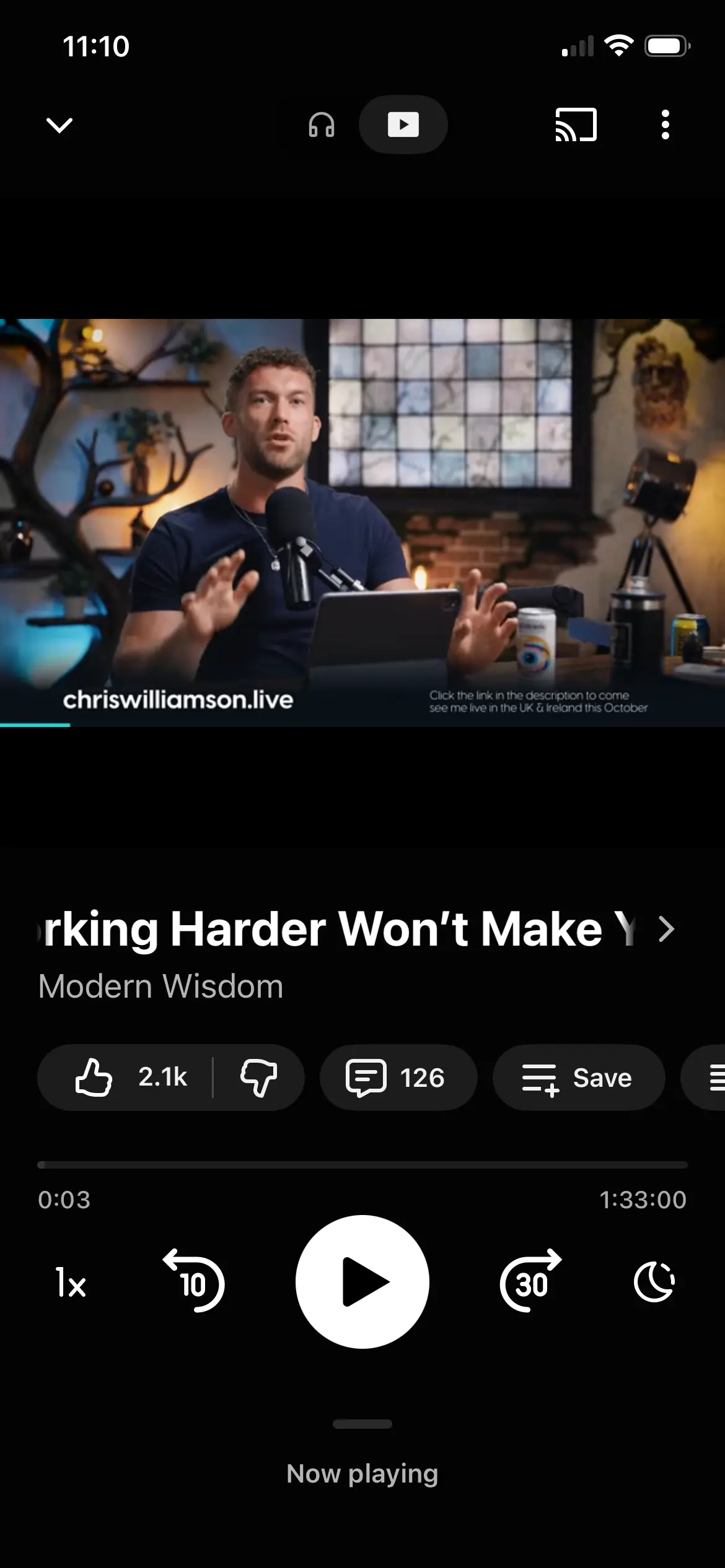
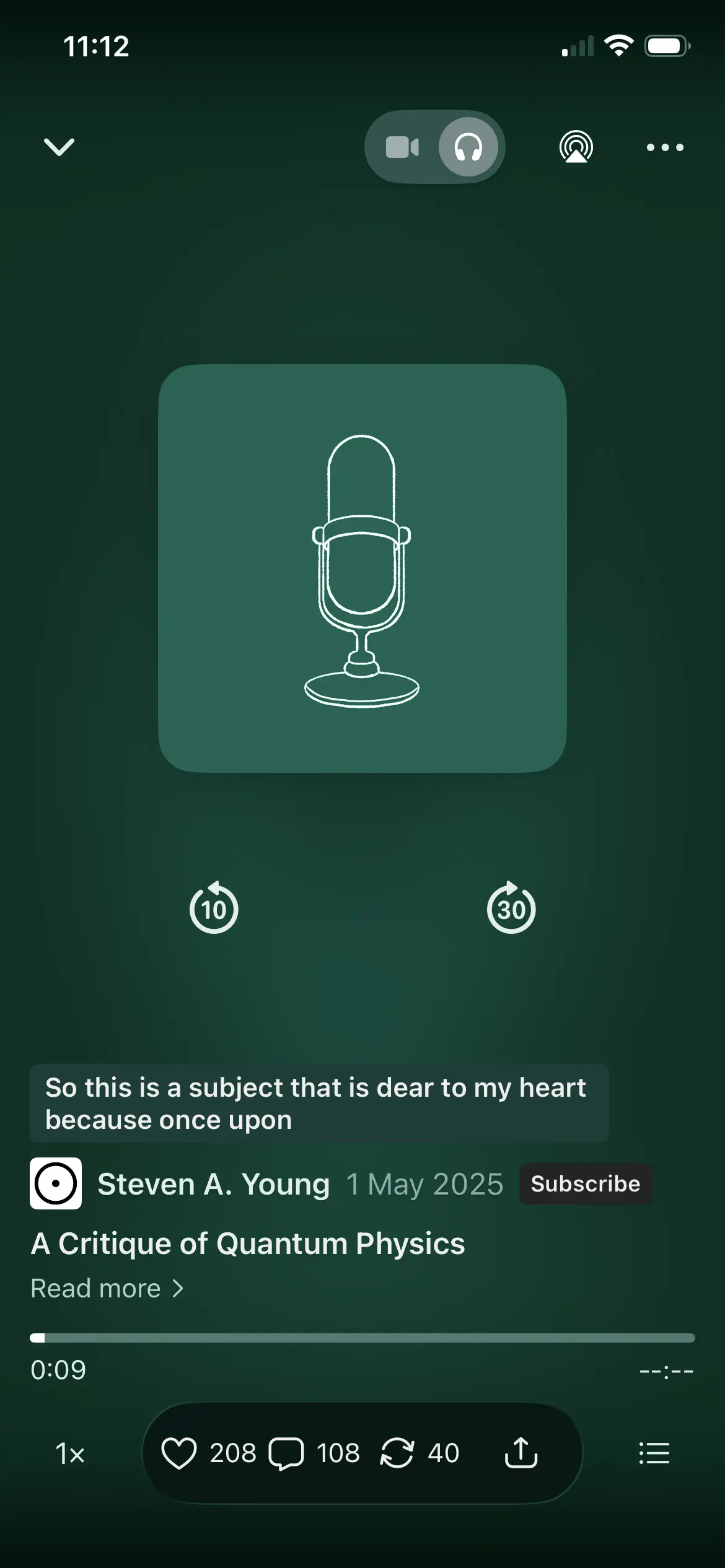
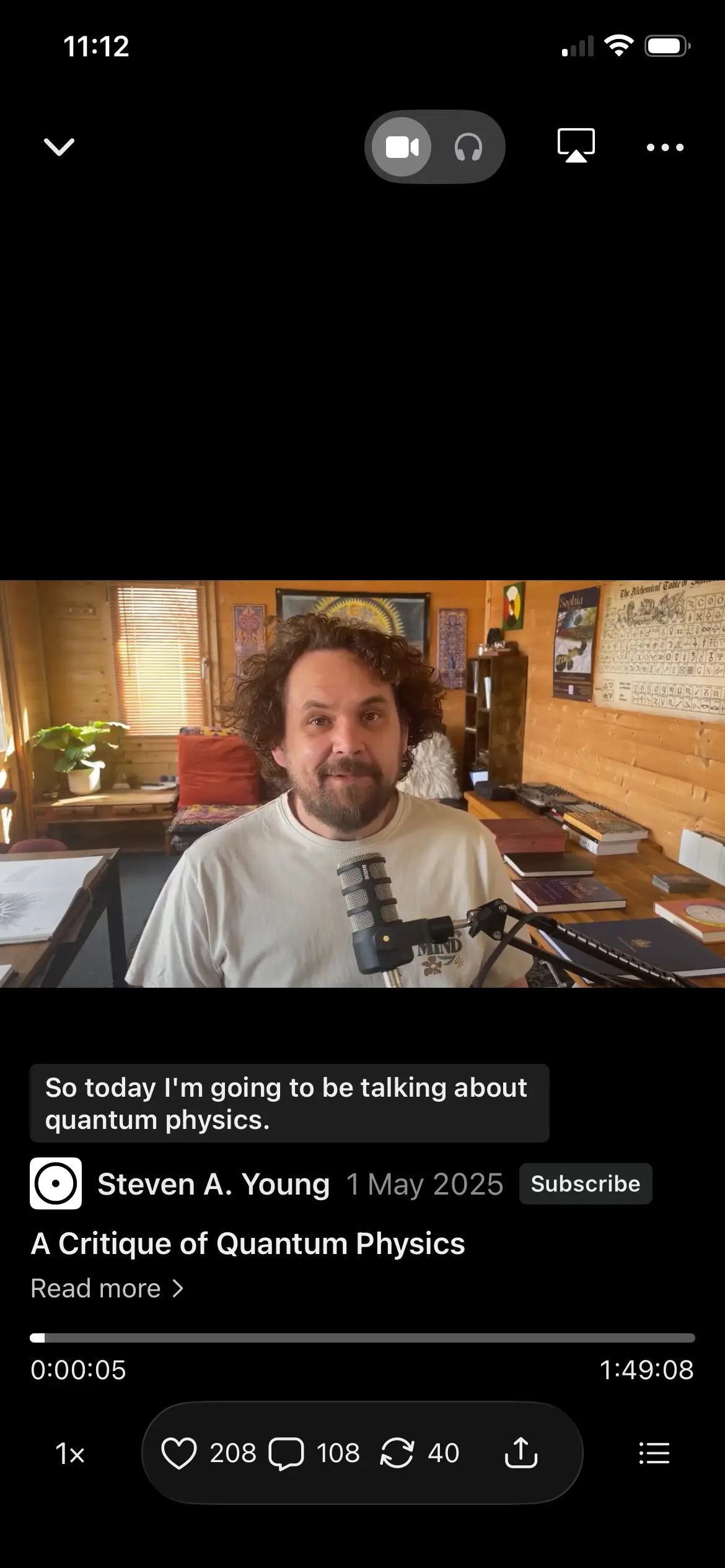
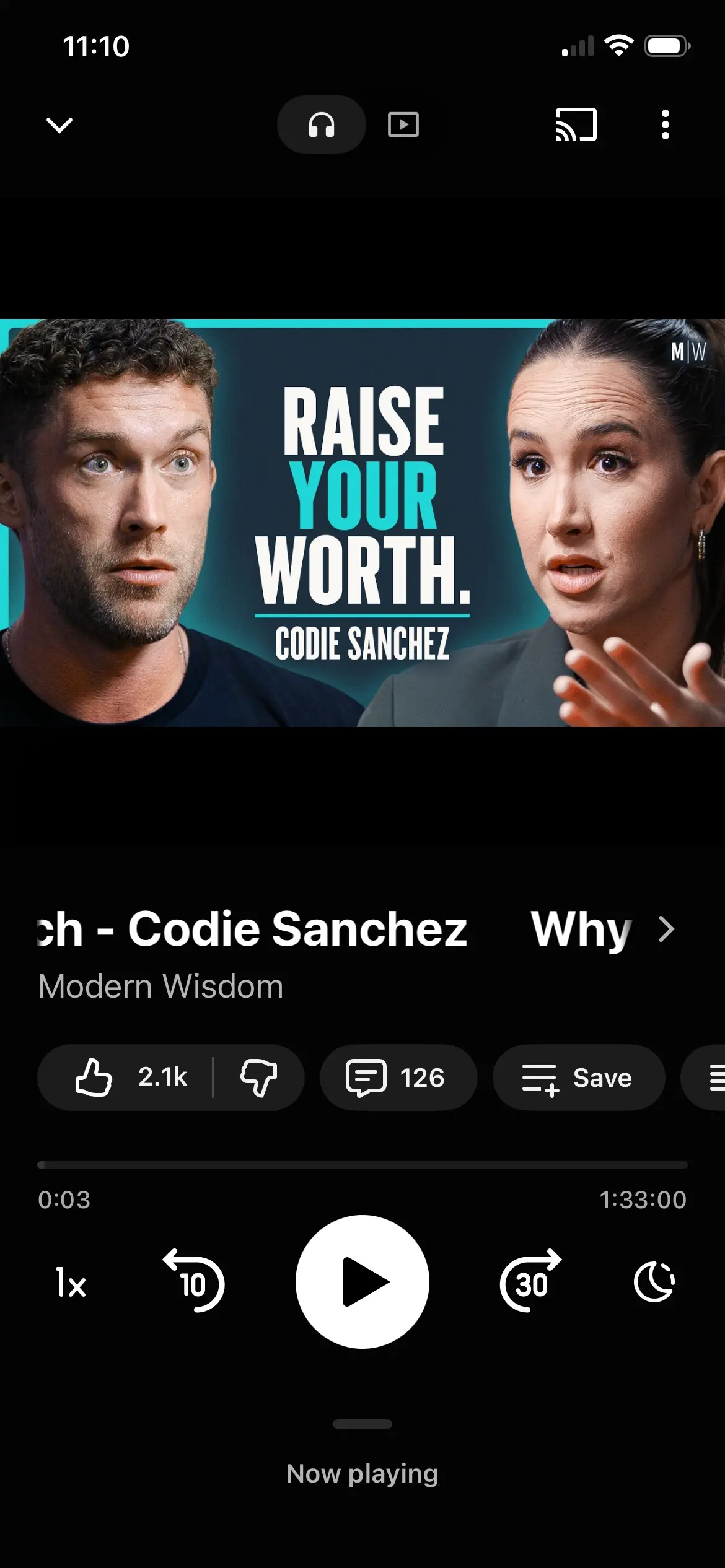
Hi. I have just seen how the Substack and YouTube Music apps allow users to switch between streaming a video version or an audio-only version of the same piece of content within the same player.
It would be very useful if FluentPlayer could support an Audio Only playback mode for video sources where the hosting provider makes an audio-only rendition available.
For example, when a Vimeo, Mux, Bunny, Gumlet or other supported video is added to FluentPlayer, the player could detect whether an audio-only stream is available and allow the viewer to switch between:
📺 Video | 🎧 Audio
This would be similar to the Video / Audio experience offered by platforms such as Substack and YouTube Music for podcast content.
In Audio mode, FluentPlayer could replace the moving video with the video’s poster image, thumbnail or featured artwork while retaining the normal player interface and its same size on the webpage, and retaining the players timeline, chapters, playback-speed controls and captions options.
Where a supported video provider exposes a separate audio rendition or track, FluentPlayer could switch to audio-only streaming while preserving the current playback position and player state, and stop loading the video rendition while Audio mode is active.
This would reduce mobile data usage and make longer videos, teaching content and podcast-style material much more practical to listen to while travelling, walking or using a mobile device.
The same FluentPlayer media item could therefore offer two ways of consuming the same content without requiring the site owner to export, upload and maintain a separate audio file.
FluentPlayer has recently added Vimeo quality selection, so conceptually Audio Only could become another available playback option when the source provider supports it.
For providers that do not expose or permit audio-only playback, the Video / Audio option could simply remain unavailable.
This could be a FluentPlayer Pro feature, that helps differentiate it from the free version.
The attached images are full screen mobile app versions of a player. That could be an option, from a playlist or as a modal display option, however as I see video as the primary delivery mode within a webpage, the overall FluentPlayer could remain 16:9, with things like inline chapters underneath, as it is currently, also in mobile.
This is beneficial especially if the FluentPlayer is in a FluentCommunity course lesson page, so any other items on the lesson page can still be seen or easily scrolled to, for example a lesson description, and other potential downloadable items in the lesson page.
When a user switches between video and audio-only versions the size and position of the FluentPlayer remains the same on the webpage. The only real difference is in audio-only mode, the streaming video is replaced by a still image. All the other aspects of the player would remain the same.