Payments with Google Sheet Integration
I've got a payment form set up, and there doesn't appear to be an option with the Google Sheets integration to choose whether the form is added to the sheet when it is submitted or when payment is made.
Is there a way of controlling this? I only want to add to the sheet if payment is made.

This should work. Did you set up the Google Sheet Integration?
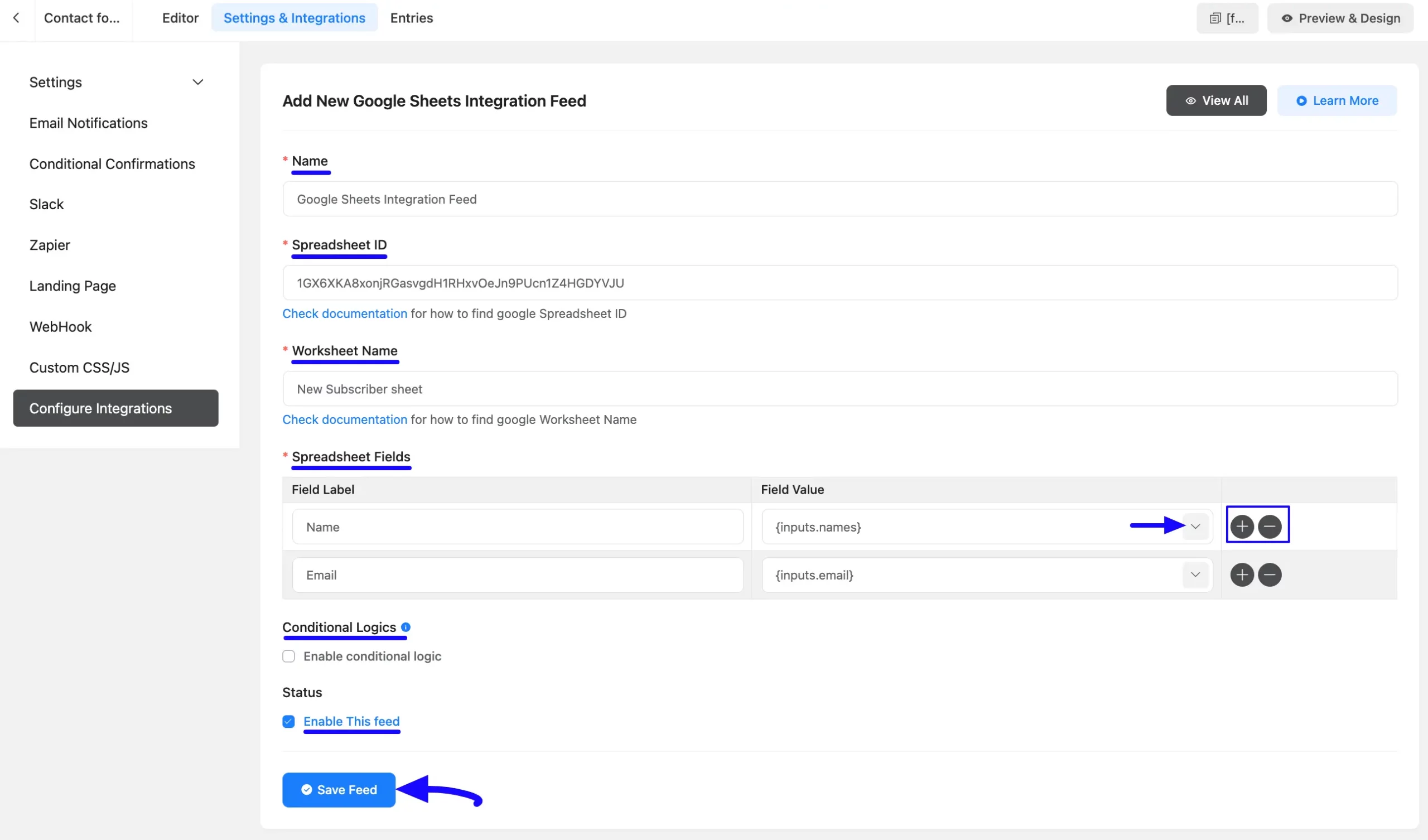
First, you need to enable the Google Sheet Integration from the integration settings and set up the settings. Then go to the forms settings & integrations > Configure integration > Add New integration
Please follow this documentaion for proper setup - https://fluentforms.com/docs/how-to-integrate-google-sheets-with-fluent-forms/

Nishat Shahriyar Yes, integration set up, and entries are being pushed to the Google sheet.
But there appears to be no way of setting whether all entries are added, or just entries where payment has been completed.
It appears to be only when payment is completed, but in email notifications you can switch between the two. There should be a similar switch in the Google Sheets integration.
Jonathan Gwyer got it, right now only when you setup integration feed, here in spreadsheet field you can set whether all entries are added or not.