


Featured Image (Enable Crop) Does Not Work if Form Is in a Modal
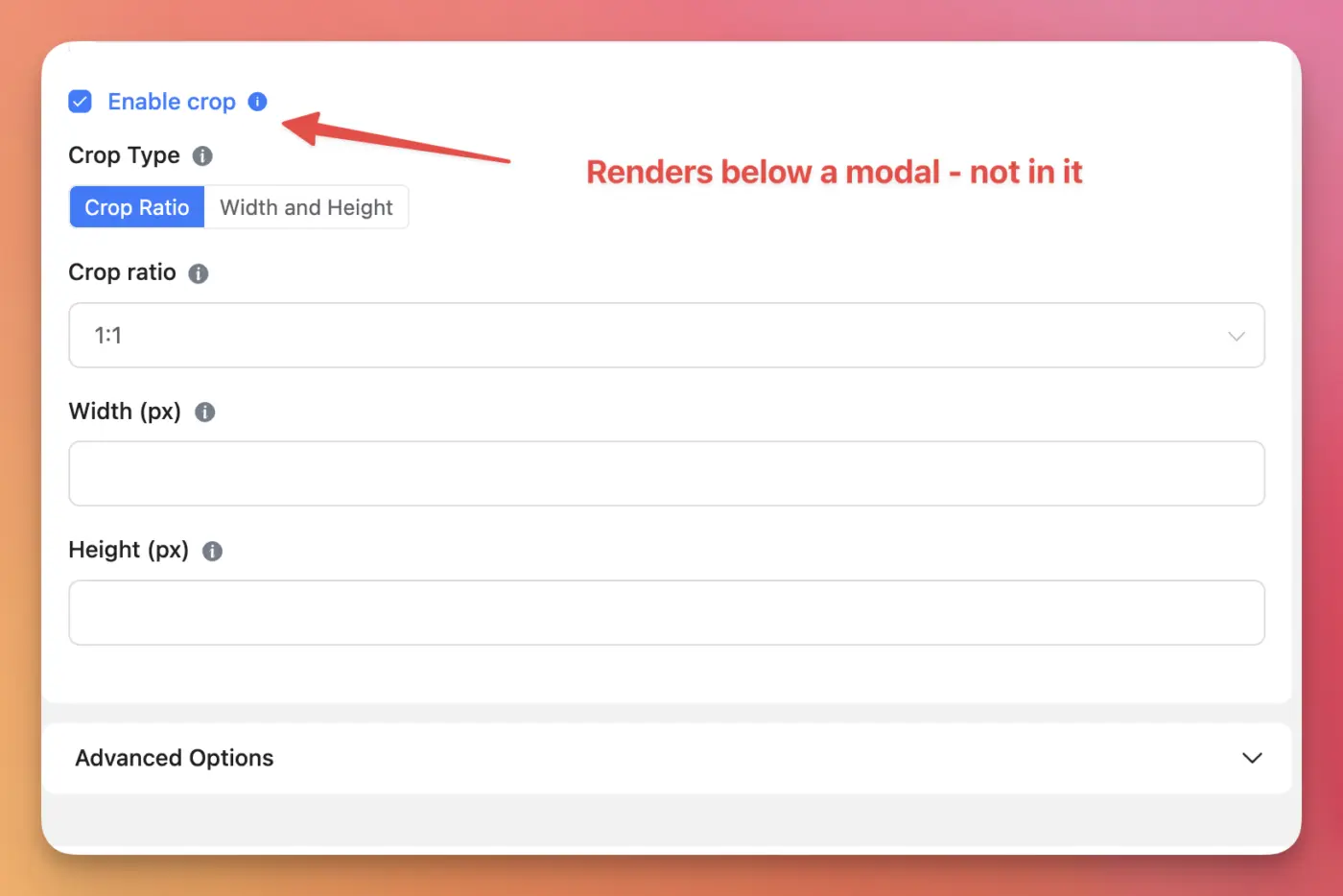
I used modals on a website that contained FluentForms to manage CPT content. So, I used the featured image element. That element has a "enable crop" feature. But that renders on the main canvas. Hence, if the form is in a modal, the crop image feature renders below the modal making the full form unusable because the user cannot manage it anymore. If the form is embedded on the page without a modal, everything works. It seems, the crop image feature has a different rendering than the rest of the form elements.

Would you please make sure the plugin is updated? Also, please share a screenshot of how the form appears after adding it to the modal. In addition, please share how you've embedded the form into the modal.