

Can someone help???
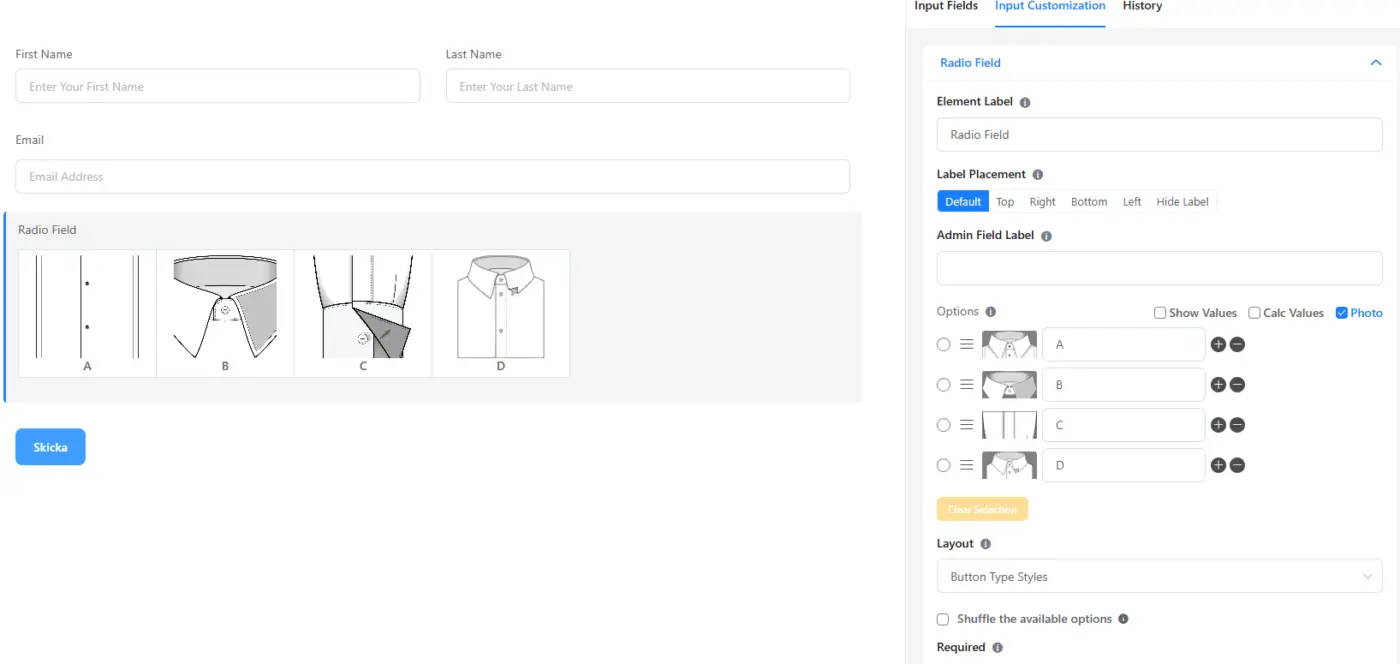
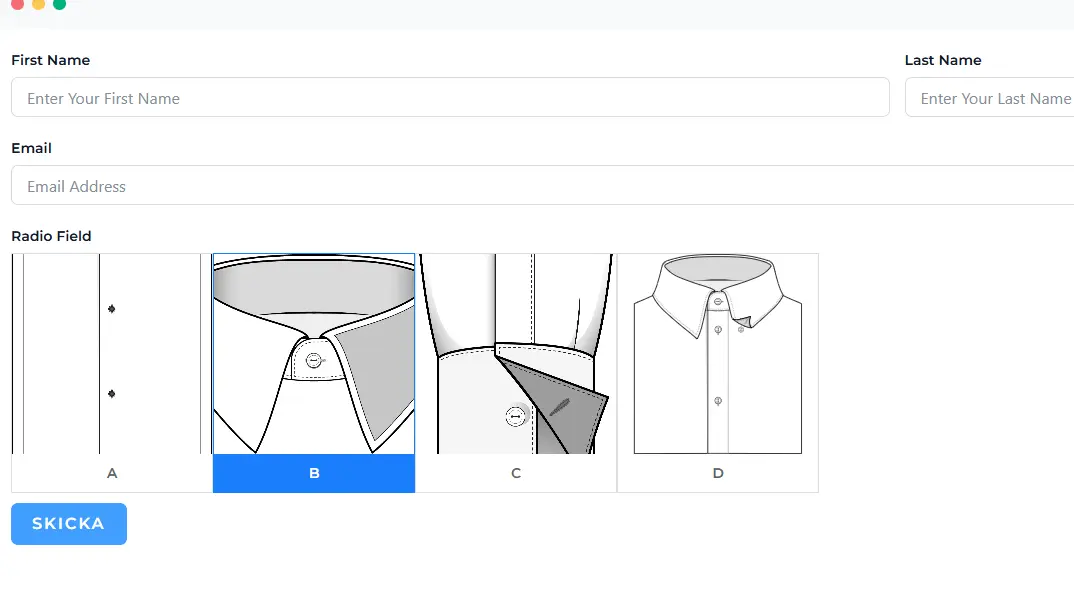
I'm using Fluent Forms and created a radio field with image options. The images have different sizes and don’t fit nicely inside the selection boxes. How can I adjust the displayed image size (width/height) or control how the images scale inside the radio choices?

Hello Lunbero,
You'll need custom CSS to change the image dimension. You can use the following in your specific form's custom CSS section (in the settings tab). Adjust the height and width according to your requirements.
.fluent_form_FF_ID .ff-el-image-input-src {
height: 400px !important;
width: 250px !important;
}
However, all the images of this radio field will be of the same dimension with this CSS.

Thanks a lot, solved now. 👍