


FluentCRM 3.1.9 - Faster Email Sending and Huge MCP Improvements for Your AI Agents
Let me start with the part I'm most excited about in this version 3.1.9.
If you send campaigns to a large list, this release is going to be noticeable faster with multi-thread email sending. We also rebuilt our sending pipeline. It also recovers on its own now if something stalls mid-send, instead of the campaign getting stuck. If you are sending 100s of thousands email please read the technical guide about server-side workers.
Your AI assistant can finally do real work with your CRM
We shipped AI assistant support a couple of weeks ago, and watching people actually use it showed us how thin it still was. So we rebuilt most of it.
It knows your setup now. Your tags, your lists, the way you segment. The one I keep coming back to: ask it "which tags haven't been used in the last year?" and you get a real answer, which is the kind of cleanup none of us ever get around to doing by hand.
It can also build the same complex segments your team builds manually, and show you an email exactly as it will look with no chance of accidentally sending it to anyone. It only ever sees what you're already allowed to see.
Two minutes to set up: https://docs.fluentcrm.com/mcp-for-ai-agents
Also in this one
- Sticky notes in the automation editor, so you can write down why that three-day delay is there before you forget.
- Empty and Not Empty filters for tags, lists and companies. Finding untagged contacts is easy now.
- FluentCRM contact details show up right inside FluentCart.
- A solid round of security and stability work underneath.
WhatsApp is still coming. It's in the codebase, just not switched on yet. We'll tell you the moment it's ready.
Full release notes: https://fluentcrm.com/blog/fluentcrm-3-1-9/
A lot of this release came from reports in this community. Thank you for that. If you run big sends, come back and tell me how much faster it got 🚀

I like that question about unused tags. Working on some automations last night, I realized I still have some leftovers that need to go.

Thanks for the update... Still waiting for the Whatsapp feature

Bryan William Whatsapp is here but you can't use it just yet! - https://prnt.sc/xDl4E5zoXq7f

You guys are amazing!! Every update is a banger. 🙌

Amazing! Thank you team for the great work!

is it just me ... i dont see advanced features in the side menu, i can access it directly to turn on/off multithreading.
just sent a couple of campaigns this morning, 2 went ok, third which had 10+k emails caused a stampede on my server when the campaign was finishing. We had 40+ load average on a 4 core cpu server, console starting to triger 504 errors, nginx timeout. will probably turn off multithread, but the speed improvements are all in all great!

Nice AI rebuild ! "WhatsApp is still coming. It's in the codebase, just not switched on yet. We'll tell you the moment it's ready" Great news 👍

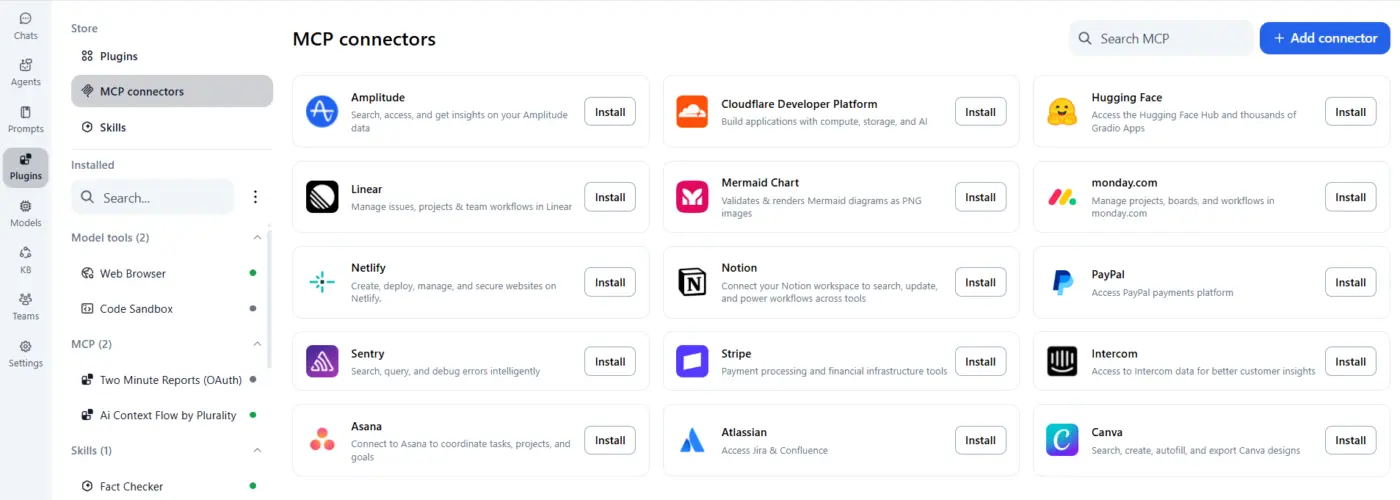
Would love to see an MCP connector for TypingMind. Or a tutorial. I tried it myself but couldn't get it to work.
Thanks for this amazing stream of updates.

How have people handled having multiple MCP servers connecting to different Fluent CRM accounts? Got one of my websites set up but wanted to ask the hive mind what they're doing (or thinking of doing) if they have more than one website with Fluent CRM that they want to work with.
Shahjahan Jewel suggestions? Have you tested multiple FluentCRM MCP's working at the same time. What's the easiest way to make sure it's pulling the correct information from the correct website since the commands will be the same?
Set it up with Claude Desktop cuz it was the quickest for me. I use Claude in VS code, too. Theoretically it should work fine because the
Wendy Perkins Shoef This is an issue I'm going to face, also. I don't have the answer yet, but will let you know if I figure it out.

Wendy Perkins Shoef William Beem I think multiple FluentCRM sites should be manageable, but I would treat each connection as a separate security boundary.
Each site has its own MCP endpoint and its own pass, so in Claude Desktop (or whichever AI tool you may want to use) I would configure each one as a separate MCP server or connection and give it an explicit name based on the client or domain, for example “fluentcrm-client-a” and “fluentcrm-client-b”. I would also make the target site part of the operating rules: the process should always identify the site it is using and ask for confirmation before any write, delete or campaign action.
Separating each client’s work into different sessions or projects would also be advisable to reduce context mix-ups, although this should not replace separate credentials and properly scoped permissions for each site.
The more important issue, in my view, is permissions and data governance. I would not connect the stack through an admin account. I would create a dedicated user for each site, grant only the capabilities required for that specific use case, and generate a separate, revocable pass for each client and AI tool.
There is also a data protection layer that should not be overlooked. CRM records contain personal data, and some information that is appropriate to store locally in FluentCRM may not be appropriate to expose to an external AI provider or workflow (same happens for other fluent plugins). That requires assessing the lawful basis, processor arrangements, international transfers, retention and which data or actions should be excluded from AI processing... Consent may be relevant in some cases, but it is not automatically the only lawful basis.
So technically, connecting several sites is probably the easy part. The real work is preventing cross-client mistakes and defining permissions, approval steps and data boundaries properly. Something that I will strongly recommend to do, prior to any connection.

looking forward to WhatsApp integration

Adetayo WhatsApp Messaging is almost ready. It will be launched soon.