

Product & Store Pages
Hi Team,
-
Can/could we personalize the URL of a product page ?
Because by default, it seems to be "site.com/item/name-of-the-product". Since we have the opportunity to create "Categories", it would be logical (at least to me) to have the name of the category in place of "item". -
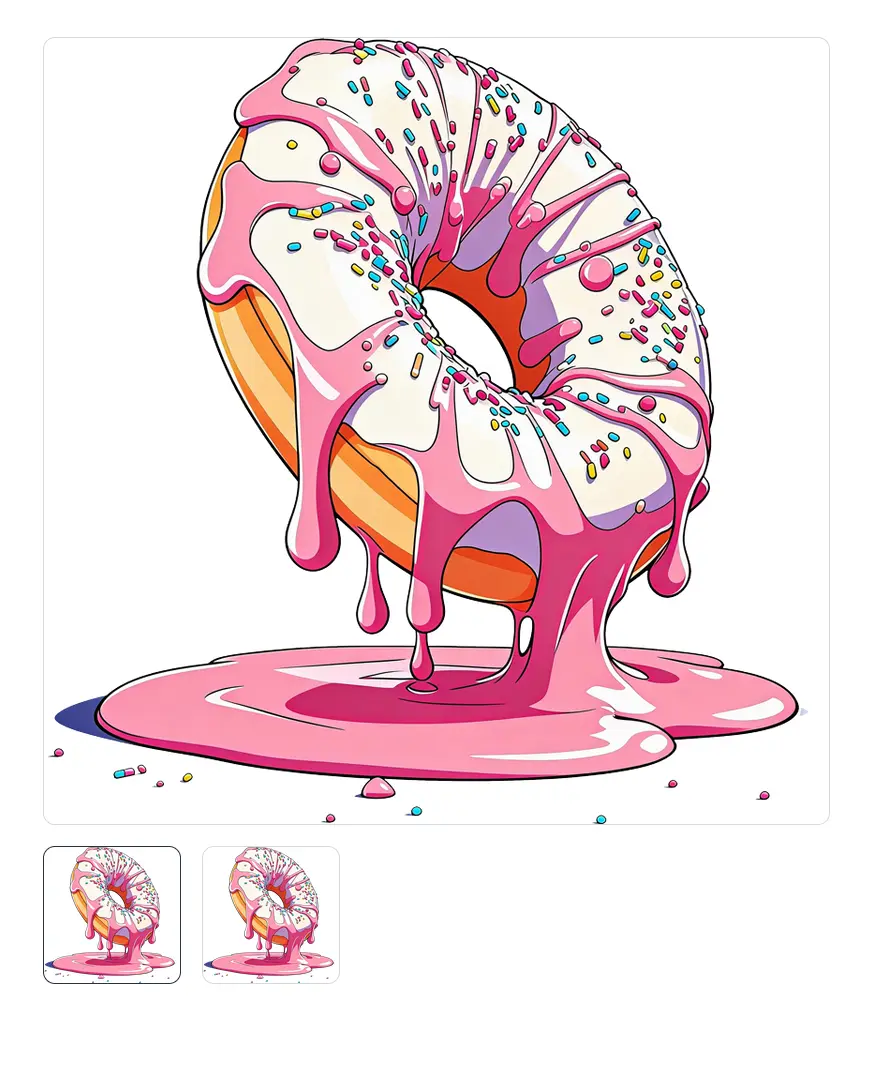
I just placed 1 image for a product, but this image is display 2 times in small at the bottom of the big one... So, 3 times the same image on the same page... What do I do wrong here ?

Hi
1) Yes FluentCart has an option in Settings (Store Settings > Product Page) to customize the product slug
2) Known issue we reported it to support
3) Please elaborate

Nicolas D any response for when they are fixing #2 issue with duplicate images
Lindsay Warne It has been fixed with last version
Nicolas D on version 1.5.1? there is no change on my end


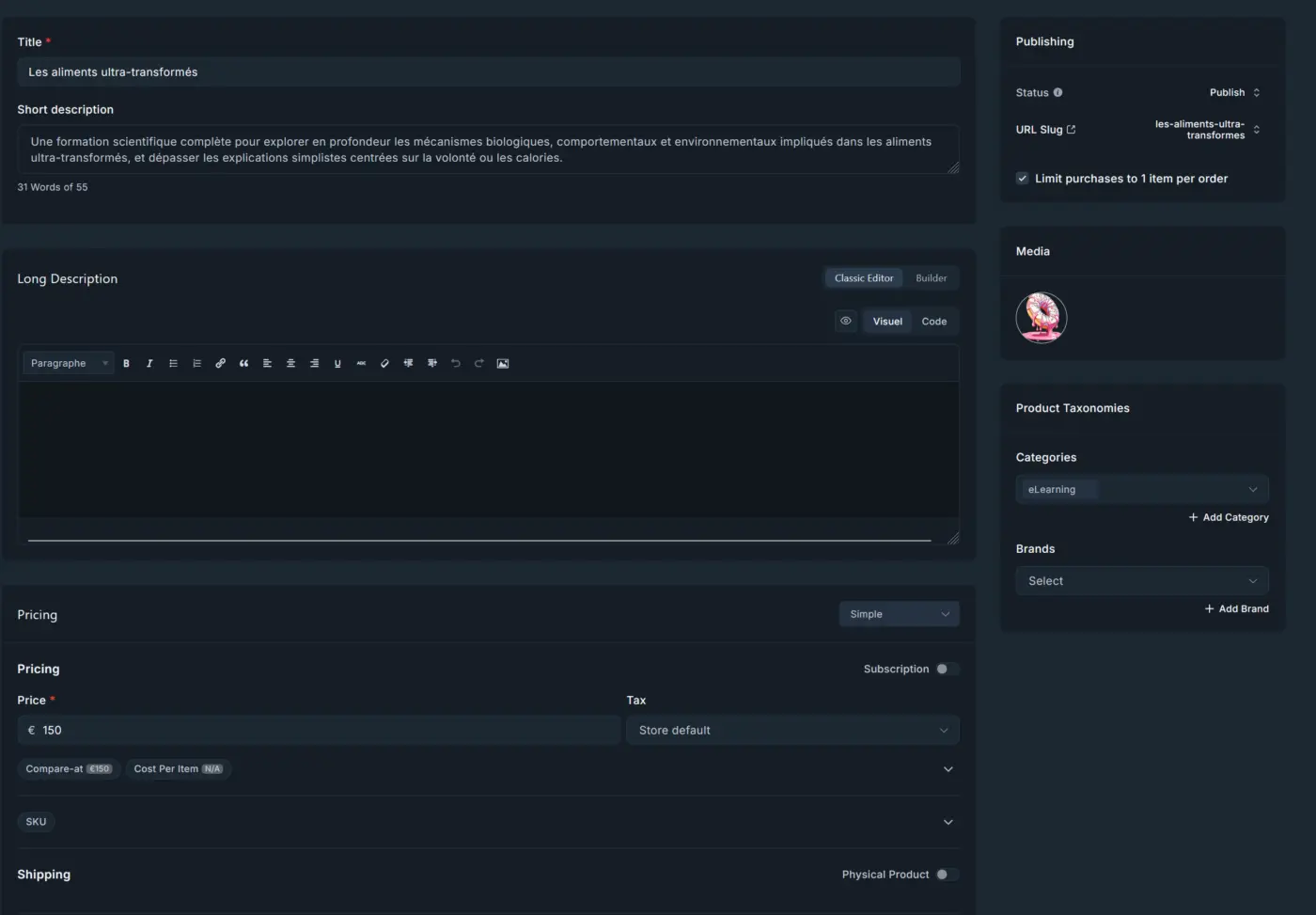
Nicolas D Well... it's pretty messy... So, I deleted the image. And now, problem solved, but the one image I deleted is now at its place 😅
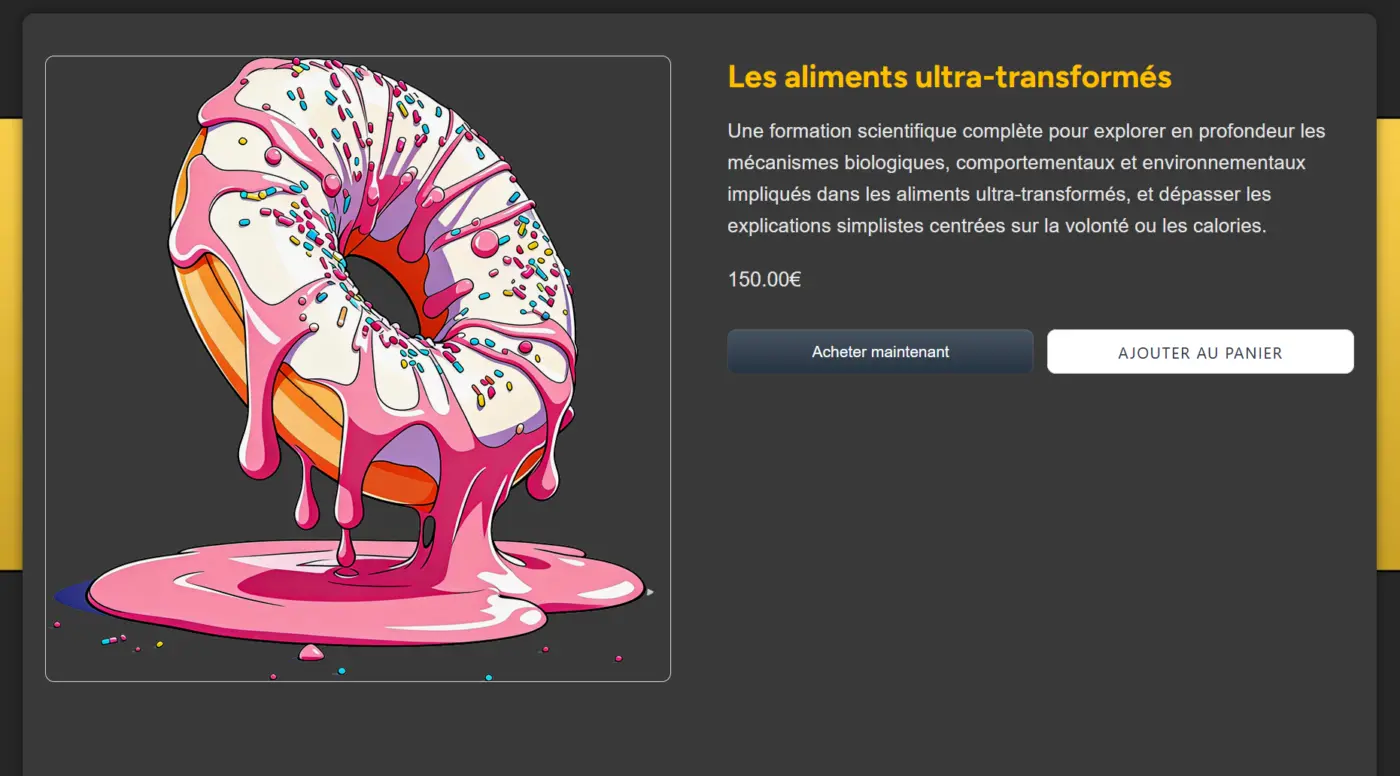
So, it seems that somewhere, somehow, the image is still present in the DB...
I just created a new duplicate simple product, and I can see that the problem is solved... but I have to recreate products... because just deleting the images doesn't work the way we expect.
Pierre Yeah, this looks like one of those version-to-version glitches FluentCart occasionally has — not something you're doing wrong. We ran into something similar before with advanced variations (images/data getting "stuck" even after deletion), and that one got fixed by the Fluent support team after we reported it.
Best move here is to flag this one to them directly too, with the steps to reproduce (delete image → still shows up → duplicate product → issue disappears). That's usually enough for them to spot it on their end. In the meantime, recreating the product as you did is a fine workaround.
Thanks for catching it and documenting the repro steps clearly.
Thank you Nicolas !
For my third remark, don't take in account.