

Product Page Layout
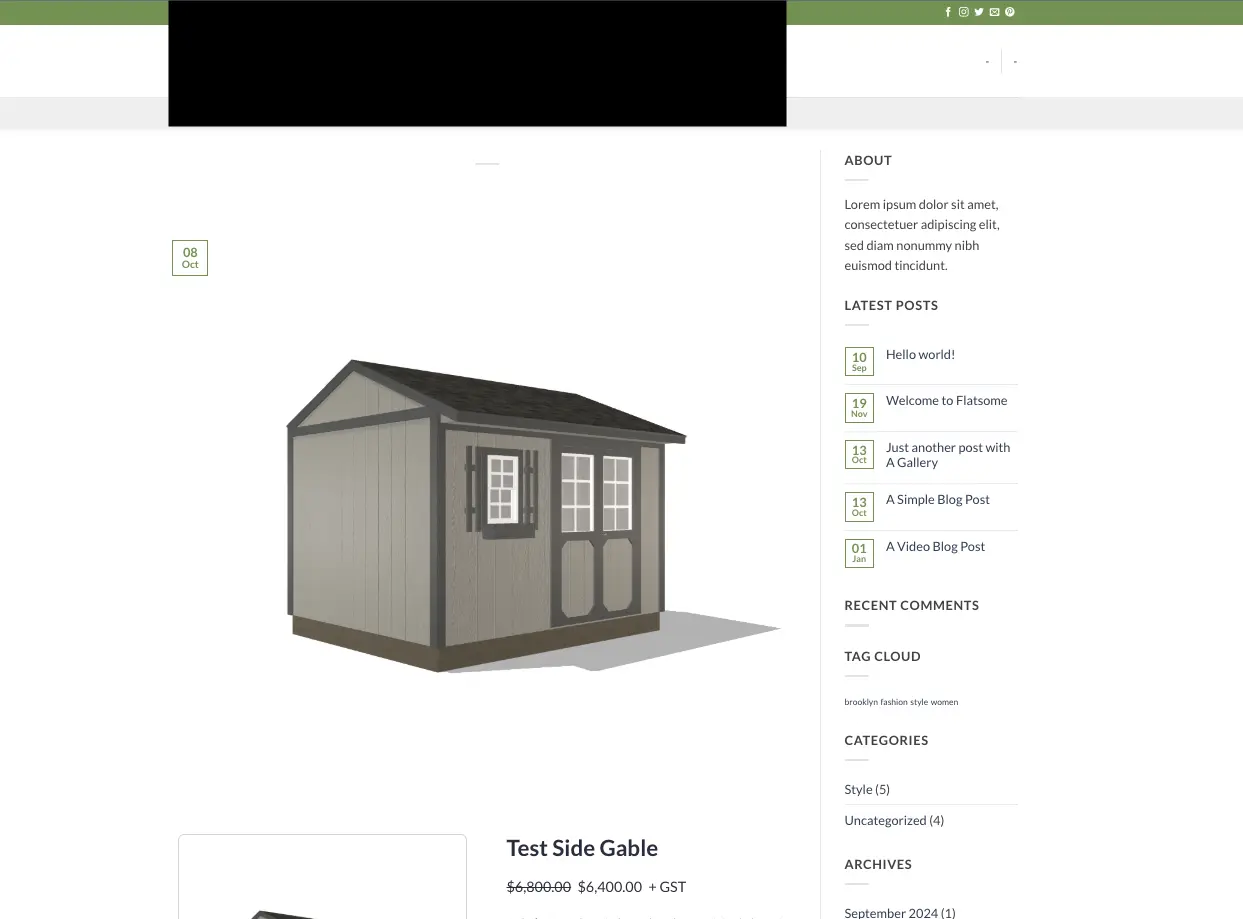
How do I customize the product page layout. It is currently defaulting to the blog layout... I can not figure it out.

Hi Martin, which theme or page builder are you using?
If you’re using a block theme, go to Appearance → Editor → Templates and look for FluentCart’s Single Product template. That’s where you can customise the layout of your product pages.
Here’s the official guide. If you’re using a classic theme or a page builder, the steps will depend on your setup.

Martin Langen If you’re using the classic Flatsome theme with UX Builder, the Site Editor instructions I mentioned won’t apply.
Flatsome’s custom product layouts are built around WooCommerce, so I wouldn’t assume those settings also control FluentCart product pages. That could explain the blog-style layout you’re seeing, although I can’t confirm the cause without checking your setup.
just checked, and Flatsome isn’t currently listed among FluentCart’s officially tested themes, (which doesn’t necessarily mean it’s incompatible). Their compatibility guide suggests using FluentCart blocks or shortcodes for themes outside that list.
For the existing product URLs, I’d ask FluentCart support to confirm how to override the single-product template with Flatsome/UX Builder
btw, one other option, if support confirms limitations with Flatsome, would be to consider a theme from FluentCart’s officially tested list. That may make layout customisation easier, although I’d check what can be achieved with your current setup before switching themes.

Martin Langen dont use flatsome its a bloaty theme, use Twenty twenty five instead and use Site editor
ok. I purchased divi and installed it. same result. What am I missing?
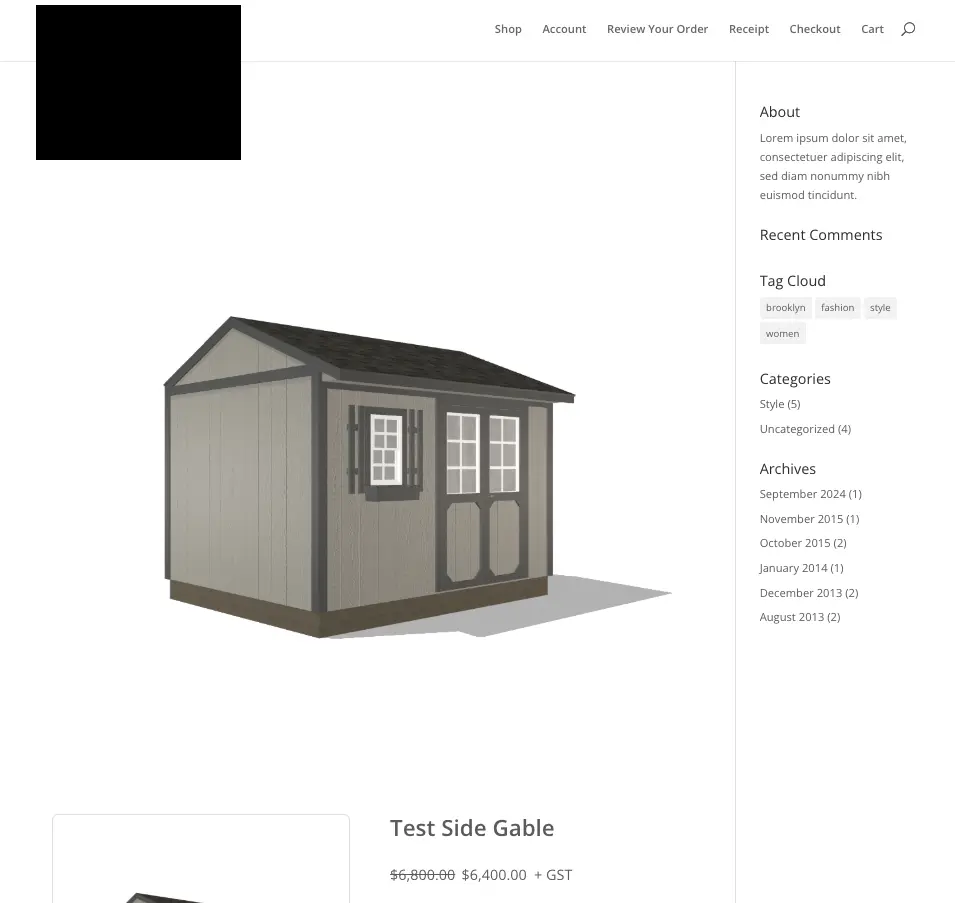

Martin Langen Hi! You can remove the sidebar by creating a custom single-product template in Divi and placing the FluentCart product module in its body.
First, make sure Divi 5.0 or newer and FluentCart 1.3.4 or newer are active, and that your FluentCart Pro license is verified. Then install the integration:
- In your WordPress dashboard, go to FluentCart Pro → Settings → Features & Addons.
- Find FluentCart Divi Modules in the Plugin Addons section and click Install & Activate. If the button is unavailable, verify your license under Settings → License Settings.
Next, create the product template:
- Go to Divi → Theme Builder and add a new template.
- Set the template to apply to All FluentCart Products, then add a Custom Body.
- Edit the body with Divi. Add a section and row, click + to insert a module, search for FluentCart, and add FluentCart Product Info.
- Arrange and style the product details as needed, save the body, and save the Theme Builder changes.
- Open a product page to check the result. The custom body should display the product without the theme’s sidebar layout.
Here’s the setup guide: https://docs.fluentcart.com/guide/customization-and-themes/fluentcart-divi-modules