

what does this mean?
Hi, when uploading community space photo, it keeps showing this message, I am the main admin, what does this mean? thanks
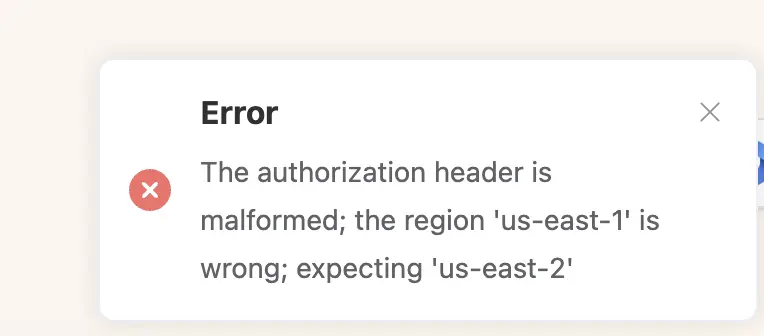

the size of the photo is as recommended also. No problem uploading before though

Issue: Incorrect Region Configuration in Media Module
Diagnosis: The error "The authorization is malformed; the region 'us-east-1' is wrong; expecting 'us-east-2'" confirms that your S3 Bucket is located in the us-east-2 region, but your plugin settings are incorrectly set to us-east-1.
Solution: Reconfigure Media Settings
You need to update the region in your connection settings to match your bucket.
- Go to your FluentCommunity Dashboard.
- Navigate to Settings > Features & Addons > Media Storage.
- Click to edit your currently active storage provider (Amazon S3 / Cloudflare R2 / etc.).
- Look for the Region field.
- Change the value from
us-east-1(or Default) tous-east-2. - Save the settings and try uploading the photo again.

You have selected the wrong region when setting up s3.