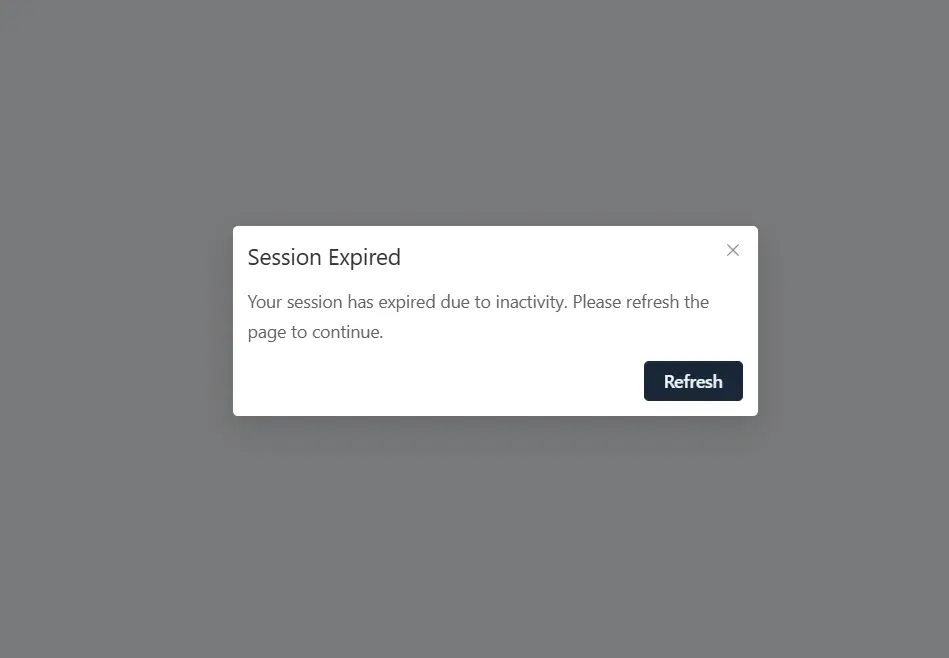
Replace the "Refresh" button with "Login"
When a user logs out of the portal and the session subsequently expires, a pop-up window appears with a button that says "Refresh". When this button is clicked, the system attempts to reload the current page. However, this generates an endless loop because the user no longer has an active session.
Proposed improvement.
-
Replace the "Refresh" button with "Login":
- When we detect that the user no longer has an active session, instead of offering the "Refresh" button, a button with the text "Login" should be displayed .
- This button would redirect the user to the portal login page.
-
Configuring a custom link for the "Login" button:
- For portals that have a custom login page, it is critical to allow the "Login" button link to be configurable.
- This can be achieved by adding an option in the portal settings that allows the custom login URL to be specified.
- In this way, administrators can set an appropriate link according to the structure of their portal.