


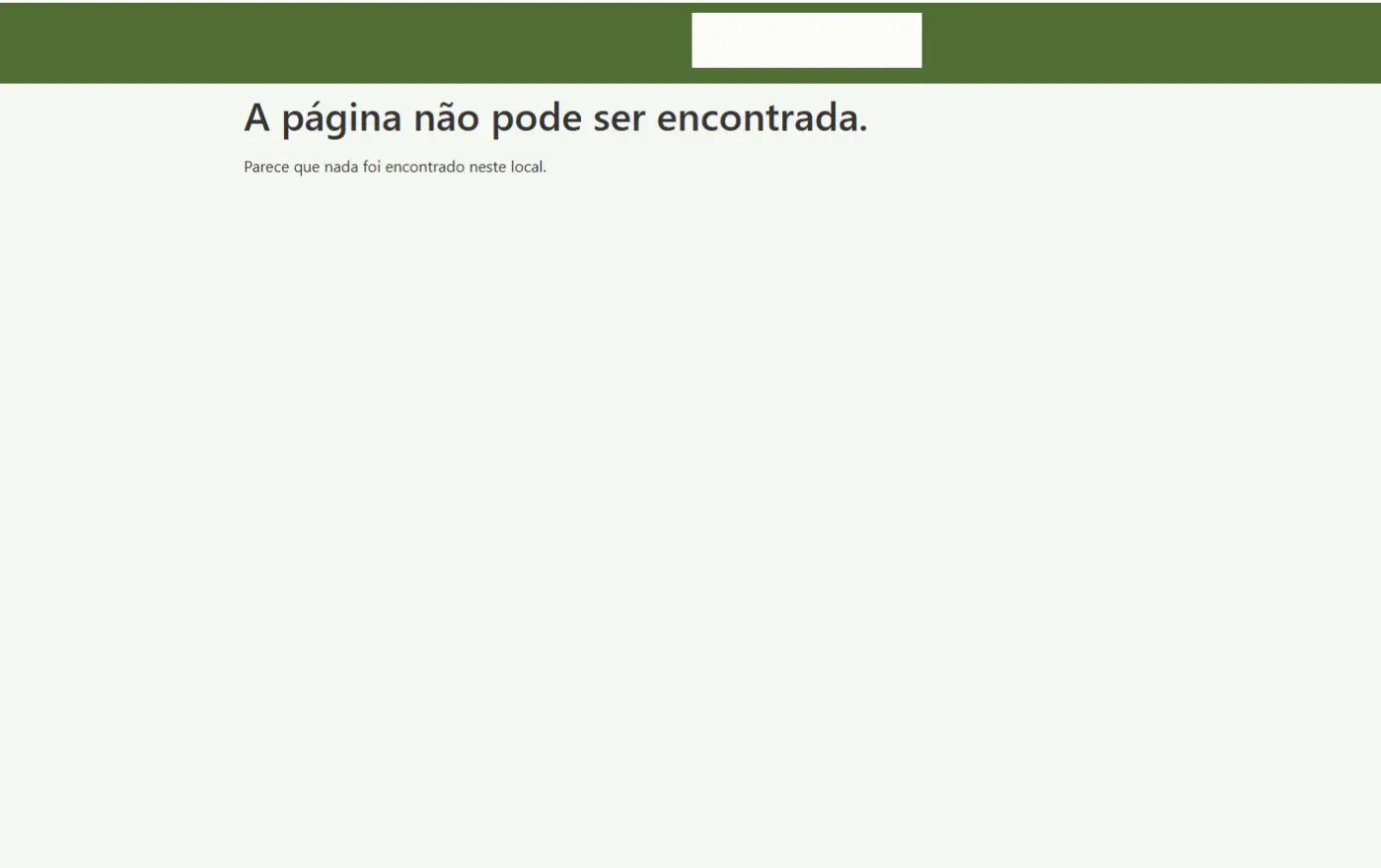
Page with shortcode only works for Administrators; other roles see “Page not found” (404)
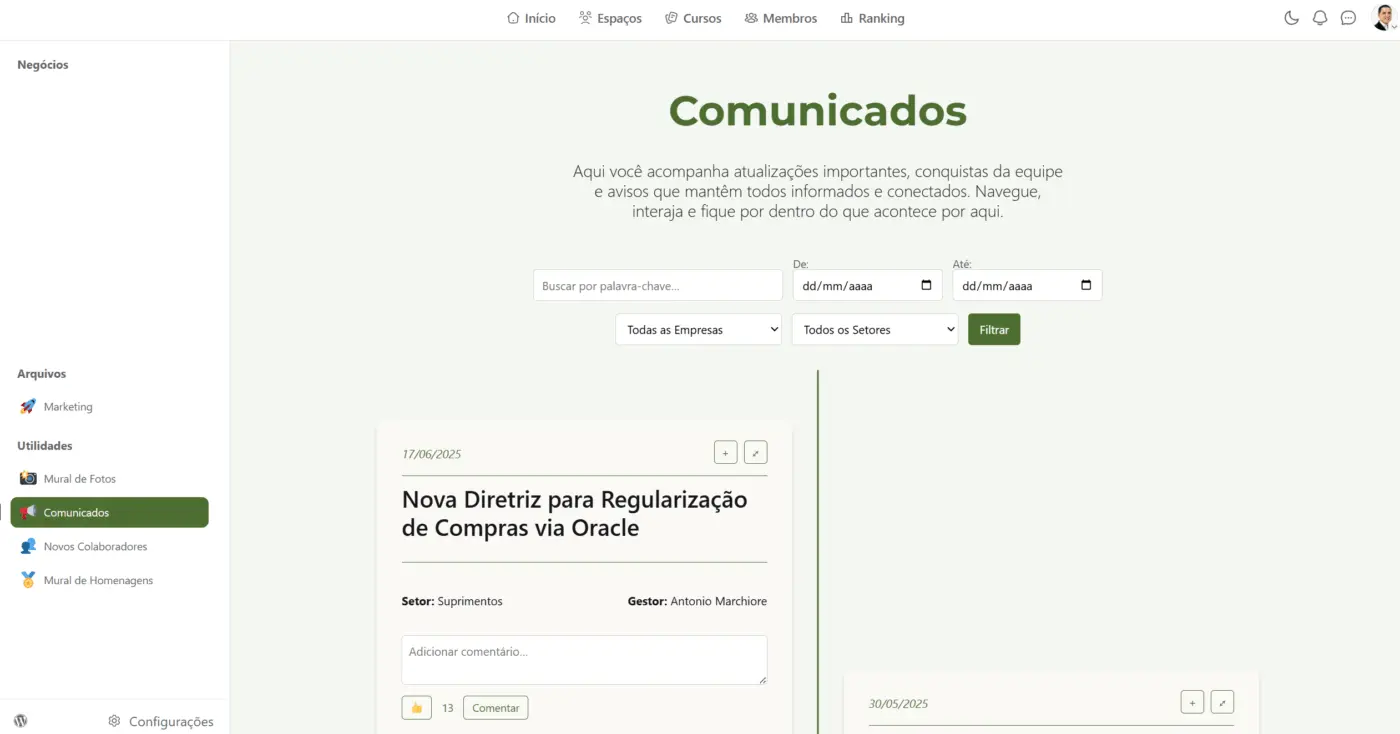
I have a WordPress page that renders a photo wall (shortcode from a custom plugin). For users with Administrator, the page loads fine. For users with a custom role Colaborador Intranet (and other non-admin roles), the exact same URL returns “Page not found”. I need to understand if FluentCommunity/FluentAuth is blocking access and how to allow viewing for logged-in, non-admin users.
- Is there any global FluentCommunity/FluentAuth setting that blocks non-portal pages for non-admin roles, even with “Portal Access = Everyone/Logged In Users”?
- Are there hooks/filters in FluentCommunity that intercept all front-end requests (e.g.,
template_redirect,parse_request) and may cause a 404 if the role isn’t allowed? Which ones could I disable/bypass for a specific slug? - What’s the recommended way to whitelist certain slugs, so they are accessible to any logged-in user, regardless of portal/spaces rules?
- If
?fcom_action=authis the recommended login route, what’s a safe redirect URL that won’t result in 404 when the role isn’t part of the portal? - Any known conflicts between the “Community URL” and custom slugs (even if different) that might explain a role-dependent 404?

I have a number of regular WP pages in my FC site (login required) and haven't faced this except with pages that I have assigned specific roles to using a membership plugin (Members). Are you using any type of membership/role plugin?